A broken checkout button, a misaligned logo, or overlapping text on a mobile device: these are the silent killers of user experience. While your functional tests might pass with flying colors, these visual bugs can still slip into production, eroding user trust and impacting your bottom line. Functional testing ensures your application works, but it can’t tell you if it looks right. This is where a robust visual regression testing strategy becomes an indispensable safety net.
Visual regression testing automates the process of catching unintended UI changes before they ever reach your users. The core concept is simple yet powerful: it captures a "baseline" screenshot of your application's UI and then compares it against new screenshots taken after code changes. Any detected visual differences, from a subtle font change to a completely broken layout, are flagged for review. This prevents visual defects from accumulating and ensures a consistent, high-quality experience with every deployment.
This guide provides a comprehensive deep dive into the 12 best visual regression testing tools available today. We've analyzed everything from enterprise-grade SaaS platforms with advanced AI-powered comparison engines to flexible open-source libraries that give you full control. You'll find detailed breakdowns of each tool's key features, pricing, and ideal use cases, complete with direct links and screenshots. Our goal is to equip you, whether you're a developer, QA engineer, or part of a DevOps team, with the insights needed to select the perfect tool for your specific stack, workflow, and budget.
1. ScreenshotEngine
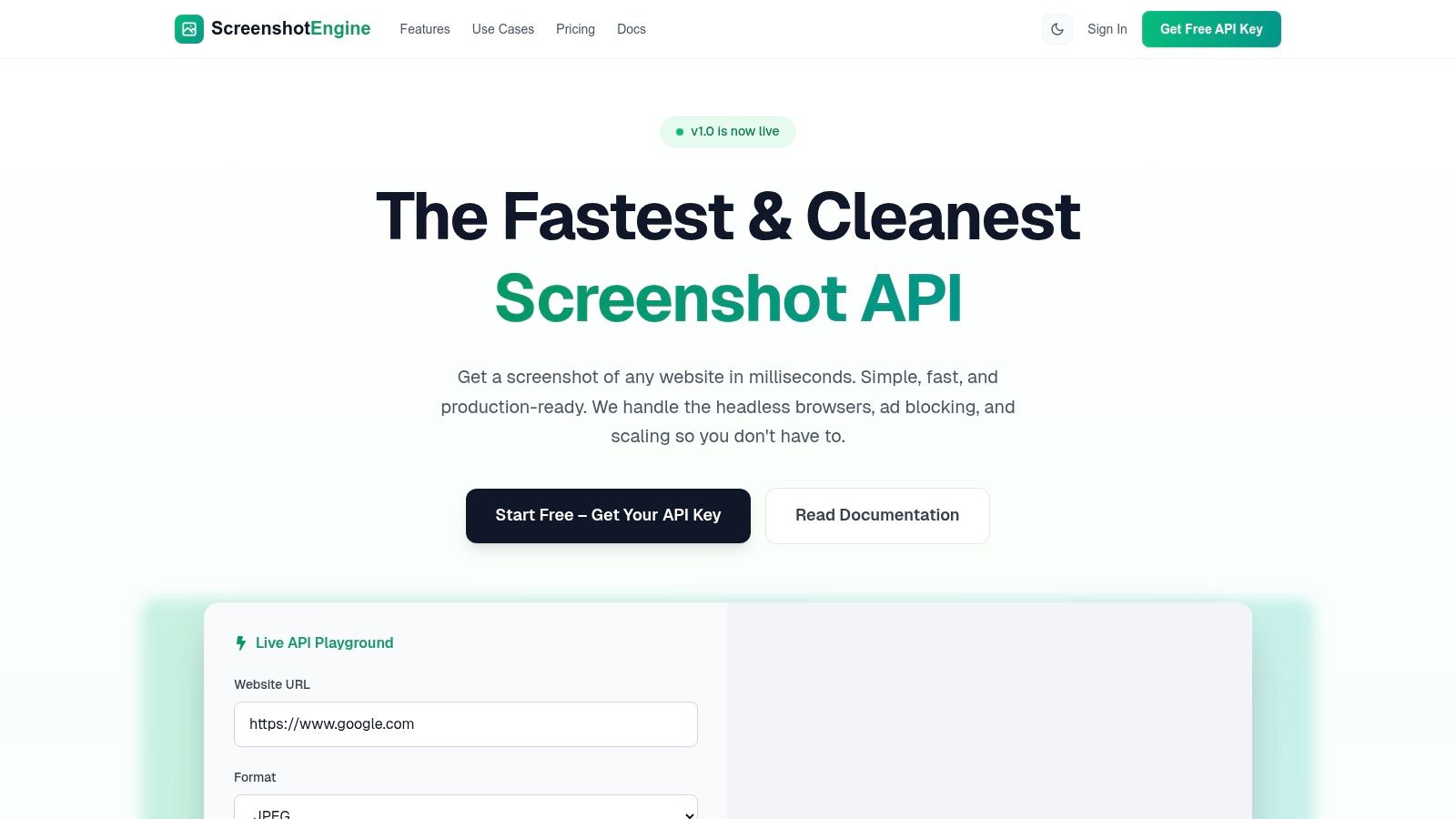
ScreenshotEngine positions itself as a developer-first screenshot API, excelling at the foundational layer of any visual regression testing pipeline: capturing clean, consistent, and fast baseline images. While not an all-in-one testing suite, its power lies in its specialized, high-performance rendering engine that programmatically captures web pages without the typical noise. It’s an ideal choice for teams that want to build a customized testing workflow by integrating a best-in-class capture mechanism into their existing CI/CD or testing frameworks.
The API is engineered for simplicity and speed. It automatically blocks ads, cookie banners, and popups, which is a critical advantage for generating stable screenshots suitable for pixel-by-pixel comparison. This feature alone saves developers significant time and effort that would otherwise be spent on complex browser automation scripts to handle these dynamic UI elements. For teams implementing visual regression testing tools, this means fewer false positives caused by irrelevant, non-product changes.
Key Features and Strengths
ScreenshotEngine’s feature set is highly focused on providing developers with a reliable image source. Its live API playground is a standout, allowing for instant parameter testing and URL rendering before integrating the code into a project.
- High-Fidelity Rendering: The engine supports full-page captures, specific element targeting via CSS selectors, and dark mode rendering, providing the flexibility needed to test various UI states and components.
- Performance at Scale: Millisecond response times make it suitable for high-throughput workflows, such as running hundreds of tests in a CI pipeline or monitoring thousands of pages daily.
- Developer-Centric Experience: With a single, well-documented endpoint and SDK-friendly design, integration is straightforward across any programming language. It abstracts away the complexity of managing headless browser infrastructure.
Use Case: Integrating with a CI/CD Pipeline
A common workflow involves triggering the ScreenshotEngine API during a git push or pull request. A script in your CI pipeline (like GitHub Actions or Jenkins) would call the API to capture screenshots of key pages or components. These new images are then compared against a set of approved baseline images stored in a cloud bucket using an open-source library like pixelmatch. If the pixel difference exceeds a predefined threshold, the CI build fails, alerting the team to a potential visual regression before it reaches production.
Pricing and Limitations
The pricing model is transparent and accessible, featuring a generous free tier that doesn't require a credit card, making it easy to prototype and test. Paid plans scale predictably with usage.
However, ScreenshotEngine is a specialized tool. It does not include built-in visual diffing, test management, or annotation features. You will need to pair it with other tools for the comparison and review part of the testing process. Additionally, enterprises requiring specific security certifications or on-premise hosting will need to inquire directly, as this information isn't publicly detailed.
Website: https://www.screenshotengine.com
2. Applitools
Applitools is an enterprise-grade visual testing platform known for its powerful AI-driven engine, Visual AI (Eyes). It goes beyond simple pixel-to-pixel comparisons by understanding the layout and structure of a webpage, significantly reducing false positives caused by dynamic content, minor rendering differences, or anti-aliasing. This makes it one of the most reliable visual regression testing tools for complex applications where precision is paramount.
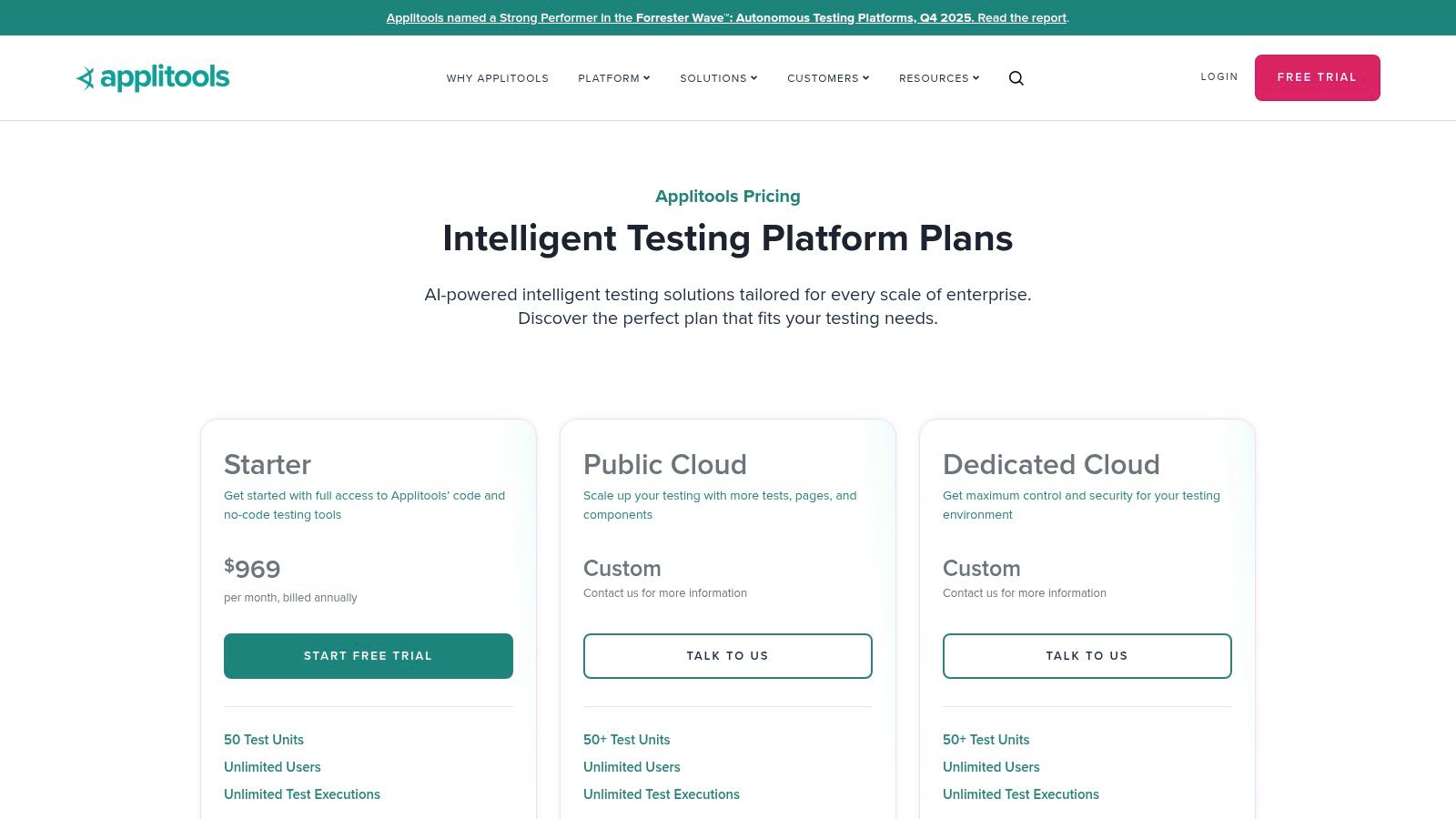
The platform is designed for large teams and complex workflows, offering extensive integrations with over 50 testing frameworks like Selenium, Cypress, and Playwright, as well as major CI/CD tools. Its ability to capture high-resolution screenshots for accurate testing ensures that even the smallest UI defects are caught. The recent addition of Autonomous, a generative AI testing solution, further extends its capabilities beyond just visual validation.
Key Features & Considerations
Applitools stands out for its enterprise-focused features, making it a robust choice for organizations with stringent security and support needs. The platform's user management, team dashboards, and SSO integration are built for scale.
| Feature | Details |
|---|---|
| Visual AI Engine | Uses AI to perform layout, content, and exact comparisons, ignoring irrelevant dynamic changes. |
| Broad Integrations | Extensive SDKs for popular frameworks (Web, Mobile, Desktop) and seamless CI/CD pipeline integration. |
| Deployment Options | Offers public cloud, dedicated isolated cloud, and fully on-premises deployment for enhanced security. |
| Pricing Model | Premium, quote-based pricing typically on annual contracts. A free account is available with limitations. |
- Pros: Highly accurate AI reduces false positives, excellent enterprise support and security options, unlimited users on paid plans.
- Cons: Higher price point compared to open-source or smaller tools, which can be a barrier for smaller teams or projects.
Best for: Large enterprise teams that require a mature, scalable, and highly accurate visual testing solution with comprehensive support and security compliance.
3. Percy (by BrowserStack)
Percy, now part of the BrowserStack ecosystem, offers a powerful cloud-based platform for automating visual reviews. It excels at integrating directly into CI/CD pipelines and source control management (SCM) systems like GitHub and GitLab, making visual testing a natural part of the development workflow. This tight integration allows teams to catch UI bugs before they reach production by comparing screenshots across every pull request.
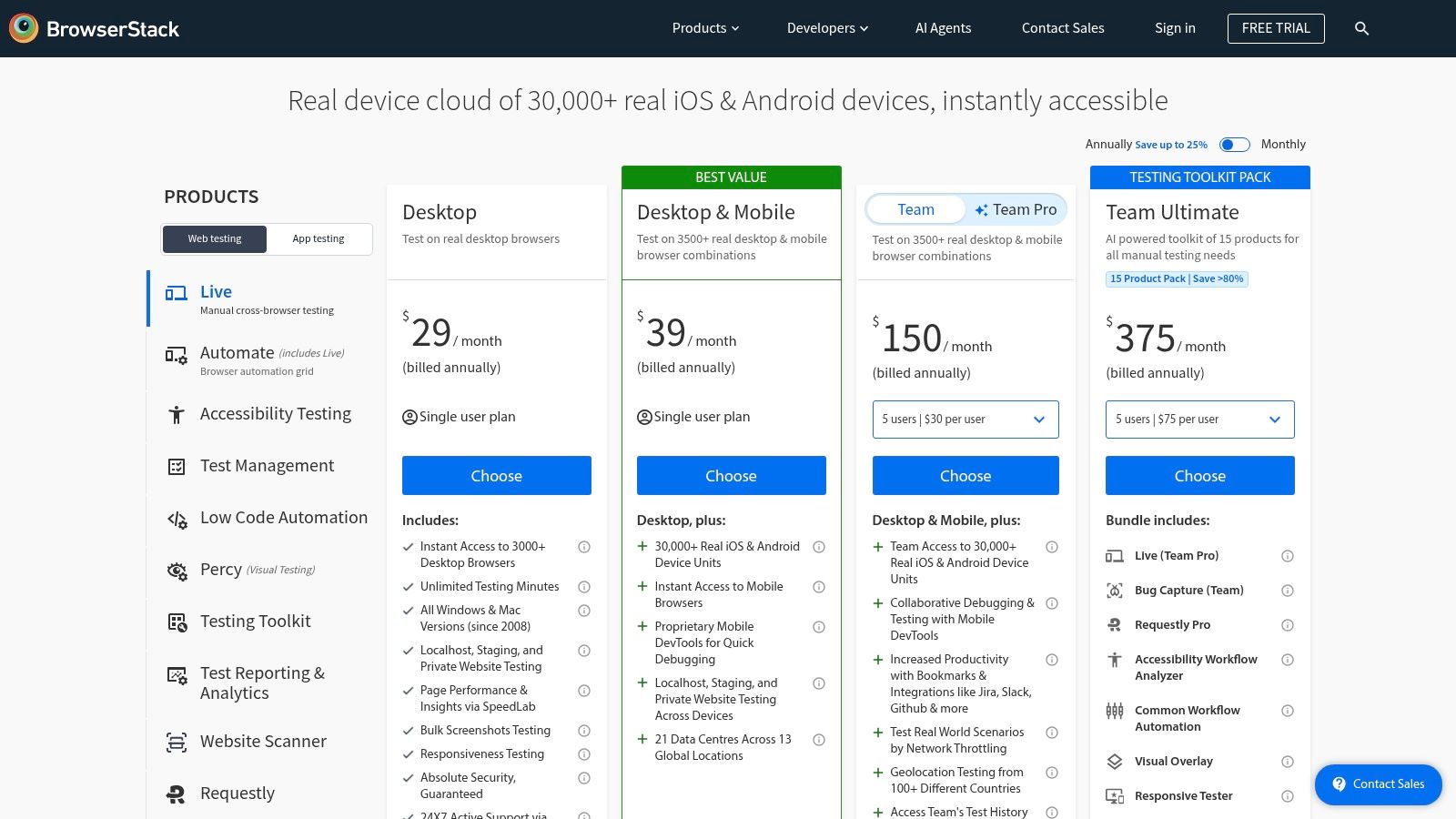
The platform is designed for teams that prioritize development velocity and cross-browser consistency. By leveraging BrowserStack’s extensive device cloud, Percy can render and compare snapshots across numerous browsers and responsive widths, ensuring your UI looks correct everywhere. Unlike tools that require complex manual setup, Percy's SDKs for popular frameworks like Cypress, Playwright, and Storybook make implementation straightforward, often requiring just a few lines of code to get started. Its AI-assisted diffing engine is adept at highlighting meaningful changes while ignoring minor pixel noise, which is a key capability for any modern visual regression testing tool.
Key Features & Considerations
Percy's strength lies in its developer-centric workflow and its deep integration with the wider BrowserStack testing cloud. This makes it an excellent choice for teams already invested in BrowserStack for live or automated testing.
| Feature | Details |
|---|---|
| Cross-Browser Coverage | Renders screenshots on Chrome, Firefox, Edge, and Safari across multiple responsive widths. |
| AI-Assisted Diffing | Features an intelligent visual comparison engine with adjustable sensitivity to reduce false positives. |
| Deep CI/SCM Integration | Integrates seamlessly with GitHub, GitLab, and other tools to embed visual reviews in pull requests. |
| Pricing Model | Offers a generous free tier for web testing, with paid plans based on screenshot volume. Mobile is separate. |
- Pros: Generous free plan (5,000 monthly screenshots) provides an easy entry point, deep integration with BrowserStack's device cloud.
- Cons: Mobile visual testing (App Percy) is priced separately from the web, and high-volume usage can become costly due to per-screenshot overage fees.
Best for: Development teams looking for a tightly integrated, developer-friendly visual testing solution that fits naturally into their existing CI/CD and pull request workflows.
4. Chromatic (by Storybook)
Chromatic is a visual testing and review platform built by the maintainers of Storybook, designed specifically for component libraries and design systems. It excels at snapshotting individual UI components in isolation, making it one of the best visual regression testing tools for teams practicing component-driven development. By integrating directly into the Storybook workflow, it provides a seamless experience for developers to catch UI bugs at the component level before they reach production.
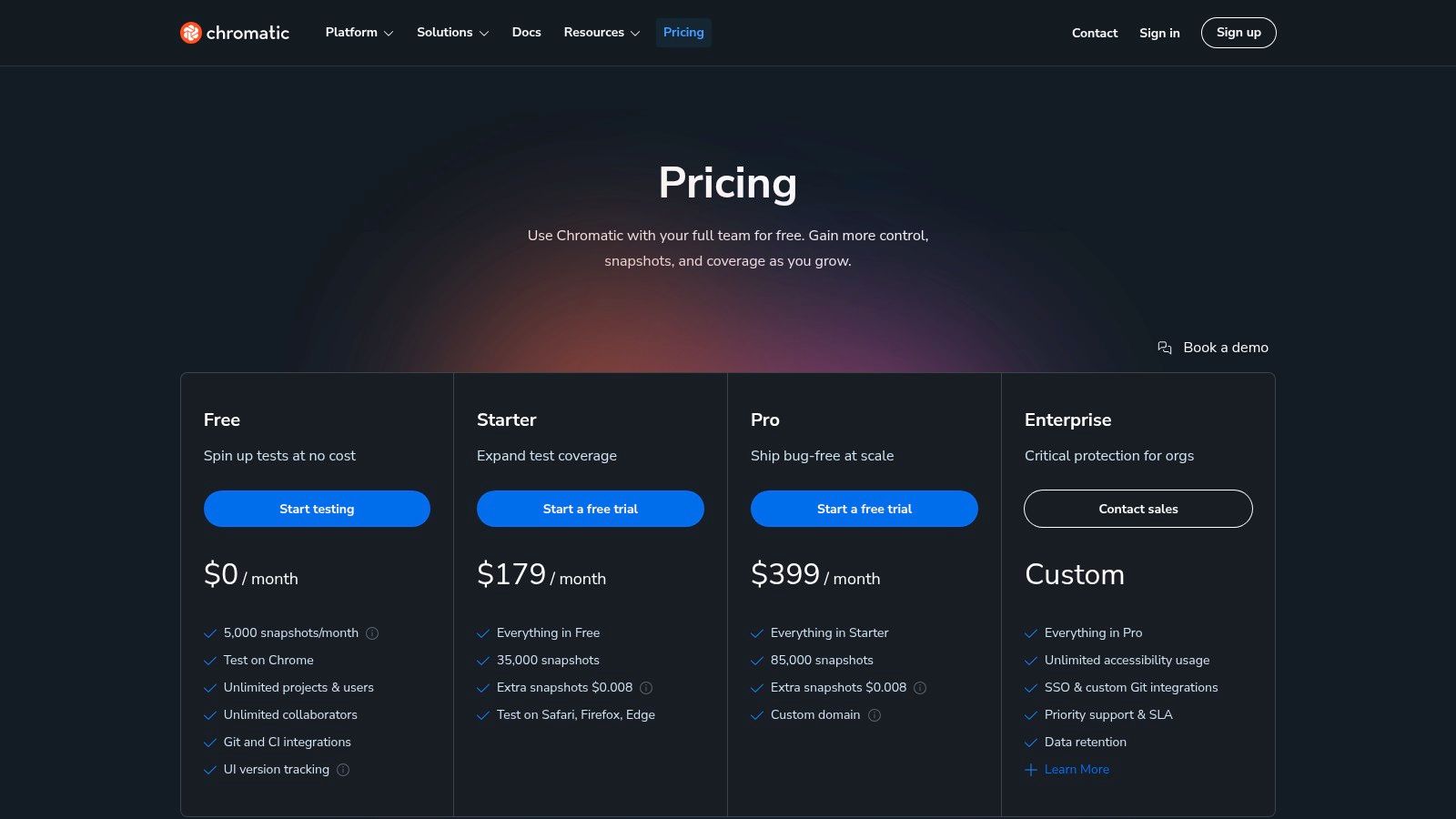
The platform is optimized for speed and efficiency, offering features like TurboSnap, which intelligently re-tests only the components that have changed. While its primary integration is with Storybook, it also supports end-to-end testing frameworks like Playwright and Cypress. This focus on the component layer, combined with a streamlined review and collaboration UI, makes it an invaluable tool for maintaining visual consistency across large-scale applications.
Key Features & Considerations
Chromatic’s strength lies in its deep integration with the Storybook ecosystem, providing an unparalleled developer experience for teams that already use it. Its snapshot-based pricing is transparent and scalable, though it requires some estimation of usage.
| Feature | Details |
|---|---|
| Storybook Native | Seamlessly captures snapshots from Storybook stories, creating a single source of truth for UI components. |
| TurboSnap Technology | Speeds up builds by only rendering and testing components affected by recent code changes, saving time and cost. |
| UI Review & Feedback | A collaborative web UI allows team members to review visual changes, leave comments, and approve updates. |
| Multi-Browser Testing | Captures snapshots across modern browsers like Chrome, Firefox, Safari, and Edge to ensure cross-browser consistency. |
- Pros: Perfect for design systems and component-driven workflows, excellent developer experience, and clear, snapshot-based pricing.
- Cons: The best experience is heavily tied to using Storybook; snapshot-based billing requires teams to estimate their monthly usage.
Best for: Development teams using Storybook to build and maintain component libraries or design systems who need a fast, integrated visual testing workflow.
5. Sauce Labs – Sauce Visual
Sauce Visual is the integrated visual regression testing solution within the broader Sauce Labs platform, a well-known name in automated testing infrastructure. It leverages the company's extensive cloud of browsers, emulators, simulators, and real devices to provide a unified environment for both functional and visual testing. This makes it an excellent choice for teams already using Sauce Labs for their cross-browser testing, as it consolidates tooling under a single vendor and simplifies test execution workflows.
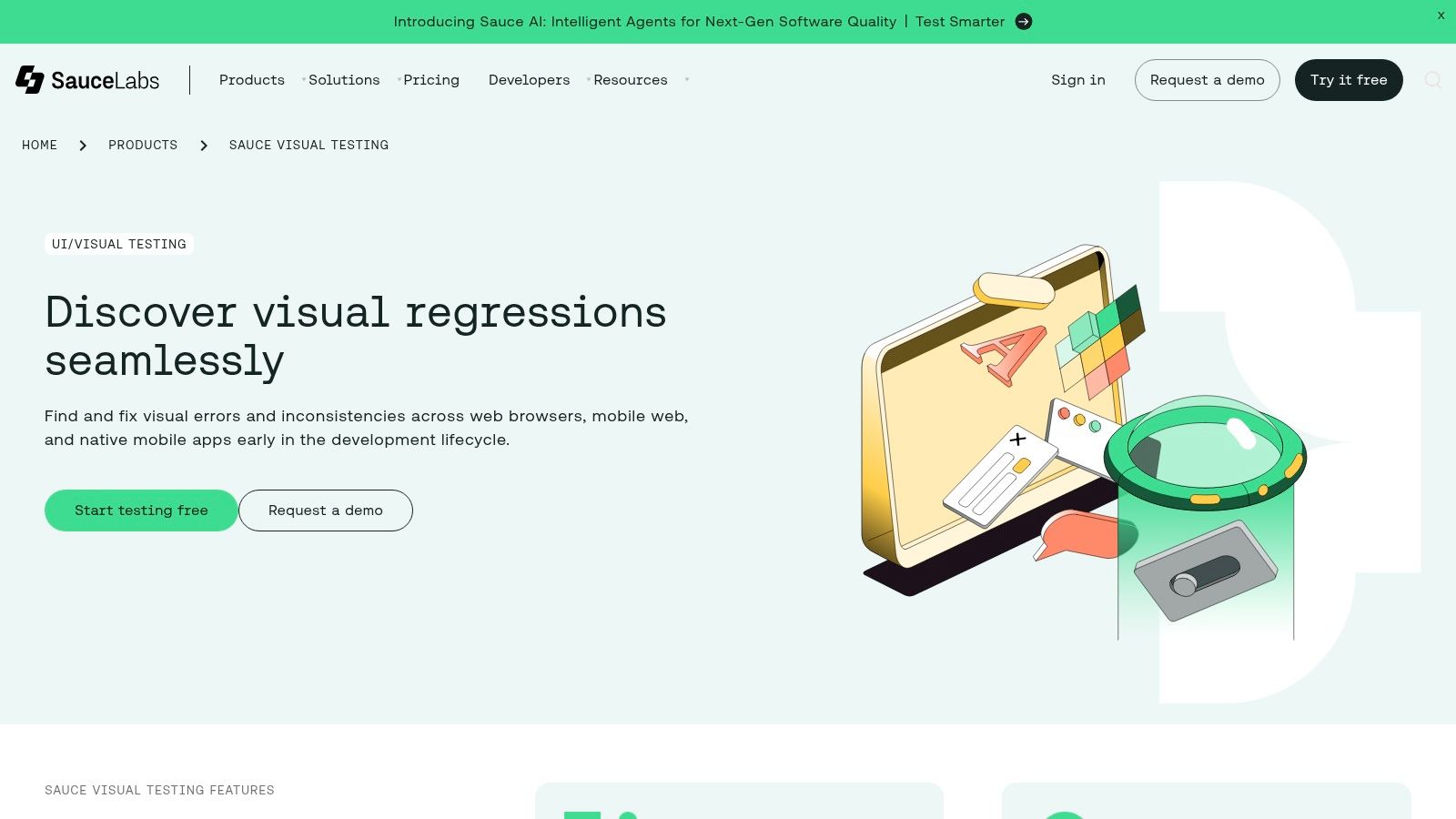
The platform, which evolved from the acquisition and integration of Screener.io, provides a robust baseline and review workflow directly within the Sauce Labs UI. It integrates smoothly with popular end-to-end frameworks like Cypress and Playwright, as well as component libraries like Storybook. This allows teams to incorporate UI checks at different stages of the development lifecycle, from individual components to full-page regression suites, making it one of the more versatile visual regression testing tools for enterprise-scale operations.
Key Features & Considerations
Sauce Visual’s primary advantage is its seamless integration into a comprehensive testing ecosystem, offering a single platform for test infrastructure, execution, and analysis. This approach simplifies billing, support, and test management for large organizations.
| Feature | Details |
|---|---|
| Unified Platform | Combines visual testing with cross-browser/device functional testing on a massive cloud grid. |
| Framework Support | Provides integrations for E2E frameworks (Selenium, Cypress, WebDriverIO) and component testing (Storybook). |
| Review Workflow | Includes a build dashboard with side-by-side diffs, baseline management, and issue review tools. |
| Pricing Model | Quote-based enterprise pricing. Visual testing is often bundled with their broader platform plans. |
- Pros: Single vendor for test infrastructure and visual validation, extensive device and browser coverage, strong enterprise-level support.
- Cons: Visual testing plans are geared toward enterprise customers, and teams using the legacy Screener product had to perform a migration.
Best for: Existing Sauce Labs customers or large enterprise teams looking for a unified platform to manage both their functional test infrastructure and visual regression testing needs.
Visit Sauce Labs – Sauce Visual
6. LambdaTest – SmartUI Visual AI Testing
LambdaTest integrates its SmartUI visual testing capabilities directly into its extensive cloud-based testing platform. This unique combination allows teams to not only perform AI-powered visual comparisons but also run them across a massive grid of over 3,000 real browser, OS, and device combinations. This makes it one of the most versatile visual regression testing tools for teams focused on ensuring cross-browser compatibility and responsive design integrity.
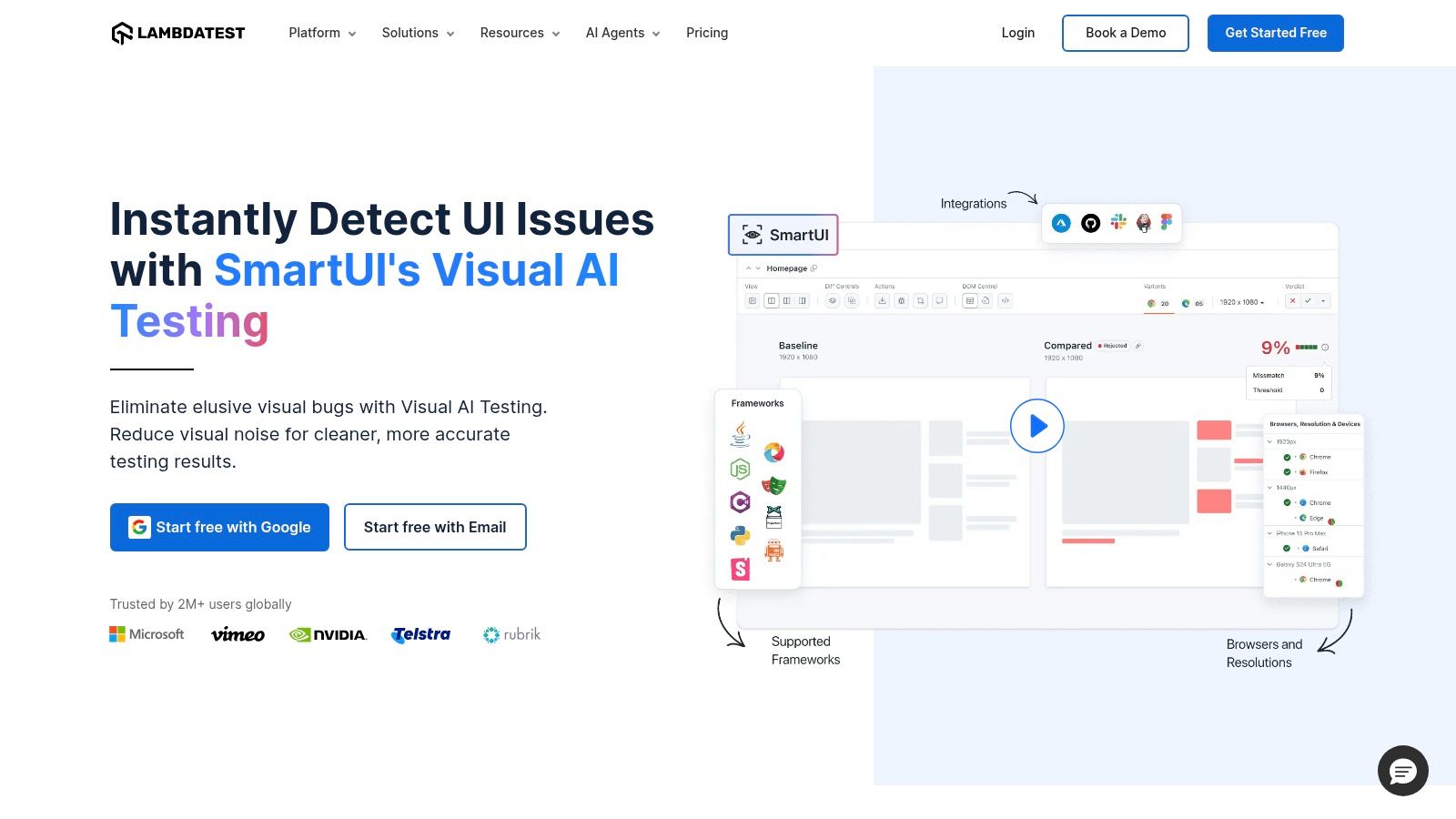
The platform supports all major automation frameworks, including Selenium, Cypress, Playwright, and Appium, allowing developers to add visual checks into their existing functional test suites with minimal effort. Its AI-powered engine can perform pixel-to-pixel, layout, and text-level comparisons, while features like "Smart Ignore" help reduce false positives from dynamic content. By bundling visual validation with a comprehensive device cloud, LambdaTest provides an all-in-one solution for both functional and aesthetic testing needs.
Key Features & Considerations
LambdaTest’s primary advantage is its unified platform, which eliminates the need to stitch together a separate device cloud and a visual testing tool. This integrated approach simplifies workflows and test environment management.
| Feature | Details |
|---|---|
| Integrated Test Cloud | Run visual tests across 3,000+ real browsers, operating systems, and mobile device emulators/simulators. |
| AI-Powered Diffing | Smart comparison engine that can ignore dynamic regions and perform layout-aware analysis. |
| Broad Integrations | Native support for major testing frameworks (Selenium, Cypress, etc.) and seamless CI/CD integration. |
| Pricing Model | Freemium plan available. Paid plans are based on parallel tests and a credit system for screenshots. |
- Pros: Combines a massive browser/device cloud with visual testing, flexible freemium tier and pay-as-you-go options.
- Cons: The extensive feature set and configuration options can be overwhelming for newcomers, requires careful management of screenshot quotas at scale.
Best for: Teams that need to validate UI consistency across a wide array of browsers and devices and prefer an integrated platform for both functional and visual testing.
7. Happo
Happo is a cloud-based visual regression testing service engineered for speed and developer efficiency. It specializes in generating cross-browser screenshots and integrating deeply into the development workflow, particularly for teams using component-driven frameworks. By running snapshot comparisons in a highly parallelized cloud environment, it significantly cuts down test suite execution times, making it one of the more performance-oriented visual regression testing tools available.
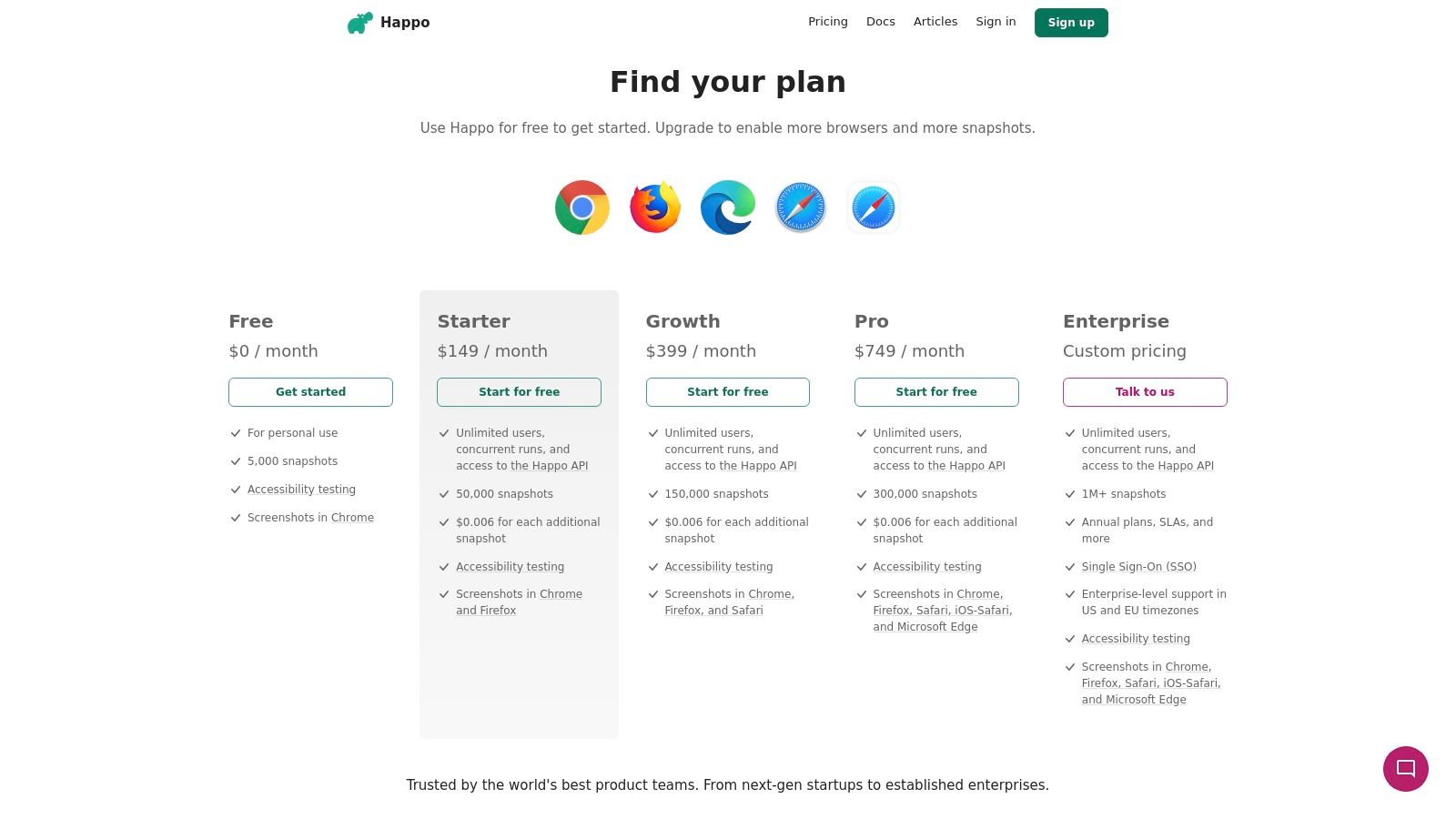
The platform integrates seamlessly with modern testing frameworks like Storybook, Cypress, and Playwright, offering direct CI integrations that post results as GitHub status checks and pull request comments. This immediate feedback loop helps developers catch UI regressions before they merge. Happo's architecture is built to handle massive snapshot volumes, making it a cost-effective choice for projects with extensive UI component libraries that require frequent and thorough visual validation.
Key Features & Considerations
Happo’s strength lies in its fast, focused, and developer-centric approach to visual testing. It provides robust controls to minimize test flakiness, such as silencing animations and adjusting pixel-diff tolerance, ensuring that reports are actionable and reliable.
| Feature | Details |
|---|---|
| Cross-Browser Support | Captures snapshots across Chrome, Firefox, Safari, Edge, and iOS Safari to ensure consistent rendering. |
| CI/CD Integration | Provides direct integrations with services like GitHub, offering immediate PR feedback and status checks. |
| Performance-Focused | Utilizes a highly parallelized cloud infrastructure to process thousands of snapshots quickly, reducing CI wait times. |
| Accessibility Testing | Offers optional, integrated accessibility checks that run alongside visual tests to catch a11y regressions. |
| Pricing Model | Tiered subscription plans based on the number of snapshots per month. A free plan is available for small projects and evaluation. |
- Pros: Competitive pricing for high snapshot volumes, strong developer experience with fast parallelization, and excellent CI/CD integration.
- Cons: Primarily focused on web technologies; native mobile app testing is less direct. The accessibility feature set is functional but still evolving compared to dedicated tools.
Best for: Development teams using component libraries (like Storybook) or modern E2E frameworks who need a fast, scalable, and cost-effective solution for high-volume visual testing.
8. Argos CI
Argos CI is a visual testing platform designed to integrate seamlessly into a modern CI/CD workflow, particularly for teams using GitHub or GitLab. It focuses on providing a fast and efficient review process directly within pull requests, treating UI changes like code changes. By not requiring developers to commit screenshots to their repository, it streamlines the development cycle and keeps the codebase clean, making it one of the more developer-friendly visual regression testing tools available.
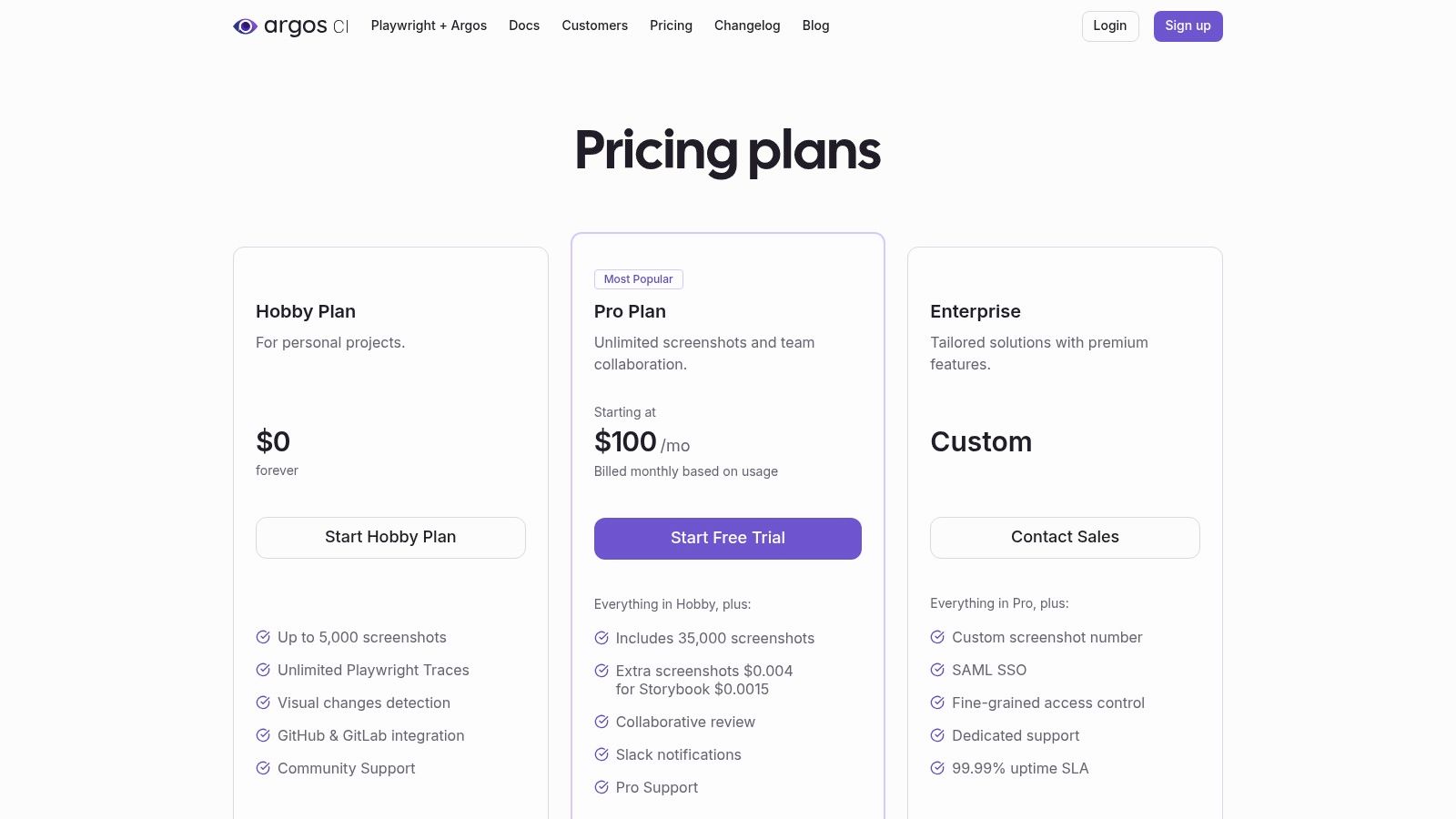
The platform integrates directly with popular E2E testing frameworks like Playwright, Cypress, and WebdriverIO, as well as component library tools like Storybook. Its review interface is optimized for speed, helping teams quickly approve or reject visual changes. Features designed to stabilize tests by handling animations and flaky elements help reduce noise and ensure that developers only focus on meaningful regressions.
Key Features & Considerations
Argos CI is built around the pull request workflow, providing clear pass/fail checks and comments. This Git-centric approach makes it easy for developers to adopt visual testing without disrupting their existing processes.
| Feature | Details |
|---|---|
| Git-based Workflow | Integrates with GitHub and GitLab, adding visual review checks and comments directly to pull requests. |
| No Screenshot Commits | Screenshots are uploaded and managed in the Argos CI cloud service, not committed to the Git repository. |
| Fast Review UI | A highly responsive user interface designed for quickly comparing baselines and new screenshots. |
| Framework Integrations | Official SDKs for Cypress, Playwright, Storybook, and more for easy setup in existing test suites. |
| Pricing Model | A generous free Hobby plan is available, with paid plans based on screenshot volume. |
- Pros: Generous free tier for open-source and personal projects, usage-based Pro plan is cost-effective, developer-centric workflow integrates smoothly with Git.
- Cons: Team features like SSO and advanced roles are locked behind paid plans, pricing can become less predictable as screenshot volume increases.
Best for: Development teams and open-source projects looking for a streamlined, Git-integrated visual testing solution with a generous free plan and a focus on developer experience.
9. VisWiz.io
VisWiz.io is a lightweight, SaaS-based visual regression testing service designed for simplicity and seamless CI/CD integration. It focuses on providing a straightforward workflow through its CLI, SDKs, and a native GitHub app. Unlike more complex enterprise solutions, VisWiz.io excels at offering core visual testing capabilities with minimal setup, making it an excellent choice for teams that need a fast and efficient solution without a steep learning curve.
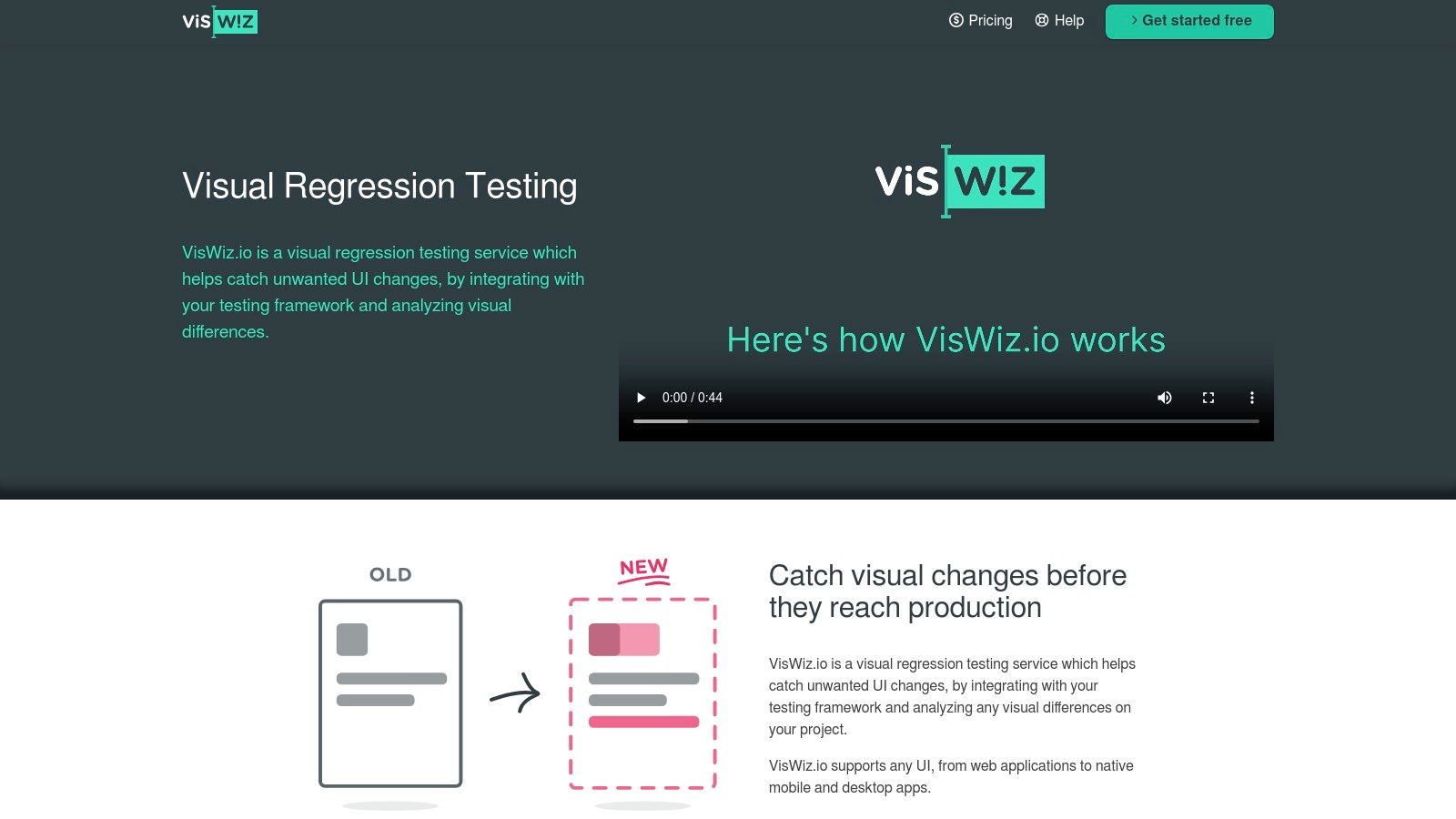
The platform is built around developer-centric workflows, featuring branch-aware baselines that automatically handle versioning without manual intervention. This allows different feature branches to have their own set of approved baselines, preventing conflicts during parallel development. With notifications for Slack, Microsoft Teams, and email, teams stay informed about visual changes directly in their communication channels, making it one of the more accessible visual regression testing tools for agile environments.
Key Features & Considerations
VisWiz.io is tailored for developers who prefer command-line tools and direct integration into their existing pipelines. Its feature set is focused on essential functionality, avoiding the complexity that can slow down smaller, fast-moving teams.
| Feature | Details |
|---|---|
| Developer-First Tools | Offers a powerful CLI, REST API, and SDKs for popular environments like Node.js, Ruby, and PHP. |
| CI/CD & GitHub Integration | Provides a dedicated GitHub app for commit statuses and comments, plus straightforward CI setup. |
| Branch-Aware Baselines | Automatically manages separate baselines for different Git branches, simplifying parallel workflows. |
| Pricing Model | Subscription-based with a free tier for small projects and a Pro tier with a generous comparison limit. |
- Pros: Very easy and fast to set up, simple and affordable pricing plans, high monthly comparison allowance on the Pro tier.
- Cons: Smaller ecosystem and fewer integrations compared to market leaders, documentation is focused primarily on common web development stacks.
Best for: Small to medium-sized teams and individual developers looking for a simple, no-fuss visual regression service that integrates cleanly with GitHub and CI pipelines.
10. BackstopJS
BackstopJS is a powerful open-source framework for automating visual regression testing. It operates using a simple yet effective init, test, and approve workflow, generating user-friendly in-browser reports that highlight differences between baseline and test screenshots. As a configuration-driven tool, it leverages headless browsers like Chrome via Puppeteer or Playwright, making it a highly adaptable choice among visual regression testing tools for teams that prefer self-managed, scriptable solutions.
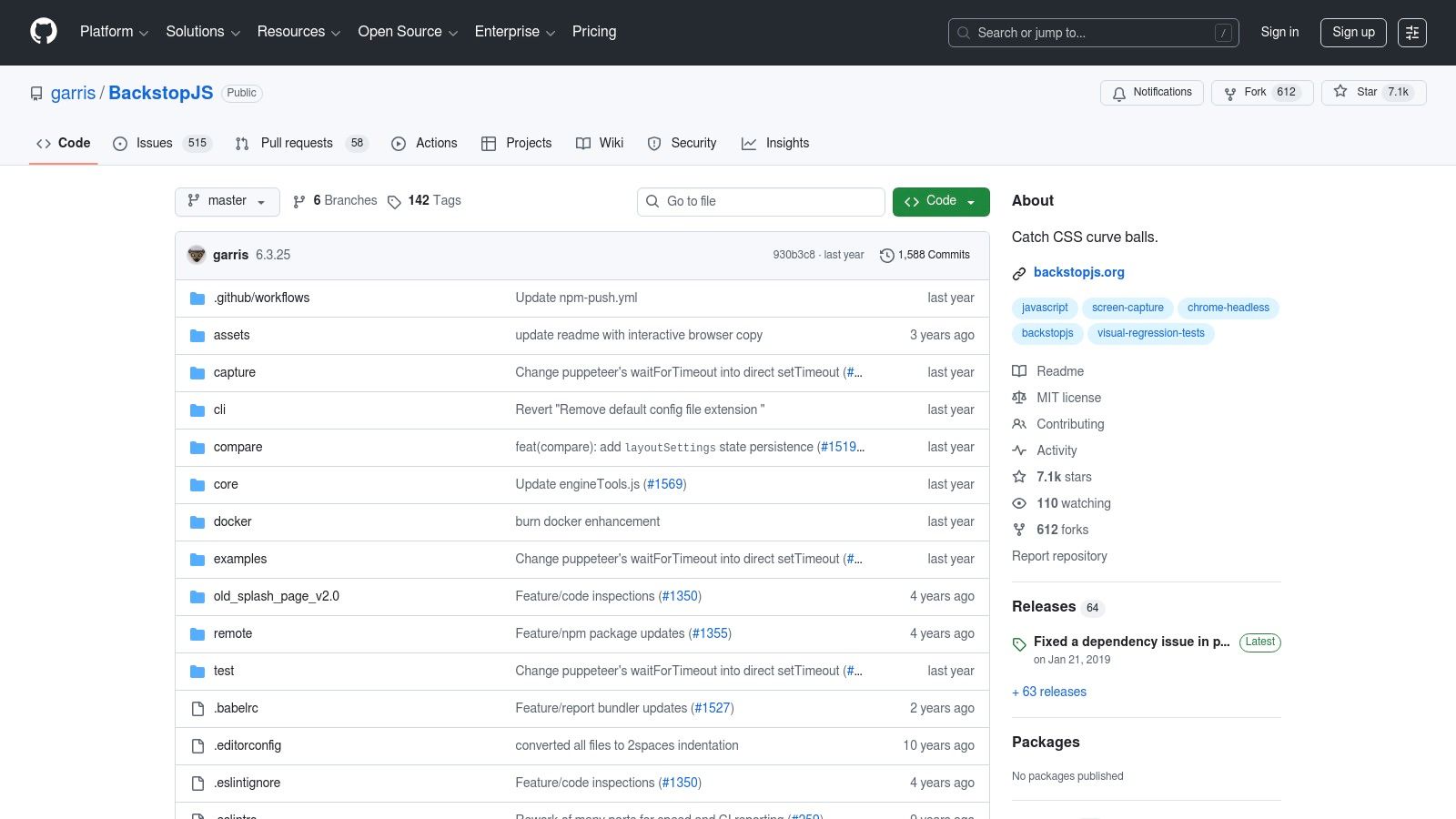
The framework is particularly well-suited for CI/CD environments, offering CLI support and JUnit-style reports for easy pipeline integration. By running tests within a Docker container, teams can achieve a consistent rendering environment, which helps eliminate flakiness caused by system differences. This control over the testing environment is a key reason developers choose BackstopJS for reliably monitoring webpages for changes without committing to a SaaS platform.
Key Features & Considerations
BackstopJS shines in its flexibility and community support, empowering developers to build a visual testing pipeline tailored to their specific needs without incurring licensing fees. It requires more hands-on setup but offers complete control in return.
| Feature | Details |
|---|---|
| Workflow | Simple init/test/approve command-line workflow with an interactive browser report for approvals. |
| Engine Support | Uses Playwright or Puppeteer for rendering, allowing for complex scripting and user interactions. |
| Environment Consistency | Supports Docker integration out of the box to ensure tests run in a predictable and stable environment. |
| CI/CD Integration | CLI-driven and produces JUnit reports, making it straightforward to add to any CI pipeline. |
- Pros: Completely free and open-source, highly flexible and configurable, strong community support, full control over the testing environment with Docker.
- Cons: Requires self-managed infrastructure for storing baselines and reports, lacks a hosted review UI, and involves maintenance for setup and updates.
Best for: Development teams and QA engineers who want a free, highly customizable, code-driven solution and are comfortable managing their own testing infrastructure and CI/CD setup.
11. Resemble.js
Resemble.js is not a full-featured platform but a powerful, open-source JavaScript library for image analysis and comparison. It provides the core engine for pixel-level diffing, which developers can integrate into their custom testing workflows. This makes it one of the most flexible visual regression testing tools for teams that prefer building a bespoke solution over adopting an all-in-one service, allowing full control over the screenshot and comparison process.
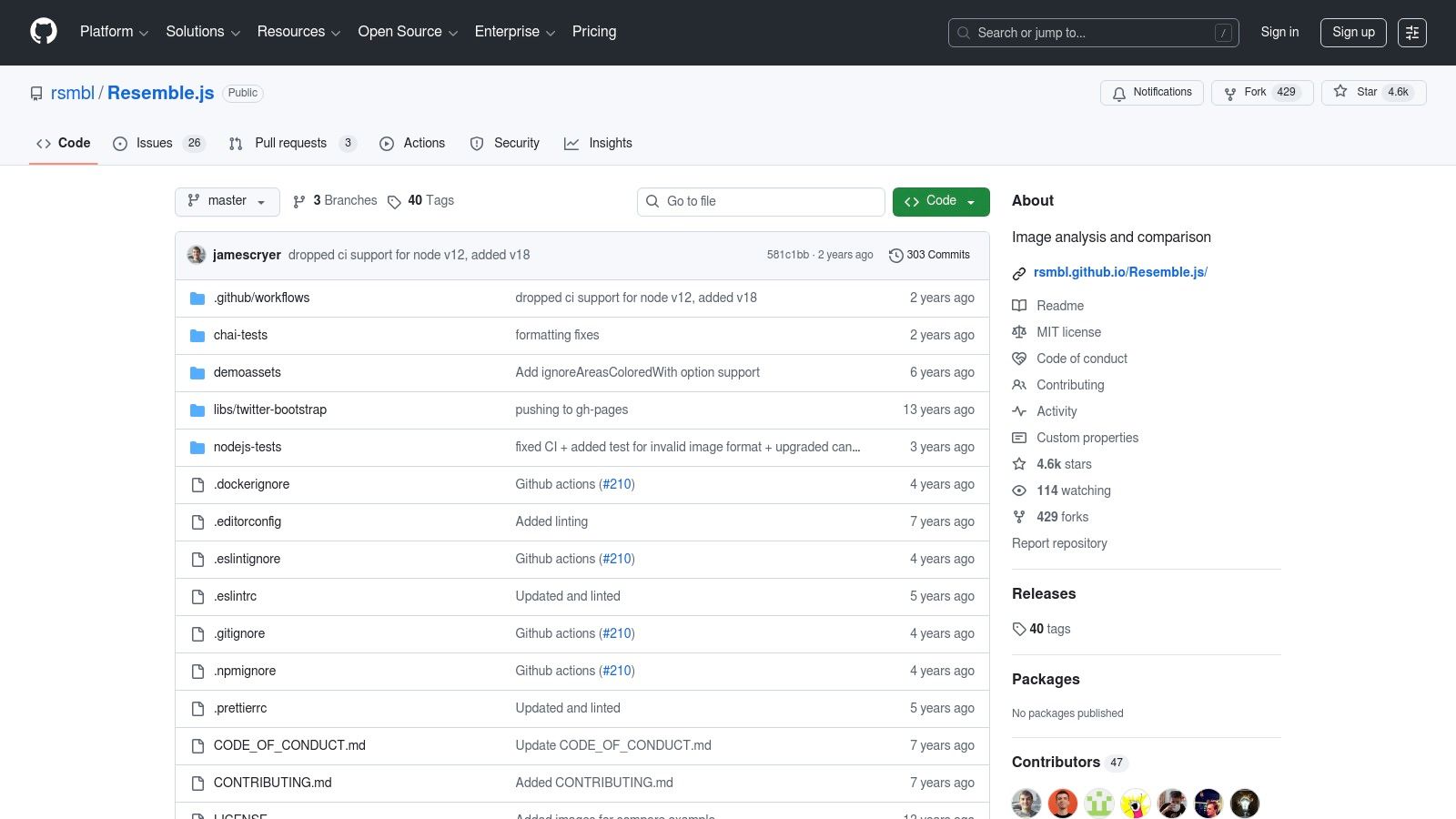
The library works in both Node.js and the browser, analyzing images to highlight differences. It is highly configurable, allowing you to set mismatch thresholds, ignore anti-aliased pixels, or define specific bounding boxes to exclude dynamic areas from comparison. This granular control is ideal for pairing with a screenshot utility like Puppeteer or Playwright to create a lightweight, effective, and free visual testing pipeline directly within your existing CI/CD setup.
Key Features & Considerations
Resemble.js is fundamentally a "do-it-yourself" tool, offering the primitives needed to build a visual testing process from scratch. It excels in simplicity and embeddability, giving developers the building blocks for custom automation without the overhead of a large platform.
| Feature | Details |
|---|---|
| Comparison Engine | Core functionality for pixel-by-pixel image comparison, highlighting differences visually. |
| Configurable Thresholds | Fine-tune mismatch sensitivity and ignore anti-aliasing to reduce false positives from minor rendering shifts. |
| Ignored Regions | Define specific rectangular areas or color blocks to exclude from the comparison. |
| Deployment Environment | Can be run in Node.js for backend automation or directly in the browser for client-side comparisons. |
- Pros: Completely free and open-source, highly customizable for specific needs, lightweight and easy to integrate into existing test scripts.
- Cons: Requires significant setup as it's just a library, not a platform. Lacks a UI for reviewing diffs, dashboards, and team collaboration features.
Best for: Developers and teams with strong engineering skills who want to build a custom, lightweight visual regression testing solution tailored to their specific technology stack and workflow.
12. Visual Regression Tracker
Visual Regression Tracker is an open-source, self-hosted solution for teams that need full control over their visual testing data and infrastructure. It provides a backend service and a user interface for managing baselines, reviewing visual differences, and tracking test history across builds. By deploying it via Docker, organizations can keep all their test data in-house, addressing strict security or data residency requirements. This makes it one of the most flexible visual regression testing tools for environments where SaaS solutions are not an option.
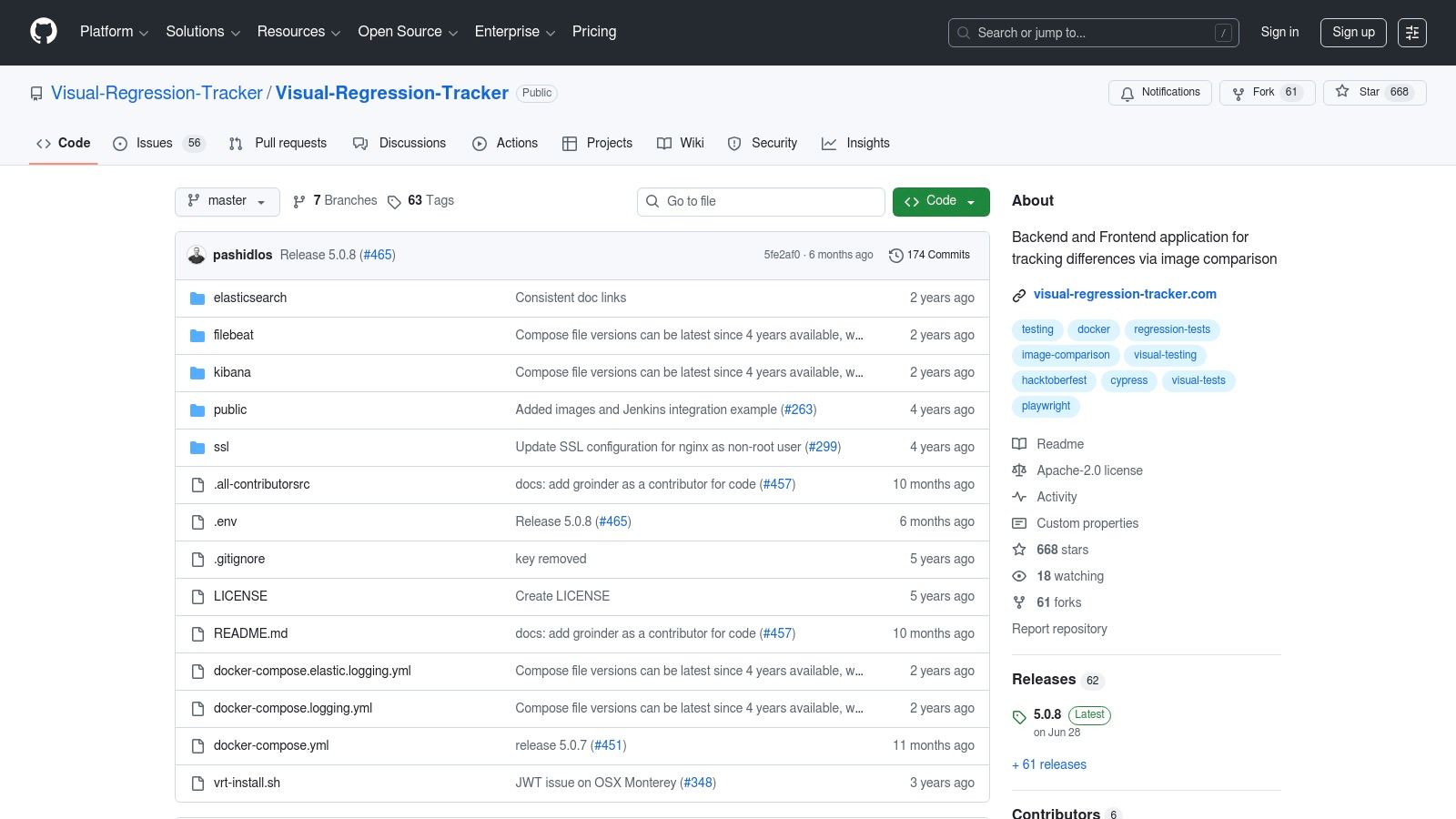
The platform is framework-agnostic, offering SDKs for JavaScript, Java, Python, and .NET, alongside dedicated agents for Cypress and Playwright. This broad compatibility allows teams to integrate it into their existing testing workflows with minimal friction. Its core value lies in its cost model: since you host it yourself, there are no per-screenshot fees, leading to predictable and potentially lower costs compared to commercial platforms, especially for high-volume testing.
Key Features & Considerations
Visual Regression Tracker is built for control and customizability, offering features essential for a robust in-house visual testing workflow. It supports baseline history, ignore regions, and even PDF comparisons, which is a rare capability in open-source tools.
| Feature | Details |
|---|---|
| Self-Hosted | Docker-based deployment keeps all data within your own environment, ensuring security and compliance. |
| Framework Agnostic | Provides SDKs and agents for integration with major test runners like Cypress and Playwright. |
| Core Functionality | Includes baseline management, diff highlighting, ignore regions, and support for image and PDF testing. |
| Cost Model | Free, open-source software with no licensing or per-screenshot fees. Costs are tied to your own hosting. |
- Pros: Complete data ownership and control, predictable costs without per-screenshot fees, highly customizable and CI-friendly.
- Cons: Requires initial setup and ongoing maintenance of the Docker infrastructure, which you are responsible for scaling.
Best for: Teams with strict data security policies or those seeking a cost-effective, high-volume testing solution who are comfortable managing their own infrastructure.
Visit Visual Regression Tracker
Visual Regression Testing: 12-Tool Comparison
| Product | Core features ✨ | Quality ★ | Pricing/value 💰 | Target audience 👥 | USP / Notes |
|---|---|---|---|---|---|
| ScreenshotEngine 🏆 | Fast API, PNG/JPEG/WebP, element/full-page capture, ad/cookie blocking, dark mode | ★★★★★ | 💰 Free tier (no CC); predictable scaling | 👥 Developers, QA, monitoring teams | ✨ Developer-first, ultra-fast, clutter-free screenshots |
| Applitools | Visual AI diffs, integrations, enterprise/on‑prem options | ★★★★★ | 💰 Premium / enterprise contracts | 👥 Enterprise QA & test automation | ✨ AI-powered layout- & content-aware diffs |
| Percy (BrowserStack) | Cross-browser screenshots, CI/SCM integrations, responsive widths | ★★★★☆ | 💰 Free web plan (5k/mo); overages apply | 👥 Teams needing cloud device + visual testing | ✨ Deep BrowserStack integration |
| Chromatic (Storybook) | Storybook-native visual tests, parallel runs, TurboSnap | ★★★★☆ | 💰 Snapshot-based plans | 👥 Component & design-system teams | ✨ Seamless Storybook review workflow |
| Sauce Visual (Sauce Labs) | Visual baselines, review/accept workflow, integrates with Sauce cloud | ★★★★☆ | 💰 Enterprise-focused pricing | 👥 Enterprise teams needing infra + visual tests | ✨ Unified infra + visual + functional testing |
| LambdaTest – SmartUI | AI-assisted diffs, 3,000+ browsers/devices, CI integrations | ★★★★☆ | 💰 Freemium; volume discounts | 👥 Teams needing large browser/device matrix | ✨ Massive device/browser coverage |
| Happo | Parallelized snapshots, CI integrations, multi-browser support | ★★★★☆ | 💰 Competitive for high snapshot volumes | 👥 High-volume snapshot & UI teams | ✨ Fast parallelization, cost-effective |
| Argos CI | PR checks, hosted service with OSS roots, fast review UI | ★★★☆☆ | 💰 Free hobby; usage-based Pro | 👥 OSS-friendly teams & SMEs | ✨ Hosted with open-source heritage |
| VisWiz.io | REST API/CLI/SDK, branch-aware baselines, notifications | ★★★☆☆ | 💰 Simple plans; generous comparison limits | 👥 Teams wanting lightweight CI integration | ✨ Easy setup, GitHub-friendly |
| BackstopJS | Scripted scenarios, Puppeteer/Playwright, Docker support | ★★★☆☆ | 💰 Free OSS — infra & storage costs | 👥 Teams preferring self-managed pipelines | ✨ Full control over environment |
| Resemble.js | Pixel diff primitives, ignored regions, thresholds | ★★★☆☆ | 💰 Free OSS | 👥 Developers building custom diff pipelines | ✨ Lightweight, low-level image diffs |
| Visual Regression Tracker | Self-hosted backend/UI, SDKs, Docker deploy, baseline history | ★★★☆☆ | 💰 Free OSS; predictable self-hosting costs | 👥 Teams needing data residency & no per-screenshot fees | ✨ No per-screenshot fees; framework-agnostic |
How to Choose the Right Visual Regression Tool for Your Workflow
Navigating the landscape of visual regression testing tools can feel overwhelming, but the journey to a bug-free UI is clearer than you think. Throughout this guide, we have explored a dozen powerful solutions, from comprehensive SaaS platforms like Applitools and Percy to developer-centric tools like Chromatic and open-source libraries like BackstopJS. The key takeaway is that there is no single "best" tool, only the tool that is best for your specific workflow, team structure, and technical stack.
The tools we have covered fall into three broad categories:
- All-in-One SaaS Platforms: (e.g., Applitools, Percy, Sauce Visual, LambdaTest) These offer a managed, end-to-end experience with advanced features like AI-powered comparisons, cross-browser grids, and seamless CI/CD integrations. They are ideal for teams that prioritize speed and ease of use over granular control.
- Developer-Centric Tools: (e.g., Chromatic, Happo, Argos CI) These solutions are tightly integrated into the development lifecycle, focusing specifically on component libraries or pull request workflows. They excel at catching regressions early, directly where developers work.
- Building Blocks & Open-Source: (e.g., BackstopJS, Resemble.js, Visual Regression Tracker, ScreenshotEngine) This category provides the fundamental components for a custom-built solution. These are perfect for teams with unique requirements, a desire for full control over their infrastructure, or those looking to integrate visual testing into a broader automation strategy.
A Framework for Making Your Decision
To cut through the noise and select the right visual regression testing tools for your team, start by asking four critical questions. Your answers will quickly narrow the field and point you toward the most suitable options.
1. Do You Want to Buy or Build?
This is the foundational choice between a managed service and a self-hosted solution.
- Choose "Buy" if: You want to get started quickly, require minimal maintenance, and need robust features like AI analysis and extensive browser support out of the box. Look at Applitools for its AI prowess or Percy for its simplicity and deep integration with BrowserStack.
- Choose "Build" if: You have specific security or infrastructure constraints, need complete control over the testing environment, or are on a tight budget. Start with BackstopJS for a powerful, configurable engine or use a library like Resemble.js combined with a screenshot generation service.
2. What is Your Workflow Focus: Components or Full Pages?
The context of your tests dramatically influences your tool choice.
- For component-driven development: If your team works primarily in Storybook or another component library, Chromatic is the undeniable leader. Its deep integration provides a seamless developer experience unmatched for component-level testing. Happo is another excellent, fast alternative in this space.
- For full-page E2E testing: When your goal is to validate entire user journeys and application views, tools like Percy, LambdaTest, and Sauce Visual shine. They are designed to capture and compare complex, fully rendered pages across numerous browser and device combinations.
3. What is Your Core Priority?
Every tool makes trade-offs. Identify your most critical need.
- For AI accuracy and dynamic content: Applitools' Visual AI is the industry standard for intelligently handling dynamic data, animations, and minor rendering shifts that would otherwise cause false positives.
- For massive browser and device coverage: LambdaTest and Sauce Labs leverage their vast cloud infrastructure to provide unparalleled test coverage, which is essential for applications targeting a diverse user base.
- For speed and CI integration: If your primary goal is rapid feedback within your CI/CD pipeline, tools like Argos CI and Happo are optimized for performance, ensuring your tests do not become a bottleneck.
4. How Does Your Budget Work?
Consider both direct costs and the engineering time required for setup and maintenance.
- Fixed subscriptions: Many SaaS platforms offer tiered pricing, which provides predictability but can become costly as your test volume grows.
- Usage-based costs: Other tools charge per snapshot, which can be more economical for teams with fluctuating testing needs.
- The "free" of open-source: While tools like BackstopJS have no licensing fees, remember to factor in the cost of engineering time for setup, maintenance, and running the required infrastructure.
The Path Forward: Start Small, Iterate, and Gain Confidence
The best approach is often a hybrid one. You might use a high-performance screenshot API like ScreenshotEngine to reliably capture visuals and feed them into a self-hosted tool like Visual Regression Tracker. This combination gives you the best of both worlds: professional-grade image generation and full control over your comparison logic and data storage.
Your goal should not be to achieve an impossible "pixel-perfect" state overnight. Instead, aim to build a reliable safety net. Start by integrating a tool into a single project’s CI/CD pipeline. Focus on your most critical user flows first. Over time, you will build a robust system that catches unintended UI changes automatically, empowering your team to ship features faster and with greater confidence than ever before.
Ready to build a custom visual testing workflow with a reliable foundation? ScreenshotEngine provides a powerful, scalable API for capturing pixel-perfect screenshots at scale, making it the ideal image generation layer for any of the open-source or self-hosted visual regression testing tools mentioned above. Get started for free and see how a dependable screenshot service can supercharge your testing strategy. Learn more at ScreenshotEngine.