
Programmatically capturing website screenshots is a crucial capability for modern businesses, automating everything from visual regression testing in CI/CD pipelines to generating dynamic social media previews and archiving web pages for compliance. The right API can save hundreds of development hours and significant infrastructure costs.
However, the choice can be overwhelming. Managing headless browsers like Puppeteer or Playwright in-house is a resource-intensive endeavor, often plagued by reliability issues, CAPTCHAs, cookie banners, and persistent ads. This is where dedicated screenshot services become essential, offloading the entire complexity of browser management and ensuring you receive clean, consistent visual data. While some workflows might benefit from exploring dedicated screenshot testing tools-for-screenshot-testing) for specialized use cases, a versatile API often provides the most flexible solution.
This comprehensive guide cuts through the marketing noise to analyze the top website screenshot APIs for your business. We will dive deep into the critical factors that matter most:
- Rendering Speed and Reliability: How quickly and consistently can the API deliver high-quality captures?
- Core Feature Sets: Does it support full-page rendering, specific element capture, ad blocking, and custom resolutions?
- Developer Experience: How straightforward is the integration, and how clear is the documentation?
- Scalability and Pricing: What model best fits your usage, from small projects to enterprise-level demand?
Our goal is to provide a clear, in-depth comparison to help you select the perfect service that aligns with your specific technical requirements, use case, and budget. Each option includes a direct link, a summary of its key features, and an honest assessment of its pros and cons.
1. ScreenshotEngine
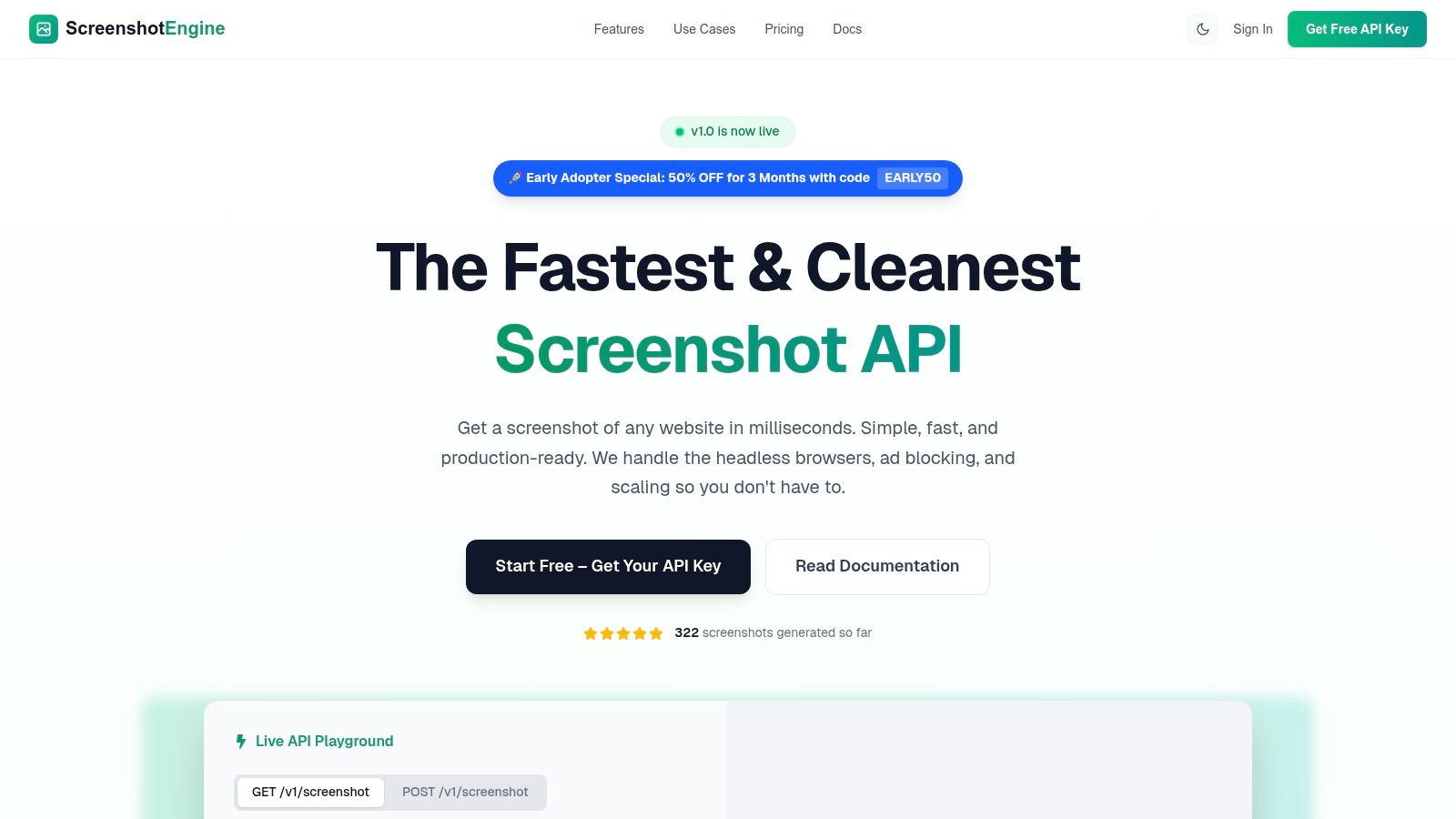
ScreenshotEngine positions itself as a premier, developer-centric solution and earns its place as our top recommendation for businesses needing a fast, reliable, and straightforward screenshot API. It is engineered from the ground up to eliminate the complexities of managing headless browsers, offering a powerful REST endpoint that delivers high-fidelity captures in milliseconds. This focus on speed and simplicity makes it an exceptional choice for performance-critical applications.
The platform excels at producing clean, uncluttered visuals ideal for professional use cases. Its engine automatically blocks most ads, cookie banners, and popups, ensuring your captures are focused on the core content. This feature is invaluable for tasks like generating clean social media previews or archiving website content for compliance without distracting elements.
Key Differentiators and Use Cases
ScreenshotEngine stands out with its queue-less rendering architecture, a significant advantage that ensures immediate processing and low latency, even at scale. Where other services might queue requests during peak loads, ScreenshotEngine processes them instantly, making it highly reliable for real-time applications like visual regression testing in a CI/CD pipeline or generating on-the-fly website previews in a directory.
Key capabilities include:
- Targeted Capture: Capture the full page, a specific viewport, or a precise element using a CSS selector. This is perfect for monitoring competitor pricing tables or isolating specific UI components.
- Advanced Rendering Options: Emulate native dark mode, set custom device dimensions, and output images in modern formats like WebP for optimal performance.
- Video Capture: A unique feature allows for capturing smooth scrolling videos of a webpage, ideal for creating dynamic demos or tutorials.
- Developer-First Experience: The service provides a live API playground for instant testing, clear documentation, and ready-to-use SDKs for Node.js, Python, and .NET.
Pricing and Getting Started
The platform offers a transparent, scalable pricing model. A generous free tier is available without requiring a credit card, providing a risk-free way to integrate and test the API. For those ready to scale, paid plans are cost-effective, and an Early Adopter promotion currently offers a 50% discount for three months with code EARLY50, making it an attractive option for new users. To explore its full potential, you can learn more about how a website screenshot API can transform your automated workflows.
- Website: https://www.screenshotengine.com
- Best For: Teams that prioritize speed, reliability, and ease of integration for automated visual monitoring, testing, and content generation.
- Pros: Extremely fast queue-less rendering, automatic ad/cookie blocking for clean shots, excellent developer tools, and a competitive free tier.
- Cons: Enterprise-level compliance details (like SOC 2) are not prominently featured; some advanced features like PDF generation are still in development.
2. Urlbox
Urlbox is a mature and highly reliable website screenshot API, positioning itself as a premium, developer-centric tool for generating high-fidelity captures. It stands out by offering over 100 distinct rendering options, giving engineering teams granular control over the final output. This makes it one of the top website screenshot APIs for businesses that require precision and consistency at scale.
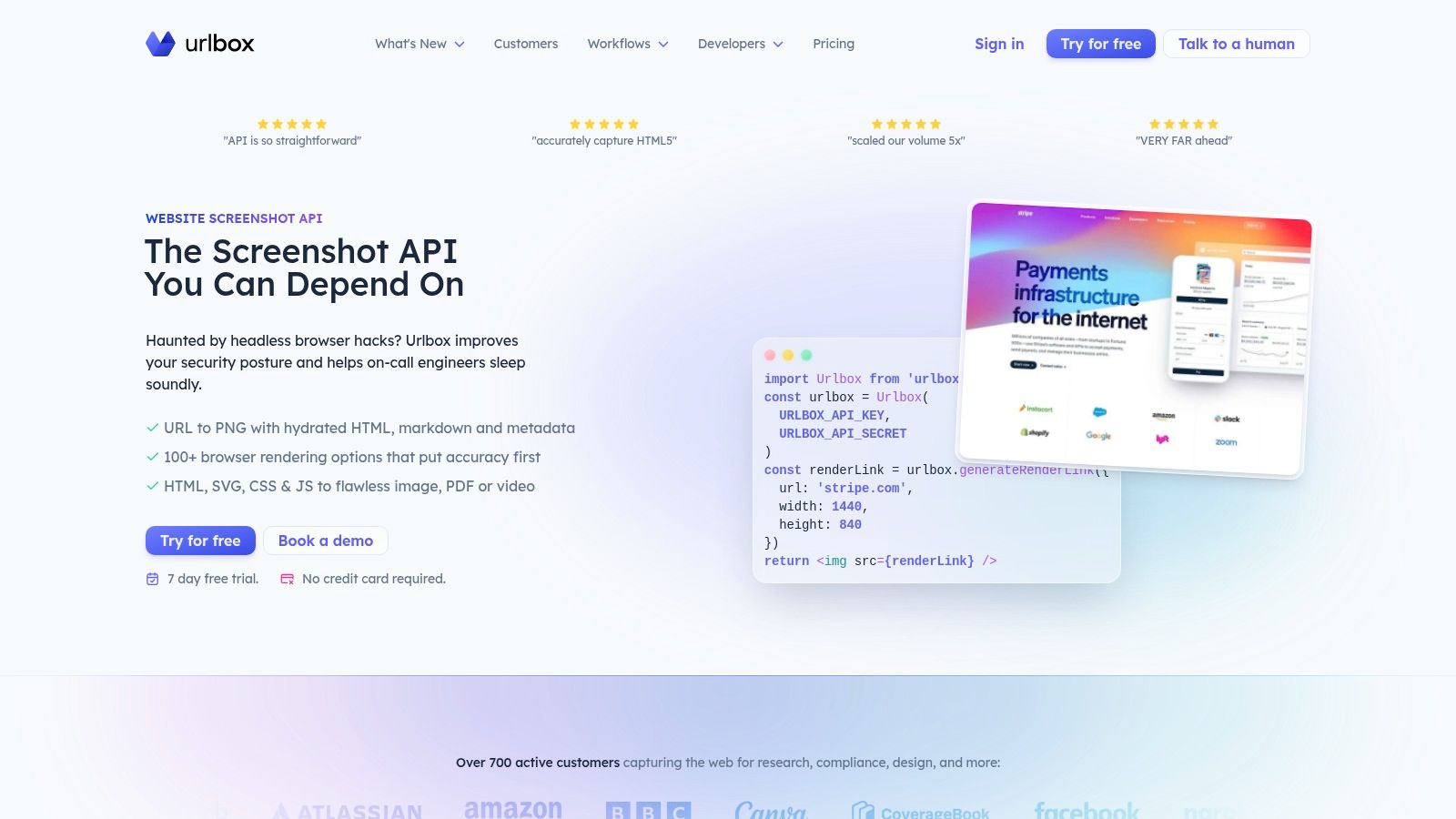
This platform excels in scenarios like compliance archiving, design quality assurance, and generating marketing previews where pixel-perfect rendering is non-negotiable. Its ability to render images, PDFs, and even videos from either a URL or raw HTML provides significant flexibility. You can read more about how this type of screenshot-as-a-service model works for advanced applications.
Key Features & Use Cases
Urlbox is built for demanding tasks. Its engine can block ads, dismiss cookie banners, execute custom JavaScript, and even use proxies to capture geo-specific content, ensuring clean and accurate results.
- Best For: Large-scale batch jobs, compliance monitoring, and design-sensitive applications.
- Unique Offering: The sheer number of rendering options allows for precise control over difficult-to-capture pages with complex interactive elements.
- Integration: Official SDKs are available for JavaScript, Python, PHP, and Ruby, simplifying integration into existing technology stacks.
Pricing and Limitations
Urlbox’s pricing starts at a higher entry point than some competitors, which may be a consideration for smaller projects. However, its reputation for uptime and reliability often justifies the cost for mission-critical operations.
- Pros: Renowned for stability and high-quality renders; excellent for large-scale, automated workflows.
- Cons: The extensive options can introduce complexity for simple use cases; pricing is less accessible for startups or individual developers.
Website: https://urlbox.com/screenshot-api
3. ScreenshotOne
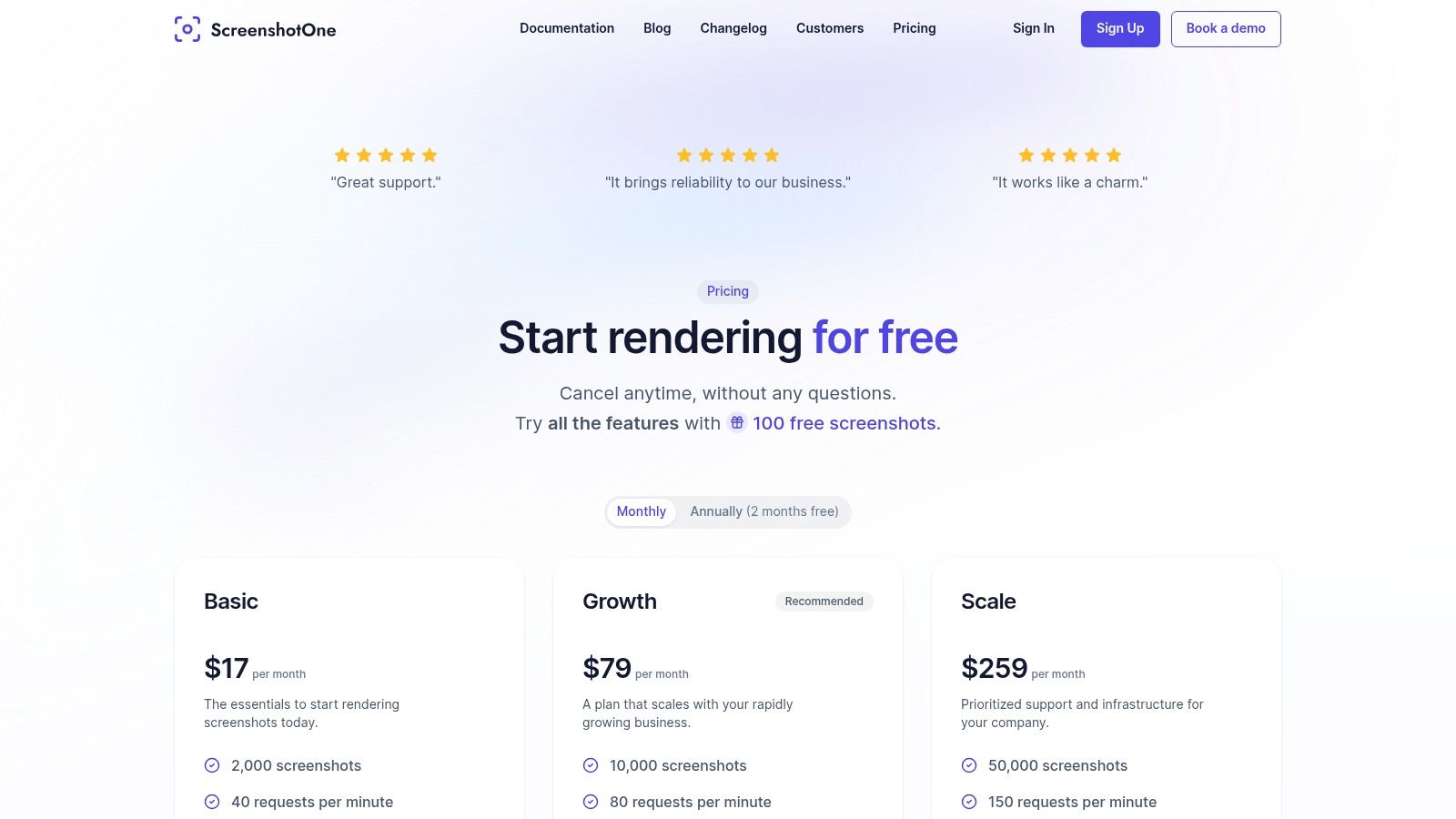
ScreenshotOne is a versatile screenshot-as-a-service platform designed for automation-heavy workflows. It balances a rich feature set with accessible pricing, making it a strong contender among the top website screenshot APIs for businesses that need both power and scalability. The service emphasizes clean, predictable captures by automatically handling common web nuisances like cookie banners and advertisements.
This API is well-suited for tasks like social media preview generation, link enrichment, and SERP tracking. Its ability to render PNG, JPEG, WebP, and even raw HTML, combined with direct-to-S3 uploads, simplifies infrastructure for teams. You can explore how this capability is applied in specialized tools, such as building a SERP results checker to monitor search engine rankings visually.
Key Features & Use Cases
ScreenshotOne excels at providing a smooth, automated capture experience with options for geo-targeting and stealth. It can render full-page scrolling screenshots and, on higher tiers, generate videos from web interactions.
- Best For: Mid-market companies, SEO agencies, and developers needing automated, geo-specific captures.
- Unique Offering: The combination of geo-IP selection, built-in caching for speed, and direct S3 uploads with signed links offers a comprehensive automation toolkit.
- Integration: A clear REST API and extensive documentation make it easy to integrate into any stack, with webhooks available for asynchronous workflows.
Pricing and Limitations
ScreenshotOne offers a generous free tier of 100 screenshots and a pay-only-for-successful-requests model. However, its overage billing, which rounds up to the nearest 1,000-screenshot block, could be a drawback for users who only slightly exceed their plan limits.
- Pros: Automation-friendly features like ad/cookie blocking are standard; billing model is forgiving for failed requests.
- Cons: Overage billing can be unexpectedly costly for minor excess usage; lower-tier plans have rate-per-minute (RPM) caps.
Website: https://screenshotone.com/pricing/?utm_source=openai
4. Browshot
Browshot is a longstanding and versatile screenshot-as-a-service platform known for its extensive device and browser emulation capabilities. It provides a straightforward API that allows developers to capture how a website renders on over 30 different virtual browsers and real mobile devices. This makes it a strong contender among the top website screenshot APIs for your business when cross-device and cross-browser testing is a primary concern.
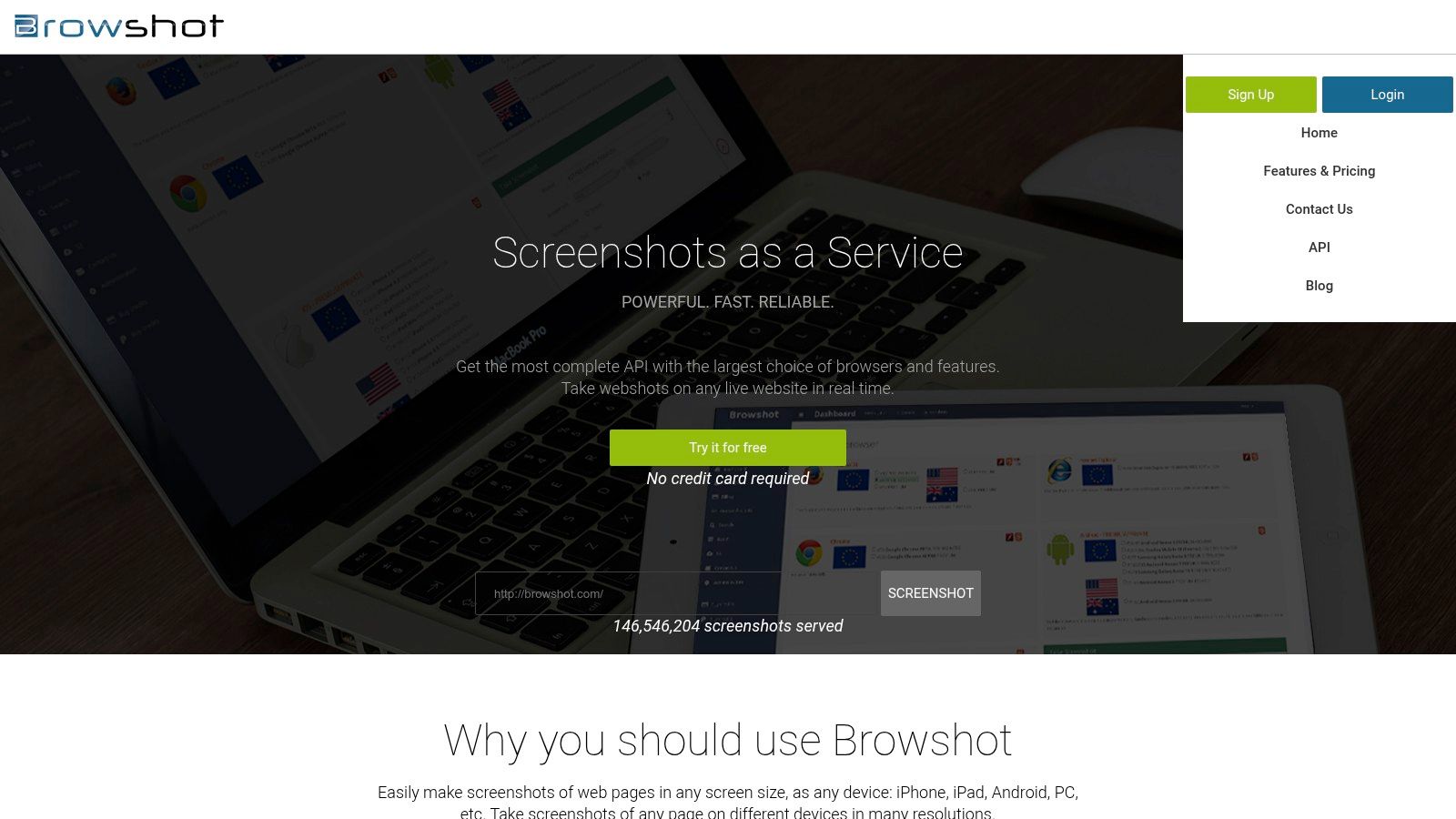
The platform is particularly well-suited for quality assurance teams needing to validate designs across specific versions of iOS, Android, and various desktop browsers. Its ability to automatically upload captures to an S3 bucket and generate thumbnails simplifies asset management pipelines, making it efficient for businesses that need to store and retrieve a high volume of visual data.
Key Features & Use Cases
Browshot’s core strength lies in its wide array of rendering environments and flexible pricing. It allows for precise emulation of user agents, screen sizes, and device-specific behaviors, ensuring that captures accurately reflect what a real user would see.
- Best For: Cross-browser compatibility testing, mobile rendering verification, and projects with fluctuating usage.
- Unique Offering: A pay-as-you-go credit system that doesn't expire, offering excellent value for bursty or infrequent workloads.
- Integration: Provides open-source client libraries for major programming languages and integrates directly with Amazon S3 for storage.
Pricing and Limitations
Browshot offers both monthly subscriptions and a flexible pay-as-you-go credit model. While this flexibility is a major advantage, the credit cost can vary by device type, with mobile captures often costing more credits than desktop ones, which can be confusing to manage.
- Pros: Broad device and browser coverage for specific rendering needs; flexible credit system is ideal for inconsistent demand.
- Cons: The user interface feels more utilitarian and less modern than newer competitors; credit accounting can be complex to forecast.
Website: https://api.browshot.com/?utm_source=openai
5. URL2PNG
URL2PNG is a veteran in the URL-to-image space, offering a straightforward and stable API that has been trusted by developers for years. It stands out by leveraging Fastly's CDN for rapid delivery of captured images, making it a solid choice for applications where both reliability and speed are key. For teams that value simplicity and a proven track record, URL2PNG is one of the top website screenshot APIs for your business.
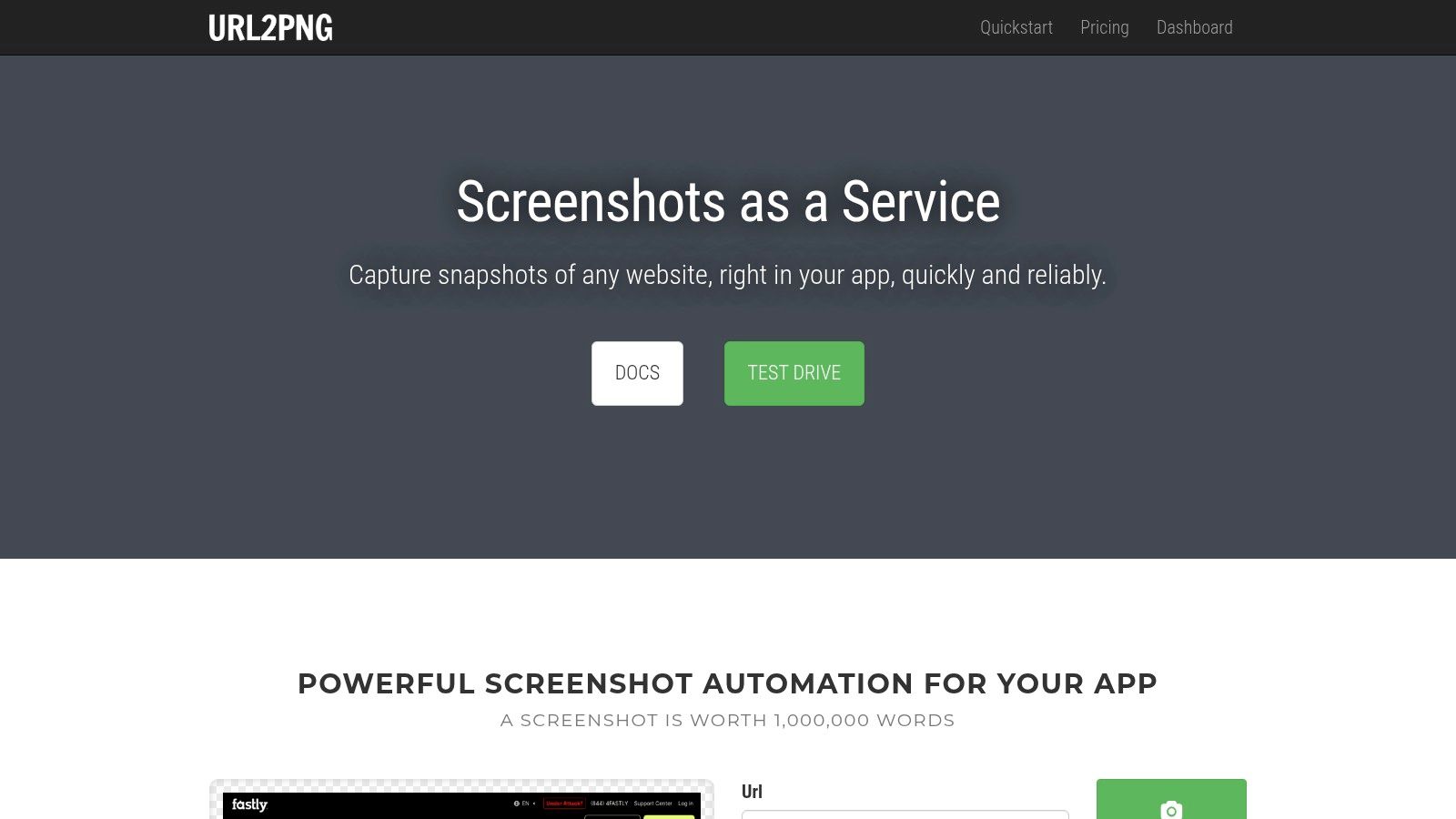
This platform is particularly effective for generating marketing previews, embedding live site views into other applications, or any scenario where a simple, no-fuss integration is preferred. Its API allows for viewport control, full-page captures, and even injecting custom CSS to modify a page before the screenshot is taken, providing just enough flexibility for common customization needs without overwhelming complexity.
Key Features & Use Cases
URL2PNG focuses on delivering core screenshot functionality with high performance. It allows developers to override user agents and language headers and provides a JS-controlled shutter for capturing pages with animations or delayed content loading, ensuring accurate renders of dynamic sites.
- Best For: Simple integrations, embedding web previews, and applications needing fast, CDN-backed image delivery.
- Unique Offering: Its long-standing presence and use of Fastly's CDN for image delivery provide a high degree of stability and performance.
- Integration: The API is simple and RESTful, making it easy to integrate with any language using basic HTTP requests.
Pricing and Limitations
URL2PNG offers month-to-month plans with clear overage rates, which is great for businesses with fluctuating needs. However, its free trial is limited, and it lacks a permanent free tier for hobbyist projects. The feature set is intentionally focused, so it may not suit teams looking for an all-in-one suite with PDF generation or advanced browser automation.
- Pros: Extremely stable and straightforward API; fast image delivery via a global CDN.
- Cons: No permanent free tier; the feature set is less extensive compared to more comprehensive platforms.
Website: https://www.url2png.com/
6. ScreenshotsCloud
ScreenshotsCloud positions itself as a practical and cost-effective solution for businesses needing high-volume, real-browser rendering. Its core strength lies in its auto-scaling infrastructure, which uses actual browser instances paired with CDN delivery to ensure both high fidelity and fast access to generated images. This makes it a strong contender among the top website screenshot APIs for companies that require consistent performance without a premium price tag.
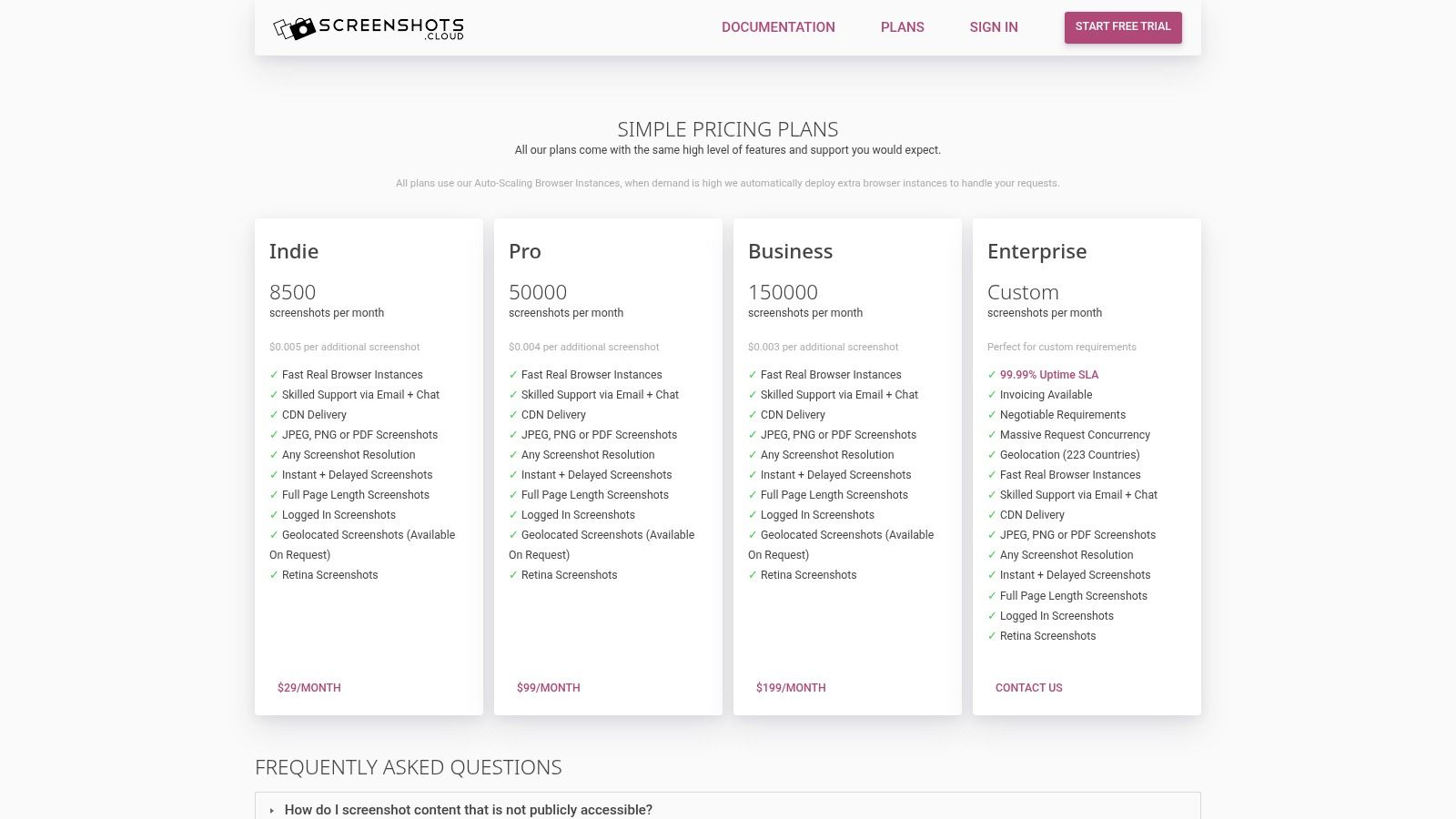
The platform is particularly well-suited for sustained monthly workloads where predictability in cost and performance is key. It supports captures behind login walls via cookies and authentication parameters, a crucial feature for applications monitoring user dashboards or internal systems. Its clear guidance on caching and overage policies provides transparency that many development teams appreciate.
Key Features & Use Cases
ScreenshotsCloud focuses on delivering reliable core functionality with excellent value. The service offers both instant and delayed capture options, along with retina-quality resolution to meet modern design standards.
- Best For: High-volume automated monitoring, capturing authenticated user pages, and businesses seeking a balance of quality and cost.
- Unique Offering: The combination of auto-scaling real browsers and built-in CDN delivery ensures captures are not only accurate but also served quickly to end-users.
- Integration: The API is straightforward, allowing for quick implementation with standard HTTP requests, making it accessible to a wide range of programming languages.
Pricing and Limitations
The service stands out for its generous monthly allocations, offering a significant number of screenshots at competitive price points. While it provides excellent value for core features, accessing more advanced capabilities like broad geolocation options may require direct contact with their support team.
- Pros: Generous monthly API call limits offer great value; clear documentation on overages and caching prevents unexpected costs.
- Cons: The ecosystem is smaller than some larger competitors; some advanced features are not self-service and require manual setup.
Website: https://screenshots.cloud/plans?utm_source=openai
7. ApiFlash
ApiFlash leverages the power of AWS Lambda to deliver a highly scalable, Chrome-based screenshot API. It focuses on providing reliable, up-to-date rendering by running the latest version of Google Chrome, ensuring captures are accurate and modern. This serverless architecture makes it one of the top website screenshot APIs for your business when you need to handle unpredictable, bursty traffic without performance degradation.
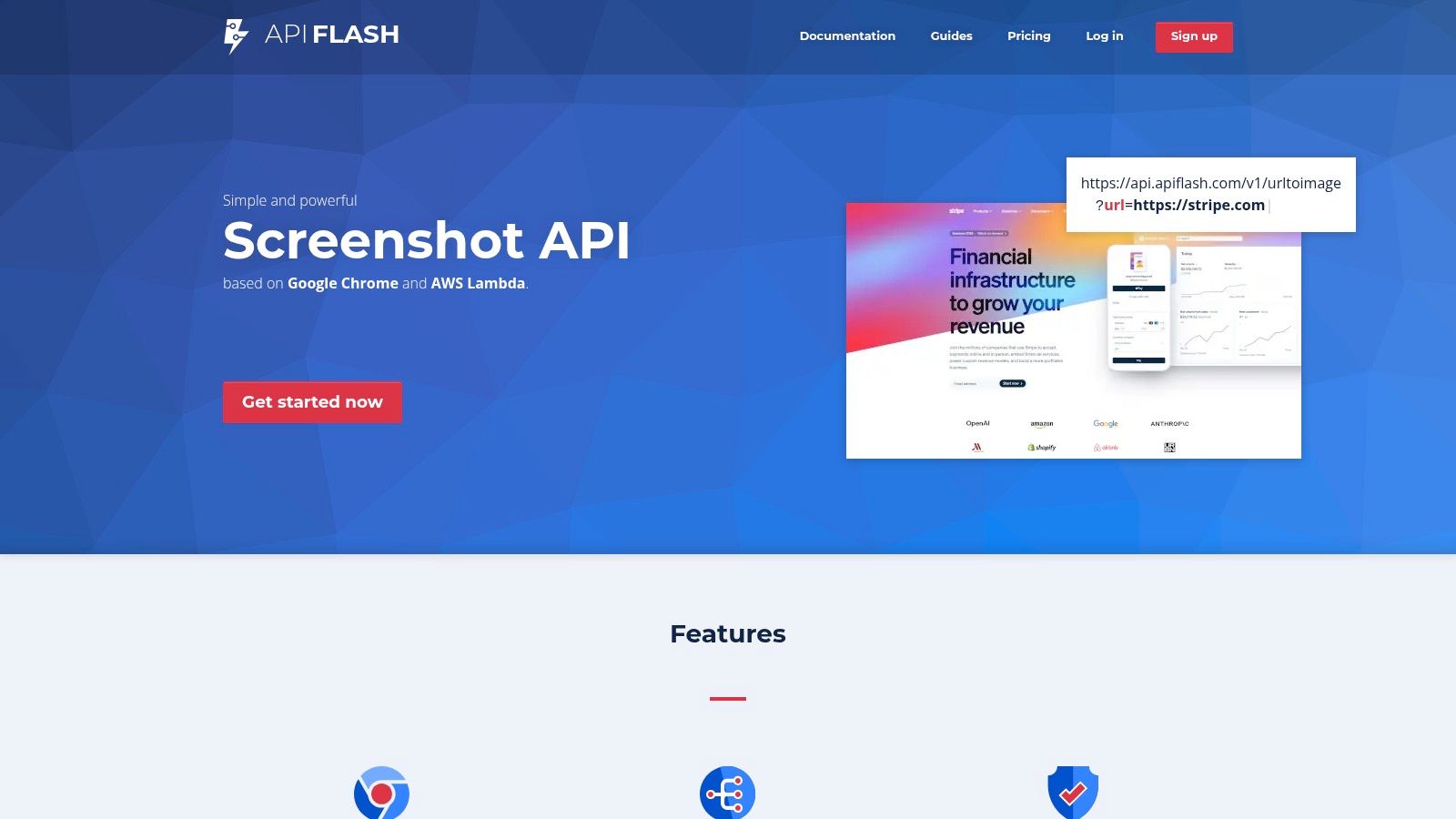
The platform is designed for simplicity, offering straightforward API endpoints that are easy to integrate. Its core strength lies in generating full-page and responsive screenshots with minimal setup, making it ideal for developers who need a quick and effective solution for common capture tasks. The focus is on core rendering performance rather than an extensive list of niche features.
Key Features & Use Cases
ApiFlash is built for developers who prioritize scalability and rendering fidelity with the latest Chrome engine. Its responsive viewport controls allow for precise simulation of mobile and desktop devices, which is essential for visual testing and marketing previews.
- Best For: Applications requiring high concurrency, automated visual testing, and capturing mobile-first websites.
- Unique Offering: The serverless AWS Lambda backend provides exceptional scalability for handling sudden spikes in API requests, ensuring consistent performance.
- Integration: Integration is streamlined via a simple REST API, making it accessible from any programming language capable of making HTTP requests.
Pricing and Limitations
ApiFlash's pricing structure and free-tier details are less prominent on its homepage, which may require some digging for potential users. Its feature set is more focused on core screenshot generation, lacking advanced extras like automated video capture or element-only targeting.
- Pros: Excellent scalability handles heavy workloads effectively; straightforward API with minimal setup.
- Cons: Feature set is less extensive compared to more mature platforms; pricing information is not immediately clear.
Website: https://apiflash.com/?utm_source=openai
8. ScreenshotAPI.com
ScreenshotAPI.com is a budget-focused service designed for businesses and developers who need high-volume, straightforward captures without a hefty price tag. It positions itself as an accessible tool by offering very low per-screenshot pricing, making it a strong contender for projects where cost is the primary decision-making factor. Its core value lies in simplifying the capture process for standard use cases.
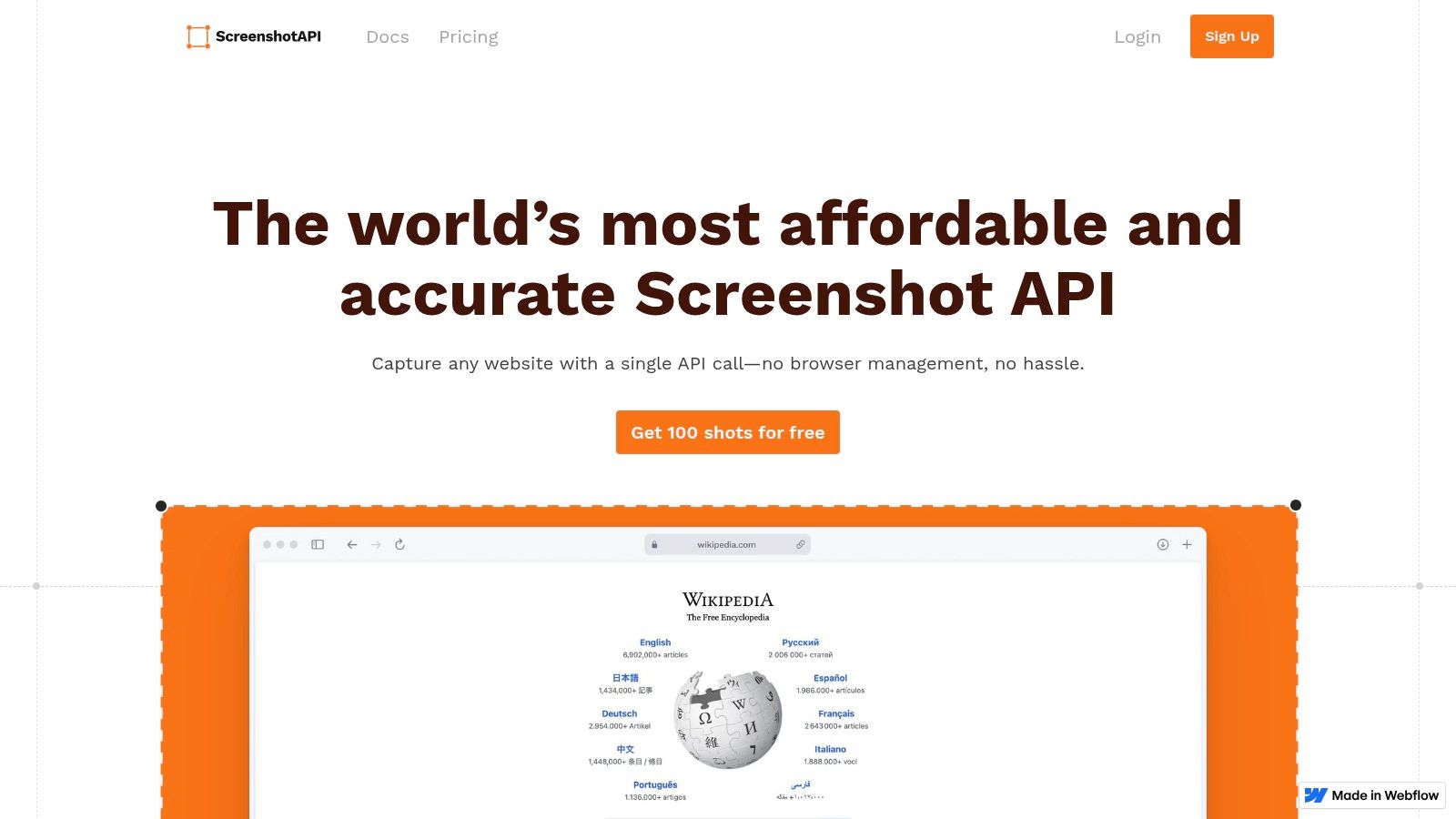
This platform is particularly useful for tasks like routine monitoring, generating social media previews, or basic archival where advanced rendering options are not required. The service emphasizes a simple, single-endpoint flow, allowing for quick integration and fast turnaround times on requests. This ease of use makes it one of the top website screenshot APIs for your business if you prioritize speed and simplicity.
Key Features & Use Cases
The API is built for efficiency, offering built-in blocking for common web page clutter like ads, cookie banners, and chat widgets. This ensures that the resulting captures are clean and focused on the essential content without extra configuration.
- Best For: High-volume batch processing, cost-sensitive projects, and simple monitoring tasks.
- Unique Offering: A highly competitive cost-per-screenshot model combined with automated clutter removal provides significant value for basic capture needs.
- Integration: The API is straightforward, utilizing a single endpoint that is easy to call from any programming language or tool capable of making HTTP requests.
Pricing and Limitations
ScreenshotAPI.com’s main advantage is its pricing, which becomes extremely competitive after exhausting the free tier. However, its brand footprint is smaller than some long-tenured competitors, which might be a consideration for enterprise-level support needs.
- Pros: Very low unit pricing at scale; easy to trial and integrate with a simple API structure.
- Cons: The smaller brand presence may mean a less extensive support ecosystem; documentation has shown minor inconsistencies in advertised free-shot amounts.
Website: https://www.screenshotapi.com/
9. ShotAPI
ShotAPI is a developer-friendly website screenshot API designed for both simplicity and power. It offers a unique dual-mode system, with an "Easy" mode for quick captures and an "Advanced" mode for more granular control. This approach makes it one of the top website screenshot APIs for businesses that need to get started quickly but also require the flexibility to handle complex scenarios as their needs evolve.
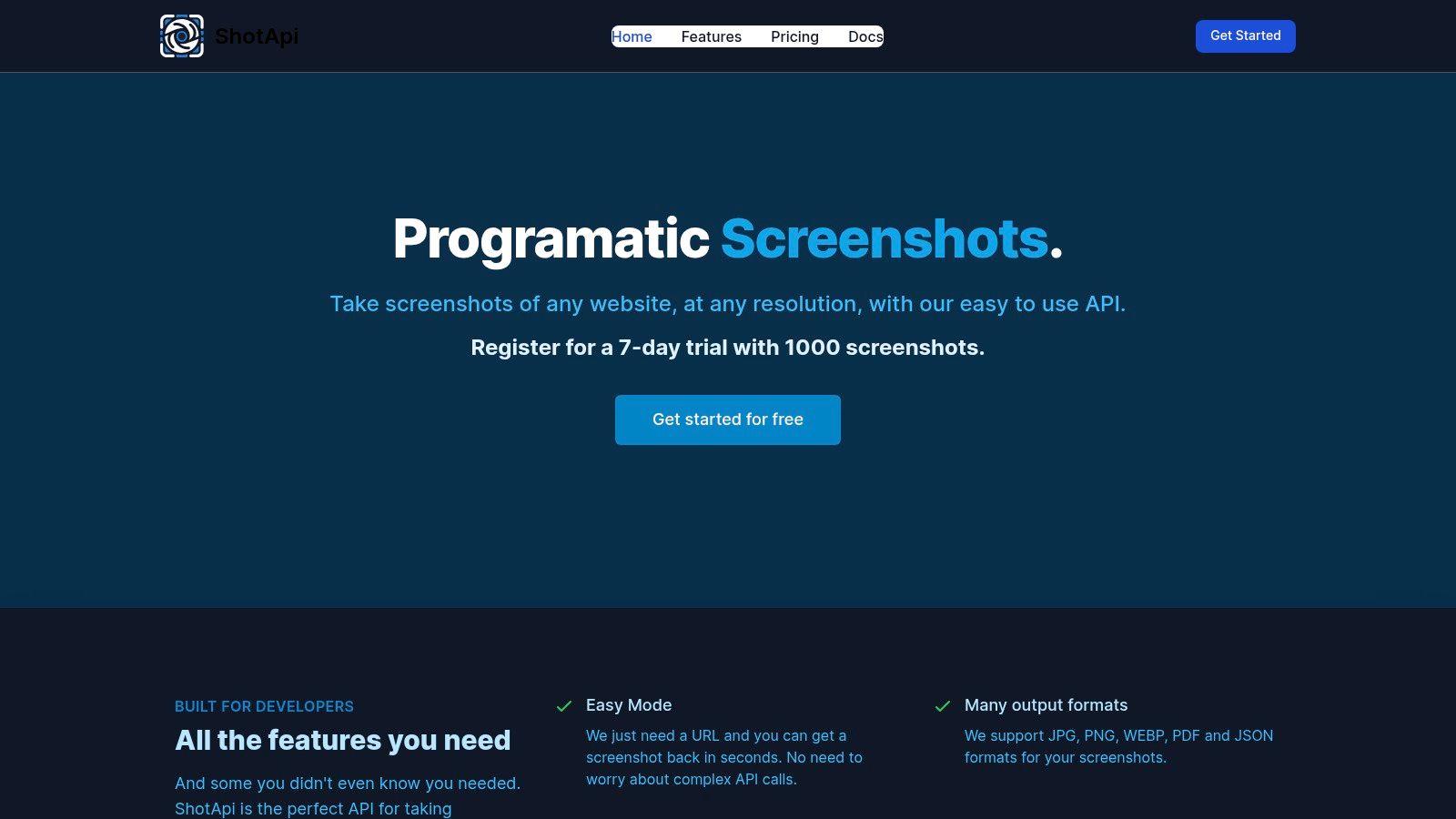
The platform supports a wide array of output formats, including JPG, PNG, WEBP, PDF, and even JSON for structured data extraction. Its features, such as retina support, compression controls, and geo-targeting via proxies, provide a robust toolkit for tasks ranging from marketing automation to visual data collection. The generous 7-day trial with 1,000 API calls allows for thorough testing before commitment.
Key Features & Use Cases
ShotAPI is built for versatility, allowing developers to switch between straightforward and complex requests seamlessly. Its engine handles common frustrations like cookie banners and ads while offering options for capturing content from specific geographic locations.
- Best For: Startups, small to medium-sized businesses, and developers needing a low-cost entry point with scalable features.
- Unique Offering: The "Easy" vs. "Advanced" parameter modes cater to both beginners and expert users, simplifying the learning curve without sacrificing capability.
- Integration: The API is well-documented with clear examples, making it easy to integrate into various applications using standard HTTP requests.
Pricing and Limitations
ShotAPI's aggressive entry-level pricing makes it highly accessible. However, businesses should monitor their usage, as overage costs on lower-tier plans can be relatively high compared to the base subscription fee.
- Pros: Very competitive pricing and a generous trial; supports both simple and advanced use cases effectively.
- Cons: Has a smaller community and fewer third-party integrations compared to more established players; overage fees can add up on lower plans.
Website: https://www.shotapi.com/
10. screenshotlayer
screenshotlayer is a long-running and straightforward URL-to-image API known for its simplicity and accessibility. It positions itself as an efficient tool for basic screenshot needs, offering a generous free tier and fast, CDN-backed image delivery. This makes it a practical choice for small projects, startups, or businesses that need a reliable, no-frills solution without a significant upfront investment.
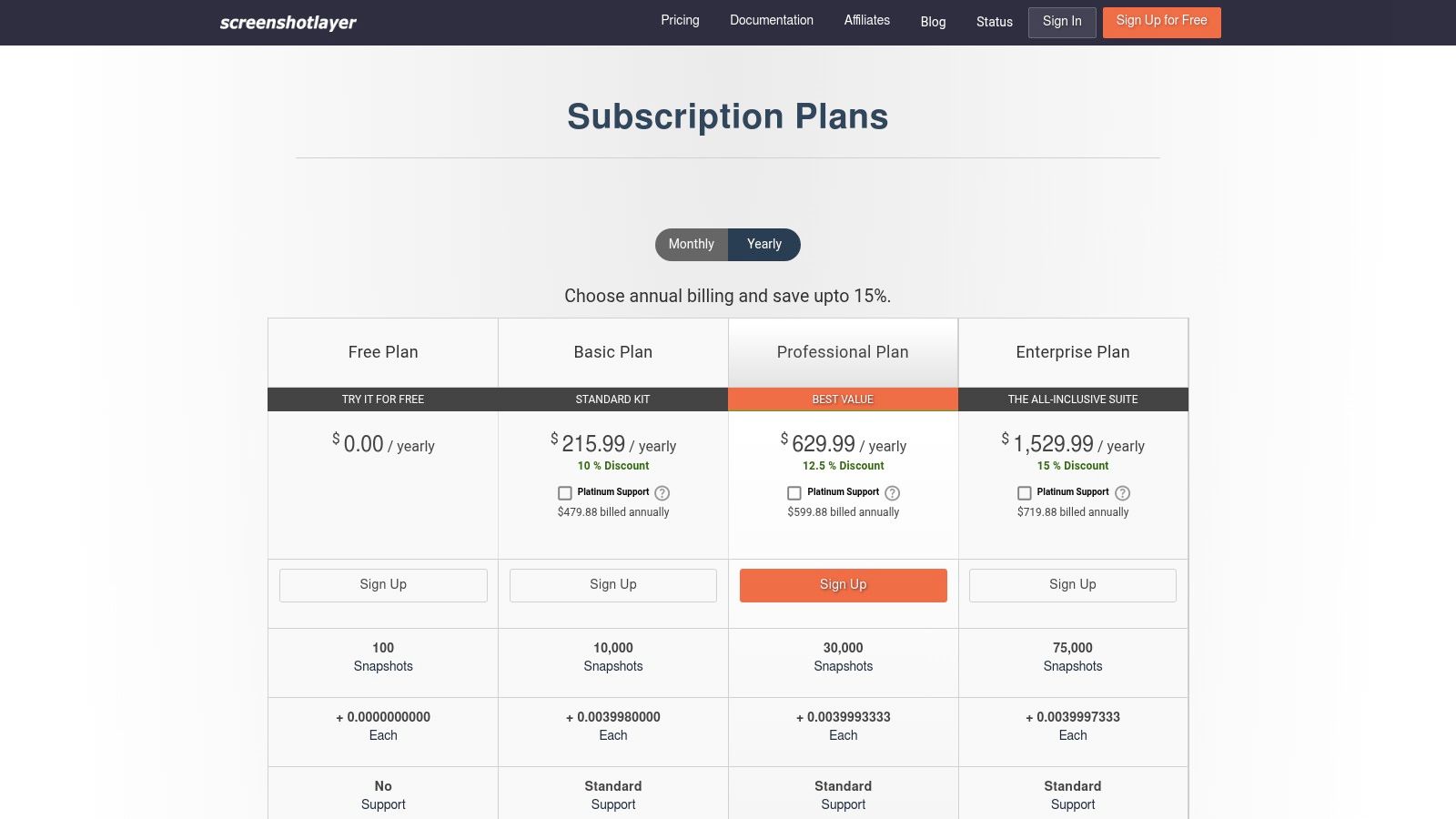
The platform focuses on delivering core functionality effectively, providing developers with essential customization parameters through a simple REST API. It supports full-page captures, custom viewports, and secure HTTPS encryption. For businesses looking for a lightweight option, screenshotlayer is one of the top website screenshot APIs that balances cost-effectiveness with performance.
Key Features & Use Cases
screenshotlayer is designed for quick integration and dependable performance for standard capture tasks. It provides customization options like setting a capture delay or specifying a user agent, while paid tiers unlock higher-quality outputs like 2x retina support and WebP format.
- Best For: Startups, small businesses, and developers needing a free or low-cost solution for basic link previews or website monitoring.
- Unique Offering: Its combination of a functional free plan, CDN-backed delivery for speed, and significant annual discounts makes it highly economical.
- Integration: The API is accessible via a simple URL structure, making it easy to integrate with any programming language or tool capable of making HTTP requests.
Pricing and Limitations
The service is very budget-friendly, starting with a free plan that allows for 100 screenshots per month. Its paid plans are priced with a strong emphasis on annual subscriptions, which offer deep discounts but may be less flexible for users who prefer monthly billing.
- Pros: Generous free tier is perfect for testing and small-scale projects; CDN delivery ensures fast image loading times.
- Cons: Lacks advanced features like element-specific capture or cookie banner blocking; the pricing page can feel cluttered and is heavily skewed toward yearly plans.
Website: https://screenshotlayer.com/pricing?utm_source=openai
11. ScreenshotMAX
ScreenshotMAX is a versatile screenshot API that carves out a niche by offering built-in animated screenshot capabilities alongside standard static captures. This platform is designed for teams that need to capture dynamic user interactions, animations, or video content without complex custom scripting. By bundling static images, video captures, and HTML-to-PDF conversion into one service, it provides a unique, multi-format solution.
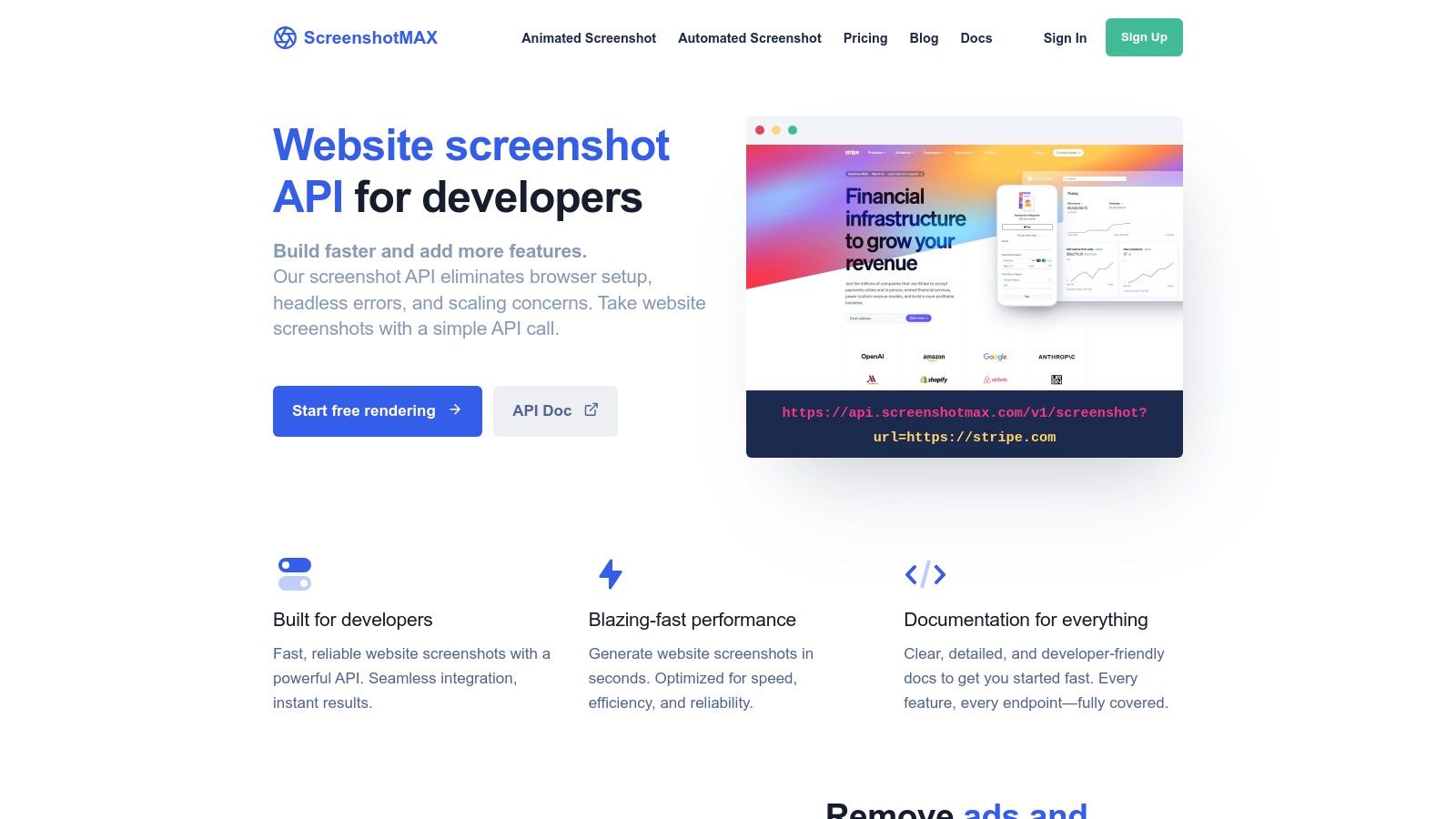
Its ability to generate video outputs like MP4 and WEBM makes it a strong contender among the top website screenshot APIs for businesses focused on quality assurance for interactive elements or creating marketing demos. The API also includes useful features like webhooks for asynchronous processing, signed requests for security, and Zapier integration for no-code workflows.
Key Features & Use Cases
ScreenshotMAX is built for users who require more than just a static image. Its engine supports a wide range of output formats and includes features like stealth mode to bypass bot detection, making it effective for a variety of capture tasks.
- Best For: Quality assurance testing of user interactions, creating animated product demos, and monitoring dynamic web content.
- Unique Offering: The native ability to record animated screenshots (MP4/WEBM) directly through the API is a rare feature that sets it apart.
- Integration: Offers straightforward REST API integration with clear documentation and includes a Zapier app for connecting with hundreds of other services.
Pricing and Limitations
The platform uses a predictable pricing model with defined requests-per-minute (RPM) limits for each tier, which helps in managing costs. However, some of its more advanced features, such as GPU acceleration and specific proxy locations, are reserved for higher-priced plans.
- Pros: All-in-one solution for static images, animated captures, and PDFs; predictable pricing structure.
- Cons: As a newer brand, it has fewer third-party SDKs and community resources; advanced automation features are gated behind premium tiers.
Website: https://screenshotmax.com/api/website-screenshot?utm_source=openai
12. WebSnapAPI
WebSnapAPI is a simple, JSON-first screenshot API designed for deterministic behavior and rapid integration. It revolves around a single GET endpoint that returns an image URL, making it perfectly suited for high-volume workflows where predictability and ease of adoption are critical. This straightforward approach makes it one of the top website screenshot APIs for businesses that need to quickly plug screenshot capabilities into their existing systems.
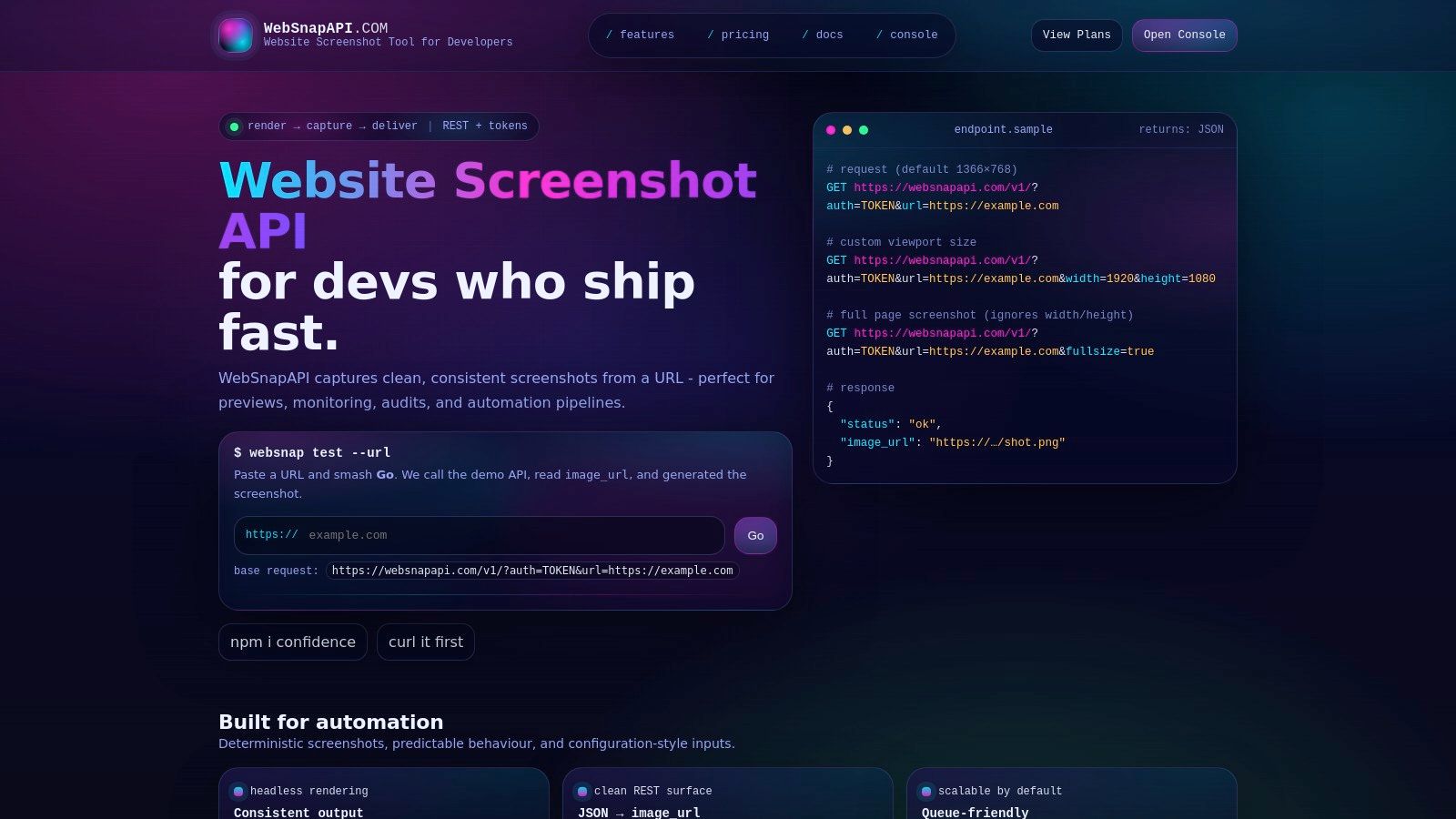
This platform is ideal for tasks like generating link previews in applications, automating visual checks within CI/CD pipelines, or capturing SERP results at scale. Its emphasis on reliability, with available SLA options and direct engineer support, ensures that automated processes run smoothly without interruption. The API provides essential controls like width, height, and full-page mode through simple URL parameters.
Key Features & Use Cases
WebSnapAPI is built for developers who value simplicity and uptime over a vast feature set. Its core strength lies in its predictable, single-endpoint design that can be implemented in minutes.
- Best For: CI/CD pipeline automation, link preview generation, and high-volume, repetitive capture tasks.
- Unique Offering: A strong focus on SLA agreements and direct engineer support for enterprise and automation-heavy customers.
- Integration: The simple GET endpoint requires no complex SDKs and can be integrated with any language or tool capable of making an HTTP request.
Pricing and Limitations
WebSnapAPI's pricing is not publicly listed, requiring direct contact for quotes, especially for larger tiers with SLA requirements. This model is tailored for businesses needing custom plans rather than off-the-shelf packages.
- Pros: Extremely simple to integrate; ideal for pipelines and preview generators; offers high-volume discounts and dedicated support.
- Cons: Pricing is not transparent; lacks more advanced features like specific element capture or video recording found in other APIs.
Website: https://websnapapi.com/?utm_source=openai
Top 12 Website Screenshot APIs — Quick Comparison
| Service | Key features ✨ | Quality ★ | Price/Value 💰 | Target 👥 | Unique selling points ✨ |
|---|---|---|---|---|---|
| 🏆 ScreenshotEngine | REST/SDK, element & full-page, ad/cookie/popup blocking, dark mode, PNG/JPEG/WebP, live API playground | ★★★★★ production-ready, low-latency | 💰 Free tier + pay-as-you-scale; Early 50% off | 👥 Dev teams, QA, SEO, previews, AI data | ✨ Queue-less millisecond renders, auto clutter removal, element capture |
| Urlbox | URL/HTML→image/PDF/video, element/full-page, 100+ rendering options | ★★★★☆ designer-grade, reliable | 💰 Higher entry; discounts & guaranteed credits | 👥 Design QA, large batch jobs, previews | ✨ Fine-grained controls, mature uptime |
| ScreenshotOne | PNG/JPEG/WebP, ad/cookie blocking, caching, S3 upload, location/IP, video (tiers) | ★★★★☆ automation-friendly | 💰 Free 100; pay-only-for-successful-requests | 👥 Mid-market automation & stealth teams | ✨ S3 uploads, signed links, webhooks |
| Browshot | 30+ virtual browsers/devices, S3 upload, credits & subscriptions | ★★★★☆ device-accurate renders | 💰 Credit-based (burst-friendly) | 👥 Device-specific rendering, burst workloads | ✨ Broad device/browser matrix |
| URL2PNG | Full-page & viewport, CSS injection, UA/lang overrides, Fastly CDN | ★★★★☆ stable & simple | 💰 Clear overage; no permanent free tier | 👥 Teams needing CDN-backed simple screenshots | ✨ Fastly CDN delivery, predictable API |
| ScreenshotsCloud | Auto-scaling real browsers, CDN, retina, login-flow support | ★★★★☆ real-browser fidelity | 💰 Generous monthly allocations | 👥 Sustained monthly volumes, logged-in captures | ✨ Real-browser scaling + login support |
| ApiFlash | Chrome-based rendering, serverless (AWS Lambda), full-page/mobile | ★★★★☆ scalable serverless | 💰 Pricing not prominent publicly | 👥 Teams wanting Chrome-on-serverless bursts | ✨ Lambda-based scalable Chrome renders |
| ScreenshotAPI.com | High-res output, ad/cookie/chat blocking, single-endpoint simplicity | ★★★☆☆ budget/basic | 💰 Very low per-shot; free tier | 👥 High-volume cost-sensitive users | ✨ Lowest unit costs with clutter blocking |
| ShotAPI | JPG/PNG/WEBP/PDF/JSON, retina, location/proxy, Easy/Advanced modes | ★★★★☆ flexible outputs | 💰 Aggressive entry pricing; trial (1,000 shots) | 👥 Devs needing simple→advanced flows | ✨ Multi-format (PDF/JSON) + Easy/Advanced modes |
| screenshotlayer | Custom params, WebP, 2x retina, HTTPS + CDN delivery | ★★★☆☆ simple & long-running | 💰 Free plan; annual discounts | 👥 Small projects, prototypes | ✨ Simple API with CDN and annual pricing options |
| ScreenshotMAX | Static + animated (WEBM/MP4), HTML→PDF, scraping, webhooks | ★★★★☆ animation-capable | 💰 Predictable tiers with RPM limits | 👥 Teams needing animated interaction captures | ✨ Built-in animated screenshots + HTML export |
| WebSnapAPI | Single GET → image_url (JSON), full-page, deterministic routing | ★★★★☆ predictable/SLA options | 💰 Contact for pricing; high-volume discounts | 👥 CI/CD, preview generators, automation | ✨ Deterministic behavior + direct engineer support |
Making Your Final Choice: Which Screenshot API Wins?
Navigating the landscape of the top website screenshot APIs for your business can feel overwhelming. After diving deep into twelve of the leading solutions, from established players like Urlbox to specialized tools like Browshot and newcomers like ShotAPI, a clear picture emerges. Your final decision hinges on a careful evaluation of four critical pillars: performance, feature depth, developer experience, and total cost of ownership.
The journey through these APIs has revealed a diverse market. Some tools excel at raw volume and affordability, making them suitable for less critical, high-frequency tasks. Others provide an almost overwhelming level of control, appealing to enterprise teams with highly specific rendering requirements.
Key Takeaways and Decision Factors
As you weigh your options, reflect on the core insights from our analysis. We've seen that not all "full-page" screenshots are created equal, with some APIs struggling with lazy-loaded content. We've also learned that seemingly minor features, like integrated ad and cookie banner blocking, can save countless hours of development and post-processing work.
To make an informed choice, consider these pivotal questions:
- What is your primary use case? Are you building a visual regression testing pipeline where pixel-perfect accuracy is non-negotiable? Or are you creating marketing assets where speed and clean, professional-looking outputs are more important? Your answer will guide whether you need advanced features like specific element capture or just reliable, fast URL-to-image conversion.
- How critical is rendering speed? For user-facing applications, such as generating on-the-fly social media previews, every millisecond counts. In these scenarios, a queue-less, low-latency architecture is essential. For asynchronous, background tasks like archival, a slightly slower, queued system might be acceptable.
- What is your team's technical capacity? A straightforward, well-documented API with intuitive parameters drastically reduces implementation time. Conversely, a complex API with numerous options might offer more power but requires a steeper learning curve and more maintenance overhead.
- What is your true budget? Look beyond the sticker price of the lowest tier. Analyze the cost per screenshot at your expected volume and consider the "hidden costs" of developer time spent dealing with unreliable service, inconsistent rendering, or clunky workarounds for missing features.
A Recommendation for Modern Business Needs
While many tools on our list are competent, one stood out by providing the most balanced and forward-thinking package for the majority of modern business applications. For basic, high-volume needs, a budget-friendly option like ScreenshotAPI.com remains a viable choice. For deep, granular control in an enterprise setting, Urlbox is a proven and powerful contender.
However, for teams that need to move fast without sacrificing quality, ScreenshotEngine offers a compelling advantage. Its core differentiators are not just flashy features, but fundamental architectural choices that directly address common pain points. The queue-less, ultra-fast rendering engine delivers near-instantaneous results, while the developer-first approach ensures implementation is a breeze.
Crucially, features like automatic ad/cookie banner blocking and precise element capture are not just afterthoughts; they are built into the core service. This design philosophy means you get production-ready, clean visuals with a single, simple API call. When you combine this with a generous free tier for testing, transparent pricing that scales predictably, and a commitment to active development, ScreenshotEngine emerges as the strongest all-around choice. It provides the power, reliability, and ease of use that modern development, marketing, and QA teams demand.
Ready to experience the difference a truly developer-focused API can make? ScreenshotEngine is built from the ground up to deliver the fastest, cleanest, and most reliable website screenshots for your business. Start building for free today and see how effortless automated visual content creation can be by visiting ScreenshotEngine.