You've crafted the perfect article, product page, or event announcement, but when it's shared on social media, it falls flat. The link preview is a jumbled mess, a poorly cropped logo, or worse, just a blank gray box. This common problem silently sabotages click-through rates, undermines brand credibility, and wastes your content creation efforts. The culprit is almost always a missing or poorly optimized Open Graph (OG) image, the visual handshake between your website and social platforms like Facebook, X (formerly Twitter), LinkedIn, and Slack.
This guide provides a comprehensive gallery of effective open graph image examples to fix this. We won't just show you pretty pictures; we'll break down the strategic design choices, technical specifications, and automation tactics behind each one. You'll see real-world examples from leading brands, complete with actionable takeaways you can apply immediately to your own projects. We'll explore everything from dynamic, data-driven images for articles to stunning, on-brand templates for products and events.
For each example, we'll analyze what makes it work and provide insights into the tools and techniques used to create it, including programmatic generation with services like ScreenshotEngine and Vercel, or template-based creation with platforms like Kapwing and Envato. Beyond just the design, technical details like file format can have a significant impact; understanding a detailed PNG vs JPG comparison for web performance is crucial for balancing visual quality with fast load times. This listicle is your blueprint for creating compelling, high-performing social media previews that drive engagement and accurately represent your brand every time a link is shared.
1. ScreenshotEngine
For teams aiming to automate the creation of dynamic, high-fidelity Open Graph images, ScreenshotEngine stands out as a powerful, developer-centric solution. Unlike static image templates, this API generates real-time visual previews of web content, ensuring that social shares and link previews are always accurate and up-to-date. It's an indispensable tool for platforms with user-generated content, news sites with frequently updated articles, or e-commerce stores where product pages change regularly.
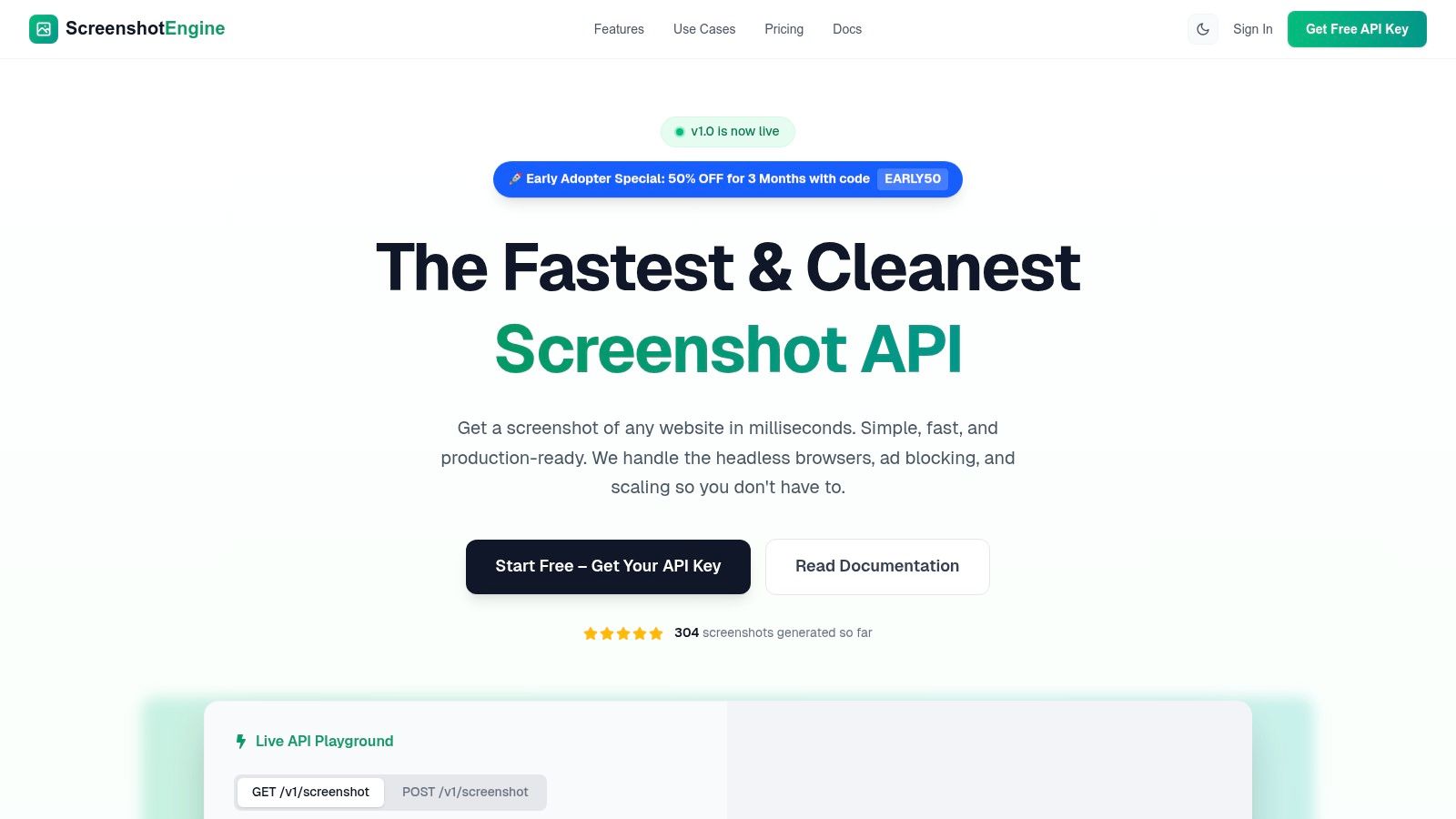
The platform is engineered for performance and reliability, delivering clean screenshots in milliseconds. This speed is critical for generating og:image tags on the fly without introducing latency. Its queue-less architecture and automatic blocking of ads, cookie banners, and popups mean the resulting images are uncluttered and professional, perfectly suited for public-facing previews. This focus on clean output is a significant advantage over generic browser automation tools that often require complex configurations to achieve similar results.
Strategic Analysis: Why It Excels for Open Graph Automation
ScreenshotEngine's strength lies in its specialized feature set, which is precisely tuned for creating excellent open graph image examples programmatically. The ability to target specific elements using CSS selectors is a game-changer. Instead of a generic full-page screenshot, developers can capture a specific chart, product image, or article headline component, creating a focused and compelling preview image.
Key Insight: Dynamic
og:imagegeneration builds user trust and increases click-through rates. By providing an accurate visual snapshot of the linked content, you eliminate the disconnect between the preview and the destination page, leading to a more satisfying user experience.
Furthermore, the API's support for native dark-mode emulation allows platforms to serve og:image content that matches user preferences, a subtle but impactful touch for brand consistency. The service also provides clear documentation and a live API playground, significantly lowering the barrier to entry for developers looking to integrate this functionality quickly.
Key Features and Capabilities
| Feature | Description | Strategic Benefit for OG Images |
|---|---|---|
| Element Capture | Captures a specific portion of a webpage using a CSS selector (e.g., #main-chart, .product-hero). |
Creates highly relevant and focused previews instead of generic, full-page screenshots. |
| Ad & Popup Blocking | Automatically removes ads, cookie banners, and other distracting overlays from the final image. | Ensures a clean, professional, and on-brand appearance for all shared links. |
| Ultra-Fast Rendering | A queue-less architecture returns screenshots in milliseconds, ideal for real-time generation. | Avoids performance bottlenecks, allowing og:image tags to be generated on-demand per request. |
| Custom Watermarking | Programmatically adds text-based watermarks (e.g., brand name, date) directly onto the captured image. | Reinforces brand identity and can be used to add context or calls-to-action to the preview. |
| Developer-First Tools | Includes SDKs for major languages (Node.js, Python, C#), a live playground, and transparent API status. | Simplifies integration, reduces development time, and provides confidence in service reliability. |
Practical Application and Takeaways
To implement ScreenshotEngine for your og:image tags, a backend service can be set up to call the API whenever a new page is published or an existing one is updated. The resulting image URL can then be dynamically inserted into the page's <meta property="og:image" content="..."> tag.
- For News Articles: Capture the headline, author byline, and hero image as a single element.
- For E-Commerce Products: Automatically generate an image of the product photo, title, and price.
- For Dashboards: Create shareable previews of specific charts or data visualizations.
This automation is especially valuable in contexts like ad-tech, where visual verification is paramount. To fully grasp the purpose and methodology behind visual representations for campaigns, exploring what are ad screenshots or tear sheets and how to capture them for digital ad campaigns is essential.
Access and Pricing
ScreenshotEngine offers a developer-friendly pricing model. There is a free tier that doesn't require a credit card, making it easy to test the API and integrate it into a project. Paid plans scale based on usage, offering a cost-effective solution for high-volume needs. They are currently running an Early Adopter promotion: use code EARLY50 for a 50% discount for the first three months.
- Pros: Extremely fast, produces clean images by default, flexible capture options (full-page, element), excellent developer tools, and transparent pricing with a free tier.
- Cons: Not a full browser-automation platform for complex, multi-step user interactions. Advanced export formats like PDF and video are planned but not yet available.
Website: https://www.screenshotengine.com
2. Vercel — OG Image Generation
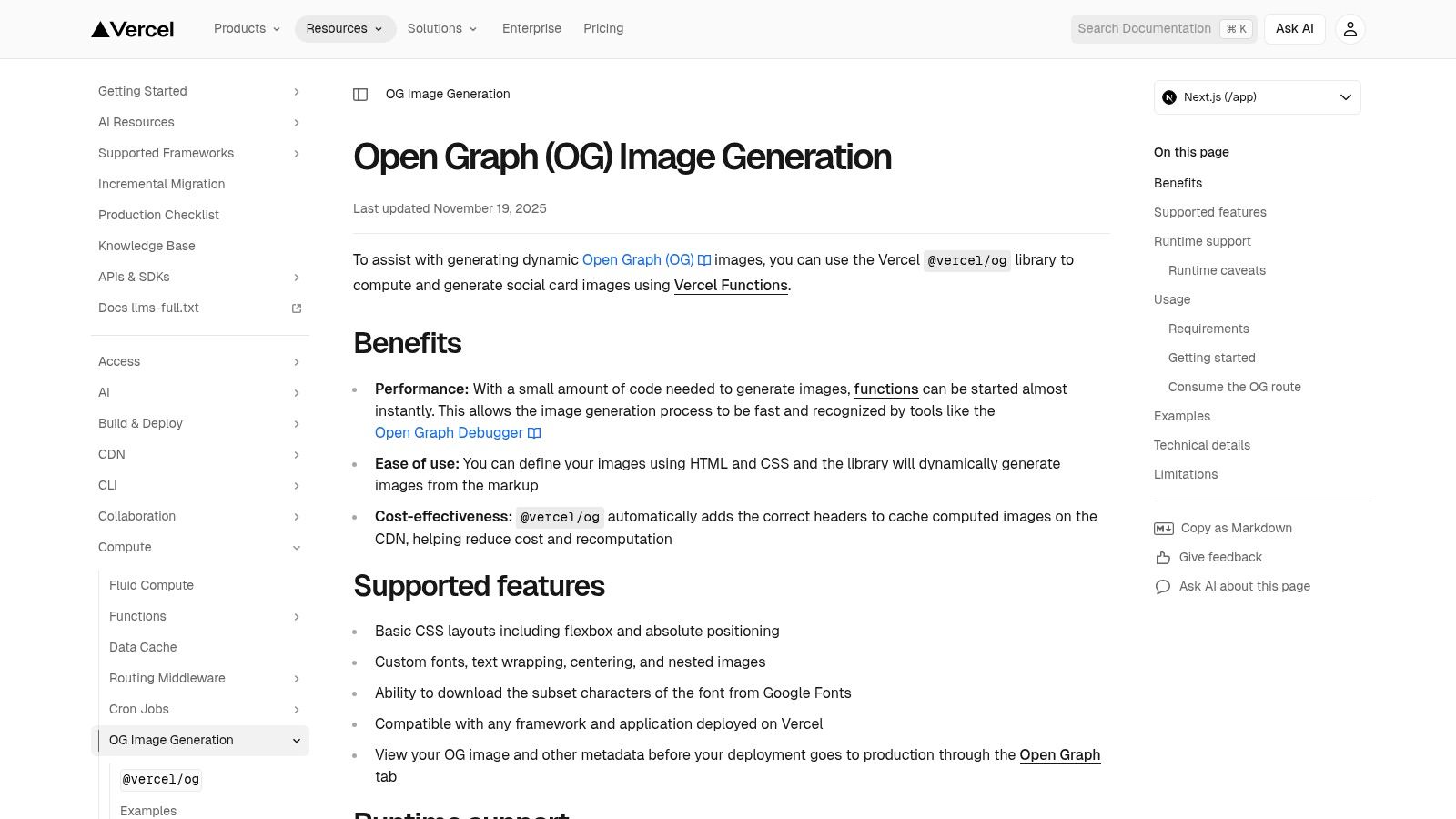
Vercel's OG Image Generation documentation is less of a single example and more of a powerful, developer-centric toolkit for creating dynamic Open Graph images programmatically. Instead of static templates, it offers a code-first approach, allowing developers to generate unique OG images on the fly for every page, blog post, or product in an application. This is a game-changer for sites with large amounts of user-generated or database-driven content.
The core of Vercel’s offering is @vercel/og, a library that converts familiar JSX and HTML/CSS into a PNG image. This means developers can design OG images using components and logic they already know, pulling in dynamic data like article titles, author names, or product details directly into the image at request time. This is one of the best open graph image examples for showcasing automation and scalability.
Strategic Analysis
Vercel's approach transforms OG images from a static marketing asset into a dynamic, integrated part of the application. This strategy is ideal for platforms where manual image creation is impossible, such as social networks, e-commerce stores with thousands of products, or blogs with a high publishing velocity. The images are generated and cached at the edge, ensuring they load quickly for social media crawlers without bogging down server resources.
Key Takeaway: By treating OG images as code, you can version-control them, reuse components, and apply brand consistency across thousands of unique pages automatically. This reduces manual design work to zero for new content.
Actionable Insights & How to Replicate It
Replicating this requires a developer-focused workflow. The Vercel docs provide ready-to-use API route examples primarily for Next.js, but the underlying libraries (Satori and Resvg) can be used in other environments.
- Setup: Install the
@vercel/oglibrary and create a dedicated API endpoint (e.g.,api/og) to handle image generation requests. - Design with Code: Use JSX/HTML and a subset of CSS (primarily Flexbox) to structure your image template. You can pass dynamic data like titles or author images via URL query parameters.
- Font and Asset Handling: You can load custom fonts and embed external images directly into your template, allowing for rich, on-brand designs.
- Automation at Scale: For those looking to generate visuals beyond just OG images, exploring a dedicated screenshot API service can provide more robust browser rendering capabilities for complex layouts or entire page captures.
Website: Vercel OG Image Generation Docs
| Feature | Details |
|---|---|
| Technology | JSX/HTML/CSS to PNG via @vercel/og, Satori, and Resvg. |
| Best For | Developers, high-volume content sites, Next.js applications, programmatic marketing. |
| Pricing | Included in Vercel's hosting plans. Free tier includes a generous amount of Edge Function executions. |
| Limitation | Limited CSS support (e.g., no Grid layout) and package size restrictions. Requires a Vercel-hosted environment for optimal performance. |
3. Cloudinary — Social Media Cards
Cloudinary offers a powerful, URL-based approach to generating dynamic Open Graph images, backed by its mature media transformation engine and global CDN. Rather than generating images at request time on your server, Cloudinary builds them on the fly via URL parameters. This makes it an incredibly versatile solution for developers who need advanced control over overlays, text, effects, and image delivery without managing the generation infrastructure themselves.
The core concept involves creating a base image template and then using Cloudinary’s transformation URLs to dynamically add layers of text, user avatars, or product photos. SDKs like next-cloudinary simplify this process with helpers like CldOgImage, which translate component props into a correctly formatted URL. This method provides one of the most flexible open graph image examples for teams that need granular control over image composition and reliable, fast delivery.
Strategic Analysis
Cloudinary's strategy positions OG images as a feature of a larger digital asset management (DAM) platform. This is ideal for applications that already manage a large library of images, as you can reuse existing assets and apply consistent branding and transformations programmatically. By offloading image generation and delivery to Cloudinary's specialized infrastructure, developers can focus on application logic while ensuring social cards are performant and visually rich. The URL-driven approach also simplifies debugging, as the image's final appearance is dictated entirely by the parameters in the URL string.
Key Takeaway: Using a media transformation service like Cloudinary decouples OG image generation from your application's compute resources. This allows for complex image manipulations and guarantees fast delivery via a CDN, which is critical for social media crawler performance.
Actionable Insights & How to Replicate It
Implementing Cloudinary's dynamic OG images is straightforward, especially when using their framework-specific SDKs. The documentation provides clear tutorials for Next.js and Astro.
- Setup: Sign up for a Cloudinary account (a free tier is available) and install the relevant SDK for your framework (e.g.,
next-cloudinary). Configure your Cloudinary cloud name and API keys. - Create a Base Template: Upload a background image or template to your Cloudinary media library. This will serve as the canvas for your dynamic content.
- Add Dynamic Overlays: Use Cloudinary's transformation parameters to add text overlays. You can control the font, size, color, position, and even apply effects. The text content can be passed dynamically from your page data.
- Automate Visuals: For scenarios requiring more than just text and image overlays, such as capturing a specific browser state, exploring options for automated website screenshots can provide a complementary way to generate base images before applying Cloudinary transformations.
Website: Cloudinary Social Media Cards Tutorial
| Feature | Details |
|---|---|
| Technology | URL-based image transformations, dedicated SDKs (Next.js, Astro), global CDN. |
| Best For | Applications already using a DAM, teams needing advanced image effects, high-traffic sites. |
| Pricing | Free tier available. Paid plans are based on a credit system for transformations, storage, and bandwidth. |
| Limitation | Credit-based quotas require monitoring to avoid unexpected costs. Setup can vary significantly depending on the tech stack. |
4. Bannerbear — Auto-Generate Open Graph Images via API
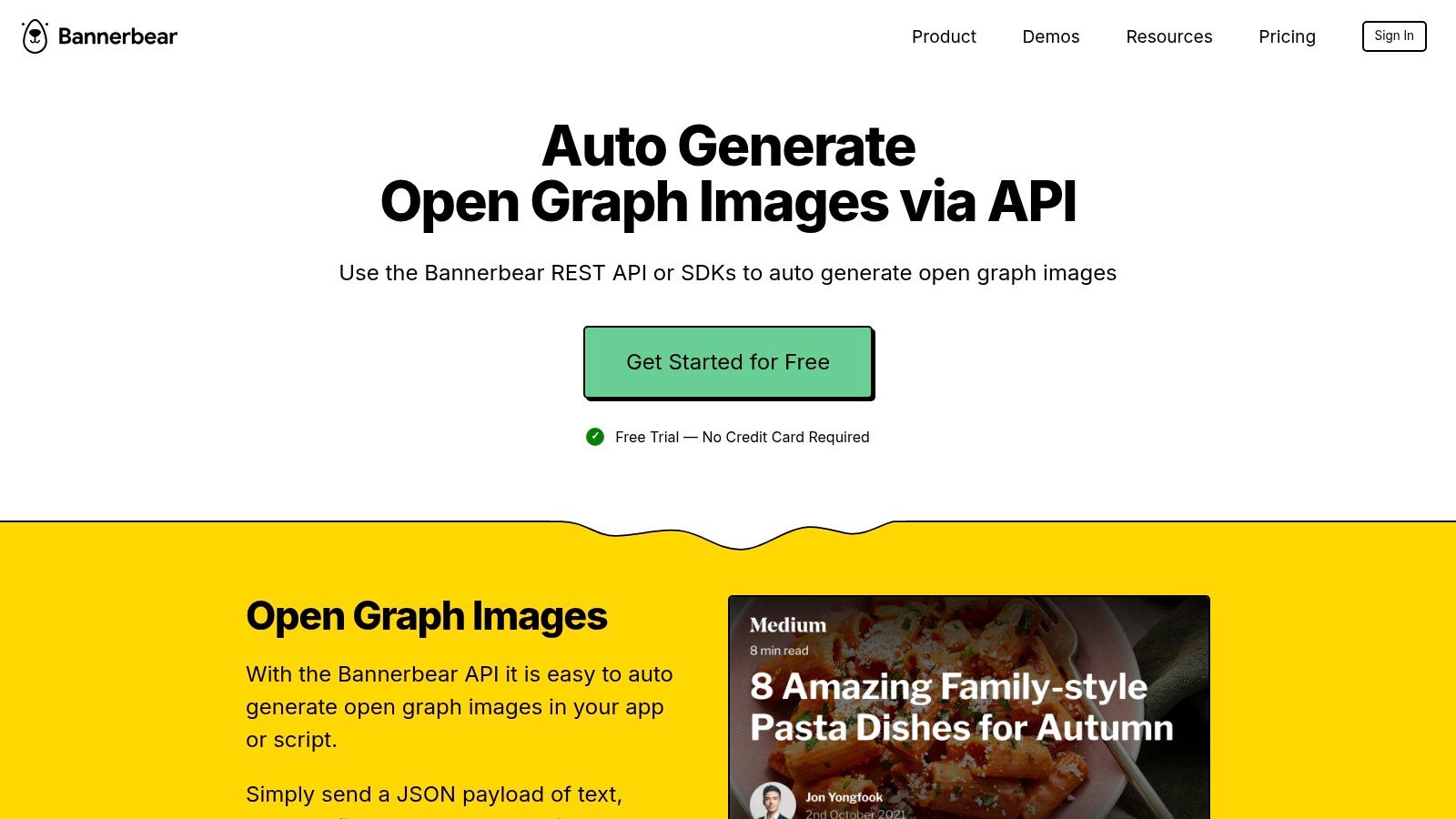
Bannerbear is a dedicated API service designed to automate the creation of social media images, videos, and, critically, Open Graph images. It bridges the gap between design and development by offering a visual template editor where non-technical team members can create sophisticated designs. Developers can then populate these templates programmatically by sending data to the Bannerbear API. This approach is perfect for marketing teams who need design control without writing code, and developers who need a reliable, scalable generation service.
The platform's strength lies in its "design once, generate infinitely" model. You create a template in the editor, defining layers for text, images, and other elements. Each layer is API-addressable, meaning you can dynamically insert a blog post title, author photo, or product image with a single API call. This makes it one of the most accessible and powerful open graph image examples for teams that include both developers and marketers.
Strategic Analysis
Bannerbear's strategy centers on separating the design process from the engineering implementation. This empowers content and marketing teams to create and update OG image templates directly, freeing up developer time. The inclusion of no-code integrations with platforms like Zapier, Make, and Airtable further democratizes the process, allowing for fully automated workflows without writing a single line of code. For example, a new row in an Airtable base could trigger the creation of a new, perfectly branded OG image.
Key Takeaway: By decoupling design from code, you enable faster marketing iteration and reduce engineering bottlenecks. A visual editor with an API backend provides the ideal balance of creative freedom and technical scalability.
Actionable Insights & How to Replicate It
Implementing a Bannerbear-powered workflow is straightforward, whether you're using code or no-code tools. The key is to start with a well-structured template.
- Design a Template: Use the Bannerbear visual editor to create your OG image layout. Define dynamic layers for text (e.g.,
title,author) and images (e.g.,feature_image). Features like auto text resizing are crucial for handling titles of varying lengths gracefully. - Integrate via API: Use one of the official SDKs (Ruby, Node, Python, PHP) or a simple REST API call to send data to your template. The API returns a URL to the generated image, which you can then place in your
og:imagemeta tag. - Leverage No-Code: For simpler sites or marketing campaigns, connect your CMS (like WordPress via their plugin tutorial) or a tool like Airtable to Bannerbear using Zapier or Make. Set up a trigger (e.g., "New Post Published") to automatically generate and assign the OG image.
- Manage Generation: Bannerbear offers both synchronous and asynchronous generation. For web performance, use async generation with webhooks to create the image in the background and update the meta tag once it's ready.
Website: Bannerbear - Auto-Generate Open Graph Images via API
| Feature | Details |
|---|---|
| Technology | Visual template editor with a REST API, official SDKs, and no-code integrations. |
| Best For | Teams with developers and marketers, agencies, content creators, no-code automations. |
| Pricing | Paid SaaS model based on API credits. Plans start from a monthly subscription with a free trial available. |
| Limitation | As a paid SaaS, costs can scale with usage. It's less flexible than a pure code-based solution like @vercel/og for highly bespoke logic. |
5. Envato Elements — Subscription Library of Social/OG-Sized Templates
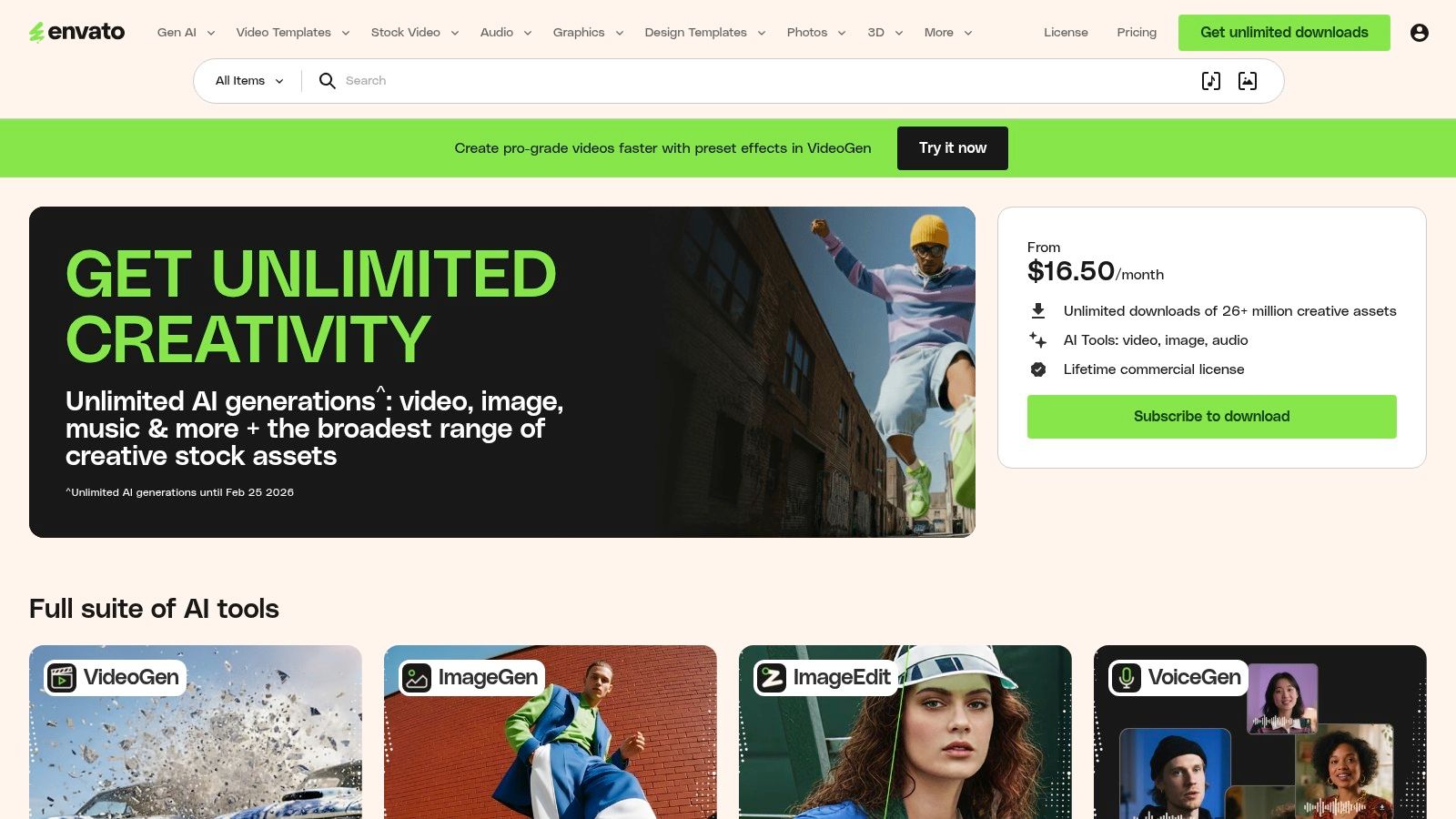
Envato Elements offers a different approach for teams that want high-quality, professionally designed Open Graph images without a programmatic setup. It's a massive subscription-based library with millions of creative assets, including thousands of editable social media templates. Many of these templates are conveniently pre-sized for common OG dimensions like 1200×630 pixels, providing a fast track to creating visually compelling share previews. This is perfect for marketers, social media managers, and designers who need a constant stream of fresh, on-brand visuals.
Unlike automated tools, Envato Elements focuses on providing a vast repository of source files (for Photoshop, Illustrator, etc.) that can be customized manually. This gives teams ultimate creative control over the final output, allowing them to A/B test different visual styles, messaging, and layouts to see what resonates best with their audience. It's one of the best open graph image examples for showcasing how to leverage a template library for consistent yet varied content creation.
Strategic Analysis
The core strategy behind using Envato Elements is to achieve high design quality and variety at scale without needing an in-house design team for every single asset. The subscription model encourages experimentation; since downloads are unlimited, teams can test dozens of templates for a single campaign to find the most effective design. This approach is ideal for content-heavy marketing strategies where each blog post, event, or product announcement needs a unique, eye-catching image to maximize social media engagement and click-through rates.
Key Takeaway: An asset library subscription decouples design from content creation, allowing marketing teams to quickly produce high-quality OG images by modifying existing templates, significantly speeding up publishing workflows.
Actionable Insights & How to Replicate It
Replicating this strategy is straightforward and centers on integrating the library into your existing content workflow.
- Establish a Workflow: Use Envato's search and filtering tools to find templates that match your brand's aesthetic. Look for "social media packs" or "Facebook post templates" that often include 1200×630 dimensions.
- Create a Brand Kit: Download a selection of preferred templates and create a "brand kit" by customizing them with your logos, fonts, and color palette. This ensures consistency across all future OG images.
- Systemize Customization: Train your content or marketing team on how to use a simple design tool (like Canva or Photoshop) to update the text and background images of these pre-branded templates for each new piece of content.
- Optimize Your Designs: For those looking to create a baseline design from scratch, it's crucial to understand the foundational elements of a great Open Graph template before you start customizing.
Website: Envato Elements
| Feature | Details |
|---|---|
| Technology | Editable template files (PSD, AI, FIG) for design software. |
| Best For | Marketing teams, content creators, designers, agencies needing high-volume, diverse creative assets. |
| Pricing | Subscription-based, starting from $16.50/month for individuals, with team and enterprise plans available. |
| Limitation | Requires manual customization in a separate design tool; not an automated solution. The sheer volume can be overwhelming to navigate. |
6. Creative Market — One-off Purchases for Social/OG Templates
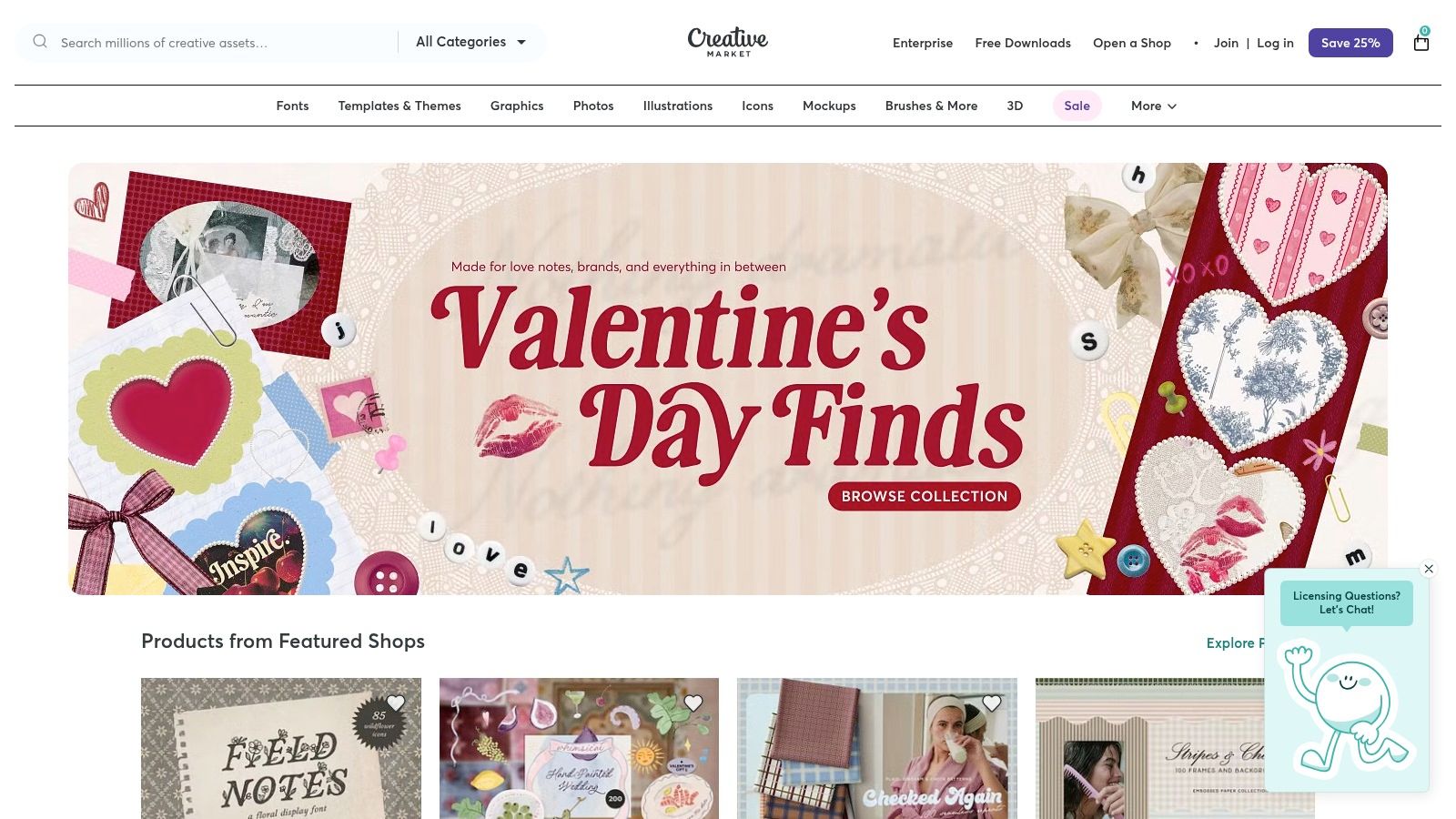
For those who need high-quality designs without a recurring subscription, Creative Market offers a vast marketplace of one-off templates. It's a goldmine for finding professionally designed social media and Open Graph templates from a wide variety of independent creators. Instead of a monthly fee, you purchase individual assets, which is ideal for one-off projects or for building a library of diverse visual styles.
Many sellers on Creative Market specifically include OG-friendly dimensions like 1200x630 pixels in their social media template packs. You can find templates compatible with Photoshop, Illustrator, and increasingly, Canva, providing flexibility for different workflows. This approach is one of the best open graph image examples for teams who prefer hands-on design customization using industry-standard tools.
Strategic Analysis
Creative Market's model decouples design from subscriptions, empowering users to own their assets outright. This is a strategic choice for businesses and freelancers who have fluctuating design needs and want to avoid another recurring expense. The key advantage is aesthetic diversity; you can source templates from different designers to match specific campaigns, products, or blog post topics without being locked into a single platform's style.
The primary trade-off is the lack of automation. These are static files that require manual editing for each new piece of content. However, for a marketing team focused on high-impact, custom-designed visuals for key landing pages or announcements, this hands-on approach provides maximum creative control.
Key Takeaway: Owning your templates provides long-term value and creative freedom. You can build a permanent, curated asset library that serves your brand across different campaigns without dependency on a SaaS tool.
Actionable Insights & How to Replicate It
Leveraging Creative Market effectively means being a smart shopper and integrating the templates into your content workflow.
- Filter and Search: Use specific keywords like "Facebook Link Post," "1200x630," or "OG Image Template" when searching. Always check the file specifications on the product page to confirm dimensions and compatible software (PSD, AI, Canva).
- Establish a Workflow: Once you purchase a template, create a "master" copy. For each new blog post or page, duplicate the master, update the text and images, and export it as your new OG image.
- Check Licensing: Pay close attention to the license type (Personal, Commercial, or Extended Commercial) to ensure it covers your intended use case, especially for marketing and promotional activities.
- Streamline Your Process: For teams without design software, look for sellers who provide Canva links. This allows non-designers to easily edit and export professional-looking OG images directly in their browser.
Website: Creative Market
| Feature | Details |
|---|---|
| Technology | Design files for Adobe Photoshop (PSD), Illustrator (AI), and Canva. |
| Best For | Marketers, designers, and small businesses wanting to purchase and own design assets without a subscription. |
| Pricing | Pay-per-item. Prices vary widely depending on the template's complexity and the seller. |
| Limitation | Manual process requiring design software or Canva. Quality and file organization can be inconsistent between sellers. |
7. Kapwing — 1200×630 OG Image Template (Editor + Templates)
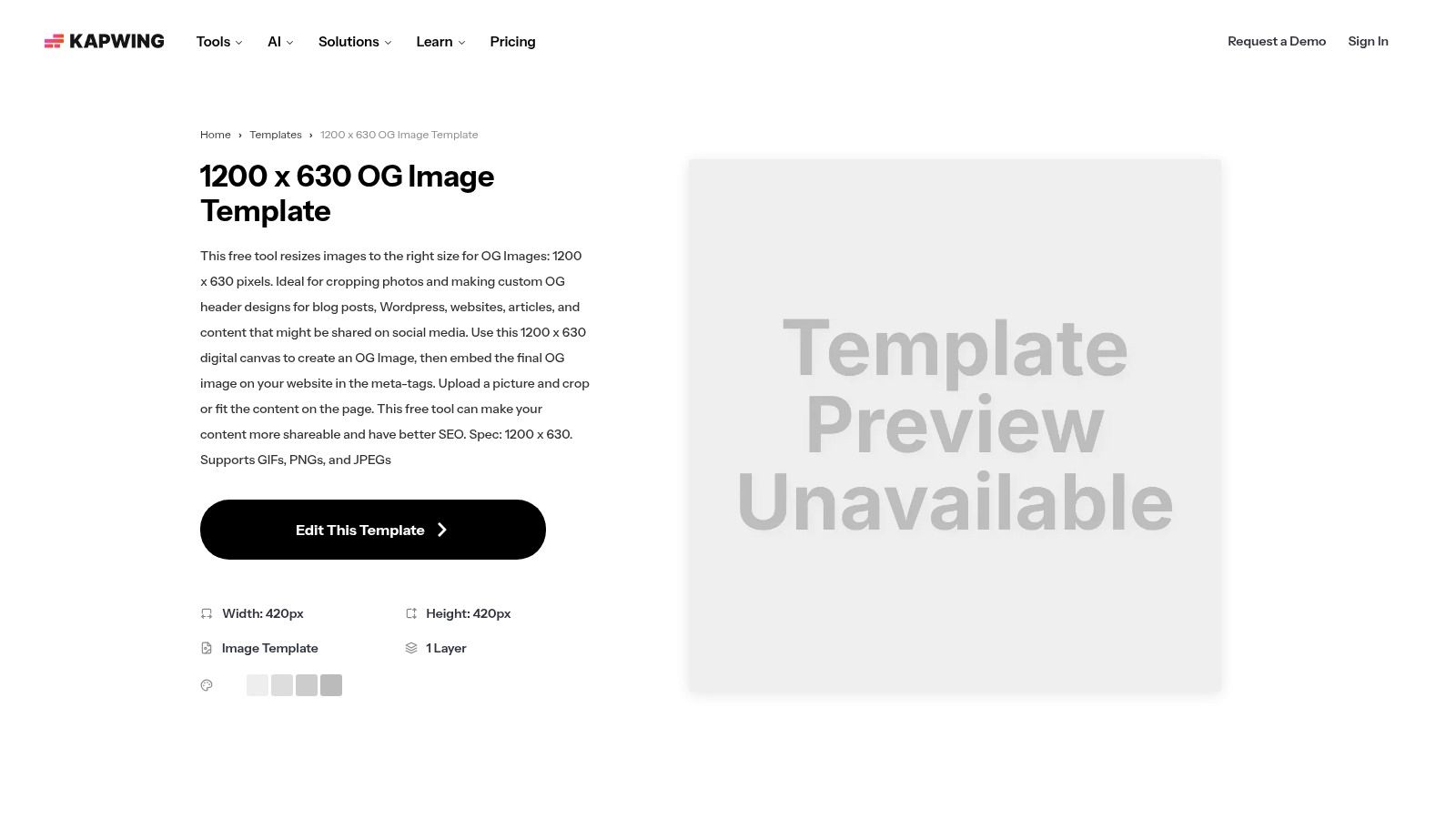
Kapwing offers a different approach from code-heavy solutions, providing a user-friendly, browser-based editor specifically for creating Open Graph images. It presents a pre-sized 1200×630 canvas, which is the standard aspect ratio, allowing marketers, content creators, and developers to quickly design and export compliant OG images without needing specialized design software like Photoshop or Figma. This tool is built for speed and accessibility, bridging the gap between an idea and a finished social media preview.
The platform's strength lies in its simplicity. Users can start with a blank canvas or a template and use a drag-and-drop interface to add text, upload logos, access a library of stock assets, and apply basic branding. This makes it an excellent choice for one-off projects, small teams, or anyone needing a high-quality OG image without a complex, programmatic workflow. It is one of the most accessible open graph image examples for non-designers.
Strategic Analysis
Kapwing's strategy centers on lowering the barrier to entry for creating custom, branded OG images. By providing a dedicated, pre-configured template, it removes the guesswork and technical hurdles associated with image dimensions, file types, and aspect ratios. This focus on a streamlined, manual workflow is ideal for static pages like a homepage, an "About Us" page, or major landing pages where a single, carefully crafted image is more impactful than a dynamically generated one.
Key Takeaway: A simple, template-driven online editor empowers anyone on a team to create on-brand social previews quickly, ensuring brand consistency without relying on dedicated design or development resources.
Actionable Insights & How to Replicate It
Replicating the Kapwing workflow means prioritizing speed and ease of use for manual OG image creation. This is less about code and more about establishing an efficient design process.
- Establish a Base Template: Use Kapwing to create a foundational OG image template for your brand. Include your logo, brand colors, and a designated space for the page title and a background image.
- Duplicate and Customize: For each new page or article, duplicate this master template. Swap out the title text and background image to reflect the specific content. This process should take only a few minutes.
- Asset Management: Keep a folder of approved brand assets (logos, icons, fonts) ready to upload to maintain consistency across all manually created images.
- Check for Watermarks: If using the free plan, be mindful that exports will include a Kapwing watermark. For professional use, upgrading to a paid plan is necessary for clean, unbranded visuals.
Website: Kapwing OG Image Template
| Feature | Details |
|---|---|
| Technology | Cloud-based, drag-and-drop image editor with templates. |
| Best For | Marketers, content creators, small teams, static websites, non-designers needing fast results. |
| Pricing | Free tier available with a watermark and export limitations. Paid Pro plans remove watermarks and add features. |
| Limitation | Manual process, not scalable for dynamic or high-volume content. Free version includes a watermark. |
7 Open Graph Image Tools Compared
| Solution | Implementation Complexity 🔄 | Resource / Hosting ⚡ | Expected Quality & Impact ⭐📊 | Ideal Use Cases 💡 | Key Advantages |
|---|---|---|---|---|---|
| ScreenshotEngine | 🔄 Low — single endpoint + SDKs | ⚡ Minimal — hosted, scalable API; free tier | ⭐⭐⭐⭐ — production-ready, uncluttered screenshots; high throughput 📊 | Visual regression, SEO/preview tracking, data/AI training, compliance | Blazing-fast queue-less rendering; auto-block ads/cookies/popups; element capture; PNG/JPEG/WebP |
| Vercel — OG Image Generation | 🔄 Moderate — code-first (JSX/HTML) and deploy | ⚡ Requires deployment/hosting (edge-capable); CDN caching | ⭐⭐⭐ — highly customizable programmatic OG images 📊 | Next.js apps and dynamic on-the-fly OG tied to app data | Code-driven templates (Satori+Resvg); deep Next.js integration; example patterns |
| Cloudinary — Social Media Cards | 🔄 Low–Moderate — URL-driven helpers, SDKs | ⚡ CDN-backed transformations; needs account and quota monitoring | ⭐⭐⭐ — scalable delivery with rich transformations 📊 | URL-driven dynamic images, overlays, font control, large-scale delivery | Mature CDN + transformation pipeline; one-line OG helpers; framework guides |
| Bannerbear — API + Visual Editor | 🔄 Low — visual template editor plus API/SDKs | ⚡ SaaS API with sync/async rendering, webhooks; paid credits | ⭐⭐⭐ — purpose-built OG generation for teams and automations 📊 | Design→API workflows, no-code automations (Zapier/Make), WordPress integrations | Visual template editor with API-addressable layers; webhooks; many no-code integrations |
| Envato Elements — Template Library | 🔄 Low — browse/download templates; requires editor | ⚡ Subscription-based library; no hosting needed | ⭐⭐ — large variety for many designs; ideal for A/B testing 📊 | Teams needing many design variations, frequent asset creation | Huge asset library; unlimited downloads under commercial license |
| Creative Market — One-off Templates | 🔄 Low — purchase and edit in your design tool | ⚡ Pay-per-item marketplace; no hosting | ⭐⭐ — variable quality; good for one-off buys and niche styles 📊 | One-off purchases, designers who prefer buying templates | Pay-per-item ownership; diverse file formats (PSD/AI/Canva) |
| Kapwing — 1200×630 Editor | 🔄 Very Low — in-browser drag-and-drop editor | ⚡ Cloud editor; free tier (watermark); Pro for full exports | ⭐⭐⭐ — fast prototyping, compliant OG outputs 📊 | Non-designers or small teams creating single OG images quickly | Pre-sized 1200×630 canvas; stock assets; fast browser-based editing |
From Examples to Execution: Your OG Image Strategy Checklist
We've journeyed through a comprehensive gallery of powerful open graph image examples, dissecting everything from dynamic product showcases and compelling article headlines to engaging event promotions and video thumbnails. Moving beyond mere aesthetics, we've uncovered the strategic thinking that transforms a simple social card into a high-performance click-through driver. The key takeaway is clear: an OG image is not just a decorative element; it's a critical piece of your digital marketing and user experience infrastructure.
The examples from brands like GitHub, The Verge, and Stripe demonstrate that a one-size-fits-all approach is no longer sufficient. The most effective strategies tailor OG images to the specific content they represent. An e-commerce product needs to show the item clearly, while a blog post must leverage a strong, legible headline to capture attention in a crowded feed. This level of customization, once a manual and time-consuming task, is now achievable at scale through automation.
Synthesizing the Key Takeaways
To distill our analysis into actionable insights, let's revisit the core principles that defined the best open graph image examples we explored:
- Context is King: The most successful OG images provide immediate context. They tell the user what to expect, whether it's an in-depth article, a product for sale, or a video to watch. This clarity reduces friction and encourages qualified clicks.
- Brand Consistency Matters: Your OG image is an extension of your brand. Consistent use of logos, color palettes, and typography ensures brand recognition and builds trust, even before a user lands on your site.
- Automation Unlocks Potential: Manually creating a unique OG image for every single page is impractical. The true power lies in programmatic generation, using tools to dynamically insert titles, author photos, or product images into a well-designed template. This ensures every shareable link is perfectly branded and optimized.
- Test and Iterate: Social media platforms evolve. What works today might not work tomorrow. Regularly audit how your links appear on major platforms like LinkedIn, X (formerly Twitter), Facebook, and Slack. Use their official validator tools to debug and preview your images before a campaign goes live.
Choosing Your Toolkit: From Templates to APIs
The tools we've covered cater to a spectrum of needs, from designers seeking creative templates to developers building fully automated systems. Your ideal solution depends on your team's resources, technical expertise, and desired level of scalability.
- For designers and marketers needing quick, high-quality visuals: Platforms like Envato Elements, Creative Market, and Kapwing offer a wealth of pre-made templates. These are perfect for one-off campaigns, social media posts, or teams without dedicated development resources. The primary focus here is manual creation with a strong design foundation.
- For developers seeking automated, scalable solutions: This is where API-driven tools shine. Vercel's OG Image Generation, Cloudinary, and Bannerbear provide robust frameworks for creating dynamic images on the fly. These are ideal for blogs, e-commerce stores, and platforms with large volumes of user-generated content.
- For ultimate control and direct capture: A tool like ScreenshotEngine offers a different, yet powerful, approach. Instead of generating an image from a template, it programmatically captures a high-fidelity screenshot of a live webpage or a specific HTML element. This is invaluable for creating OG images that are a true representation of the destination page, perfect for dashboards, visual content, or when you need pixel-perfect accuracy.
Implementing these strategies is an investment in every single link you share. By moving from passive default images to active, purpose-built social cards, you are taking direct control of your brand's first impression across the web. The next time someone shares a link to your content, you'll be confident it’s putting its best foot forward, armed with a visually compelling and strategically sound Open Graph image.
Ready to automate your Open Graph image creation with pixel-perfect precision? ScreenshotEngine provides a powerful API to capture high-resolution screenshots of any URL or HTML, giving you complete control over your social previews. Start turning your web content into stunning, shareable OG images by visiting ScreenshotEngine to explore the API and begin your free trial.