Capturing a website isn't just about hitting a button. It's about getting clean, accurate, and often automated visuals for testing, monitoring, or content. The standard print screen command often falls short, failing to capture full pages or dynamic elements cleanly. This guide moves beyond the basics to explore 12 distinct methods for getting a perfect, free website screenshot, balancing manual control with programmatic power.
We'll cover everything from built-in browser developer tools and open-source libraries like Puppeteer to dedicated APIs that handle the heavy lifting of rendering and capture. For developers looking to elevate their screenshot game beyond basic functions, understanding the nuances of capturing high-quality images is crucial. You can find more advanced techniques and insights on how to take a web page screenshot like a pro in this detailed guide.
We will also introduce ScreenshotEngine’s new free website screenshot tool, designed for creating polished mockups with custom backgrounds, watermarks, and professional styling in seconds. Whether you need a simple one-off capture for a presentation or a robust, automated workflow for visual regression testing, this list will help you find the ideal solution. Each option includes a direct link and practical analysis to help you make an informed choice.
1. ScreenshotEngine
ScreenshotEngine establishes itself as a premier, developer-first solution for generating programmatic website screenshots. Its core strength lies in a highly optimized, queue-less rendering pipeline that delivers captures in milliseconds, making it a powerful engine for high-velocity tasks like automated testing, real-time monitoring, and dynamic social media preview generation. It is engineered for developers who require speed, reliability, and pristine output without the overhead of managing headless browser infrastructure.
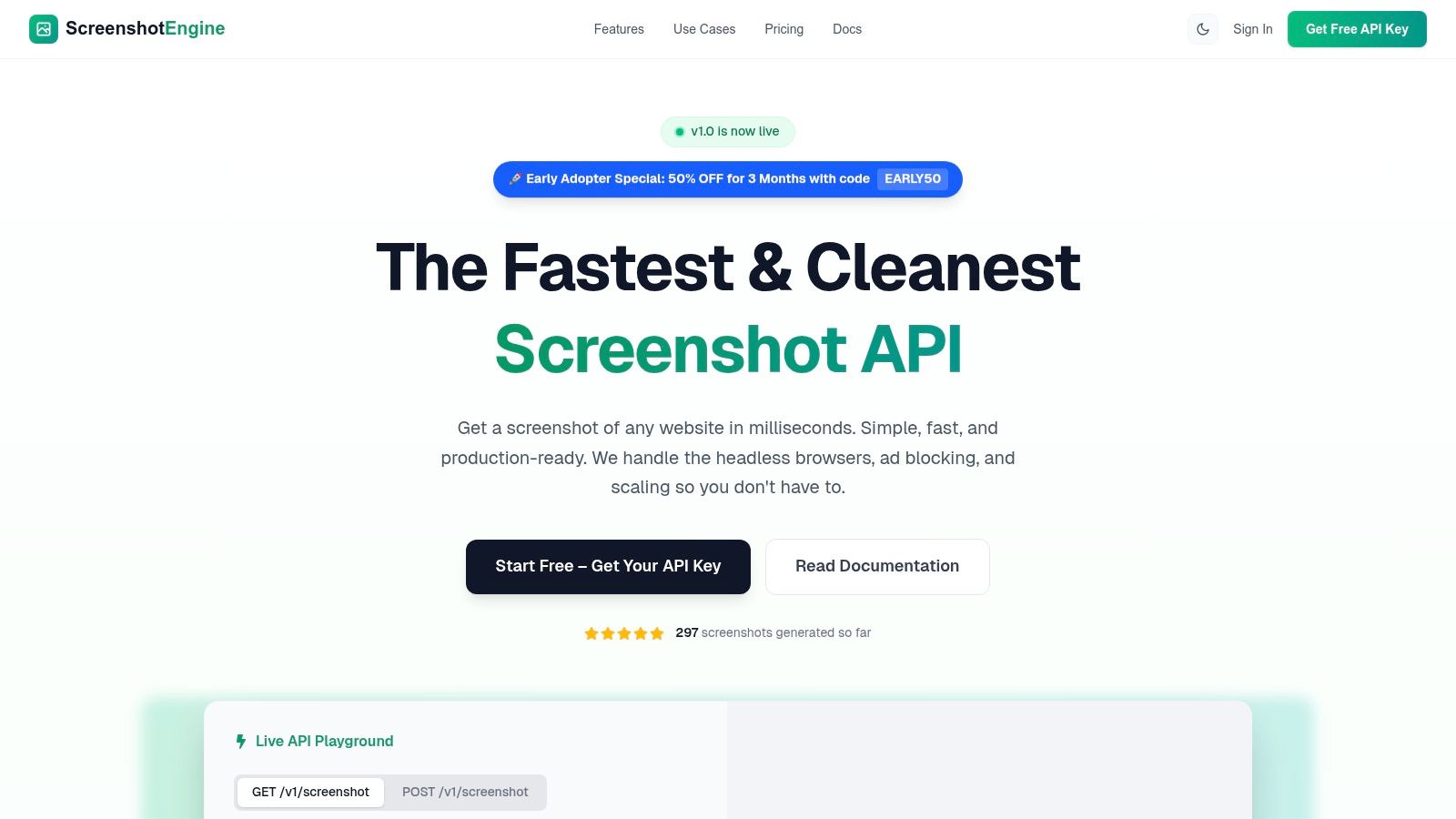
What sets ScreenshotEngine apart is its focus on producing clean, production-ready images directly from the API. The service automatically handles and blocks common web annoyances like cookie banners, advertisements, and popups. This ensures that every screenshot, whether it's a full-page capture or a targeted element defined by a CSS selector, is uncluttered and accurately represents the core content. This is invaluable for use cases like visual regression testing, competitor analysis, and website archival where visual noise can compromise data quality.
Free Manual Screenshot Tool
Beyond its powerful API, ScreenshotEngine also provides an impressive free website screenshot tool for manual captures. This browser-based utility is perfect for creating polished, presentation-ready mockups and visuals without writing a single line of code.
Key features of the free tool include:
- Custom Backgrounds: Choose from beautiful nature wallpapers, gradient backgrounds, or solid colors. Add blur effects to make your screenshots stand out on any platform.
- Professional Styling: Add custom padding, rounded corners, shadows, borders with a color picker, and macOS-style browser window controls to create stunning mockups.
- Custom Watermarks: Add your own watermark with customizable text, position (9 options), colors, font size, padding, and opacity to brand your screenshots.
- High-Quality Export: Export your screenshots in PNG or JPEG format at 2x resolution for crystal-clear images perfect for presentations, social media, or portfolios.
Key API Features & Considerations
- Precision and Flexibility: Capture full pages, specific viewports, or individual UI components using CSS selectors. Output formats include PNG, JPEG, and WebP, with options for dark-mode rendering.
- Developer-Centric Design: Integration is streamlined with a simple REST endpoint, clear documentation, SDK-friendly examples (cURL, Node.js, Python), and a live API playground for rapid testing.
- Pricing and Access: The service operates on a transparent pricing model that includes a generous free tier, allowing developers to get started without a credit card. An early-adopter promotion (
EARLY50) also offers a significant discount for new users. - Limitations: The platform is a cloud-based service with no advertised on-premise or self-hosted option. Teams with stringent data residency requirements should confirm compliance.
Website: https://www.screenshotengine.com
2. ScreenshotMachine
ScreenshotMachine is a long-standing and reliable website screenshot API that provides a simple web tool alongside its core service. It has built a reputation for uptime and predictable performance, making it a solid choice for projects requiring consistent, automated captures. The platform stands out by offering a genuinely free monthly allowance, not just a limited trial, which is perfect for developers testing an integration or for personal projects with low-volume needs.
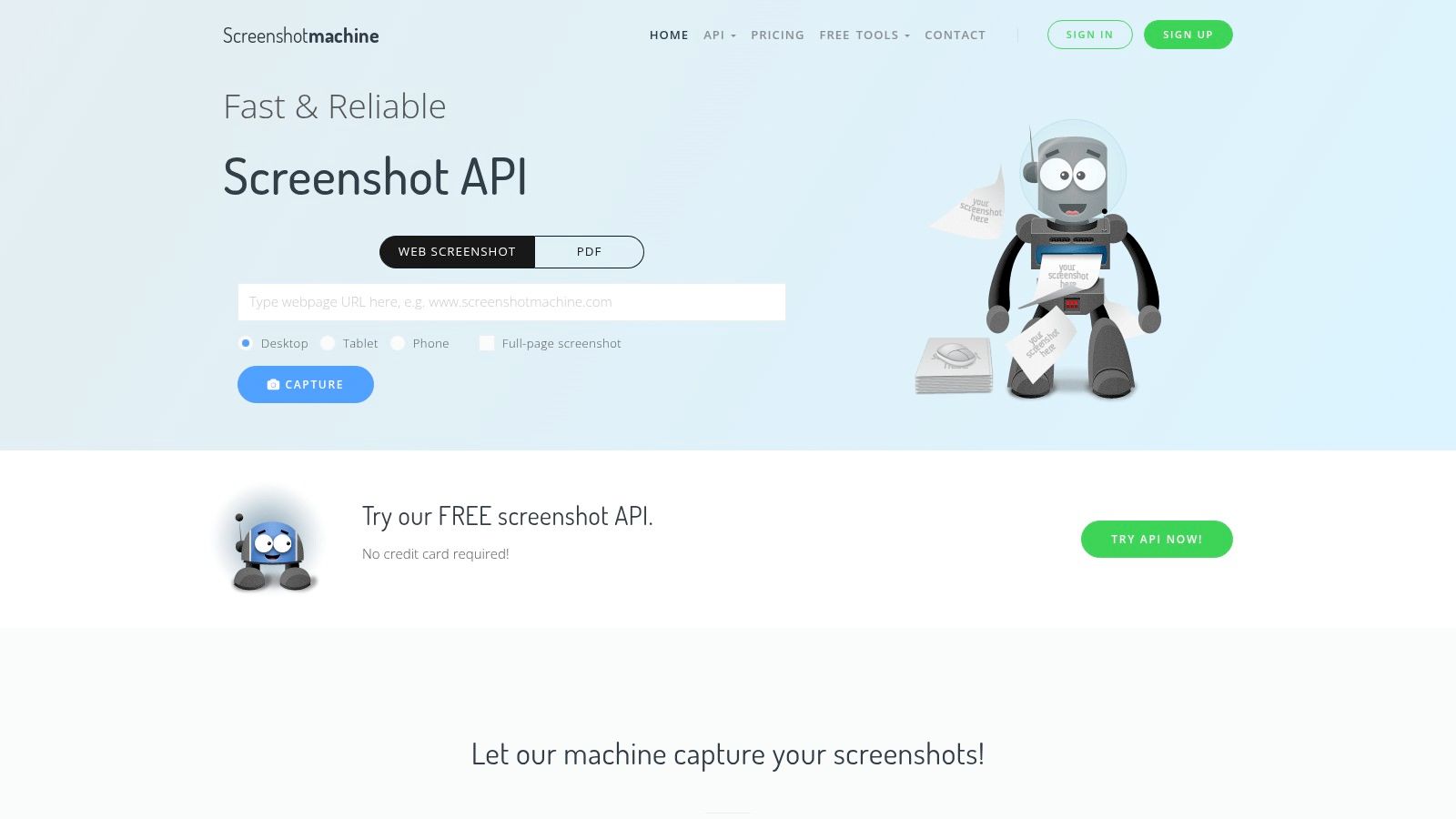
Unlike newer tools such as ScreenshotEngine that focus on advanced styling like custom backgrounds and professional mockups, ScreenshotMachine prioritizes straightforward, functional API-driven captures. Its free plan includes 100 fresh screenshots per month, meaning requests for recently captured URLs don't count against your quota for 14 days. This caching feature is a key differentiator, rewarding efficient use. The service supports full-page captures, various output formats (PNG, JPG, PDF), and allows hot-linking, making it a pragmatic tool for generating link previews, archiving web pages, or light automation tasks where reliability is more critical than aesthetic customization.
Key Features and Limitations
- Free Tier: 100 fresh API captures per month.
- Outputs: Supports PNG, JPG, GIF, and PDF formats.
- Caching: A 14-day cache means repeat captures of the same URL are free.
- Reliability: Boasts a 99.99% uptime SLA, valuable for production environments.
While its free volume is low and it lacks advanced stealth or anti-bot features found in more modern competitors, its simplicity and dependability make it a worthy contender for straightforward free website screenshot automation.
3. Thum.io
Thum.io is a real-time screenshot API engineered for speed, specializing in generating fast-loading thumbnails and website previews. Its standout feature is a unique progressive streaming approach that delivers an initial, low-quality image almost instantly, which then refines into a full-resolution capture. This makes it ideal for applications like link preview galleries or directories where perceived performance is critical. The platform offers a generous free tier that doesn't even require an account, allowing developers to start testing and integrating immediately.
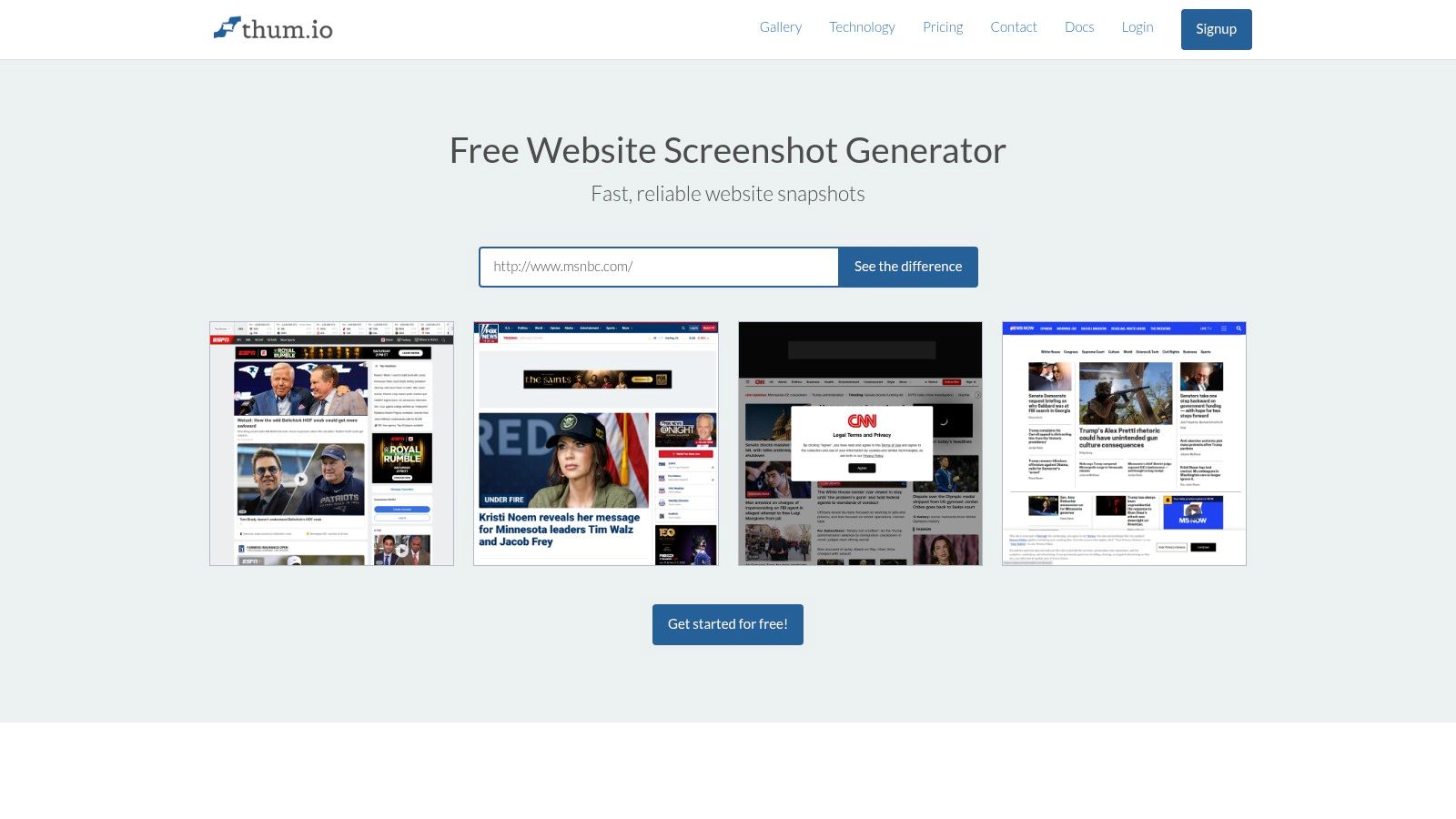
Unlike tools like ScreenshotEngine which offer extensive post-processing like custom backgrounds and watermarks, Thum.io focuses on the core task of rapid image generation. Its free plan provides 1,000 impressions per month, perfect for lightweight projects or prototyping. The API supports full-page captures with adjustable width, viewport, and cropping parameters, making it a flexible choice for generating functional thumbnails. While its feature set is strictly image-focused without PDF support, its "zero-friction" startup and emphasis on speed make it a powerful tool for anyone needing a quick, no-signup free website screenshot service.
Key Features and Limitations
- Free Tier: 1,000 impressions per month without signup.
- Progressive Streaming: Delivers an "animated initial render" for extremely fast perceived load times.
- Outputs: Focused on image formats (PNG, JPG) for web previews.
- Simplicity: No account needed to start using the free service via URL parameters.
While it lacks advanced styling options and its impression-based pricing may be unfamiliar, Thum.io's impressive speed and barrier-free entry make it an excellent choice for performance-sensitive applications.
4. ApiFlash
ApiFlash is a developer-centric screenshot API from the team behind the popular web scraping service, ScrapingBee. It is engineered for automation and integration, providing a robust solution for developers who need a reliable, API-first approach to capturing web pages. The platform is built with practical use cases in mind, offering features that directly address common challenges like visual noise from ads and pop-ups, making it an excellent choice for generating clean, consistent captures for archival or monitoring purposes.
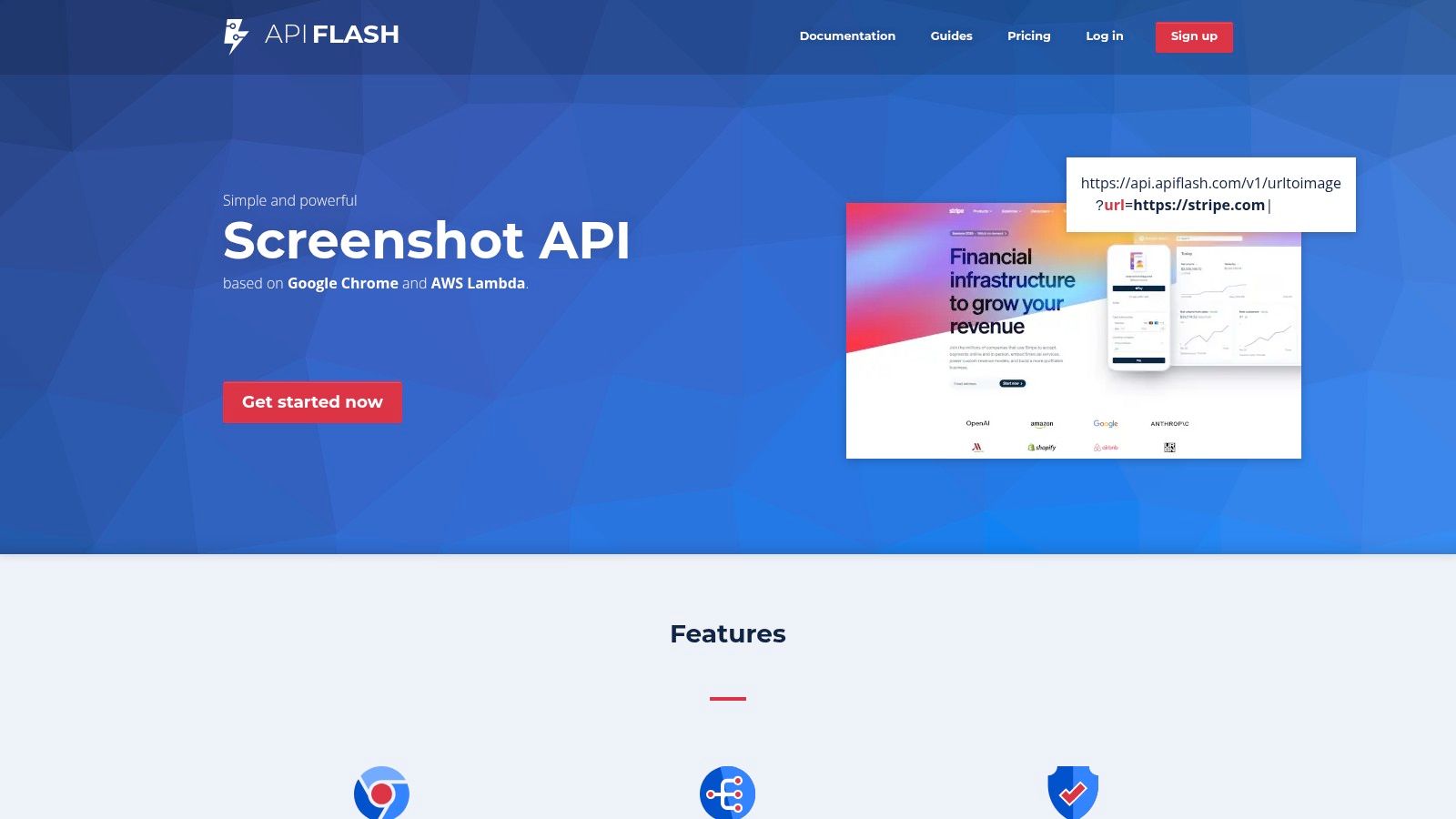
While tools like ScreenshotEngine's free utility excel at creating stylized mockups with custom backgrounds and watermarks, ApiFlash focuses on the functional quality of the raw capture. Its free plan provides 100 screenshots per month and includes powerful parameters to automatically hide cookie banners and block ads, ensuring the final image is uncluttered. The service supports full-page and mobile viewport captures, S3 bucket integration for streamlined storage, and premium options for geo-targeted captures using managed proxies. This makes it a strong contender for any project needing a free website screenshot API with a clear upgrade path.
Key Features and Limitations
- Free Tier: 100 API captures per month.
- Outputs: Supports PNG, JPEG, and WebP formats.
- Anti-Noise: Built-in ad blocking and cookie banner hiding.
- Integration: Direct export to Amazon S3 buckets.
Although it’s primarily an API with a minimal GUI for non-developers, its credible vendor and useful cleaning features make it a top choice for automated tasks where capture fidelity is key.
5. ScreenshotOne
ScreenshotOne is a modern API designed for developers who need more than just static images, offering PDF and even video rendering. Its platform is built for robust automation with features like signed links for security and direct S3 uploads to streamline workflows. The service provides a generous trial of 100 screenshots, allowing full access to its features, making it ideal for teams testing advanced integrations or requiring capabilities beyond a simple capture.
While free tools like ScreenshotEngine focus on creating visually polished mockups with custom backgrounds and professional styling, ScreenshotOne prioritizes powerful backend functionality. It excels at handling difficult websites with built-in ad and cookie banner blocking, IP location selection, and a stealth mode to avoid detection. Its pay-only-for-successful-requests model and webhook support for Zapier and Make integrations make it a cost-effective and highly connectable choice for demanding automation tasks, such as capturing scrolling user journeys or converting entire HTML pages to high-fidelity PDFs.
Key Features and Limitations
- Free Tier: 100 free captures to test all features.
- Outputs: Supports image, PDF, and video formats.
- Advanced Features: Includes stealth mode, IP rotation, and scrolling captures.
- Integrations: Offers webhooks and native support for Zapier and Make.
Although it is a newer brand and gates its most advanced features like GPU rendering to higher-tier plans, ScreenshotOne’s powerful, developer-centric toolkit makes it a strong option for anyone needing a flexible free website screenshot solution that can scale.
6. ScreenshotAPI.net
ScreenshotAPI.net is an API-first service tailored for developers who need a simple, cost-effective way to integrate automated captures into their applications. It focuses on providing a straightforward URL-to-image or PDF service with clear, predictable pricing, making it an excellent starting point for prototypes, small production apps, or projects where budget is a key consideration. Its developer-centric approach prioritizes core functionality like high-resolution outputs and modern image formats over elaborate mockup features.
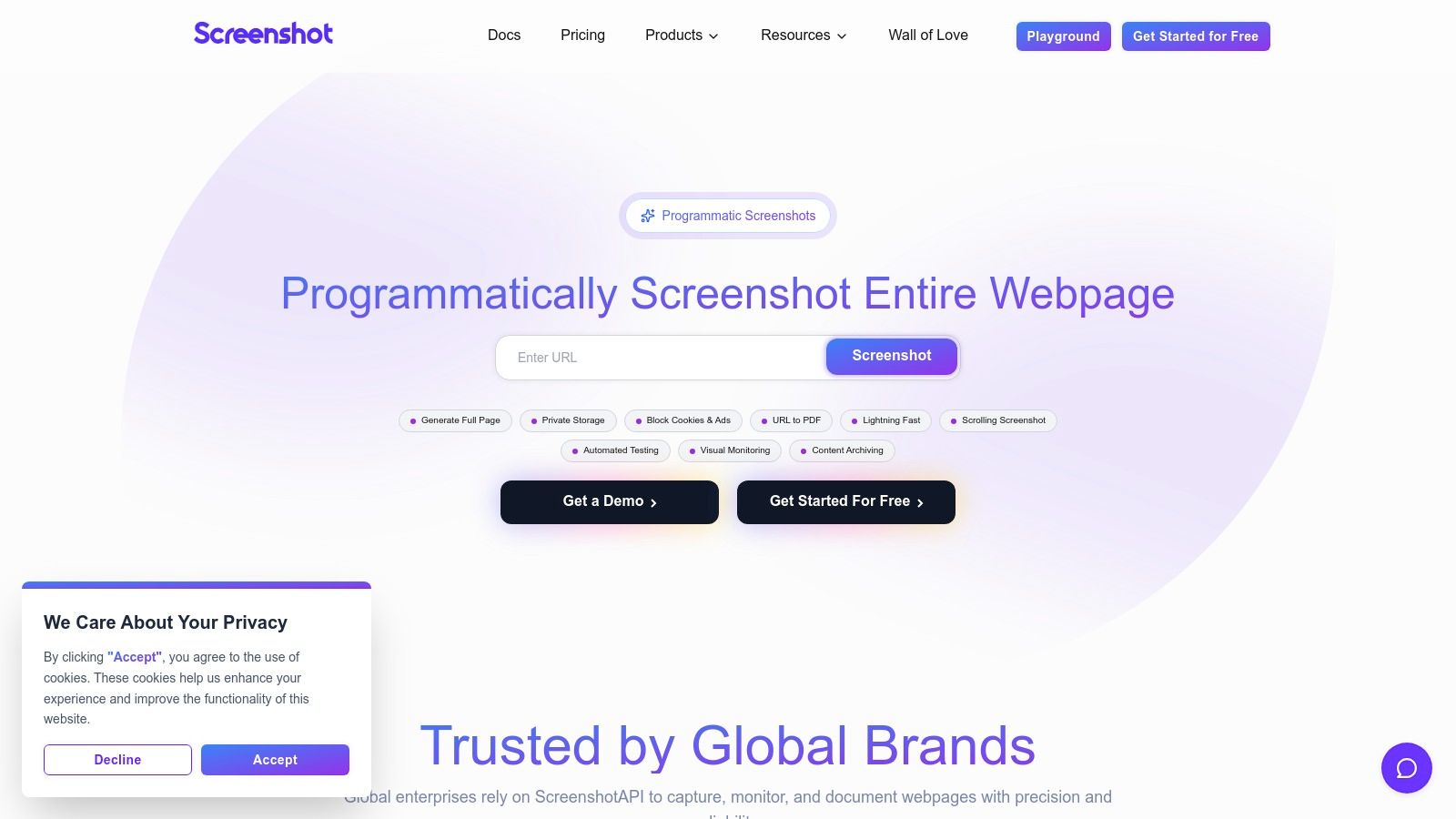
Unlike tools like ScreenshotEngine which offer advanced styling like custom backgrounds and watermarks for marketing visuals, ScreenshotAPI.net is designed for programmatic use cases. While it doesn't have a permanently free tier, its entry-level "Essentials" plan offers 1,000 screenshots for a low monthly cost, providing a generous allowance for testing and small-scale automation. It supports high-resolution captures up to 5K and modern formats like WebP, which is ideal for performance-focused web applications. This makes it a practical choice for developers seeking an easy on-ramp to a reliable free website screenshot alternative when their needs exceed basic free limits.
Key Features and Limitations
- Generous Paid Tier: The entry-level plan includes 1,000 API captures per month.
- Outputs: Supports PNG, JPEG, WebP, and PDF formats.
- High Resolution: Capable of rendering outputs up to 4K and 5K.
- Simplicity: Easy-to-understand API and pricing structure for quick integration.
While it's a smaller brand with fewer enterprise integrations compared to larger providers, its simplicity and clear value proposition make it a strong contender for developers building new projects from the ground up.
7. URLbox
URLbox is an enterprise-grade screenshot API designed for reliability and scale, offering powerful features for businesses that need more than just simple captures. While its core product is a paid service, it provides two distinct pathways for users seeking a free website screenshot. The first is a 7-day free trial for its full API, and the second is a simple, no-signup homepage tool called ScreenshotOf.com for instant, one-off captures. This dual approach serves both developers testing an integration and users needing a quick visual.
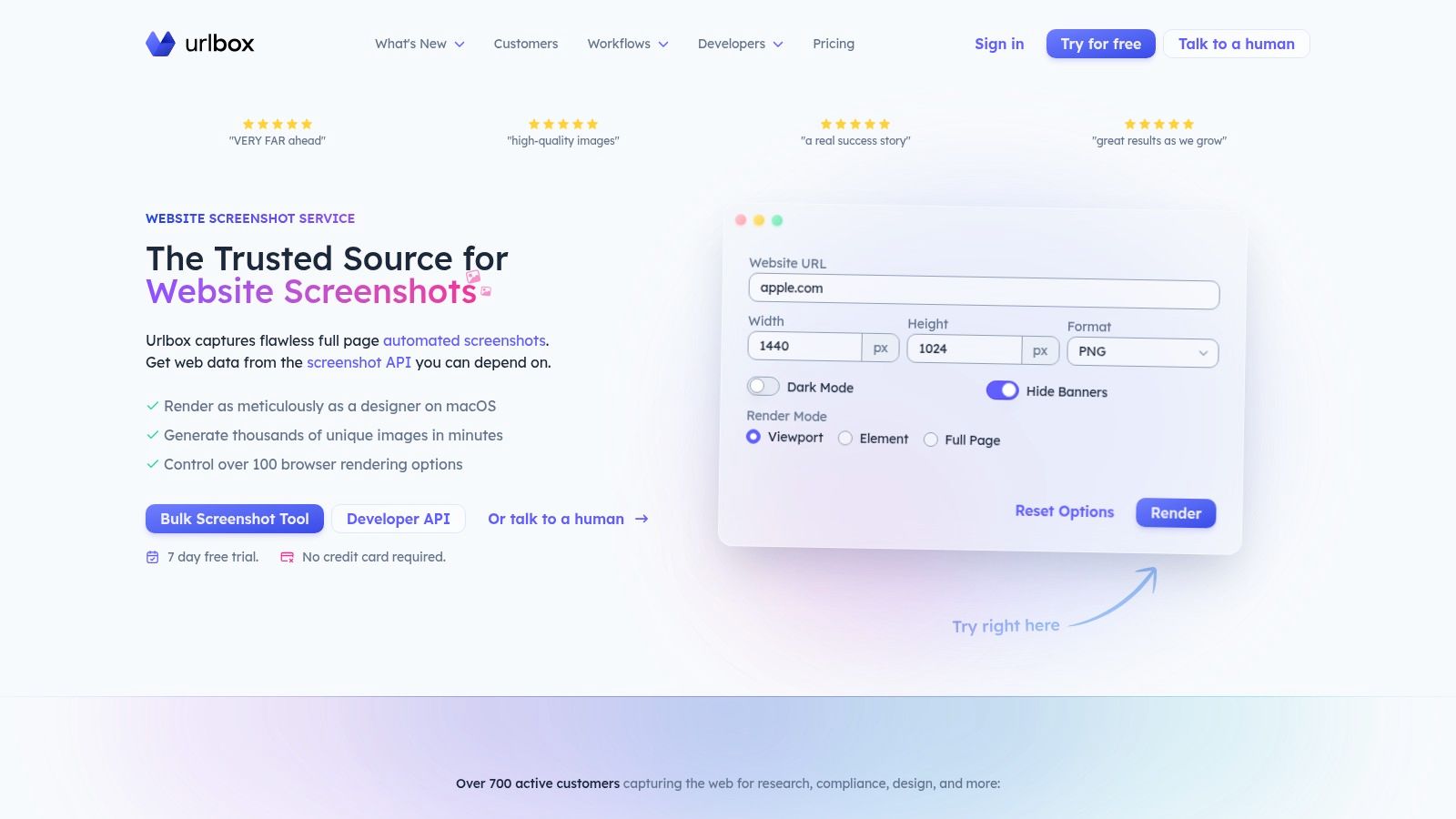
URLbox distinguishes itself with advanced rendering options like a "Hi-Fi" mode for pixel-perfect accuracy and an "Ultra" mode designed to bypass bot detection. Unlike free tools such as ScreenshotEngine, which excel at creating stylized mockups with custom backgrounds and watermarks, URLbox focuses on the raw capture fidelity and infrastructure. Its feature set includes robust scheduling, bulk capture capabilities, and flexible storage integrations with S3-compatible providers, making it ideal for high-volume archival or monitoring workflows where technical precision is paramount.
Key Features and Limitations
- Free Options: A 7-day full-featured API trial and a separate, perpetually free basic screenshot tool.
- Rendering Modes: Hi-Fi for accuracy and Ultra to handle complex sites with anti-bot measures.
- Storage Integrations: Directly save captures to your own S3 or compatible cloud storage.
- No Permanent Free API: The primary API service requires a subscription after the trial period.
While it lacks a permanent free tier for its API, URLbox's trial provides a comprehensive look at a mature, business-focused screenshot service, and its basic tool is a useful fallback for quick captures.
8. Browshot
Browshot is a flexible screenshot service that stands out with its extensive support for diverse device profiles, making it a valuable tool for developers and QA teams focused on visual testing. Instead of a simple monthly quota, it uses a credit-based system where users get a small free allowance. This approach offers more granular control, especially for projects needing captures from specific iOS, Android, or various desktop browser instances to ensure cross-device compatibility.
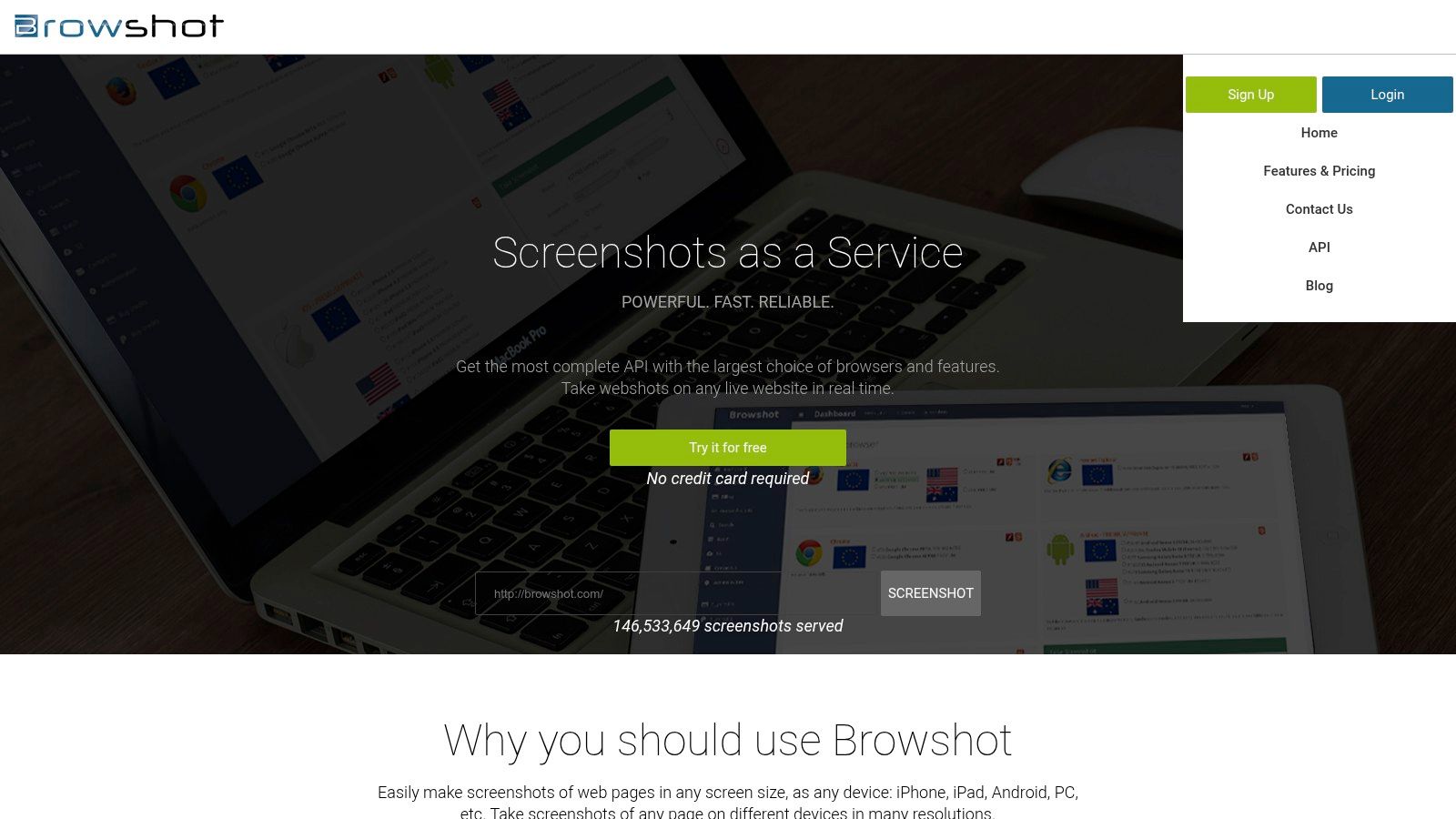
Unlike tools such as ScreenshotEngine, which excel at creating stylized mockups with custom backgrounds and watermarks, Browshot is engineered for functional, device-specific captures. Its free tier provides 100 screenshots, with a credit system where a desktop capture costs one credit and a mobile capture costs two. The platform supports S3 hosting for screenshots and provides official open-source client libraries for multiple languages (Perl, Python, Ruby), streamlining API integration. While its user interface feels more utilitarian than modern alternatives, its strength lies in providing a practical free website screenshot solution for multi-device validation.
Key Features and Limitations
- Free Tier: 100 screenshots per month (credit-based).
- Device Diversity: Extensive list of virtual devices, including various iOS and Android profiles.
- Developer Friendly: Offers official client libraries for easy integration and S3 hosting options.
- Credit Model: Desktop captures cost 1 credit; mobile captures cost 2 credits.
While the credit system can be less intuitive and the UI is dated, Browshot's device-specific rendering makes it a powerful choice for compatibility testing and QA automation tasks.
9. Microlink
Microlink positions itself as a "Browser as an API," offering a unified platform that goes beyond simple image captures to include metadata extraction and PDF generation. It’s designed for developers who need to generate rich link previews or integrate web data into their applications. The platform’s key value is combining multiple functions into a single, streamlined API call, reducing complexity for workflows that require both a visual capture and structured data like Open Graph tags.
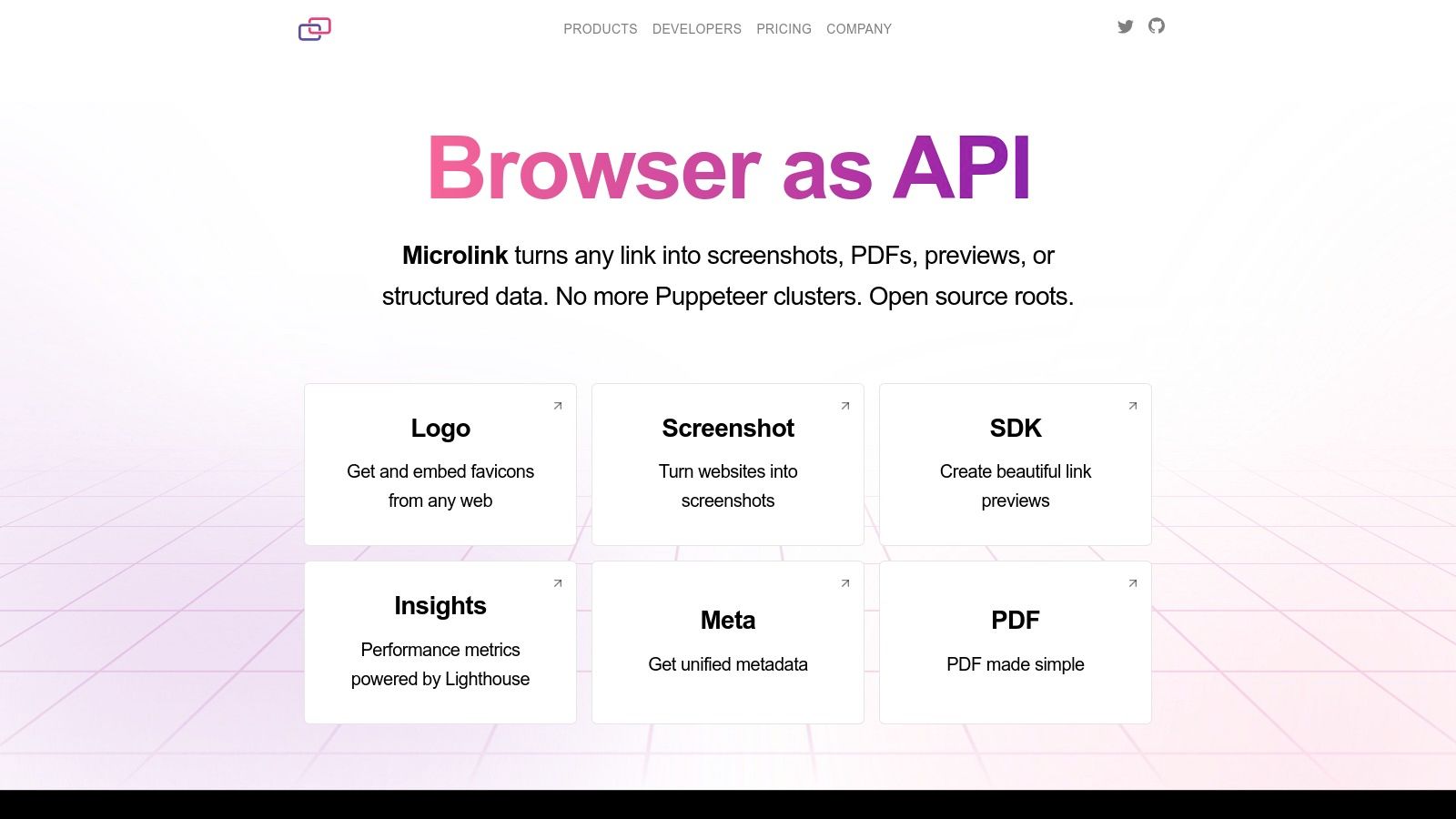
Unlike dedicated tools like ScreenshotEngine that focus on advanced visual styling with custom backgrounds and professional mockups, Microlink prioritizes data enrichment alongside the visual screenshot. Its forever-free plan provides approximately 50 requests per day, which is sufficient for low-traffic personal projects or development prototyping. The service leverages a built-in global CDN, meaning subsequent requests for the same URL are served instantly from the cache without consuming your quota. This makes it an efficient choice for creating free website screenshot previews where the same links might be requested multiple times.
Key Features and Limitations
- Free Tier: Around 50 requests per day, ideal for prototyping.
- Unified API: Captures screenshots, PDFs, and rich link metadata in one go.
- CDN Caching: Aggressive caching improves performance and conserves the free quota.
- Developer Friendly: Offers SDKs and clear documentation to speed up integration.
While the free quota is relatively small and requires a caching strategy for effective use, Microlink’s all-in-one approach is a powerful advantage for developers building rich media experiences.
10. GoFullPage
GoFullPage is a highly-rated and widely used browser extension for Chrome and Edge, specializing in one-click, full-page screen captures. It excels at simplicity and reliability for manual use cases, making it a go-to tool for individuals who need to quickly save an entire webpage for offline viewing, sharing, or documentation. Its core function is to scroll and stitch a page together locally on your machine, which provides a significant privacy advantage as no data is sent to external servers.
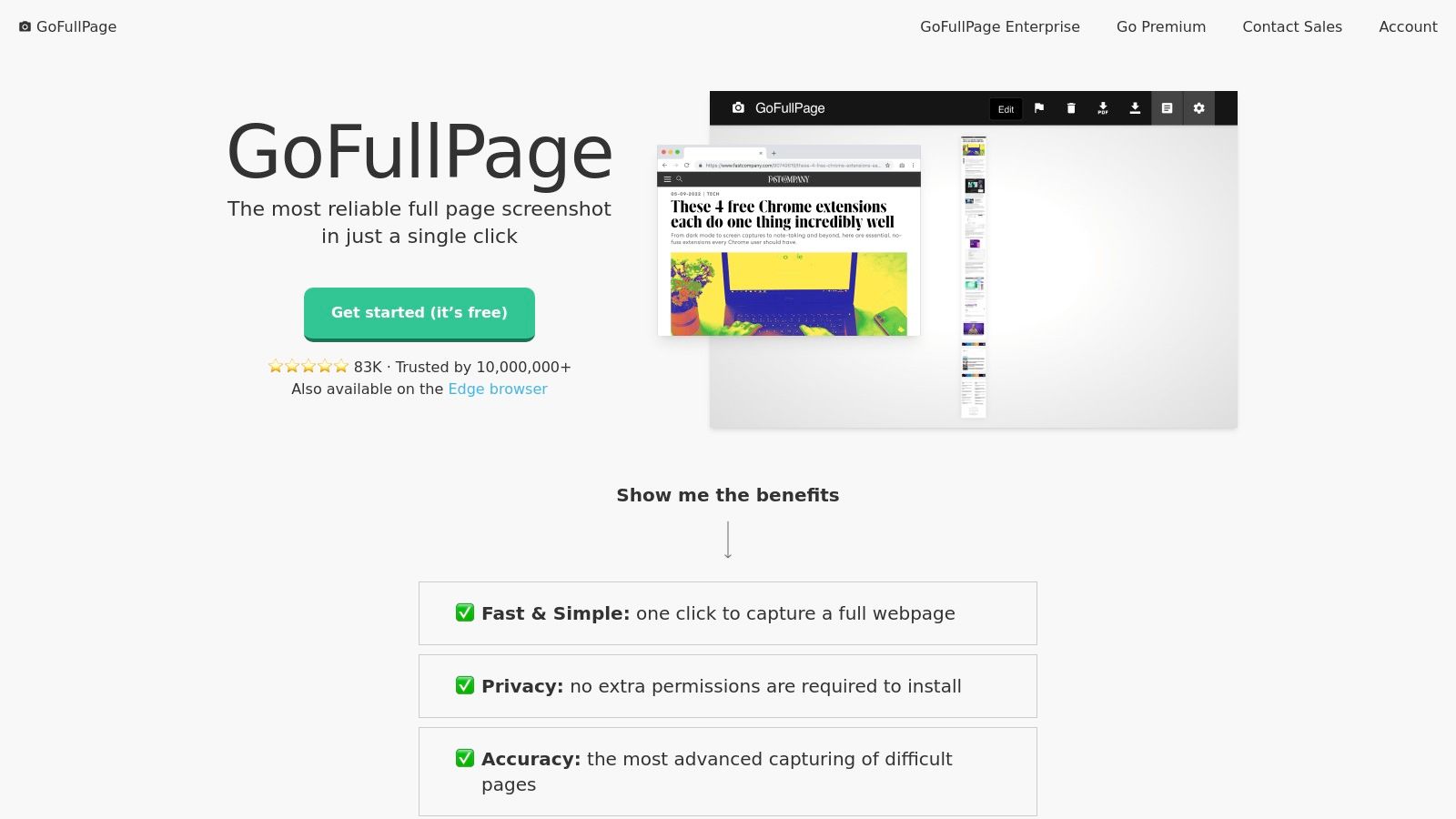
Unlike API-driven services built for automation, GoFullPage is designed for ad-hoc captures. While it lacks the professional styling options found in web-based tools like ScreenshotEngine's free website screenshot generator, its strength lies in its speed and convenience for capturing sensitive or authenticated pages. After a capture, it opens the image in a new tab with options for basic annotations and export to PNG, JPG, or PDF. This makes it an ideal, no-fuss solution for designers, support teams, and anyone needing a quick and private way to grab a full-length screenshot without leaving their browser.
Key Features and Limitations
- Free Tier: Completely free to install and use for core capturing features.
- Outputs: Supports PNG, JPG, and PDF formats.
- Local Processing: All captures are handled in-browser, ensuring privacy.
- Simplicity: One-click operation makes it extremely user-friendly.
While it is a manual tool with no programmatic API and requires a paid upgrade for advanced editing, its dependability and privacy-first approach make it an essential extension for anyone needing a quick free website screenshot.
11. FireShot
FireShot is a veteran cross-browser extension that excels at capturing and editing screenshots directly within your browser. It offers a powerful free version focused on local processing, making it a privacy-centric choice for users who need to capture sensitive information without sending data to an external server. The platform is geared towards manual workflows, providing a comprehensive suite of annotation tools and high-quality export options that go far beyond native browser capabilities.
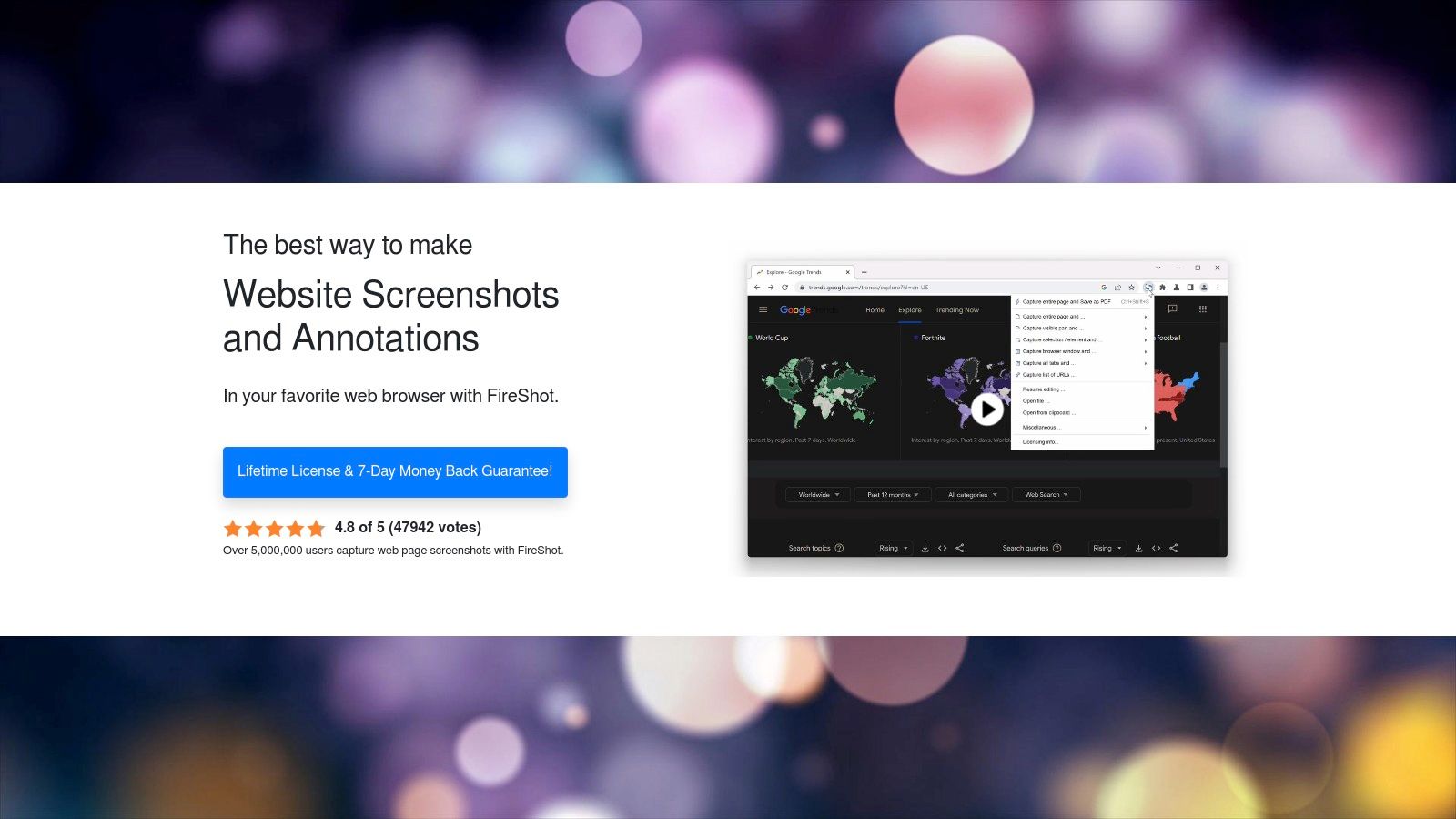
Unlike API-driven services or aesthetic tools like ScreenshotEngine, which focuses on professional styling with custom backgrounds and watermarks, FireShot prioritizes function and local control. Its key strength is its advanced editor and the ability to export captures as high-quality PDFs with selectable text and clickable links. This makes it ideal for creating documentation, archiving web pages for offline use, or providing detailed visual feedback. While the free version is robust, its Pro license is offered as an affordable one-time purchase, a welcome alternative to recurring subscriptions.
Key Features and Limitations
- Free Tier: Generous free version for capturing, editing, and saving screenshots.
- Outputs: Supports PNG, JPG, and high-quality, searchable PDFs.
- Local Processing: All captures and edits happen on your machine, ensuring privacy.
- One-Time Pro License: An affordable lifetime option unlocks batch captures and more advanced features.
While it lacks a programmatic API for automation, FireShot is a top-tier choice for users seeking a powerful, manual free website screenshot tool with advanced editing and export capabilities.
12. Awesome Screenshot
Awesome Screenshot is a long-standing and widely-used browser extension and desktop application designed for capturing, annotating, and sharing screen content. It caters primarily to non-developers such as marketers, QA testers, and support teams who need a quick and intuitive tool for visual communication. The platform's strength lies in its user-friendly interface that integrates capturing, editing, and sharing into a seamless workflow, removing the technical barriers associated with code-based solutions.
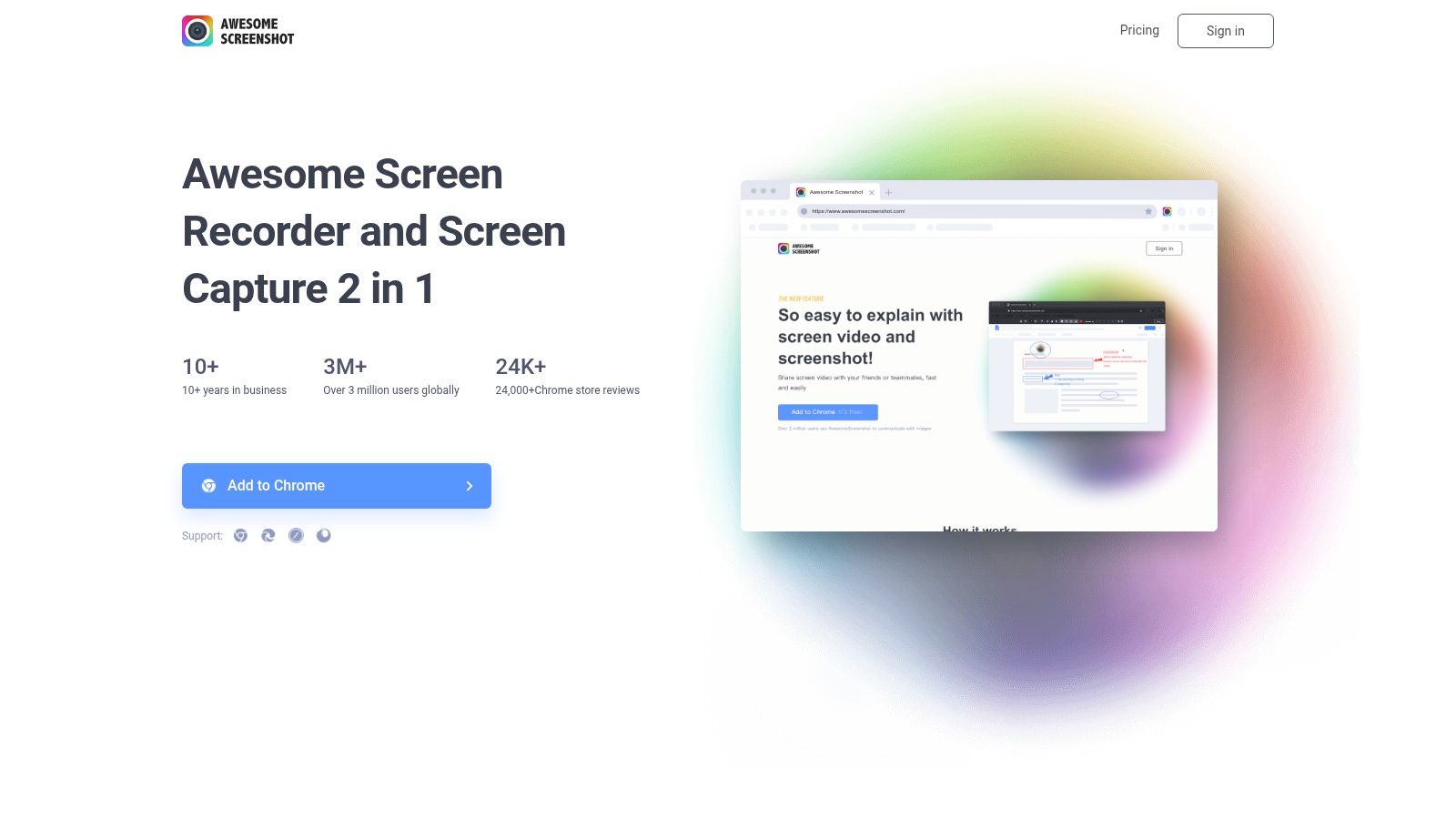
Unlike API-first services or aesthetic-focused tools like ScreenshotEngine that excel at creating stylized mockups with custom backgrounds, Awesome Screenshot prioritizes functional, in-browser annotation and quick sharing. Its free plan offers basic full-page and regional capture capabilities, making it ideal for bug reporting, creating support documentation, or providing quick visual feedback. While the free version has limitations to encourage upgrades for features like cloud storage and unlimited screen recording, its core screenshot functionality remains a powerful asset for everyday communication tasks where speed and clarity are paramount.
Key Features and Limitations
- Free Tier: Offers basic full-page and visible-part captures with annotations.
- Outputs: Primarily captures images (PNG/JPG) and allows direct sharing or local saving.
- Annotation Tools: Includes crop, text, shapes, blur, and other editing features.
- Platform: Available as a browser extension for major browsers and a Mac desktop app.
While its free plan gates many advanced features and it lacks the automation capabilities of a dedicated API, its large user base and stable performance make it a top choice for manual free website screenshot tasks.
12 Free Website Screenshot Tools Comparison
| Product | Core features ✨ | Dev experience / Quality ★ | Pricing / Value 💰 | Target audience 👥 |
|---|---|---|---|---|
| 🏆 ScreenshotEngine | ✨ Millisecond captures; ad/cookie/popup blocking; element & full‑page; PNG/JPEG/WebP; dark mode | ★★★★★ Queue‑less pipeline; SDKs, live playground, clear docs, production-ready | 💰 Free tier (no CC); transparent scaling; EARLY50 (50% 3mo) | 👥 Devs, QA, SEO/monitoring, AI training |
| ScreenshotMachine | ✨ 100 fresh screenshots/mo; full‑page; PNG/JPG/GIF; PDF output | ★★★★ Stable uptime (99.99%); simple API | 💰 True free allowance; predictable paid tiers | 👥 Small teams, previews, archiving |
| Thum.io | ✨ 1,000 free impressions; streaming progressive GIF; adjustable viewport | ★★★★ Extremely fast perceived load via streaming | 💰 Large free quota; impressions-based pricing | 👥 Thumbnails, preview galleries, quick prototypes |
| ApiFlash | ✨ 100 free screenshots/mo; ad/cookie hiding; S3 export; geotargeting/proxies | ★★★★ API-first; solid docs; S3 integration | 💰 Free tier; upgradeable for proxy/geotargeting | 👥 Developers needing clean captures & S3 workflows |
| ScreenshotOne | ✨ 100 free trial; scrolling/video captures; stealth mode; Zapier/Make hooks | ★★★★ Feature-rich; webhooks, signed links, integrations | 💰 Trial + pay-for-success model; advanced features on higher tiers | 👥 Teams needing video/scrolling & automation integrations |
| ScreenshotAPI.net | ✨ 1,000 essentials plan; PNG/JPEG/WebP/PDF; 4K/5K outputs | ★★★ Straightforward API; easy on‑ramp | 💰 Low-cost plans; clear tiers for prototypes | 👥 Prototypes, small production apps |
| URLbox | ✨ Hi‑Fi / Ultra rendering; S3-compatible storage; bulk scheduling (CaptureDeck) | ★★★★ Mature, reliable service with business SLAs | 💰 7‑day trial; enterprise/volume pricing | 👥 Enterprises, volume workflows, scheduled captures |
| Browshot | ✨ Credit model; many device profiles (iOS/Android/desktop); client libs | ★★★ Flexible device diversity; utilitarian UI/docs | 💰 Credit packs; 100 free/mo small tier | 👥 QA teams needing device-specific captures |
| Microlink | ✨ Screenshots + link metadata + PDF; CDN cache; SDKs | ★★★★ Unified "link → assets" API; quick prototyping | 💰 Forever-free ~50 req; paid tiers for scale | 👥 OG/meta previews, link parsing workflows |
| GoFullPage | ✨ One‑click full‑page stitching; local processing; editor/annotations | ★★★★ Reliable for manual captures; privacy-friendly | 💰 Free extension; some paid upgrades | 👥 Individuals, privacy-sensitive manual capture users |
| FireShot | ✨ Advanced editor & annotations; high-quality PDF export; batch in Pro | ★★★★ Local processing; lifetime Pro option | 💰 Free + one-time lifetime Pro license available | 👥 Power users needing local editing & PDFs |
| Awesome Screenshot | ✨ Capture + screen recording; cloud hosting & team plans; cross-platform | ★★★ Good UX for non-devs; team collaboration features | 💰 Free plan (limited); paid tiers for unlimited recording/cloud | 👥 Marketing, support, QA, non-developers |
Choosing Your Perfect Screenshot Workflow
Navigating the world of website screenshots reveals a diverse landscape of tools, each tailored to a specific set of needs. We've explored everything from simple, one-click browser extensions and powerful, self-hosted headless browser libraries to sophisticated, feature-rich APIs. The ideal solution for you hinges entirely on the balance you need to strike between control, convenience, and scalability. Your journey to finding the perfect free website screenshot method starts with a clear understanding of your project's goals.
Matching the Tool to the Task
The key takeaway is that there is no single "best" tool, only the right tool for the job. Your decision-making process should be guided by your specific use case.
- For Quick, Manual Captures: If you need a simple, full-page screenshot for a blog post, a presentation, or a design mockup, a browser extension like GoFullPage or FireShot is your fastest path. These tools are incredibly user-friendly and require no technical setup, making them perfect for marketers, designers, and content creators.
- For Ultimate Control and Custom Automation: Developers building complex systems like visual regression testing suites, data scraping pipelines, or dynamic monitoring tools will find unrivaled power in libraries like Puppeteer and Playwright. These grant you granular control over the browser environment, allowing for intricate scripting, user interaction simulation, and precise element targeting. However, this power comes at the cost of managing your own infrastructure and handling the complexities of headless browser maintenance.
- For Scalable, Hassle-Free Automation: When your project requires reliable, high-volume screenshots without the DevOps overhead, a dedicated API service is the clear winner. APIs abstract away the challenges of browser scaling, proxy management, and dependency updates. They provide a simple HTTP endpoint to generate screenshots, making them ideal for integrating into any application, from SaaS platforms to internal compliance dashboards.
Key Factors for Your Decision
As you weigh your options, consider these critical factors. How you answer these questions will point you toward the most effective workflow.
- Technical Expertise: Are you a developer comfortable with Node.js and managing server infrastructure, or do you need a no-code, point-and-click solution?
- Volume and Scale: Do you need a handful of screenshots per month, or are you planning to generate thousands or even millions of captures for a large-scale application?
- Customization vs. Simplicity: Is your primary goal to get a quick, standard screenshot, or do you require advanced features like specific element capture, cookie injection, ad blocking, and custom viewport sizing?
- Maintenance Overhead: Do you have the time and resources to maintain, update, and troubleshoot a self-hosted solution, or do you prefer a fully managed service that "just works"?
By carefully evaluating these trade-offs, you can confidently select a tool that not only meets your immediate needs for a free website screenshot but also supports your long-term project goals. The right workflow will save you time, reduce complexity, and empower you to capture the web with precision and ease.
Ready to move beyond basic captures and create truly professional-looking website mockups? The team at ScreenshotEngine built a powerful and completely free tool specifically for this purpose. It allows you to add custom backgrounds, browser styling, watermarks, and export high-resolution images, all without writing a single line of code. Try the free website screenshot tool from ScreenshotEngine today.