
In the dynamic world of search engine optimization, what you don't know can absolutely hurt your rankings. A sudden algorithm update, an unexpected technical glitch, or a competitor's aggressive new strategy can silently erode your search visibility. Relying solely on reactive measures, like analyzing traffic drops after they happen, is an outdated approach. Proactive SEO monitoring has become essential for maintaining and growing organic performance. This isn't just about tracking keywords; it's about creating a comprehensive, real-time feedback loop for your website's health, visibility, and competitive standing.
This guide moves beyond generic feature lists to provide a detailed analysis of the best SEO monitoring tools available today. We've curated a selection of platforms that excel in different areas, from real-time technical SEO audits to granular SERP tracking and visual page monitoring. Each tool profile includes a breakdown of key features, specific use cases, honest pros and cons, and clear pricing information to help you make an informed decision. Whether you are a developer automating visual tests, an SEO specialist tracking keyword volatility, or a digital marketer monitoring competitive landscapes, this resource is designed to help you find the right solution for your specific needs.
We will evaluate a range of powerful options, including industry giants like Ahrefs and Semrush, specialized crawlers like Screaming Frog, and real-time auditors like Conductor (ContentKing). We'll also explore how to integrate a visual monitoring API like ScreenshotEngine to automate SERP capture and track on-page changes. For a broader perspective on various platforms beyond monitoring, consider consulting this comprehensive guide on the best SEO tools. Our goal is to equip you with the knowledge to build a robust monitoring stack that protects your assets and uncovers new growth opportunities.
1. ScreenshotEngine
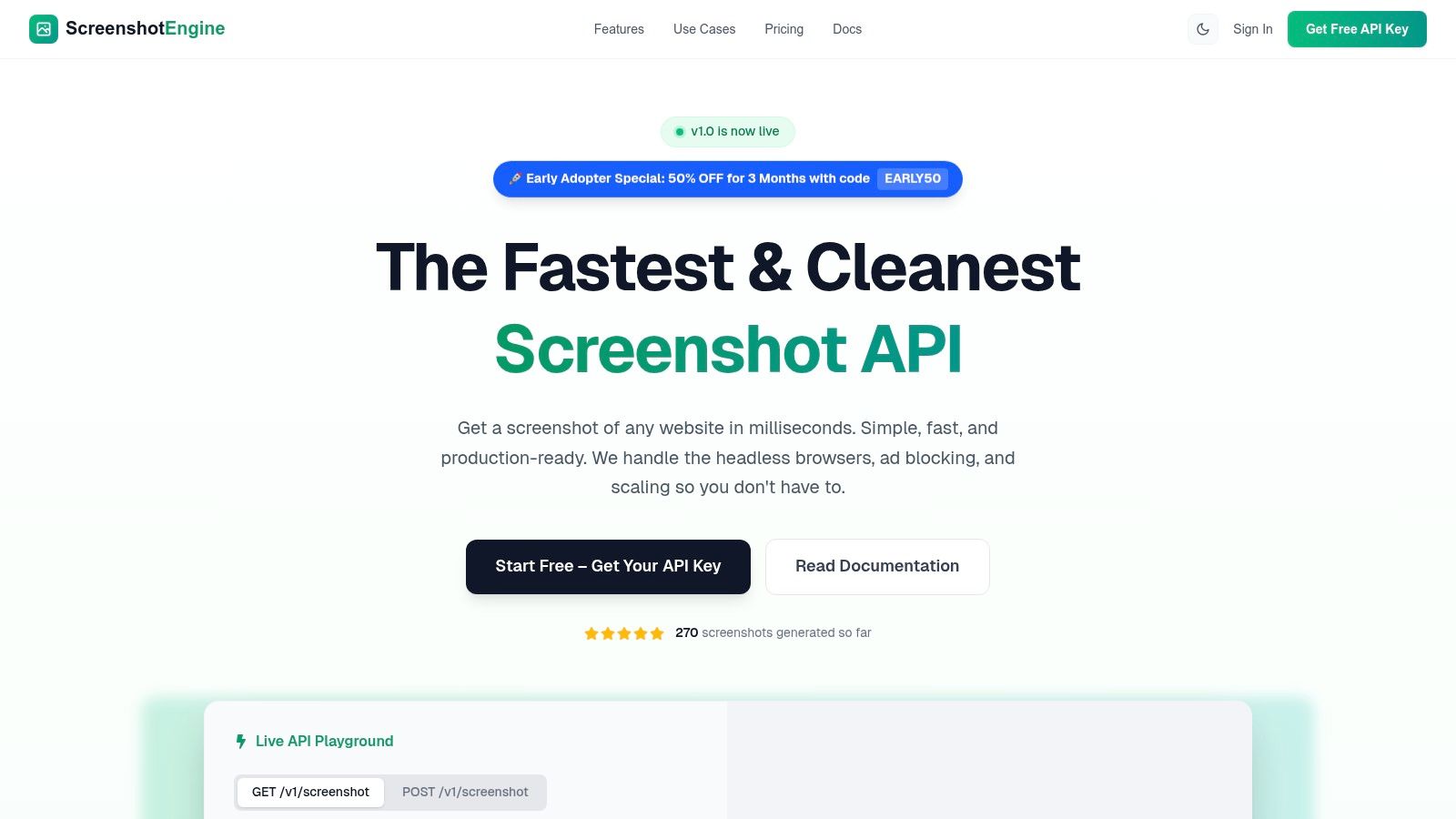
ScreenshotEngine stands out as a powerful, developer-first screenshot API that is fundamental for any advanced SEO monitoring toolkit. While not a traditional all-in-one SEO suite, its specialized function is critical: capturing clean, accurate, and real-time visual data of SERPs, competitor pages, and your own site's rendering across different scenarios. This capability transforms abstract data into concrete visual evidence, providing indisputable proof of rankings, ad placements, and on-page changes.
Its core strength lies in a blazingly fast, queue-less rendering engine that delivers screenshots in milliseconds. This speed is indispensable for high-frequency SERP tracking or large-scale competitor analysis where delays are unacceptable. Furthermore, its unique ability to automatically block ads, cookie banners, and popups ensures the resulting images are clean and analysis-ready, saving significant development time on preprocessing scripts.
Key Features & SEO Use Cases
ScreenshotEngine provides a robust feature set tailored for technical SEO and marketing teams who need to automate visual documentation.
- Real-Time SERP Monitoring: Automate the capture of Google search results for your target keywords to visually track ranking fluctuations, featured snippets, and local pack results over time. This provides historical, visual proof of your SERP presence.
- Competitor & Ad Monitoring: Programmatically screenshot competitor landing pages or paid search ads to analyze their messaging, layout, and promotional offers without manual effort.
- Visual Regression Testing: Ensure critical SEO elements like title tags, meta descriptions, and on-page content render correctly after a site update. While this is a core use case for QA, it's also crucial for SEOs to prevent accidental changes that could impact rankings. Find out more about how ScreenshotEngine can be used as one of the best visual regression testing tools on screenshotengine.com.
- Precise Capture Controls: Use CSS selectors to capture specific page elements, like a pricing table or a hero section, or capture the full page. Output options include PNG, JPEG, and WebP, with support for emulating dark mode to test user experience.
Integration and Pricing
Designed for developers, integration is straightforward with a single API endpoint and clear documentation. SDK examples for Node.js, Python, and .NET/C# are available, alongside a live API playground for instant testing.
- Pricing: A free tier is available for low-volume needs (no credit card required), making it accessible for testing. Paid plans are transparent and cost-effective, with a notable 50% off for 3 months using the code EARLY50 for early adopters.
Pros & Cons
| Pros | Cons |
|---|---|
| Blazing Speed: The queue-less architecture is ideal for real-time and large-scale monitoring workflows. | Limited Social Proof: Prospective users may need to request specific case studies for large-scale enterprise validation, as public metrics are limited on the site. |
| Automatic Ad/Popup Blocking: Produces clean, uncluttered screenshots without manual intervention. | Lacks Explicit Certifications: Does not publicly list enterprise compliance like SOC2, which may be a consideration for teams with strict regulatory requirements. |
| Flexible Capture Options: Element-level capture, various formats, and dark mode support offer high control. | Tier Limits Not on Homepage: Detailed pricing tier limits are not fully listed on the primary marketing pages, requiring deeper investigation for high-volume planning. |
| Developer-Centric: Simple API, excellent documentation, and an interactive playground simplify integration. |
Website: https://www.screenshotengine.com
2. Ahrefs
Ahrefs is a powerhouse all-in-one SEO platform renowned for its comprehensive data and robust monitoring capabilities. It excels at providing a 360-degree view of your SEO performance, combining rank tracking, backlink analysis, and technical site health into a single, cohesive dashboard. This makes it an indispensable tool for teams that need to monitor competitive landscapes and track historical changes with precision.
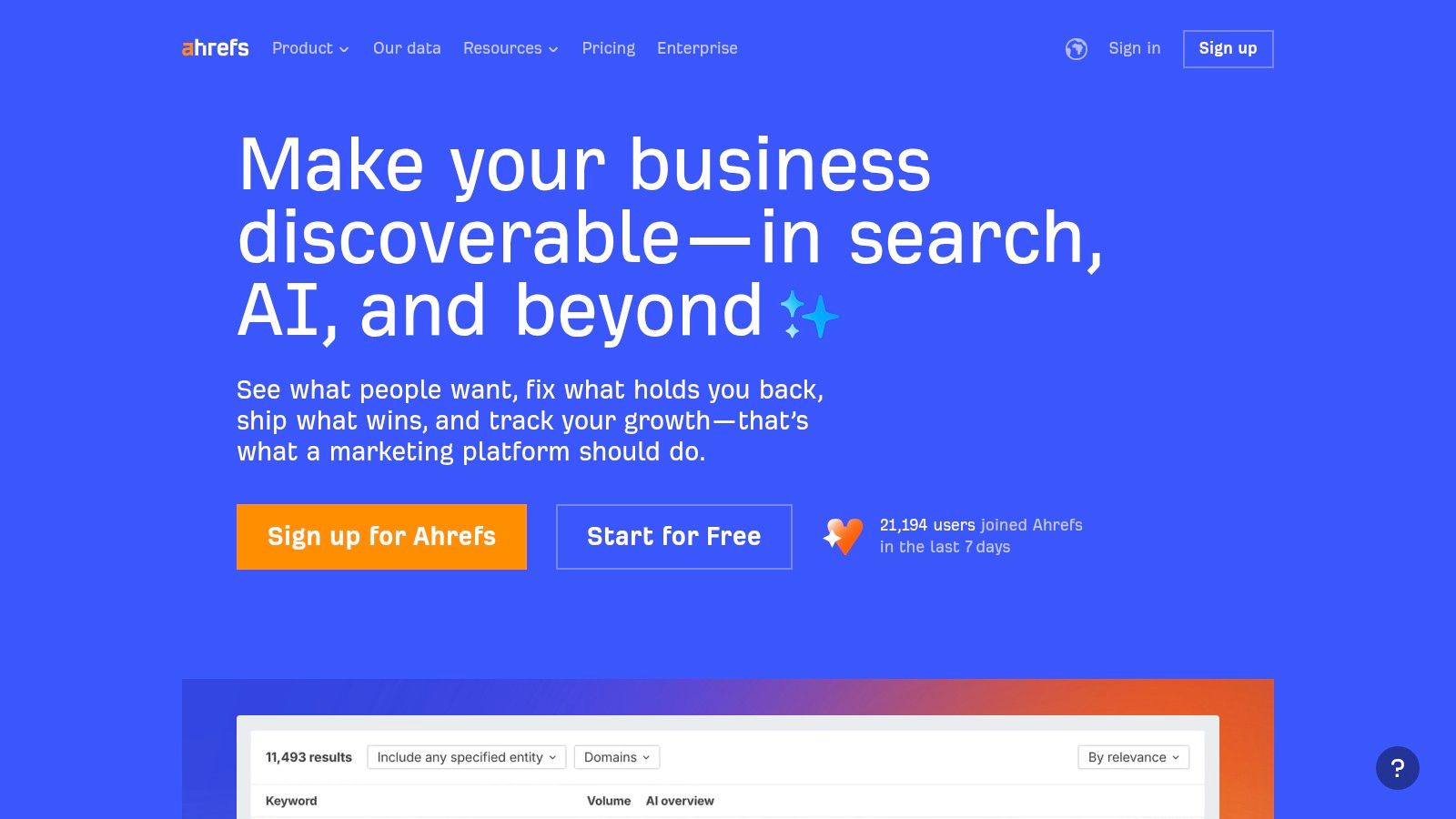
The platform’s strength lies in its massive, fresh index of links and keywords. Ahrefs' Site Audit tool provides always-on crawling, alerting you to new technical issues as they arise, while its Rank Tracker monitors keyword positions across desktop and mobile. Its historical SERP data is particularly valuable, allowing you to see exactly how search results have evolved, which is a key component of effective SERP tracking analysis.
Key Features & Considerations
Ahrefs is one of the best SEO monitoring tools for its depth, although its pricing model can be a factor for large teams.
- Best For: SEO agencies, in-house marketing teams, and consultants needing a powerful, all-in-one solution with deep competitive and historical data.
- Pricing: Plans start at $99/month. Be aware that daily rank tracking updates and additional user seats are paid add-ons, which can increase the total cost.
- Pros:
- Extensive and frequently updated backlink and keyword databases.
- Powerful Site Audit for ongoing technical SEO monitoring.
- Strong competitor analysis and SERP history features.
- Cons:
- Daily keyword updates require an additional fee.
- Per-user pricing can become expensive for larger teams.
- Website: https://ahrefs.com
3. Semrush
Semrush is a comprehensive digital marketing suite that provides a broad spectrum of SEO monitoring tools alongside extensive capabilities for advertising, social media, and market research. It’s designed as a central hub for marketing teams, offering everything from daily rank tracking to in-depth technical site audits and competitive visibility analysis. This holistic approach makes Semrush ideal for organizations looking to monitor their SEO efforts within the larger context of their overall digital strategy.
The platform’s Position Tracking tool provides daily updates across multiple locations and devices, while its scheduled Site Audits continuously scan for issues and track changes over time. Semrush stands out by bundling these core SEO features with a powerful Traffic & Market toolkit, which allows users to monitor competitive traffic trends and market share. Its frequent product updates and numerous integrations solidify its position as one of the best SEO monitoring tools for teams needing a versatile and ever-evolving platform.
Key Features & Considerations
Semrush offers an exceptionally broad monitoring footprint, though its pricing can become complex with various add-ons and user seats.
- Best For: Marketing teams and businesses seeking an all-in-one platform to monitor SEO in conjunction with other digital marketing channels.
- Pricing: Plans start at $129.95/month. Additional toolkits for Local SEO, social media, and competitive intelligence may require separate subscriptions or add-ons.
- Pros:
- Extensive suite of tools covering SEO, PPC, social media, and market research.
- Daily keyword position tracking included in standard plans.
- Strong competitive analysis features and frequent product updates.
- Cons:
- Pricing structure can be complex with numerous add-ons.
- Some advanced datasets and features are locked behind higher-tier plans or separate subscriptions.
- Website: https://www.semrush.com
4. Moz Pro
Moz Pro is a well-established all-in-one SEO platform known for its user-friendly interface and strong educational resources. It simplifies SEO monitoring by packaging key functionalities like rank tracking, site crawls, and link analysis into manageable "Campaigns." This makes it an excellent choice for SMBs and agencies seeking a straightforward, guided approach to monitoring their search performance and identifying optimization opportunities.
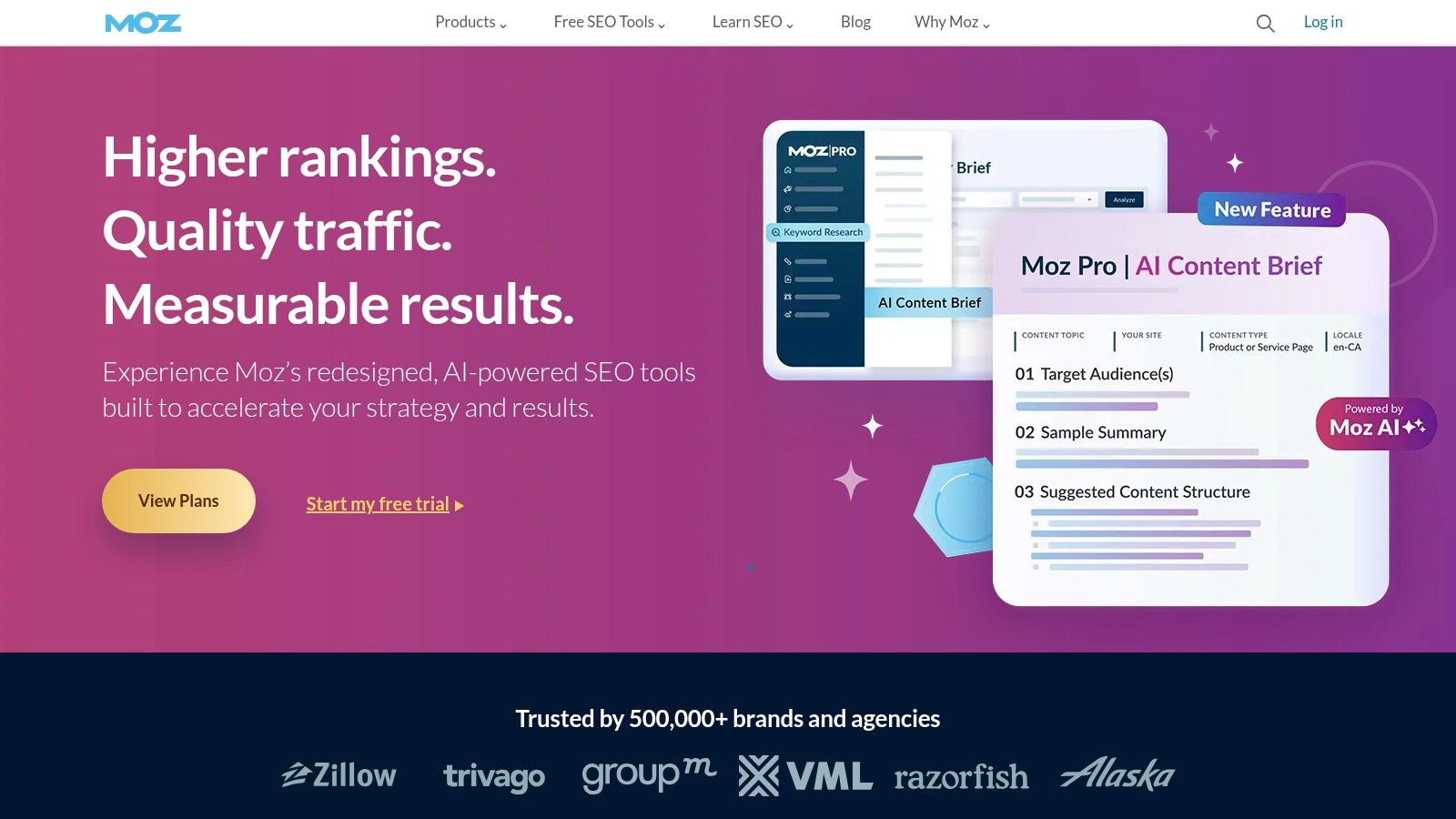
The platform stands out with its proprietary metrics like Domain Authority (DA) and Page Authority (PA), which have become industry benchmarks for tracking a site's authority over time. Its Site Crawl feature schedules regular checks and alerts you to new technical issues, while the Rank Checker monitors keyword performance across major search engines and specific locations. Moz Pro's templated reporting features on higher tiers also streamline the process of communicating progress to clients or stakeholders.
Key Features & Considerations
Moz Pro is one of the best SEO monitoring tools for users who value a clean interface and integrated learning, though its data indexes may not be as vast as some direct competitors.
- Best For: Small to medium-sized businesses, freelancers, and agencies that need a reliable, easy-to-use tool with strong foundational monitoring features and educational support.
- Pricing: Plans start at $99/month, with more campaigns, keywords, and features available on higher-priced tiers.
- Pros:
- Intuitive interface and excellent educational resources for users of all skill levels.
- Established metrics like Domain Authority provide a consistent benchmark for trend analysis.
- Good starting limits on campaigns and keywords for smaller portfolios.
- Cons:
- Backlink and keyword databases can be smaller than some competitors.
- Advanced features and higher usage limits are locked behind more expensive plans.
- Website: https://moz.com
5. Conductor (ContentKing real-time monitoring)
Conductor, having integrated the powerful ContentKing technology, offers a specialized approach focused on real-time SEO monitoring and alerting. Unlike traditional audit tools that perform periodic crawls, Conductor provides always-on, 24/7 monitoring that instantly captures technical and content changes across your website. This makes it an essential tool for large, dynamic sites where unauthorized or accidental changes can quickly impact performance.
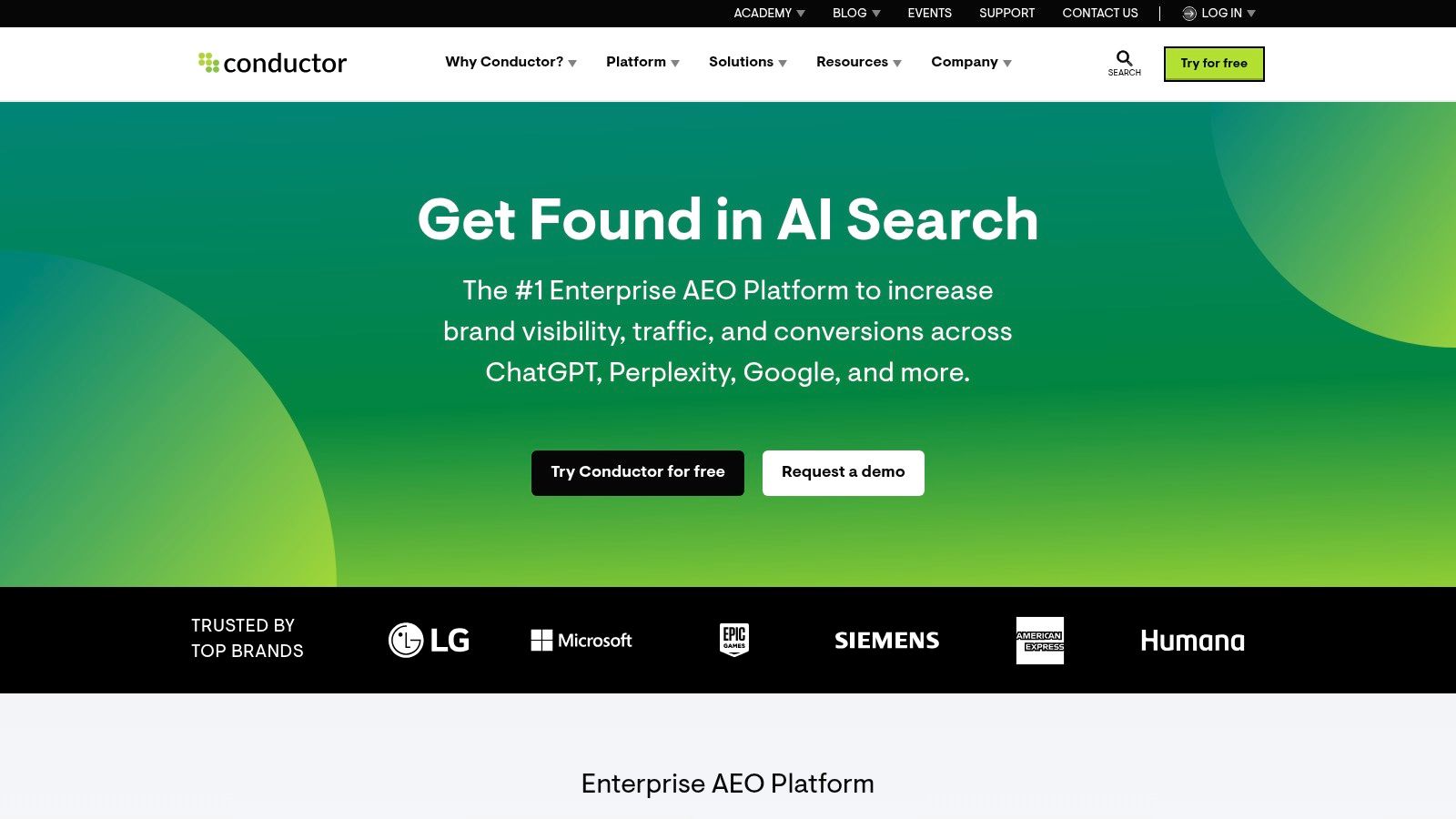
The platform's core strength is its proactive alerting system. When a critical element like a title tag, canonical, or robots.txt directive is altered, Conductor immediately notifies the relevant team members through integrations with tools like Slack. This constant vigilance is a key part of how to monitor a webpage for changes effectively, turning reactive problem-solving into a proactive SEO management workflow. It excels at bridging the gap between development and marketing teams.
Key Features & Considerations
Conductor is one of the best SEO monitoring tools for its real-time change detection, though its enterprise focus means pricing is not publicly listed.
- Best For: Enterprise-level businesses, large e-commerce sites, and agencies managing complex websites where immediate change detection is critical for maintaining SEO health.
- Pricing: Pricing is quote-based and not publicly available. The structure is designed for larger organizations.
- Pros:
- Continuous, real-time crawling provides instant change detection.
- Proactive alerts are ideal for large sites and multi-team workflows.
- Platform-level unlimited users are available, supporting collaboration.
- Cons:
- Quote-based pricing model lacks transparency for smaller businesses.
- The specialized feature set may be overkill for smaller, static websites.
- Website: https://conductor.com
6. STAT Search Analytics
STAT Search Analytics is an enterprise-grade platform built for one primary purpose: large-scale, daily rank tracking with exceptional accuracy and granularity. It stands out in the market for its ability to handle immense keyword sets across countless locations, markets, and devices, making it a go-to solution for large agencies and global enterprises. Instead of being an all-in-one suite, STAT focuses its resources on providing deep SERP intelligence.
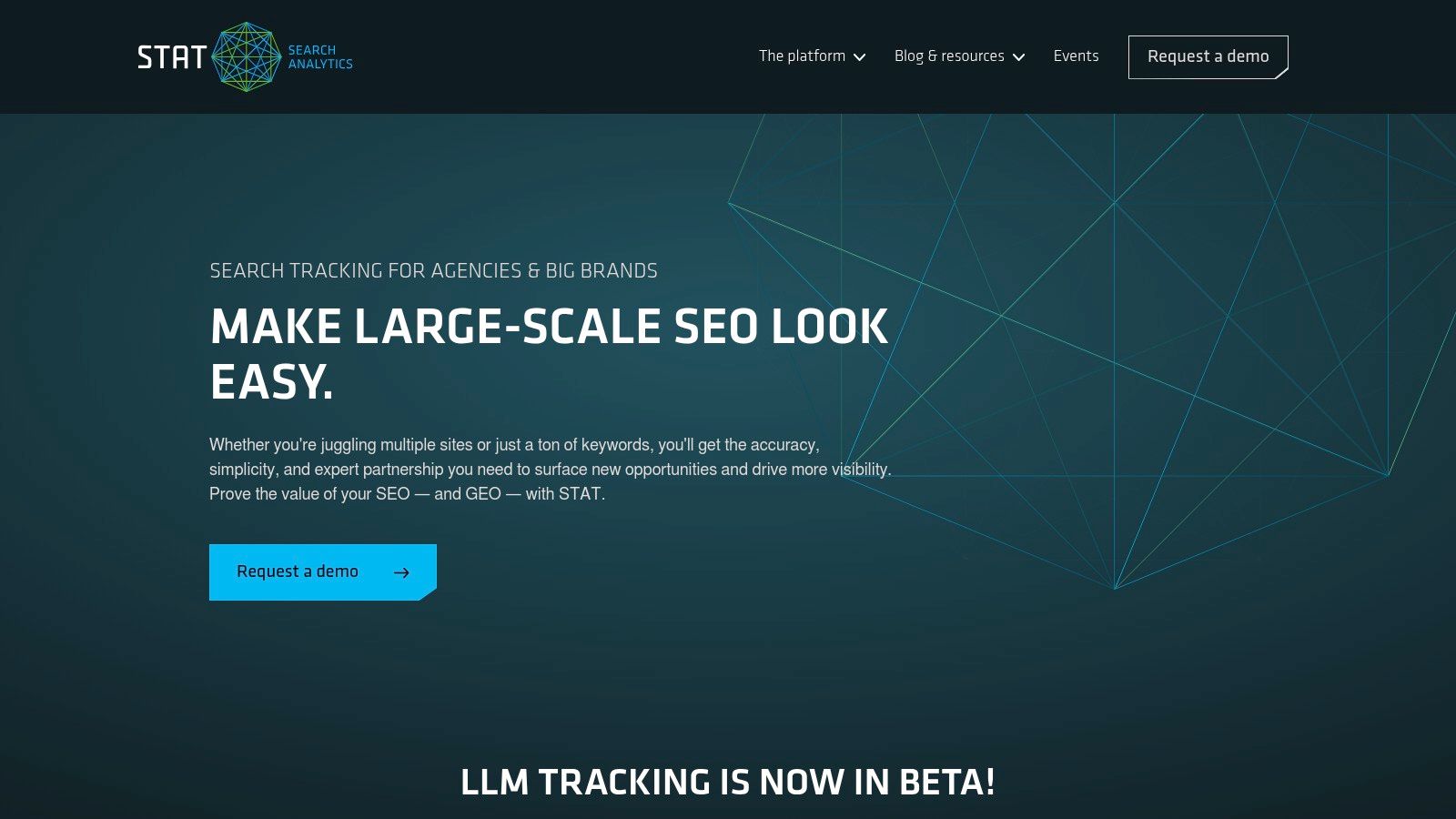
The platform’s core strength is its robust infrastructure designed for high-volume daily tracking without sacrificing precision. This allows teams to monitor share of voice, identify market-specific competitors, and analyze local SERP features with confidence. The flexible API access is another key differentiator, enabling seamless integration with internal dashboards and business intelligence tools for custom reporting and analysis. This makes it one of the best SEO monitoring tools for data-driven organizations.
Key Features & Considerations
STAT is purpose-built for enterprise-level rank tracking, offering unmatched scale and detailed segmentation.
- Best For: Large enterprises, global brands, and SEO agencies that need to monitor thousands or millions of keywords daily across numerous specific geographic locations.
- Pricing: Pricing is not public and is customized based on volume. Entry points are typically higher, reflecting its enterprise focus.
- Pros:
- Built to reliably monitor very large keyword sets on a daily basis.
- Exceptional granularity for local and mobile SERP tracking.
- Strong enterprise support and a powerful API for data integration.
- Cons:
- Pricing has a higher entry point and is not transparent.
- Primarily a rank tracker, not a comprehensive, all-in-one SEO suite.
- Website: https://getstat.com
7. SE Ranking
SE Ranking has carved out a strong position as a cost-effective, all-in-one SEO platform, delivering a comprehensive suite of monitoring tools at a highly competitive price point. It provides a balanced solution for SMBs, freelancers, and agencies who need robust functionality like daily rank tracking, site audits, and backlink monitoring without the enterprise-level price tag. The platform is particularly valued for its flexibility and transparent pricing structure.
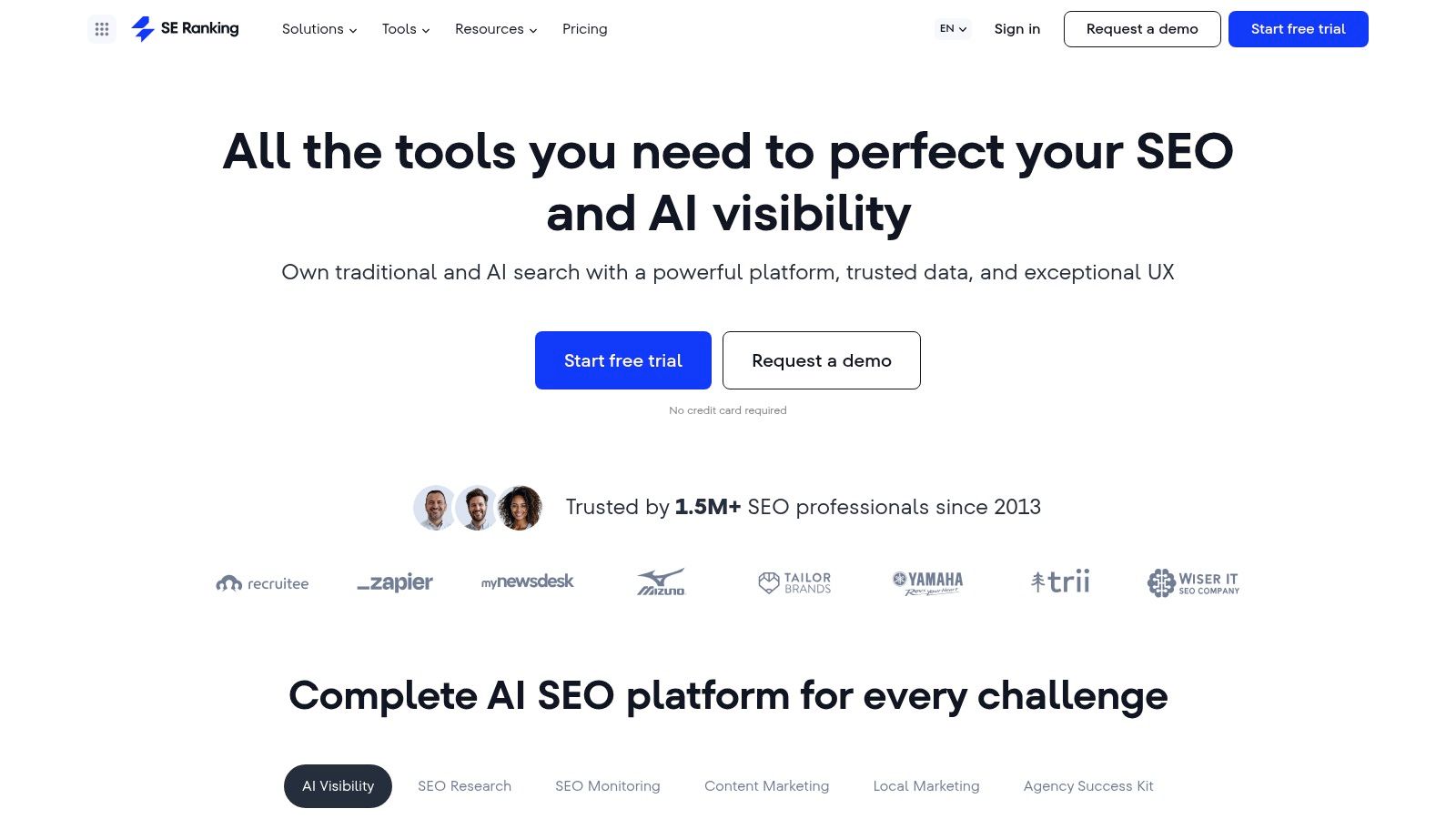
The platform’s daily keyword position tracking is a core strength, offering updates across multiple search engines and locations without extra fees. Its Website Audit tool provides scheduled, automated crawls to monitor technical health, while the backlink monitor helps you keep track of your link profile's status. Features like Share of Voice and integrations with Looker Studio make it an excellent choice for teams focused on clear, data-driven reporting and performance visualization.
Key Features & Considerations
SE Ranking is one of the best SEO monitoring tools for users seeking high value, offering a rich feature set that scales affordably.
- Best For: Small to mid-sized businesses, SEO freelancers, and agencies looking for a powerful yet budget-friendly all-in-one platform.
- Pricing: Plans start around $55/month, with flexible options based on the frequency of rank checks and the number of keywords. A full-access 14-day free trial is available.
- Pros:
- Extremely competitive pricing for the comprehensive feature set.
- Flexible plan customization and white-label options for agencies.
- Includes daily rank updates at no additional cost.
- Cons:
- Entry-tier plans have limits that may be too low for larger websites or agencies.
- Its data indexes can be less extensive than top-tier competitors in some niche markets.
- Website: https://seranking.com
8. AccuRanker
AccuRanker is a specialist rank-tracking platform built for speed, accuracy, and scale. Where all-in-one tools cover a broad spectrum of SEO activities, AccuRanker dedicates its resources to delivering exceptionally fast and reliable keyword position monitoring. This laser focus makes it an ideal solution for agencies and large in-house teams that require dependable daily data and robust reporting capabilities without the complexity of a full SEO suite.
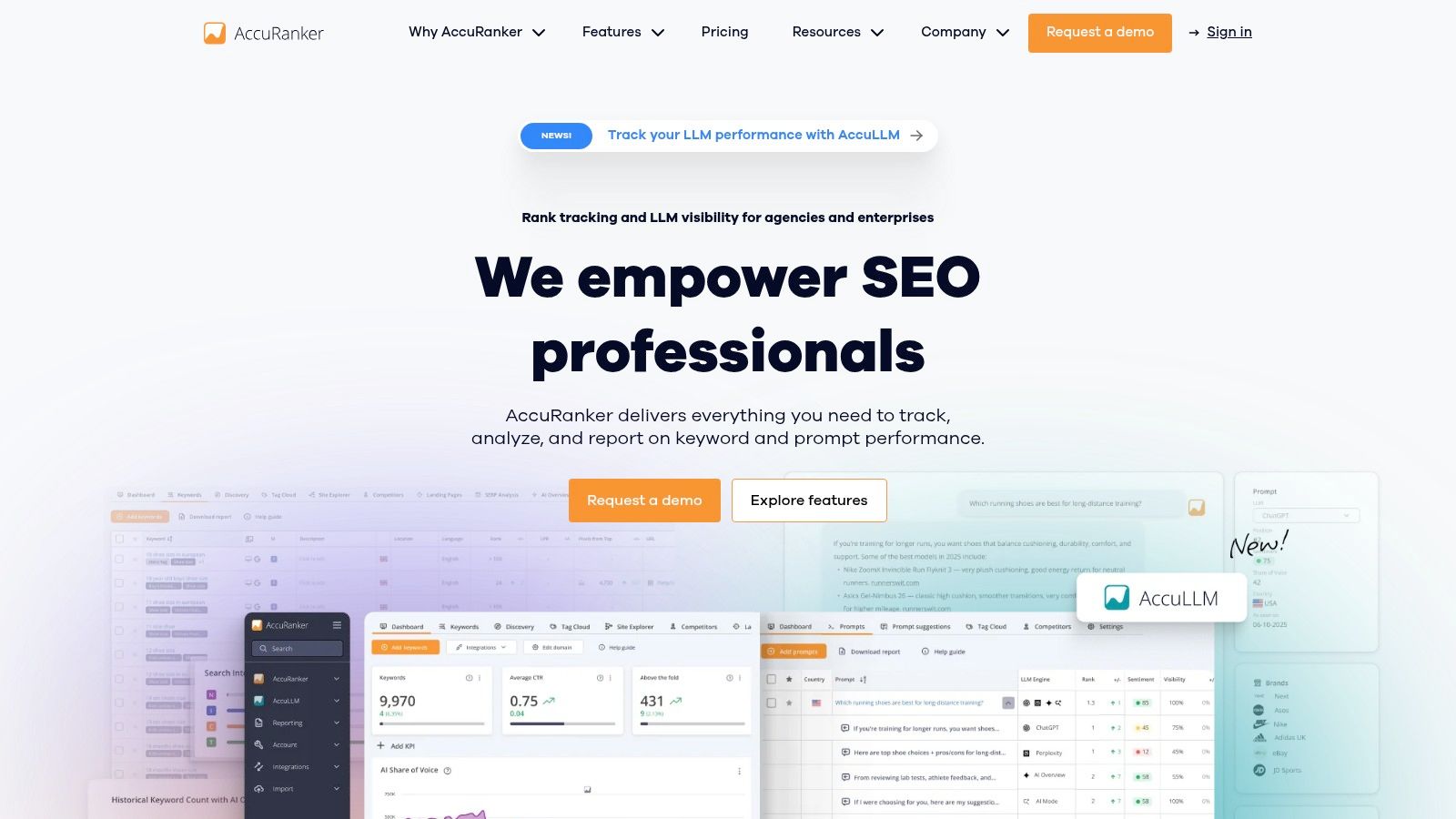
The platform’s core strength is its ability to provide on-demand keyword updates, allowing users to refresh their rankings instantly instead of waiting for a scheduled daily crawl. It excels at data segmentation with powerful tagging and filtering, enabling teams to monitor performance by search intent, specific campaigns, or page clusters. For enterprise-level needs, its integrations with Google Looker Studio and BigQuery, along with a flexible API, provide the raw data access required for custom business intelligence dashboards.
Key Features & Considerations
AccuRanker is one of the best SEO monitoring tools for its specialization in rank tracking, offering unmatched speed and data accessibility.
- Best For: SEO agencies, large enterprises, and performance-focused marketers who need a fast, accurate, and scalable rank tracking solution with strong data export and integration options.
- Pricing: Plans start at $129/month, with costs scaling based on the number of keywords tracked.
- Pros:
- Extremely fast and reliable rank refreshes, with on-demand updates available.
- Unlimited users and domains are included in higher-tier plans.
- Powerful enterprise data features, including API access and BigQuery exports.
- Cons:
- Pricing can become significant as keyword volume increases.
- Its scope is intentionally narrow, focusing primarily on rank tracking over other SEO functions.
- Website: https://www.accuranker.com
9. Screaming Frog SEO Spider
Screaming Frog SEO Spider is the industry-standard desktop crawler for in-depth technical SEO auditing and monitoring. While not a cloud-based platform, its strength lies in its ability to perform deep, customizable crawls of your website, making it a foundational tool for identifying issues with indexing, metadata, redirects, and site architecture. It is an essential component of any serious technical SEO monitoring stack.
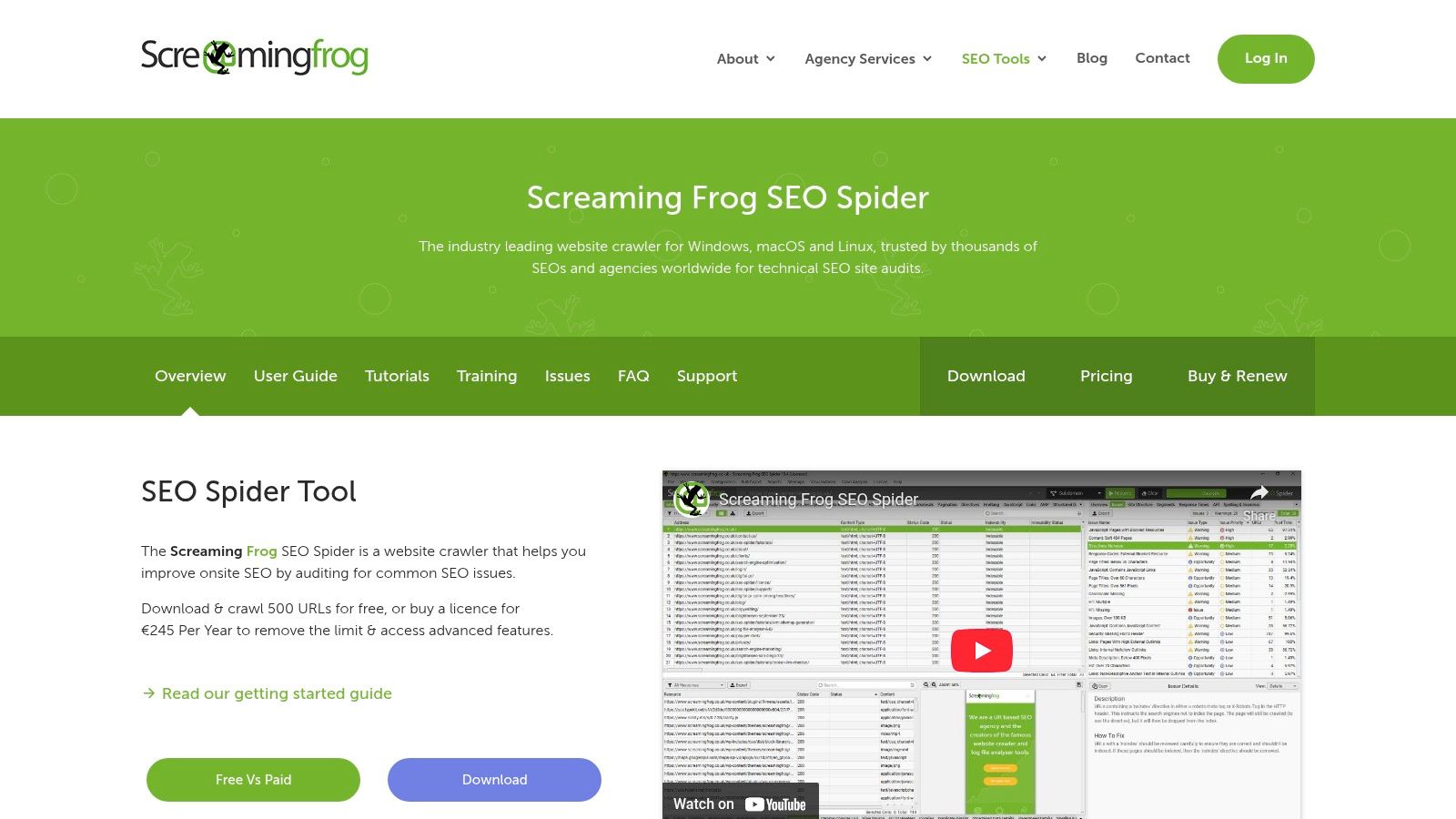
The platform operates as a locally installed application but includes powerful automation features. You can schedule crawls to run at regular intervals, exporting data to compare against previous audits to monitor changes over time. Its custom extraction capabilities using CSS Path, XPath, or Regex are particularly powerful for monitoring specific on-page elements, such as schema markup or analytics tags, turning a simple crawler into a bespoke monitoring solution.
Key Features & Considerations
Screaming Frog is unparalleled for deep, hands-on technical analysis and is often used alongside other cloud-based SEO monitoring tools.
- Best For: Technical SEOs, agencies, and in-house teams who need granular control over site crawls and require detailed data for technical monitoring and diagnostics.
- Pricing: A free version is available for up to 500 URLs. The paid license costs £259 per year (approximately $325), with discounts for multiple licenses.
- Pros:
- Highly detailed and comprehensive technical site crawling.
- Affordable annual license with powerful scheduling and automation.
- Extremely configurable with custom extraction and API integrations.
- Cons:
- As a desktop app, it relies on local machine resources, which can be a limitation for very large sites.
- Lacks a native, built-in dashboard for long-term data visualization; requires exporting data to other tools.
- Website: https://www.screamingfrog.co.uk/seo-spider
10. Oncrawl
Oncrawl is an enterprise-grade technical SEO platform designed for monitoring large, complex websites where even minor issues can have a major impact. It combines a powerful crawler with log file analysis, providing a unique view into how search engine bots interact with your site. This dual approach allows technical SEOs and data teams to diagnose indexability problems and monitor bot behavior in near real-time, making it an essential tool for continuous site health management.
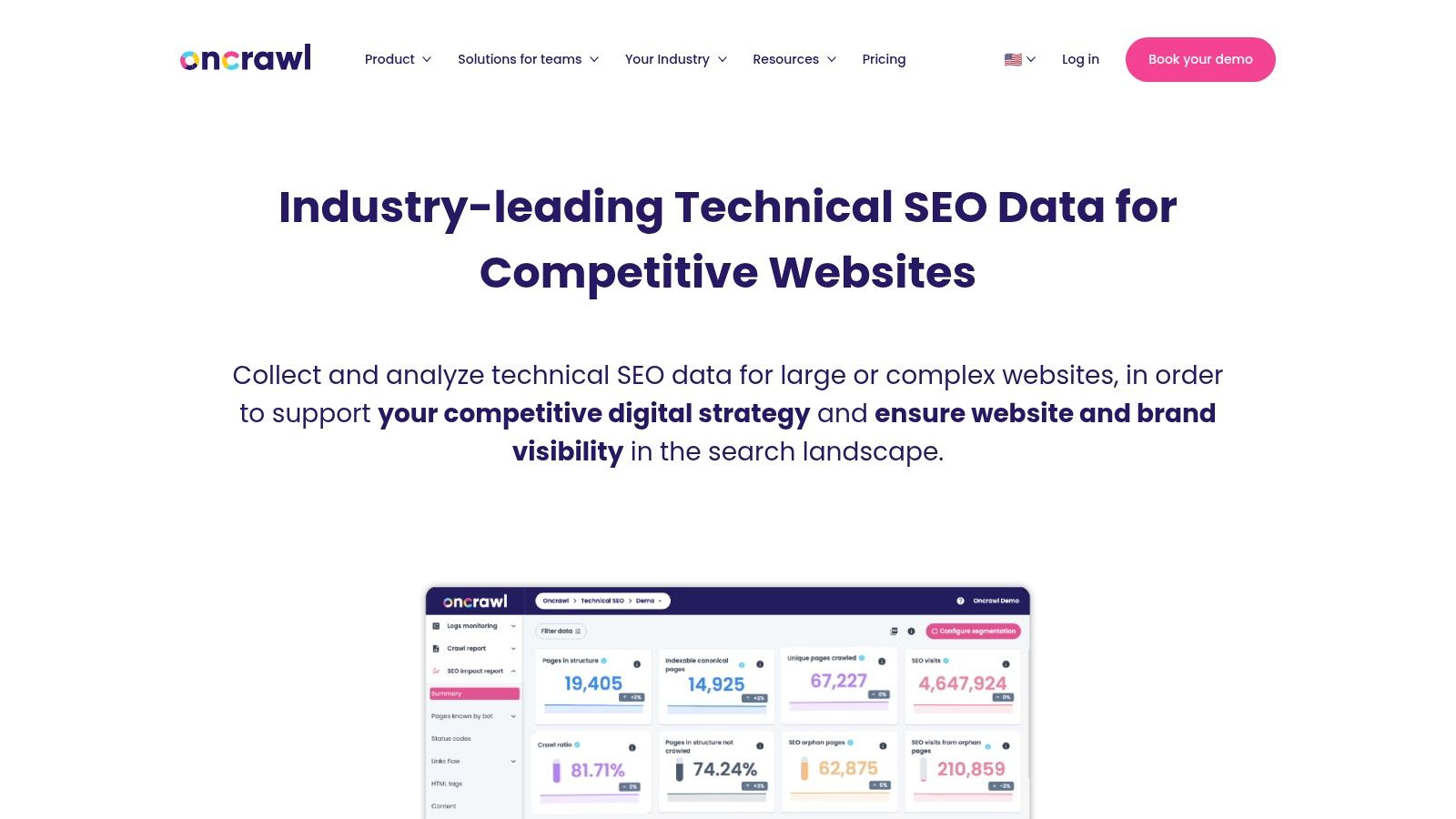
The platform's strength lies in its data science-focused workflow and deep integrations. Oncrawl connects with tools like GA4, Adobe Analytics, and Looker Studio, and can export data to cloud storage for custom analysis. Its automated crawl scheduling and alerting system ensures you are the first to know about new errors, crawl budget waste, or changes in how Googlebot perceives your site, which is why it is considered one of the best SEO monitoring tools for technical specialists.
Key Features & Considerations
Oncrawl is built for data-heavy analysis, offering unparalleled insight into bot behavior for enterprise-level sites.
- Best For: In-house SEO teams, data scientists, and agencies managing large ecommerce or publisher websites with complex technical needs.
- Pricing: Pricing is quote-based and tailored to specific crawling needs, integrations, and support levels. It is generally positioned for the enterprise market.
- Pros:
- Combines crawl data with log file analysis for a comprehensive technical view.
- Excellent for monitoring crawl budget and bot behavior on massive sites.
- Mature enterprise integrations, API access, and dedicated customer support.
- Cons:
- The quote-based pricing may be inaccessible for smaller businesses.
- Has a significant learning curve to master advanced segmentation and data workflows.
- Website: https://www.oncrawl.com
11. Botify
Botify is an enterprise-grade SEO and AI visibility platform designed for the unique challenges of very large, complex websites. It moves beyond traditional crawling by integrating log file analysis, providing unparalleled insight into how both traditional search engines and emerging AI agents discover, crawl, and index your content. This makes it an essential tool for organizations needing to manage indexation and technical health at an immense scale.
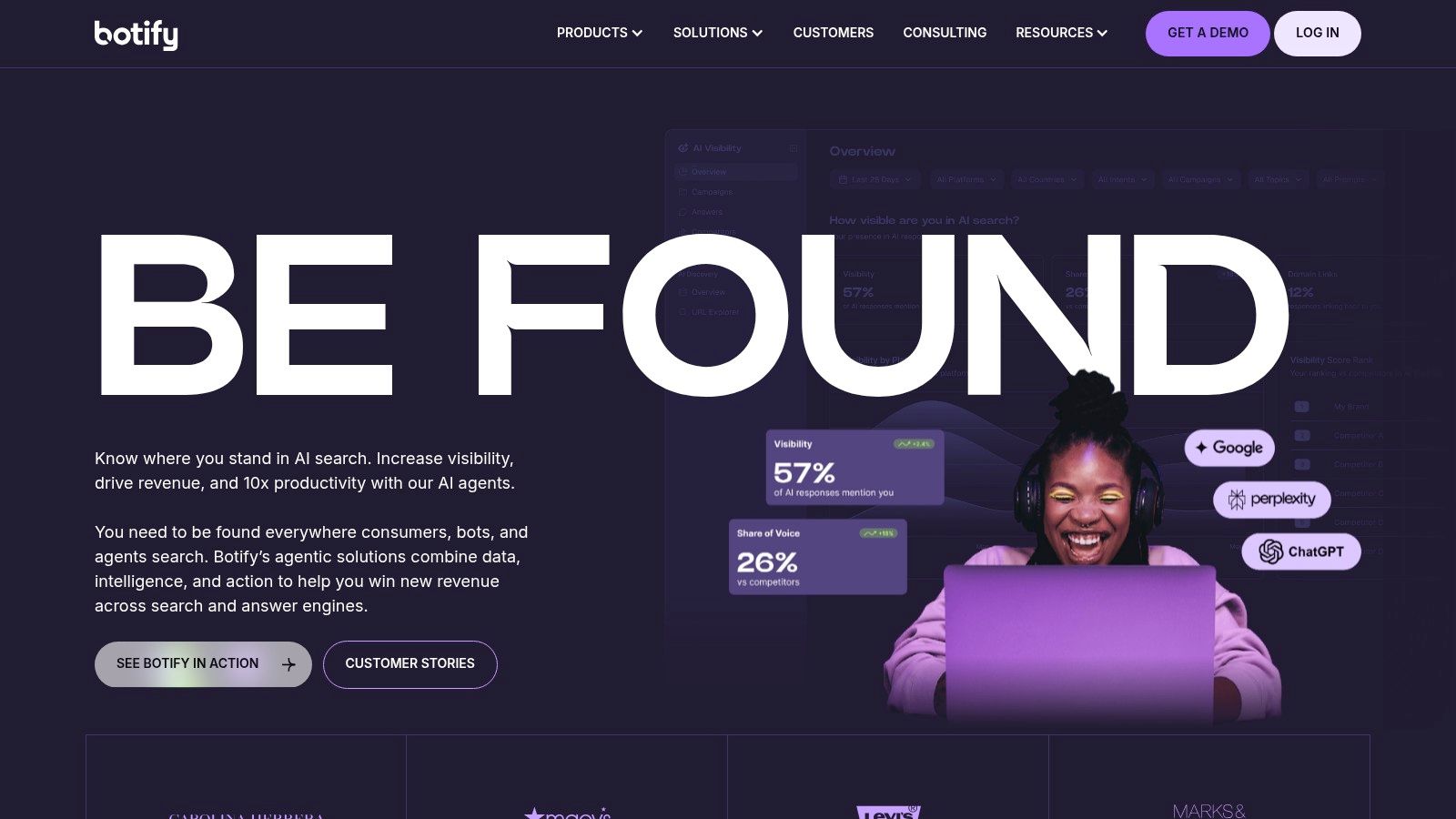
The platform's strength lies in its automation and integration capabilities. Botify offers 24/7 monitoring with proactive alerts, preventing critical issues before they impact performance. Its AI-assisted insights and agentic automation (Assist and Activation) help teams prioritize and execute fixes efficiently. By connecting directly with data platforms like BigQuery and Looker, Botify embeds SEO data into the broader business intelligence ecosystem.
Key Features & Considerations
Botify is one of the best SEO monitoring tools for its enterprise focus and deep, log-based analytics, though it’s not suitable for smaller businesses.
- Best For: Large enterprise companies, e-commerce sites, and publishers with dynamic, multi-million-page websites requiring advanced automation and data integration.
- Pricing: Custom enterprise pricing only. The platform is a significant investment tailored to large-scale operations.
- Pros:
- Built for massive scale with advanced log file analysis.
- Powerful 24/7 monitoring, AI-driven insights, and automation features.
- Strong enterprise integrations and security, available on cloud marketplaces.
- Cons:
- Pricing can be substantial and is not transparent.
- Complexity and feature set are overkill for small to medium-sized sites.
- Website: https://www.botify.com
12. Google Search Console
Google Search Console (GSC) is the foundational, free monitoring tool straight from the source. It provides direct insights into how Google sees and indexes your website, making it an absolutely essential, non-negotiable part of any SEO monitoring toolkit. Its core function is to report on your site's search performance, index coverage, and any critical issues Google encounters.
Unlike third-party tools, GSC offers official data on impressions, clicks, CTR, and average keyword positions. It is the definitive source for understanding organic search visibility. The platform automatically sends email alerts for crucial events like manual actions, security problems, or widespread indexing errors. This direct line of communication from Google is invaluable for immediate, high-priority issue detection.
Key Features & Considerations
As a free tool, GSC is an indispensable starting point, but it's most powerful when combined with a more comprehensive crawler.
- Best For: All website owners, SEOs, and marketers as the primary source of truth for Google performance and technical health monitoring.
- Pricing: Completely free. Access requires website ownership verification.
- Pros:
- Free and official data directly from Google.
- Reliable, critical alerts for manual actions and indexing issues.
- API allows for integration with custom dashboards and other tools.
- Cons:
- Data is often sampled and can have a delay of a few days.
- Not a comprehensive site crawler; it reports on issues Google finds, not everything that exists.
- Website: https://search.google.com/search-console
Top 12 SEO Monitoring Tools — Feature Comparison
| Product | Core features | Quality (★) | Value & Pricing (💰) | Target Audience (👥) | Unique Selling Points (✨) |
|---|---|---|---|---|---|
| ScreenshotEngine 🏆 | API screenshots (PNG/JPEG/WebP), element & full-page, dark mode, auto-block ads/cookies | ★★★★★ Fast, reliable | 💰 Free tier + transparent scaling; Early Adopter promo | 👥 Developers, QA, monitoring, AI teams | ✨ Queue-less ms rendering, auto-clutter removal, SDKs & live playground |
| Ahrefs | Rank tracker, site audit, backlink & SERP history | ★★★★☆ Large fresh data | 💰 Premium; add-ons for daily updates | 👥 SEO teams, agencies | ✨ Deep backlink & competitor intelligence |
| Semrush | Position tracking, site audits, traffic & market tools | ★★★★☆ Broad, frequent updates | 💰 Bundled toolkits; complex pricing | 👥 Marketing teams, agencies | ✨ Cross-channel toolkits & integrations |
| Moz Pro | Rank tracking, scheduled crawls, Link Explorer | ★★★☆☆ Clear, beginner-friendly | 💰 Clear tiers; higher tiers cost more | 👥 SMBs, agencies starting out | ✨ Strong educational resources, DA/PA metrics |
| Conductor (ContentKing) | Real-time crawling, instant change tracking & alerts | ★★★★☆ True real-time monitoring | 💰 Quote-based / enterprise | 👥 Large sites, multi-team workflows | ✨ Continuous 24/7 detection & proactive alerts |
| STAT Search Analytics | Enterprise daily rank tracking, SERP intelligence | ★★★★☆ Enterprise-grade scale | 💰 Higher entry; custom quotes | 👥 Agencies, enterprises with large keyword sets | ✨ Large-volume daily tracking & segmentation |
| SE Ranking | Daily rank tracking, audits, backlink monitoring | ★★★☆☆ Cost-effective feature set | 💰 Very competitive pricing; 14-day trial | 👥 SMBs, agencies price-conscious | ✨ High value-for-cost & agency add-ons |
| AccuRanker | Fast daily/on-demand rank updates, API & exports | ★★★★☆ Fast & accurate | 💰 Pricing scales with keywords | 👥 Agencies, enterprises needing speed | ✨ Rapid refreshes, tagging & BigQuery exports |
| Screaming Frog SEO Spider | Desktop crawler, JS rendering, custom extractions | ★★★★☆ Industry-standard crawler | 💰 Affordable per-user license | 👥 Technical SEOs, auditors | ✨ Highly configurable CSS/XPath/Regex extractions |
| Oncrawl | Cloud crawls, log analysis, alerts & exports | ★★★★☆ Data-science friendly | 💰 Quote-based; enterprise plans | 👥 Large/complex sites, data teams | ✨ Combines crawl + log analysis for early warnings |
| Botify | 24/7 monitoring, log/AI bot tracking, automation | ★★★★☆ Enterprise & automated | 💰 Enterprise pricing | 👥 Very large, dynamic sites | ✨ AI-assisted automation & advanced bot tracking |
| Google Search Console | Index coverage, performance, URL inspection & alerts | ★★★★☆ Official Google signals | 💰 Free | 👥 All site owners; baseline monitoring | ✨ Direct Google data & free API for exports |
Building Your Ultimate SEO Monitoring Stack
Navigating the landscape of SEO monitoring tools can feel overwhelming. As we've explored, the market is filled with powerful platforms, each with unique strengths, from the all-in-one dashboards of Semrush and Ahrefs to the hyper-focused, real-time alerts of Conductor (ContentKing) and the deep technical crawling capabilities of Screaming Frog and Botify. The key takeaway isn't to find a single "best" tool, but to strategically assemble a monitoring stack that aligns with your specific goals, budget, and technical maturity.
The search for the best SEO monitoring tools ultimately leads to a personalized solution. Your ideal setup won't look the same as an enterprise e-commerce site or a small local business. It's about creating a synergistic system where each tool serves a distinct purpose, providing a comprehensive view of your website's health and performance.
Your Action Plan for Selecting the Right Tools
To move from analysis to action, consider this structured approach to building your stack. This will help you make an informed decision rather than getting lost in feature lists or succumbing to the most popular choice without due diligence.
Define Your Core Monitoring Needs: Before you even look at pricing pages, map out your non-negotiables. Are you focused on daily rank tracking, technical site audits, backlink profile analysis, or content performance? Prioritize these needs. For example, if your primary goal is tracking thousands of keywords across multiple geographic locations with daily updates, tools like AccuRanker or STAT should be at the top of your list.
Evaluate Your Team's Expertise: Be realistic about your team's skills. A tool like Oncrawl or Botify offers immense power for technical SEO, but it requires a sophisticated user to extract its full value. Conversely, platforms like SE Ranking or Moz Pro provide more user-friendly interfaces that are perfect for generalist marketers or teams just starting to build their SEO practice.
Audit Your Existing Stack: What are you already using? Your stack must integrate, not overlap redundantly. Remember that Google Search Console is a foundational, non-negotiable tool that provides direct data from the source. Any tool you add should complement its insights, not just replicate them.
Consider the Visual Dimension: In modern SEO, what the user and Googlebot see is paramount. Monitoring SERP features, ad placements, and rendering consistency is no longer a luxury. This is where integrating a specialized tool like ScreenshotEngine becomes a game-changer, providing visual proof and historical data that traditional analytics tools miss. A robust SEO monitoring stack forms a critical component of any comprehensive digital content strategy, allowing you to track performance and make informed adjustments.
Final Thoughts on Building a Future-Proof Stack
The digital ecosystem is in constant flux. Algorithm updates, new SERP features, and evolving user behavior mean that SEO monitoring is not a "set it and forget it" task. Your chosen tools should not only solve today's problems but also provide the flexibility to adapt to tomorrow's challenges. The most effective approach is to build a diversified portfolio: a powerful all-in-one for broad oversight, a technical crawler for deep dives, a rank tracker for daily performance pulses, and a visual monitoring API for capturing the crucial on-page and SERP reality. By doing so, you create a resilient, multi-faceted system that provides the clarity needed to not just compete, but to win in the search landscape.
Ready to add the critical visual layer to your monitoring? Integrate the ScreenshotEngine API to automate high-resolution SERP captures and website screenshots, ensuring you never miss a visual change that impacts your rankings or user experience. Visit ScreenshotEngine to see how you can start capturing pixel-perfect data today.