
Developer productivity isn't just about writing code faster; it's about optimizing the entire software development lifecycle, from ideation and coding to testing and deployment. The right ecosystem of developer productivity tools can eliminate friction, automate repetitive tasks, and empower teams to build higher-quality software with greater velocity. In a landscape where speed and reliability are paramount, investing in the proper tooling is no longer a luxury but a strategic necessity.
This guide moves beyond generic feature lists to provide a practical, curated analysis of 12 essential platforms and marketplaces that serve as powerful force multipliers for modern development teams. We will explore everything from IDE extensions that streamline coding to sophisticated CI/CD and monitoring solutions that ensure your applications are robust and resilient.
Each entry provides a concise breakdown, including:
- Core use cases and a brief description.
- An honest assessment of pros and cons.
- Notes on pricing tiers.
- Practical integration examples, such as using ScreenshotEngine for visual regression and automated monitoring.
You will find direct links and illustrative screenshots for every platform, helping you quickly identify the best developer productivity tools for your specific needs. Our goal is to equip you with actionable insights to build a cohesive, high-performance workflow. Let's dive into the tools that will help you and your team build better, faster.
1. ScreenshotEngine
ScreenshotEngine is a developer-first screenshot API designed to eliminate the complexities of browser automation and infrastructure management. It delivers high-fidelity website images with millisecond-level speed, making it a standout choice among developer productivity tools for teams that require reliable, production-grade visual assets without maintaining their own rendering stack. Its core strength lies in its optimized, queue-less rendering pipeline, which ensures consistent performance even at scale.
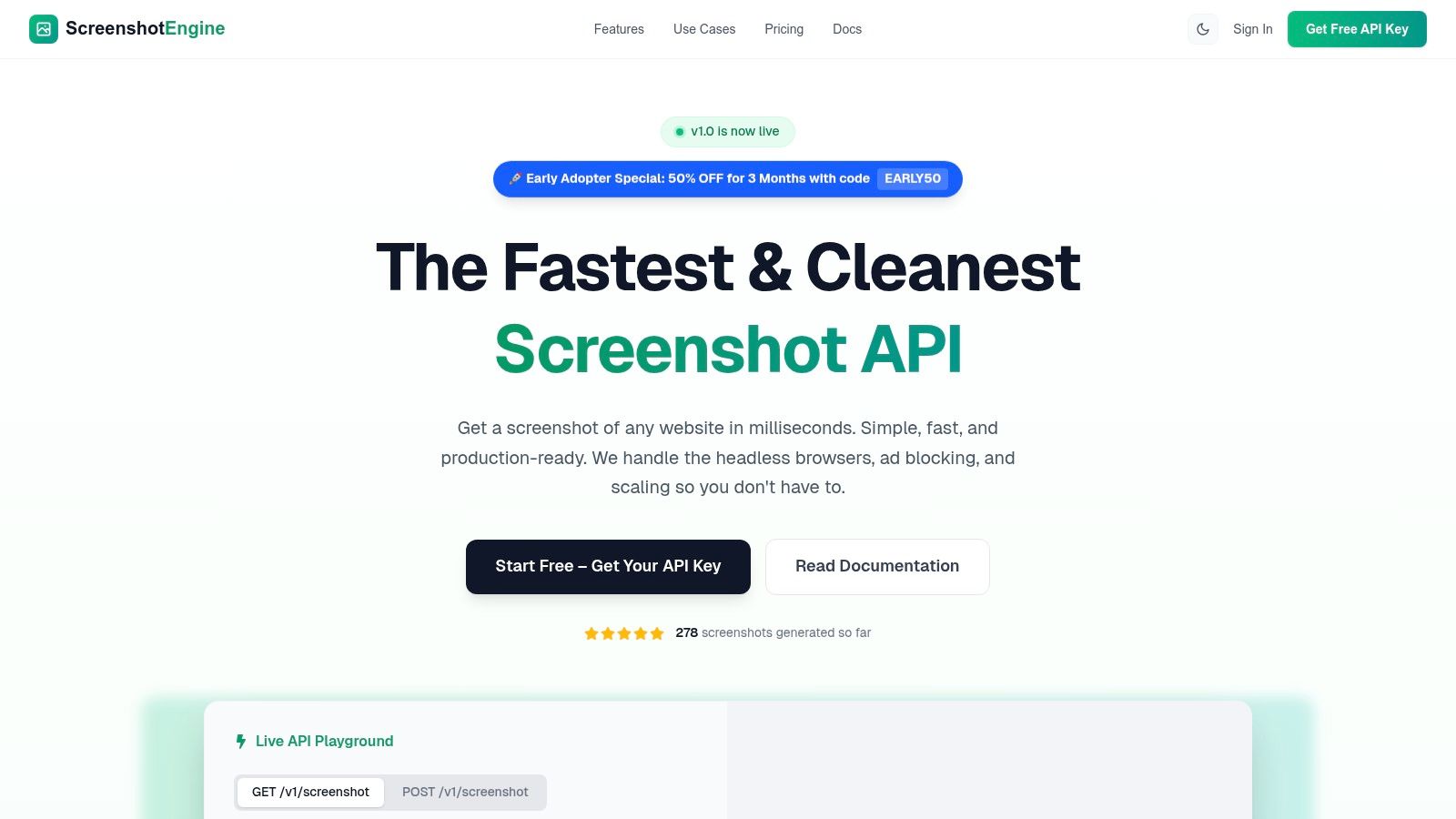
The platform automatically removes ads, cookie banners, and popups, producing clean, uncluttered screenshots perfect for immediate use. This feature alone saves significant development time otherwise spent on scripting complex browser interactions. Developers can integrate the service quickly using a single, simple endpoint, with SDK examples available for Node, Python, and .NET. A live API playground further simplifies testing and parameter configuration.
Core Use Cases and Practical Integration
- CI/CD & Visual Regression Testing: Integrate ScreenshotEngine into your CI/CD pipeline (e.g., GitHub Actions, Jenkins) to automatically capture screenshots of key UI components before and after a deployment. Compare the images to detect unintended visual changes, preventing UI bugs from reaching production.
- Automated Monitoring & Archival: Set up a cron job that calls the API to periodically capture images of your homepage, critical user flows, or competitor websites. This creates a reliable visual archive for compliance, monitoring, or competitive analysis.
- Dynamic Social Media & Link Previews: When a user shares a link from your platform, call the API to generate a fresh, accurate screenshot for the Open Graph image tag. This ensures previews on social media are always up-to-date and visually appealing.
- SEO & SERP Tracking: Automate the process of capturing search engine results pages (SERPs) to track your keyword rankings and monitor how your site appears in search results over time.
Why It Stands Out
What sets ScreenshotEngine apart is its relentless focus on speed and simplicity. While many tools offer browser automation, ScreenshotEngine is purpose-built for one task: generating clean screenshots fast. The automatic blocking of site noise is a significant advantage, delivering professional results without extra code. For teams evaluating different screenshot tools, exploring the best screenshot capture software can provide additional context on where ScreenshotEngine excels.
Key Features and Specifications
| Feature | Description |
|---|---|
| Rendering Engine | Optimized, queue-less pipeline for sub-second screenshot generation. |
| Automatic Cleanup | Intelligently removes ads, cookie banners, and popups for clean outputs. |
| Capture Flexibility | Supports full-page, viewport, or specific CSS selector element capture. |
| Advanced Controls | Options for dark mode emulation, custom wait times, and text watermarking. |
| Developer Experience | Simple API endpoint, SDKs (Node, Python, .NET), live playground, and clear documentation. |
| Pricing & Access | A free tier is available without a credit card. Paid plans are transparent, with an Early Adopter special offering 50% off for 3 months (code: EARLY50). |
Pros & Cons
Pros:
- Extremely Fast: The queue-less architecture delivers screenshots in milliseconds.
- Clean Outputs: Automatic ad and banner blocking saves significant post-processing effort.
- Developer-Friendly: Simple integration with excellent documentation and a live playground.
- Cost-Effective: A generous free tier and transparent, competitive pricing.
Cons:
- SaaS Only: No on-premise or self-hosted option is advertised.
- Specialized Focus: Not a full browser automation platform; it excels at static captures, not multi-step interactive flows.
Website: https://www.screenshotengine.com
2. GitHub Marketplace
For teams deeply embedded in the GitHub ecosystem, the GitHub Marketplace is an essential hub for discovering and integrating developer productivity tools directly into their existing workflows. It functions as a specialized app store where you can find, purchase, and manage applications that extend GitHub’s native capabilities across CI/CD, code quality, security scanning, and project management. The primary advantage is its seamless integration; billing, permissions, and installations are all handled centrally through your GitHub account, simplifying the procurement and rollout process.
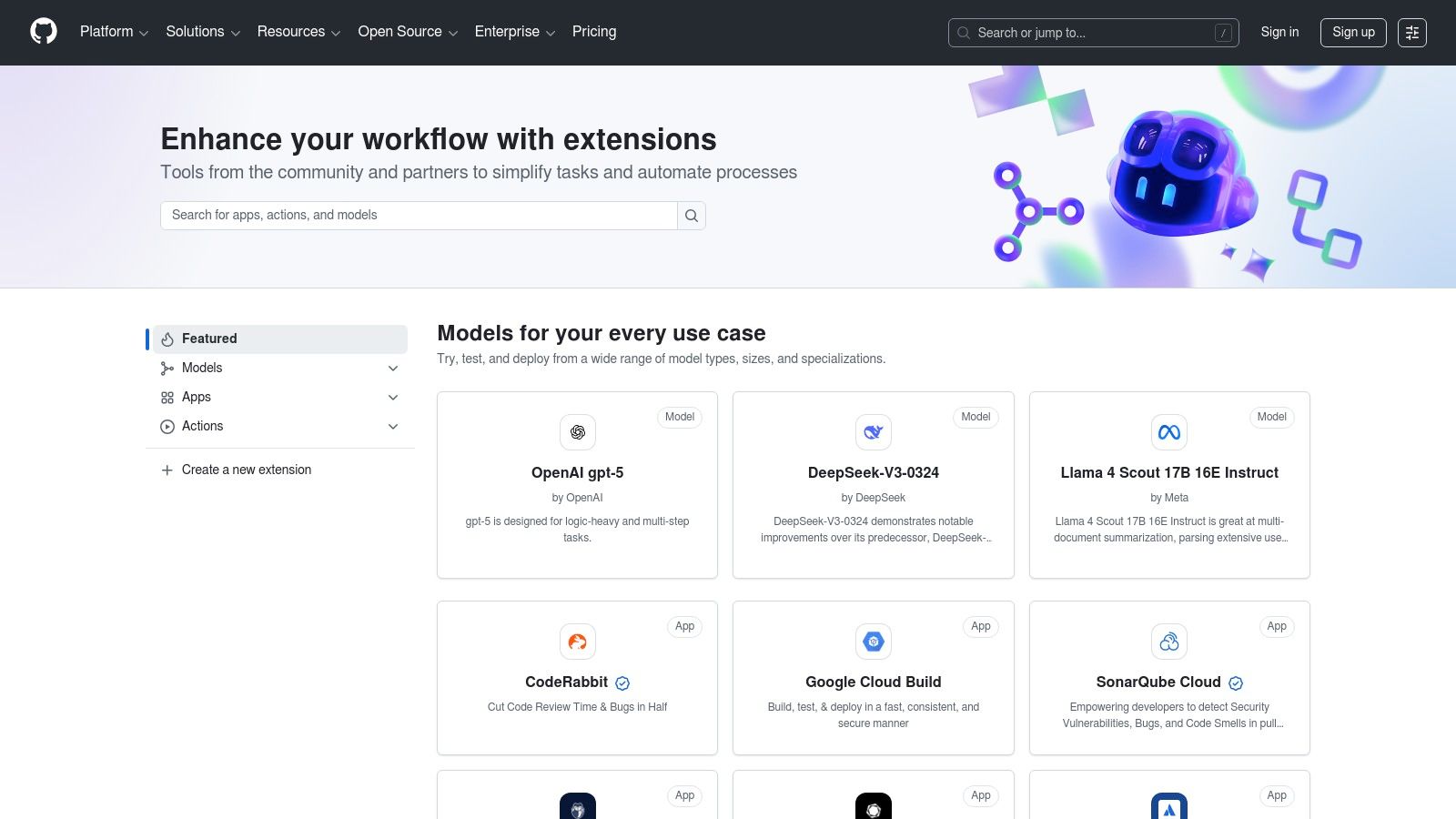
This centralized approach removes the friction of managing multiple subscriptions and user accounts across different services. You can scope app access to specific repositories or grant it organization-wide, providing granular control over your toolchain. Beyond the core services, the GitHub Marketplace offers a wealth of applications designed to enhance team management and development workflows, including some truly Underrated GitHub apps. This makes it an invaluable resource for discovering tools that can significantly increase developer productivity with minimal administrative overhead.
Core Use Cases & Features
- Integrated CI/CD & Testing: Find and install apps like CircleCI, Travis CI, or visual regression testing tools that trigger automatically on pull requests.
- Code Quality & Security: Add static analysis tools like CodeClimate or security scanners like Snyk to your repositories with a few clicks.
- Centralized Management: Manage billing, trials, and user permissions for all Marketplace apps directly within your GitHub organization settings.
- Seamless Onboarding: Most apps offer free tiers or 14-day trials that can be initiated instantly, allowing for quick evaluation.
| Pros | Cons |
|---|---|
| Deep, native integration with GitHub repos, PRs, and Actions | Enterprise invoicing constraints can complicate purchasing paid apps |
| Centralized procurement and permissioning simplifies adoption | Slow vendor app review timelines can delay availability of new tools |
| Mature billing flows with clear upgrade/downgrade controls | Discoverability can be challenging due to the sheer volume of listings |
Website: https://github.com/marketplace
3. Visual Studio Marketplace
For developers working within the Microsoft ecosystem, the Visual Studio Marketplace is the central repository for enhancing Visual Studio, VS Code, and Azure DevOps. It acts as an integrated app store, offering thousands of extensions that boost developer productivity by adding new features directly into the IDE. The key benefit is its seamless, one-click installation process, which allows developers to discover and enable tools like advanced linters, AI-powered code assistants, and specialized test runners without ever leaving their development environment.
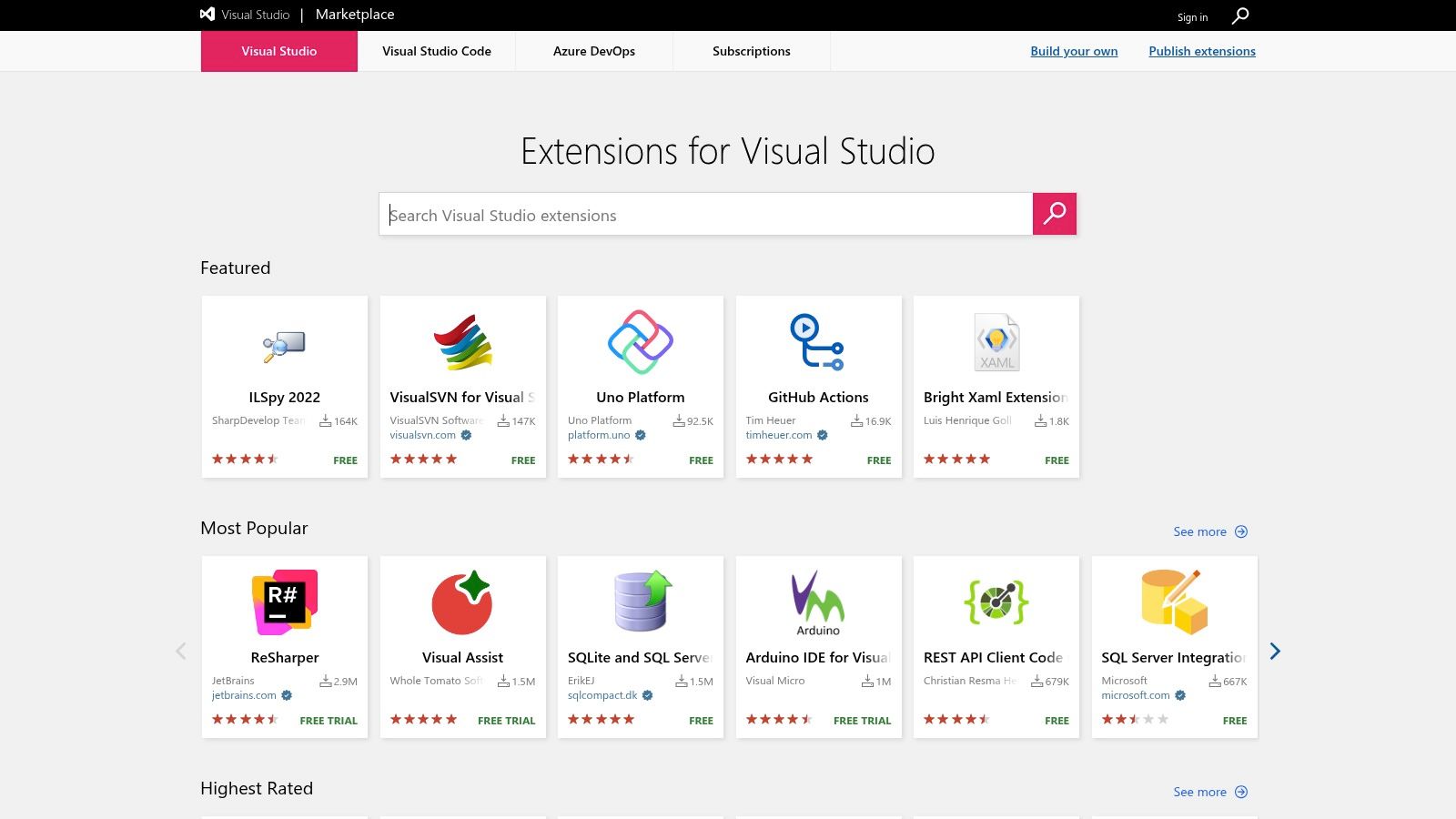
This deep integration simplifies the toolchain adoption process, making it trivial to experiment with new developer productivity tools. For larger organizations, the Marketplace provides powerful governance features, such as the ability to create a private, curated list of approved extensions. This helps mitigate security risks from unvetted, open-source add-ons while ensuring teams have access to standardized, high-quality tools. The vast ecosystem, which includes a large number of high-quality free extensions, makes it an indispensable resource for customizing your development workflow.
Core Use Cases & Features
- Integrated Extensions: Discover and install tools for AI-assisted coding, linting, testing, and more directly from within VS Code or Visual Studio.
- Azure DevOps Add-ons: Extend Azure DevOps capabilities with custom task boards, CI/CD integrations, and reporting widgets.
- Private Marketplace: Enterprises can create a curated collection of approved extensions to ensure security, compliance, and standardization across teams.
- One-Click Installation: Streamline tool adoption with a simple installation process that requires no complex configuration.
| Pros | Cons |
|---|---|
| Deep IDE integration allows for easy discovery and installation | Open marketplace can contain low-quality or malicious extensions |
| Broad ecosystem with a massive selection of free and paid options | Visual Studio subscriptions and Marketplace purchases are managed separately |
| Enterprise curation controls reduce supply-chain risk |
Website: https://marketplace.visualstudio.com/
4. JetBrains Marketplace
For development teams standardized on JetBrains IDEs like IntelliJ IDEA, WebStorm, or PyCharm, the JetBrains Marketplace is the definitive source for extending editor functionality. It acts as a unified platform for discovering, purchasing, and managing plugins, all tied directly to a user's JetBrains account. The key benefit is the seamless integration into the IDE ecosystem, which streamlines licensing, billing, and evaluation for both individual developers and entire organizations, making it a crucial hub for finding specialized developer productivity tools.
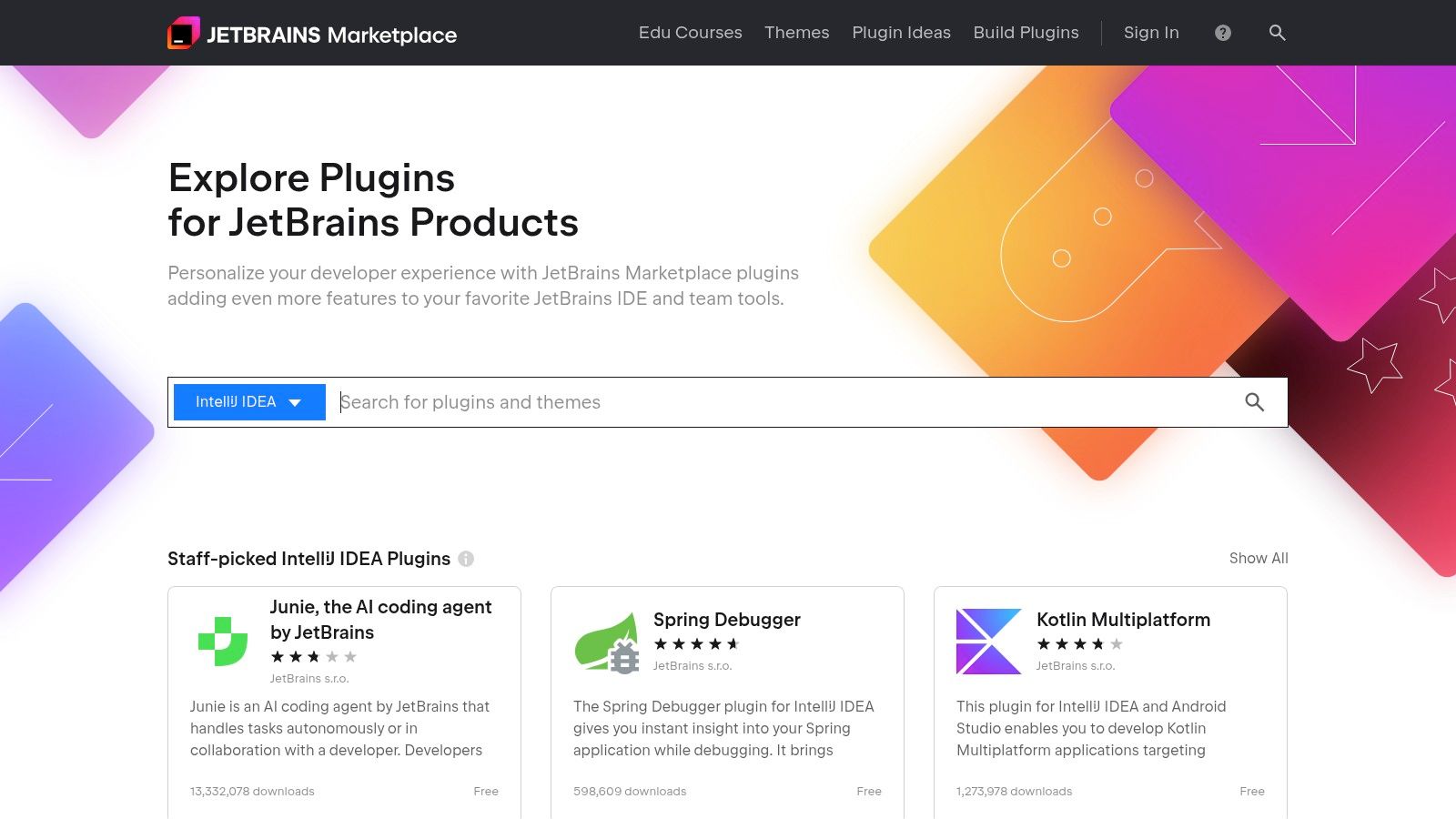
This centralized model eliminates the hassle of managing disparate plugin subscriptions and licenses. Enterprise teams benefit from features like on-premise license servers and robust license protection, which simplify compliance and distribution. The marketplace offers a vast catalog of plugins covering everything from AI-powered coding assistants and advanced refactoring tools to quality assurance and framework-specific integrations. This makes it an essential resource for tailoring the IDE to specific project needs and boosting team efficiency with minimal administrative friction.
Core Use Cases & Features
- Centralized Licensing & Billing: Manage all commercial plugin purchases, trials, and subscriptions directly through a single JetBrains account.
- Enterprise-Grade Management: Deploy plugins and manage licenses at scale with tools like on-premise license servers for enhanced control.
- Broad Plugin Catalog: Discover thousands of plugins for specific languages, frameworks, testing utilities, and workflow automation tools.
- Integrated Plugin Trials: Instantly start free trials for commercial plugins directly from the IDE, allowing for quick and easy evaluation.
| Pros | Cons |
|---|---|
| Tight IDE integration and a consistent licensing experience | Plugin quality can vary widely, requiring careful vendor vetting |
| Excellent discovery for productivity add-ons (AI, refactoring, QA) | Advanced team features may require paid tiers or specific enterprise plans |
Website: https://plugins.jetbrains.com/
5. Atlassian Marketplace
For organizations standardized on the Atlassian stack, the Atlassian Marketplace is the definitive source for extending Jira, Confluence, and Bitbucket capabilities. It serves as a comprehensive catalog of over 8,000 apps that integrate directly into your existing Atlassian products, covering everything from advanced planning and automation to specialized testing and reporting. The key benefit is its unified ecosystem, where app installations, user management, and billing are all handled through your central Atlassian admin console.
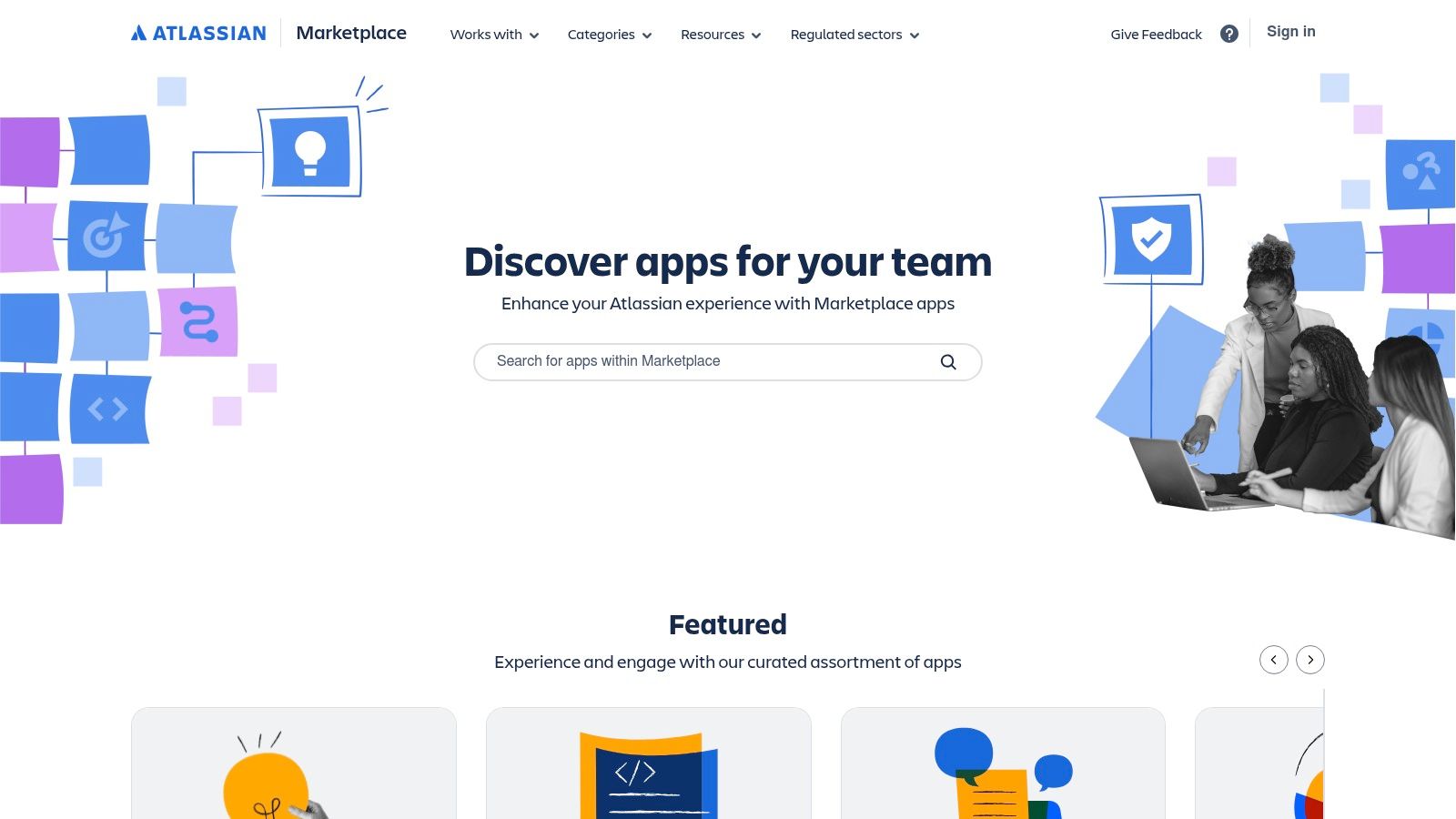
This integrated approach significantly streamlines the adoption of new developer productivity tools, as it aligns with your existing Atlassian user tiers and billing cycles. You can easily find, trial, and purchase apps without managing separate vendor contracts or credentials. The Marketplace features helpful discovery aids like Cloud Fortified badging, which designates apps that meet higher standards for security, reliability, and support, giving teams confidence when choosing mission-critical add-ons.
Core Use Cases & Features
- Extensive App Ecosystem: Discover apps for every function, including advanced roadmapping, CI/CD automation, test management, and documentation.
- Centralized Administration: Manage all app subscriptions, trials, and licenses directly from your Atlassian site administration, simplifying governance.
- Try‑Before‑You‑Buy: Most apps offer free trials, allowing teams to evaluate functionality and fit within their workflows before committing.
- Cloud Fortified Assurance: Easily identify high-assurance apps that meet Atlassian's strict requirements for enterprise-grade performance and security.
| Pros | Cons |
|---|---|
| Seamless installation and management from within Atlassian tools | App pricing often scales with your user count, which can become costly |
| Unified billing aligned with your primary Atlassian subscription | Marketplace apps are separate entitlements from core Enterprise plans |
| Massive partner ecosystem ensures a solution for almost any need | Navigating the vast number of apps can sometimes be overwhelming |
Website: https://marketplace.atlassian.com/
6. AWS Marketplace
For organizations heavily invested in the Amazon Web Services ecosystem, the AWS Marketplace serves as a curated digital catalog for discovering and deploying third-party developer productivity tools. It streamlines procurement by integrating software purchases directly into an existing AWS bill, eliminating the need to manage separate vendor contracts and payment systems. The platform offers a vast selection of software delivered in various formats, including SaaS, Amazon Machine Images (AMIs), and container images, catering to diverse architectural needs. This centralized approach simplifies compliance and governance, as all software acquisitions are consolidated under one roof.
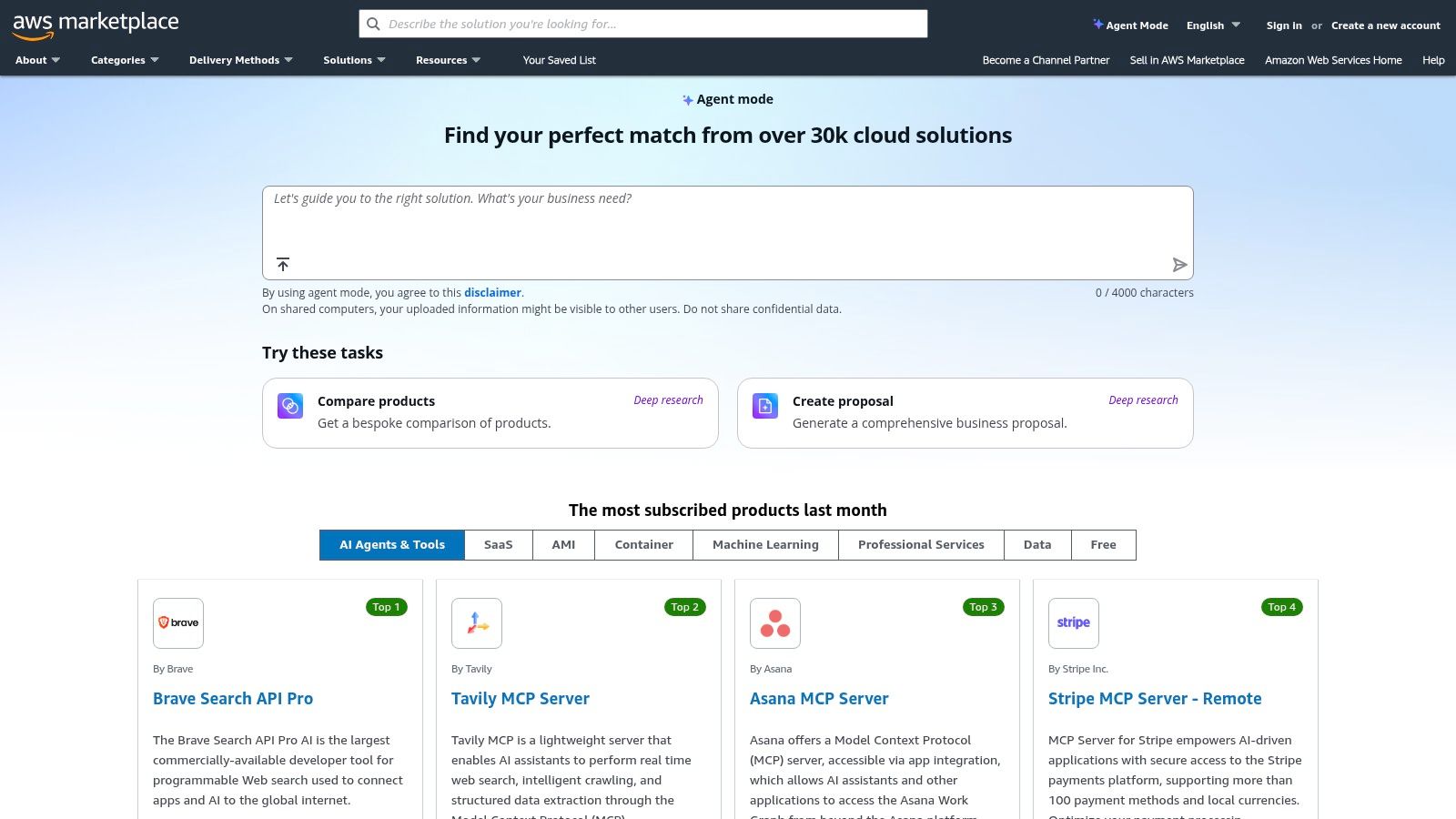
The primary advantage is the reduction in administrative friction. Teams can leverage their existing AWS accounts and budget commitments to procure essential DevOps and developer tools quickly. The marketplace supports flexible pricing models, from pay-as-you-go to annual subscriptions and even Bring Your Own License (BYOL). Furthermore, enterprises can negotiate private offers with vendors directly through the platform, allowing them to secure custom pricing and terms. This makes it an indispensable resource for scaling a team's toolchain while maintaining financial and operational control within the AWS environment.
Core Use Cases & Features
- Diverse Deployment Options: Find and deploy developer tools as SaaS, AMIs for EC2 instances, or container images for ECS and EKS.
- Consolidated Billing: All software charges are added to your monthly AWS bill, simplifying expense tracking and budget management.
- Flexible Pricing Models: Supports BYOL, usage-based, and subscription pricing, with free trials available for many products.
- Private Offers & Enterprise Contracts: Facilitates negotiated pricing and custom terms directly between your organization and software vendors.
| Pros | Cons |
|---|---|
| Streamlined procurement and compliance for existing AWS customers | Software trials often exclude underlying AWS infrastructure costs |
| Broad delivery methods to fit different deployment needs | Listings and pricing models vary; buyers must verify all infra charges |
Website: https://aws.amazon.com/marketplace/
7. Microsoft Azure Marketplace
For development teams heavily invested in the Microsoft ecosystem, the Microsoft Azure Marketplace serves as a vital catalog for discovering and deploying developer productivity tools that integrate tightly with Azure. It acts as an enterprise-grade app store where organizations can find, try, and buy applications that extend Azure’s native capabilities, particularly for DevOps and custom development. The key benefit is its unified procurement and deployment model, allowing teams to consolidate billing, governance, and management directly within their existing Azure subscriptions.
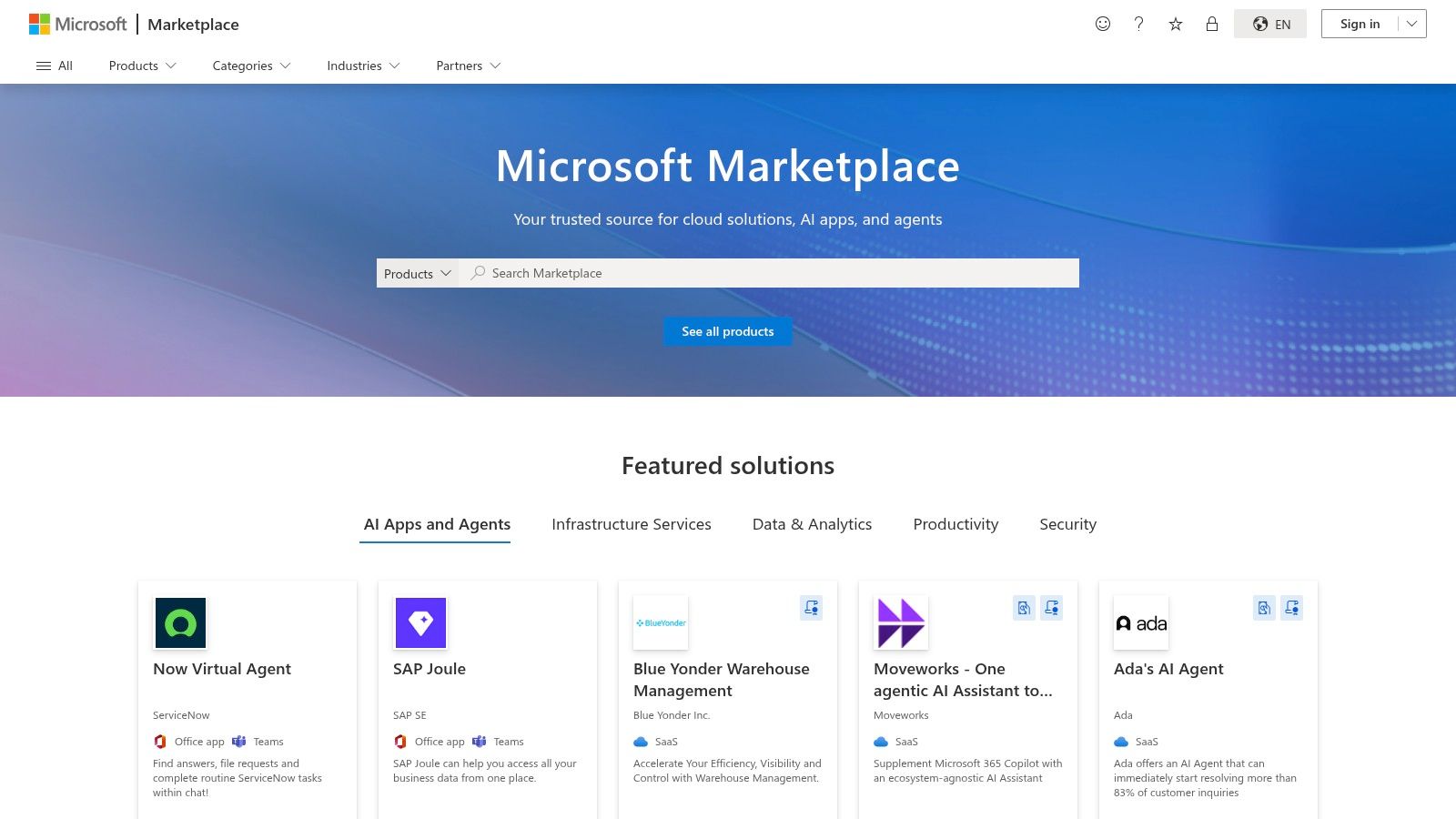
This centralized approach streamlines the adoption of new technologies by aligning tool acquisition with established Azure governance policies. It’s an ideal resource for teams using Azure DevOps, Visual Studio, and VS Code, as many listings offer deep integrations with these core Microsoft services. The marketplace simplifies the process of finding solutions that are pre-configured to run on Azure, reducing the setup and integration friction that often comes with adopting new developer tools. This makes it an essential hub for enhancing workflows within an Azure-centric environment.
Core Use Cases & Features
- Integrated DevOps Solutions: Discover and deploy a wide range of tools for CI/CD, monitoring, and security that complement Azure DevOps services.
- Unified Billing & Deployment: Consolidate software procurement and billing directly into your Azure subscription, simplifying financial management.
- Pre-Configured Environments: Access virtual machine images, solution templates, and managed services that are optimized for the Azure cloud.
- Flexible Offerings: Supports various purchasing models, including free trials, bring-your-own-license (BYOL), and usage-based pricing.
| Pros | Cons |
|---|---|
| Simplifies procurement and governance for Azure-first organizations | Some listings are generic images or services and require careful evaluation |
| Strong alignment with Microsoft developer workflows (VS, Azure DevOps) | Feature sets and delivery models can vary significantly by listing |
| Centralized billing and subscription management reduces overhead | Discoverability can be challenging without specific search terms |
Website: https://azuremarketplace.microsoft.com/
8. Google Cloud Marketplace
For engineering teams building on Google Cloud Platform (GCP), the Google Cloud Marketplace serves as a centralized procurement channel for developer productivity tools and services. It simplifies acquiring and deploying software directly into your GCP environment, offering everything from virtual machines and Kubernetes applications to SaaS and specialized AI agents. Its key benefit is the deep integration with Google Cloud’s billing and identity management, which streamlines the trial, purchase, and deployment of third-party solutions.
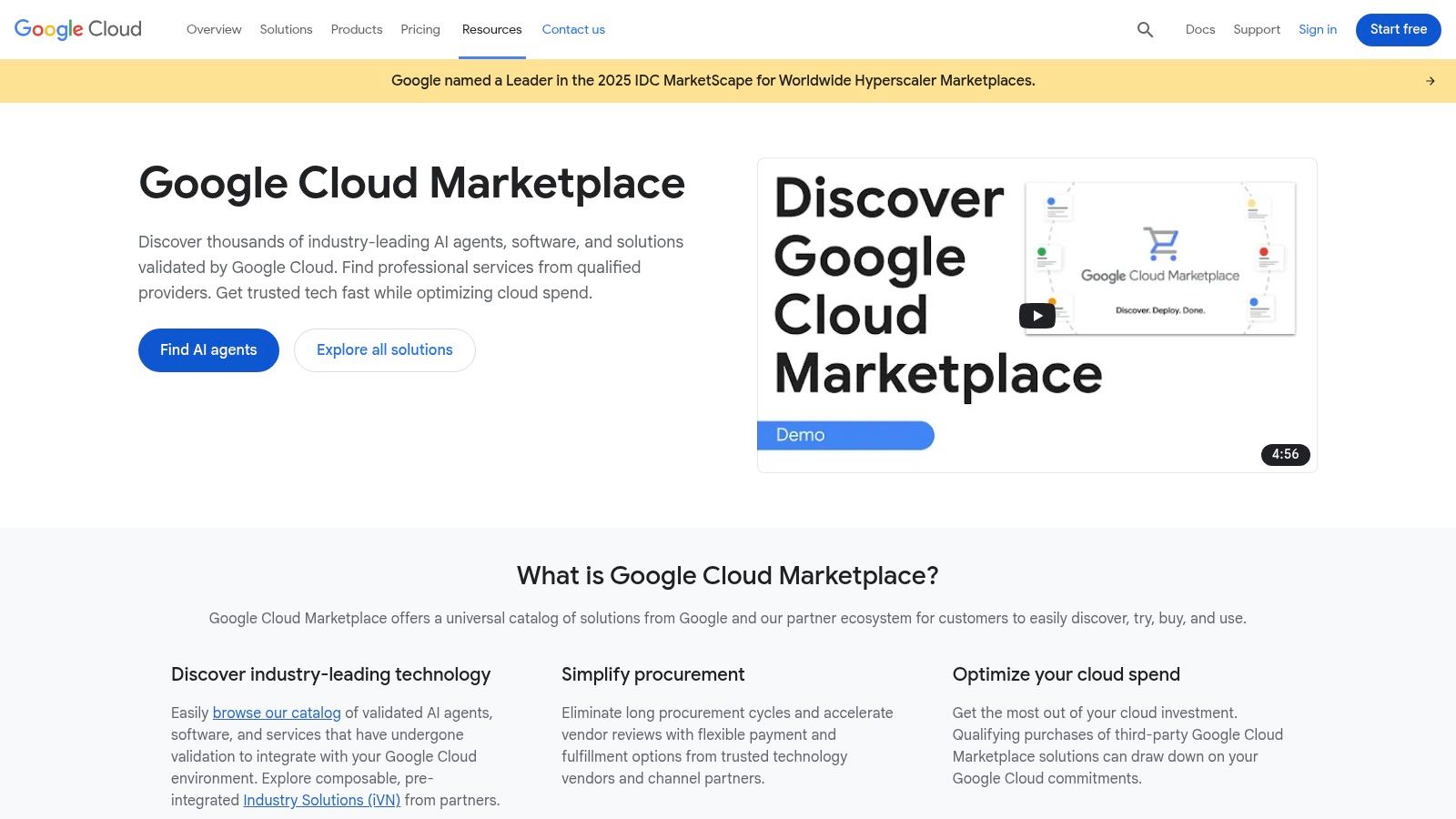
This unified approach consolidates software costs onto a single Google Cloud invoice, eliminating the administrative burden of managing separate vendor contracts and payments. The platform supports various pricing models, including private offers for custom terms and provider-configured free trials. These features allow teams to easily pilot new developer productivity tools within their existing infrastructure, making it an efficient hub for expanding your GCP-native toolchain with minimal procurement friction.
Core Use Cases & Features
- Flexible Deployment Options: Find and deploy tools as Kubernetes apps, pre-configured virtual machines, SaaS subscriptions, or AI agents.
- Integrated Billing & Trials: Manage all software costs through your Google Cloud bill and leverage provider-configured trials with set durations or credit limits.
- Private Offers: Negotiate custom pricing and terms directly with vendors for large-scale deployments or specialized needs.
- Simplified Discovery: Search for solutions across categories like CI/CD, monitoring, and security that are verified to run on Google Cloud.
| Pros | Cons |
|---|---|
| Integrated billing makes it easy to pilot tools alongside workloads | Free trials cover software fees but not underlying cloud infra costs |
| Clear documentation on pricing models and trial behavior | Requires careful monitoring of resource usage to avoid unexpected charges |
| Direct deployment into your existing GCP environment | Tool selection is limited to vendors who have partnered with Google Cloud |
Website: https://cloud.google.com/marketplace
9. npm (npmjs.com)
As the default package registry for the JavaScript ecosystem, npm (npmjs.com) is a foundational resource for developer productivity tools. It serves as a massive public database of open-source packages, CLIs, and utilities like linters, formatters, and test runners that developers integrate directly into their projects. Beyond its public offerings, npm provides Pro and Teams plans, enabling organizations to host private packages for internal tooling and effectively manage permissions within monorepos or across multiple projects.
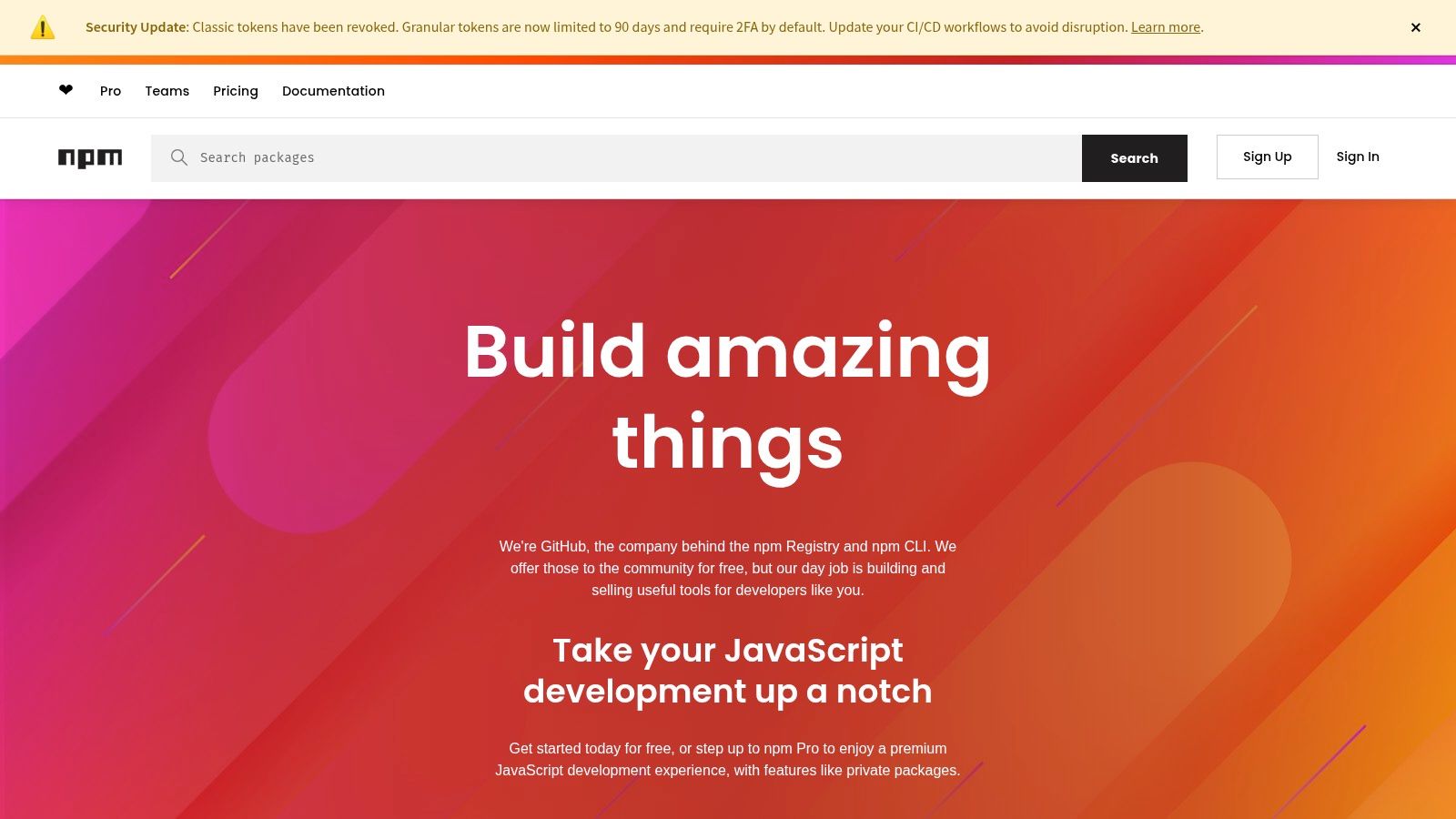
The primary advantage of npm is its ubiquity and direct integration with the Node.js runtime, making it the de facto standard for managing project dependencies. For teams, the ability to publish and manage private packages is crucial for sharing proprietary code, internal libraries, and specialized scripts without exposing them publicly. This centralizes reusable components and ensures that all developers are working with the same approved versions of internal tools, streamlining development and reducing redundant work.
Core Use Cases & Features
- Vast Public Registry: Access the world's largest collection of open-source JavaScript packages and command-line tools for development workflows.
- Private Package Hosting: Use paid plans to host and manage private packages, securing proprietary code and internal libraries.
- Team & Organization Management: Control access to private packages with team-based permissions, simplifying collaboration and security.
- Seamless Build Tool Integration: Integrates natively with nearly every JavaScript build system, bundler, and continuous integration pipeline.
| Pros | Cons |
|---|---|
| Fast access to the largest OSS ecosystem for productivity tools | Open registry risks require dependency vetting and supply-chain auditing |
| Simple paid plans for private tooling and team management | Occasional ecosystem security incidents necessitate extra vigilance |
Website: https://www.npmjs.com/
10. PyPI (Python Package Index)
For developers working in the Python ecosystem, the Python Package Index (PyPI) is the definitive source for developer productivity tools. It serves as the official third-party software repository, housing a vast collection of libraries, frameworks, and command-line utilities that streamline everything from code formatting and testing to automation and deployment. Its power lies in its universality; nearly every Python project relies on packages installed directly from PyPI via the pip command, making it a foundational part of the development workflow.
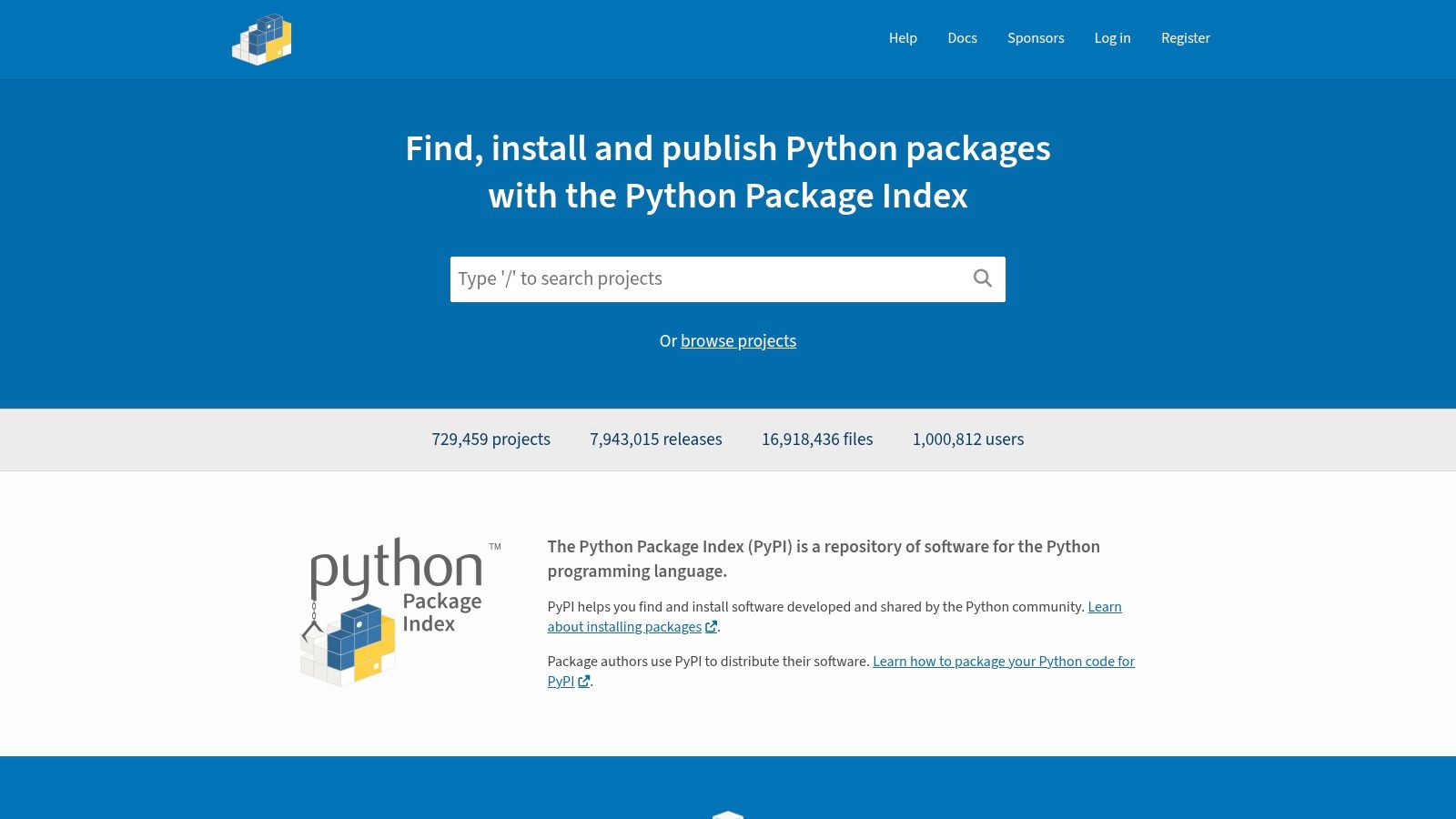
While the public repository is free, PyPI also offers paid Organization accounts for companies needing better namespace control, team management, and private package hosting. This bridges the gap between the open-source community and enterprise requirements. The platform's ongoing security hardening and transparent governance ensure it remains a reliable, if not indispensable, resource. By providing a central, canonical index, PyPI dramatically accelerates development by making powerful tools easily discoverable and installable with a single command.
Core Use Cases & Features
- Canonical Package Index: Powers all standard
pip installcommands, serving as the primary source for Python developer tooling like linters, formatters, and testing frameworks. - Organization Accounts: Provides teams with paid features for member management and better control over package namespaces.
- Straightforward Installation: Enables simple installation and upgrades of tools directly from the command line, integrating seamlessly into any project.
- Ongoing Security Hardening: Implements features like two-factor authentication (2FA) and other measures to protect the integrity of the package supply chain.
| Pros | Cons |
|---|---|
| The default and most complete catalog for Python developer-productivity packages | Open registry supply-chain risks exist; organizations should vet publishers |
Simple, well-understood install workflows (pip) and a vast community ecosystem |
Security incidents and phishing attempts require extra developer hygiene |
Website: https://pypi.org/
11. Docker Hub (and Docker Subscriptions)
For teams aiming to standardize development environments and accelerate CI/CD pipelines, Docker Hub is the central registry for container images. It provides the essential infrastructure for creating reproducible, isolated environments, which is a cornerstone of modern developer productivity tools. Docker subscriptions enhance this by adding features like increased build minutes, vulnerability scanning, and advanced access controls, turning a simple registry into a comprehensive development platform. This streamlines the entire lifecycle from local development to production deployment.
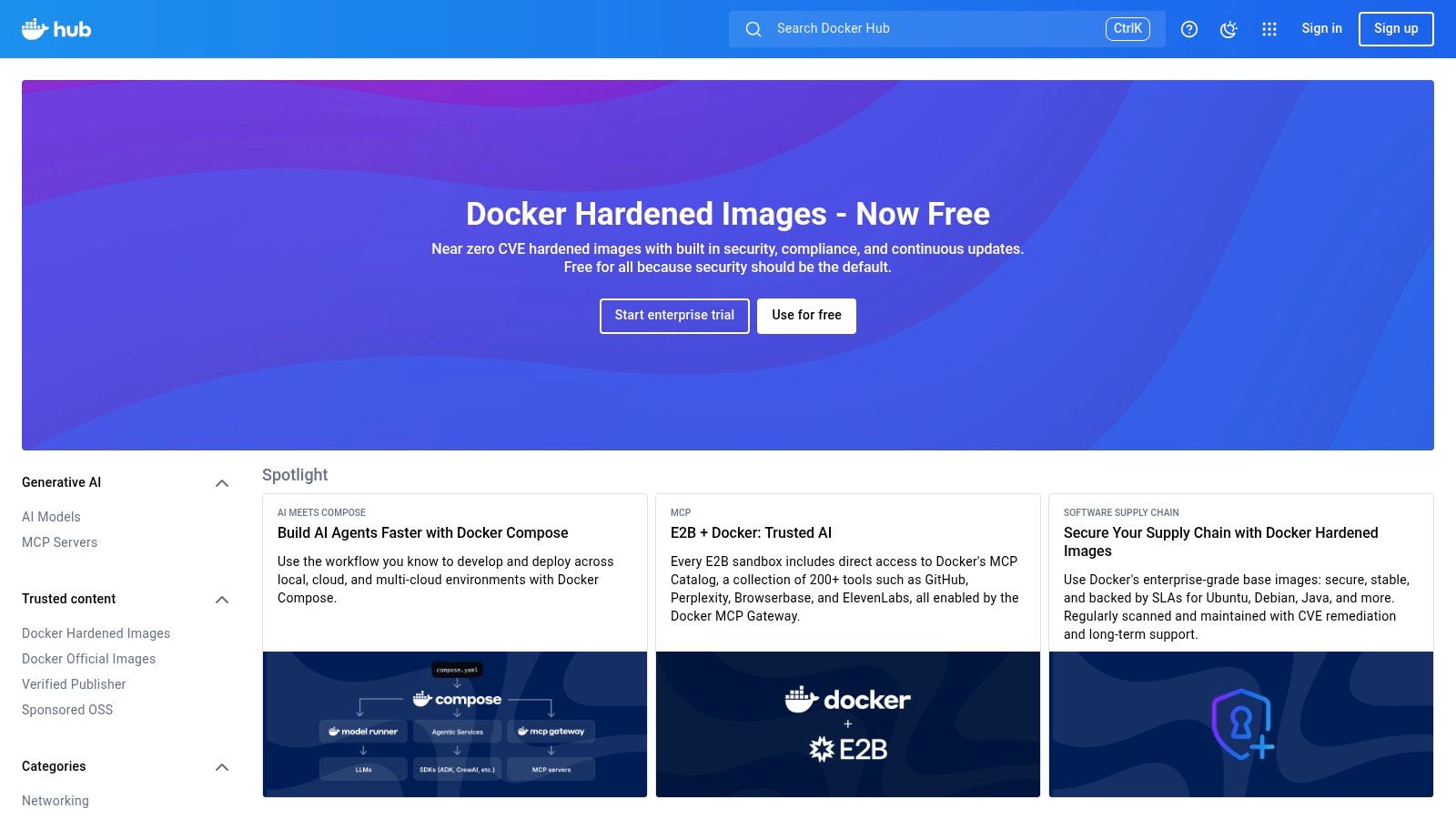
The primary benefit is the dramatic reduction in "it works on my machine" issues. By pulling official and community-vetted images from Docker Hub, developers can ensure consistency across every stage of the pipeline. Paid tiers introduce critical supply-chain visibility with image scanning via Docker Scout and organizational controls like role-based access control (RBAC) and SSO. This allows teams to manage their dependencies securely and efficiently, ensuring that developers are building and testing against known, secure base images.
Core Use Cases & Features
- Central Image Registry: Access official images for popular software and store private images for reproducible development and CI environments.
- Build & Test Automation: Utilize included Docker Build Cloud and Testcontainers minutes to offload and accelerate container-based builds and tests.
- Image Scanning & SBOM: Gain supply-chain visibility with Docker Scout, which scans images for vulnerabilities and generates Software Bill of Materials (SBOM).
- Organizational Management: Paid tiers provide RBAC, SSO, audit logs, and service account tokens to manage team access securely.
| Pros | Cons |
|---|---|
| Speeds up developer onboarding with official, pre-configured images | Pull-rate limits on the free tier can disrupt high-volume CI workflows |
| Ensures reproducible environments from local dev to production | Subscription tiers and included quotas change; requires careful evaluation |
| Integrated scanning tools improve supply-chain security and visibility | Navigating the vast number of community images requires careful vetting |
Website: https://hub.docker.com/
12. Open VSX Registry
For developers using VS Code derivatives like VSCodium or working in environments with strict network policies, the Open VSX Registry offers a crucial, vendor-neutral alternative to Microsoft’s official marketplace. Maintained by the Eclipse Foundation, it provides an open-source platform for publishing and consuming VS Code-compatible extensions. Its primary advantage is flexibility; organizations can self-host a private instance, creating a curated, air-gapped extension catalog that meets stringent security and compliance requirements.
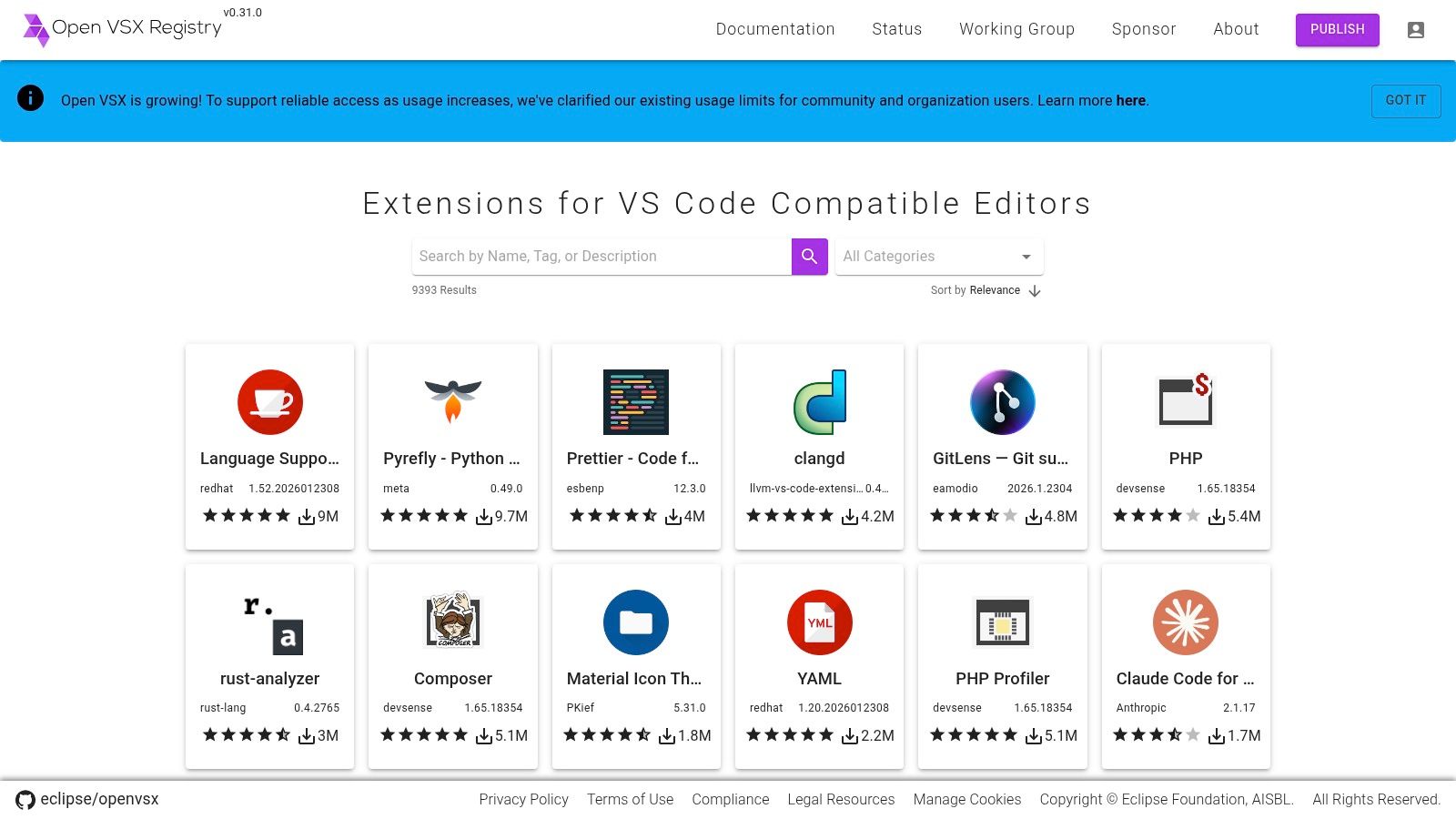
This registry decouples extension management from a proprietary ecosystem, empowering teams to control their toolchain completely. It ensures that even in isolated networks, developers retain access to powerful developer productivity tools without compromising security protocols. The ability to manage a private catalog is particularly beneficial for teams running automated tooling in controlled environments, such as those discussed in guides for creating a Playwright Docker image. This makes Open VSX an essential resource for enterprise and security-conscious development teams seeking greater autonomy over their IDE environment.
Core Use Cases & Features
- Open Extension Registry: A public, community-governed repository for VS Code-compatible extensions, free to publish and use.
- Self-Hosting Capabilities: Provides an open-source server implementation and CLI tooling, allowing organizations to deploy their own private marketplace.
- Air-Gapped Environment Support: Specifically designed for secure, offline, or highly regulated environments that cannot connect to Microsoft’s services.
- Vendor-Neutral Platform: Fosters an open ecosystem for IDE tools, avoiding vendor lock-in and promoting community-driven standards.
| Pros | Cons |
|---|---|
| Increases flexibility for organizations avoiding Microsoft’s marketplace | Smaller catalog than the official VS Marketplace; not all extensions are published here |
| Ideal for air-gapped or regulated environments via self-hosting | Support is community-driven rather than backed by a commercial SLA |
| Frees development toolchains from proprietary ecosystem constraints | Requires more setup and maintenance for self-hosted instances |
Website: https://open-vsx.org/
Developer Productivity Tools: 12-Platform Comparison
| Product | Core features | Quality (★) | Value (💰) | Target (👥) | Unique (✨) |
|---|---|---|---|---|---|
| ScreenshotEngine 🏆 | Fast screenshot API; PNG/JPEG/WebP; full-page & element capture; ad/cookie blocking | ★★★★★ production-ready | 💰 Free tier + transparent pricing; Early50 promo | 👥 Developers, QA, SEO, monitoring | ✨ Queue-less rendering, auto-clean outputs, SDKs & live playground |
| GitHub Marketplace | Apps/integrations for repos, Actions, CI/CD; centralized billing | ★★★★☆ native GitHub fit | 💰 Mix free/paid; GitHub-managed billing | 👥 GitHub-centric teams & orgs | ✨ Repo/PR-native installs & scoped permissions |
| Visual Studio Marketplace | Extensions for VS Code, Visual Studio, Azure DevOps; one-click installs | ★★★★☆ IDE-integrated | 💰 Many free; paid/enterprise options | 👥 IDE users (VS/VS Code) | ✨ One-click IDE install & Private Marketplace |
| JetBrains Marketplace | Plugins for JetBrains IDEs; centralized licensing & trials | ★★★★☆ tight IDE integration | 💰 Paid plugins + enterprise license controls | 👥 JetBrains users & teams | ✨ Enterprise license management & protections |
| Atlassian Marketplace | Apps for Jira/Confluence/Bitbucket; try-before-buy | ★★★★☆ vast ecosystem | 💰 Pricing scales with user count | 👥 Atlassian admins & large orgs | ✨ Cloud/Data Center flags & assurance badges |
| AWS Marketplace | SaaS/AMI/container procurement; consolidated AWS billing | ★★★★☆ procurement-ready | 💰 Private offers & consolidated billing | 👥 AWS-first organizations | ✨ Multiple delivery methods (SaaS/AMI/container) |
| Microsoft Azure Marketplace | Azure-aligned dev tools & deployment; integrated billing | ★★★★☆ Azure-aligned | 💰 Integrates with Azure subscriptions | 👥 Azure-first teams | ✨ Tight Azure + DevOps/VS integration |
| Google Cloud Marketplace | K8s/VMs/SaaS offers; provider trials; GCP billing | ★★★★☆ GCP-integrated | 💰 Provider trials; GCP billing | 👥 GCP builders & teams | ✨ Flexible K8s/VM/SaaS offer types |
| npm (npmjs.com) | JS/TS package registry; CLIs; private packages & orgs | ★★★★☆ largest JS ecosystem | 💰 Free public; Pro/Teams for private packages | 👥 JS/TS developers & monorepos | ✨ Biggest OSS package registry |
| PyPI | Python package index; pip installs; org accounts | ★★★★☆ canonical Python source | 💰 Free public; paid org features | 👥 Python developers & teams | ✨ Default pip source with broad catalog |
| Docker Hub | Container registry; build/test minutes; image scanning | ★★★☆☆ widely used, quota limits | 💰 Free tier; Pro/Team/Business plans | 👥 Containerized app & CI teams | ✨ Official images + integrated scanning & SBOM |
| Open VSX Registry | Open, self-hostable VS Code extension registry | ★★★☆☆ community-run, smaller catalog | 💰 Free to publish & consume | 👥 Regulated/air-gapped orgs | ✨ Self-hostable private marketplace option |
Assembling Your High-Productivity Toolchain
Navigating the expansive landscape of modern development tools can feel overwhelming, but as we've explored, the goal isn't to adopt every available solution. The true path to enhanced productivity lies in the thoughtful assembly of an integrated toolchain. This ecosystem should be tailored to your team's unique workflow, challenges, and technological stack. The collection of marketplaces and registries we've detailed-from the broad ecosystems of AWS, Google Cloud, and Azure to the specialized hubs like npm, PyPI, and Docker Hub-serve as the foundational pillars for building this system.
The most effective developer productivity tools are those that fade into the background, automating repetitive tasks and eliminating friction so your team can focus on what truly matters: writing clean, functional, and innovative code. Each tool should solve a specific problem. For instance, leveraging a robust version control system via GitHub is non-negotiable, while integrating a CI/CD pipeline with tools found in its marketplace automates the path from commit to deployment. Similarly, using a service like ScreenshotEngine for automated visual regression testing within that pipeline transforms a tedious manual process into a reliable, hands-off quality gate.
Strategic Selection: A Framework for Your Toolchain
Choosing the right tools requires a strategic approach, not a reactionary one. Before integrating a new platform or service, consider the following framework to guide your decision-making process:
- Identify the Bottleneck: What is the single biggest source of friction in your development lifecycle? Is it manual testing? Slow build times? Inefficient collaboration? Pinpoint the pain first, then seek the tool that specifically addresses it.
- Evaluate Integration and Compatibility: A powerful tool is useless if it doesn't fit into your existing workflow. Assess its API capabilities, webhook support, and pre-built integrations with your current IDEs, CI/CD platforms, and communication channels. The marketplaces we covered, like the Visual Studio Marketplace or JetBrains Marketplace, are excellent starting points because they are designed for deep integration.
- Calculate the Total Cost of Ownership (TCO): Look beyond the sticker price. Factor in the time required for implementation, training, and ongoing maintenance. An open-source tool may be free, but the operational overhead could be higher than a managed SaaS solution.
- Prioritize Automation and Feedback Loops: The best developer productivity tools automate tasks and provide rapid, actionable feedback. Whether it's a linter catching errors in your IDE or a monitoring tool alerting you to a production issue, the goal is to shorten the time between action and insight.
Beyond the Ecosystem: Discovering Niche Solutions
While platform-specific marketplaces offer tightly integrated solutions, don't limit your search. Sometimes the perfect tool exists outside these large ecosystems. Independent registries and generalized software directories can reveal powerful, niche solutions that solve very specific problems with exceptional efficiency. For broader searches beyond developer-centric hubs, platforms like Capterra, a prominent software marketplace, can broaden your options for productivity tools across various business functions that intersect with development, such as project management or user feedback systems.
Ultimately, the journey to peak productivity is an iterative process of refinement. The ideal toolchain is not a static destination but a dynamic, evolving system that adapts to new technologies, team growth, and project requirements. By focusing on integration, automation, and solving specific pain points, you can construct an environment that empowers your team to build better software, faster. The right set of developer productivity tools doesn't just add features; it multiplies your team's collective talent and potential.
Ready to automate a critical piece of your quality assurance and monitoring pipeline? ScreenshotEngine provides a powerful, API-driven solution for generating high-fidelity screenshots, enabling robust visual regression testing, and creating automated monitoring workflows. Integrate it into your CI/CD process today to catch visual bugs before they reach production by visiting ScreenshotEngine.