The digital marketing landscape is in constant motion. New channels emerge, algorithms shift, and consumer behaviors evolve, making the tools that felt indispensable last year feel dated today. Sticking with an outdated marketing stack isn't just inefficient; it's a competitive disadvantage. To stay ahead, marketers need a curated toolkit that streamlines workflows, delivers precise data, and unlocks new growth opportunities.
This guide cuts through the noise to highlight the best tools for digital marketers, categorized to help you identify and fill the critical gaps in your current setup. We'll move beyond generic feature lists to provide practical use cases, honest limitations, and implementation tips for each platform, ensuring you can build a high-performance marketing engine for 2026 and beyond. Inside, you'll find direct links and screenshot previews for platforms like Semrush, HubSpot App Marketplace, and even specialized solutions like ScreenshotEngine for visual monitoring.
Our goal is to help you find the right platforms for your specific needs, whether you're automating visual regression tests, tracking SERP changes, or discovering new software on Product Hunt. For a truly forward-thinking 2026 marketing stack refresh, leveraging the power of these top AI tools for business to boost efficiency in 2026 is a must. This curated resource is designed to be your definitive guide for making informed decisions that will sharpen your competitive edge.
1. G2
Before diving into specific tools, the most crucial first step is knowing how to find and evaluate them. G2 is the largest and most trusted software marketplace, making it an indispensable starting point for any digital marketer building their tech stack. It's not a tool itself, but a meta-tool for discovery and comparison, providing a comprehensive landscape of available software sorted into more than 1,700 categories. This depth ensures you can find niche solutions for everything from Account-Based Marketing to video editing.
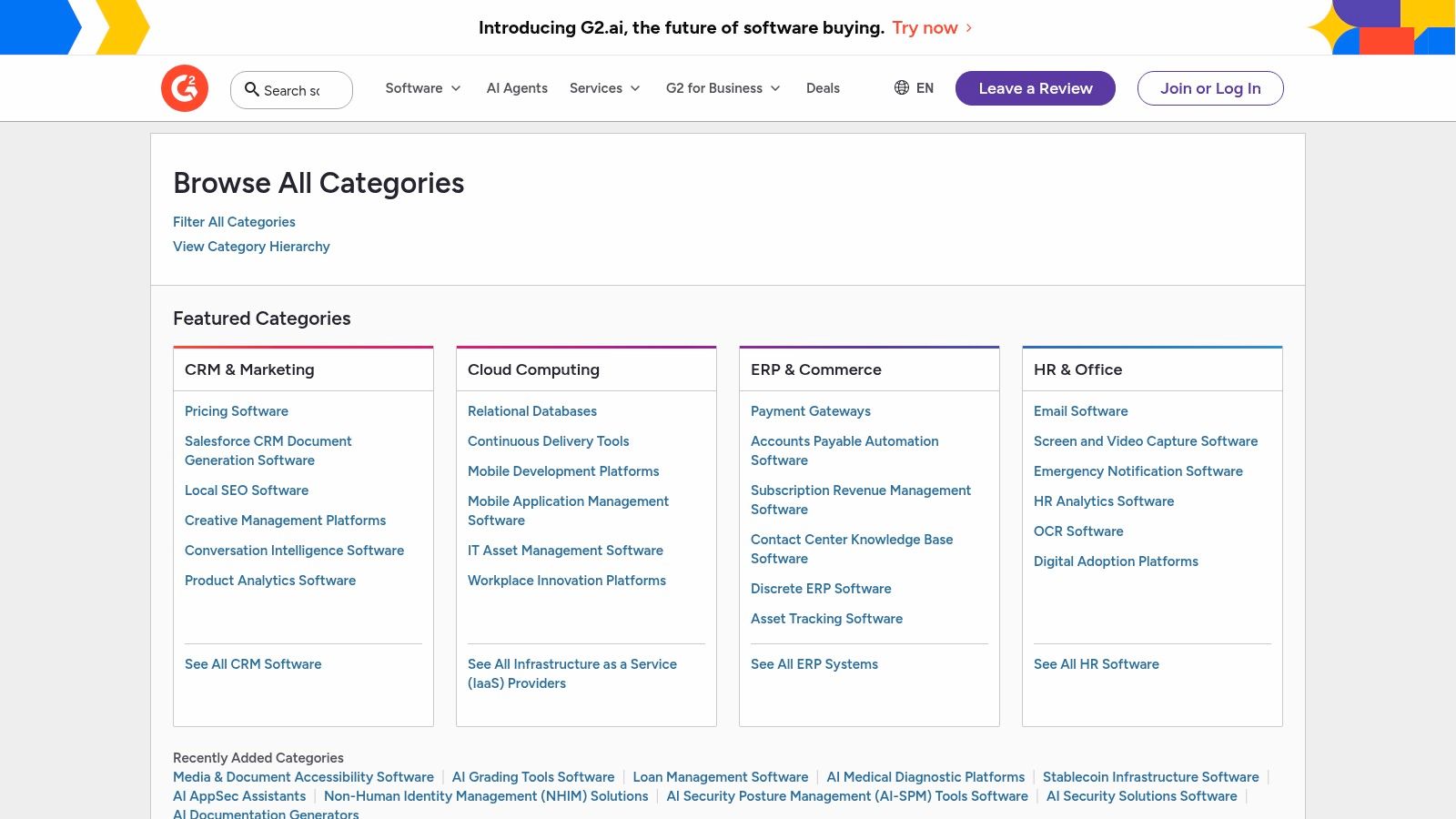
What sets G2 apart is its reliance on verified user reviews. Instead of just marketing copy, you get honest feedback from real users, which is invaluable for understanding a tool's true strengths and weaknesses. The platform’s robust filtering system allows you to narrow down options based on company size, user satisfaction scores, and specific features, ensuring the recommendations are relevant to your unique needs. This process is essential for finding the best tools for digital marketers without wasting time on solutions that don't fit your scale or objectives.
Practical Use and Implementation
- Initial Research: Use G2’s annual "Best Of" lists to create a shortlist of top-rated tools in categories like SEO, Marketing Automation, or Social Media Management.
- Feature Comparison: The side-by-side comparison grid is perfect for evaluating your top 2-3 choices on specific features, pricing models, and support quality.
- User Intent Signals: For B2B marketers, G2 Buyer Intent data can reveal which companies are actively researching your software category, providing warm leads for your sales team.
| G2 | Assessment |
|---|---|
| Pricing | Free for browsing, reviewing, and comparing software. Vendor-specific features (e.g., Buyer Intent data) require a paid subscription. |
| Key Use Cases | Software discovery, competitor analysis, feature-level comparison, and gathering user feedback. |
| Pros | Unmatched depth of verified user reviews, granular category filters, and detailed comparison matrices. |
| Cons | The sheer volume of options can be overwhelming without a clear idea of your needs. Sponsored listings can sometimes influence visibility at the top of category pages. |
| Website | https://www.g2.com/categories |
2. G2
Before diving into specific tools, the most crucial first step is knowing how to find and evaluate them. G2 is the largest and most trusted software marketplace, making it an indispensable starting point for any digital marketer building their tech stack. It's not a tool itself, but a meta-tool for discovery and comparison, providing a comprehensive landscape of available software sorted into more than 1,700 categories. This depth ensures you can find niche solutions for everything from Account-Based Marketing to video editing.
What sets G2 apart is its reliance on verified user reviews. Instead of just marketing copy, you get honest feedback from real users, which is invaluable for understanding a tool's true strengths and weaknesses. The platform’s robust filtering system allows you to narrow down options based on company size, user satisfaction scores, and specific features, ensuring the recommendations are relevant to your unique needs. This process is essential for finding the best tools for digital marketers without wasting time on solutions that don't fit your scale or objectives.
Practical Use and Implementation
- Initial Research: Use G2’s annual "Best Of" lists to create a shortlist of top-rated tools in categories like SEO, Marketing Automation, or Social Media Management.
- Feature Comparison: The side-by-side comparison grid is perfect for evaluating your top 2-3 choices on specific features, pricing models, and support quality.
- User Intent Signals: For B2B marketers, G2 Buyer Intent data can reveal which companies are actively researching your software category, providing warm leads for your sales team.
| G2 | Assessment |
|---|---|
| Pricing | Free for browsing, reviewing, and comparing software. Vendor-specific features (e.g., Buyer Intent data) require a paid subscription. |
| Key Use Cases | Software discovery, competitor analysis, feature-level comparison, and gathering user feedback. |
| Pros | Unmatched depth of verified user reviews, granular category filters, and detailed comparison matrices. |
| Cons | The sheer volume of options can be overwhelming without a clear idea of your needs. Sponsored listings can sometimes influence visibility at the top of category pages. |
| Website | https://www.g2.com/categories |
3. Capterra
Similar to G2, Capterra is a comprehensive software marketplace owned by Gartner, serving as an essential discovery platform for digital marketers. It helps you navigate the crowded MarTech landscape by organizing thousands of tools into distinct categories, from campaign management to marketing automation. This allows marketers to quickly identify and compare potential solutions that align with their specific operational needs and strategic goals.
Capterra's strength lies in its user-friendly interface and practical, data-driven comparison tools. It provides verified user reviews, detailed buyer's guides, and pricing snapshots that offer a clear starting point for budget estimation. For marketers looking for the best tools for digital marketers, Capterra’s robust filtering system is invaluable. You can narrow down choices by deployment type (cloud vs. on-premise), pricing model (subscription vs. one-time), and specific features, making it simpler to create a relevant shortlist of platforms that genuinely fit your business requirements.
Practical Use and Implementation
- Budgetary Planning: Use the pricing snapshots and filters to get an initial estimate of costs for different software tiers, which is crucial for building a marketing budget.
- Shortlist Creation: Leverage the sortable lists to rank tools by "Highest Rated" or "Most Reviews" to quickly identify market leaders and user favorites in a specific category.
- Needs Analysis: Consult Capterra's category-specific buyer guides to understand the key features you should be looking for in a tool before you start your research.
| Capterra | Assessment |
|---|---|
| Pricing | Free for browsing and comparing software. Vendors pay for listings and lead generation features. |
| Key Use Cases | Software discovery, vendor shortlisting, price range estimation, and reading user reviews. |
| Pros | Quick way to get price range by plan tier across vendors. Useful sorting and clear comparison signals for shortlisting top contenders. |
| Cons | Sponsored listings appear first unless you change the sorting method. Displayed pricing may sometimes lag behind vendors' latest pages. |
| Website | https://www.capterra.com |
4. Product Hunt
While established platforms offer proven solutions, staying ahead often means discovering innovative tools before they go mainstream. Product Hunt is a community-driven discovery platform where new tech products are launched daily. For digital marketers, its Marketing & Sales category is a goldmine for finding emerging AI copywriting assistants, niche analytics dashboards, and experimental social media schedulers, often on the day of their release.
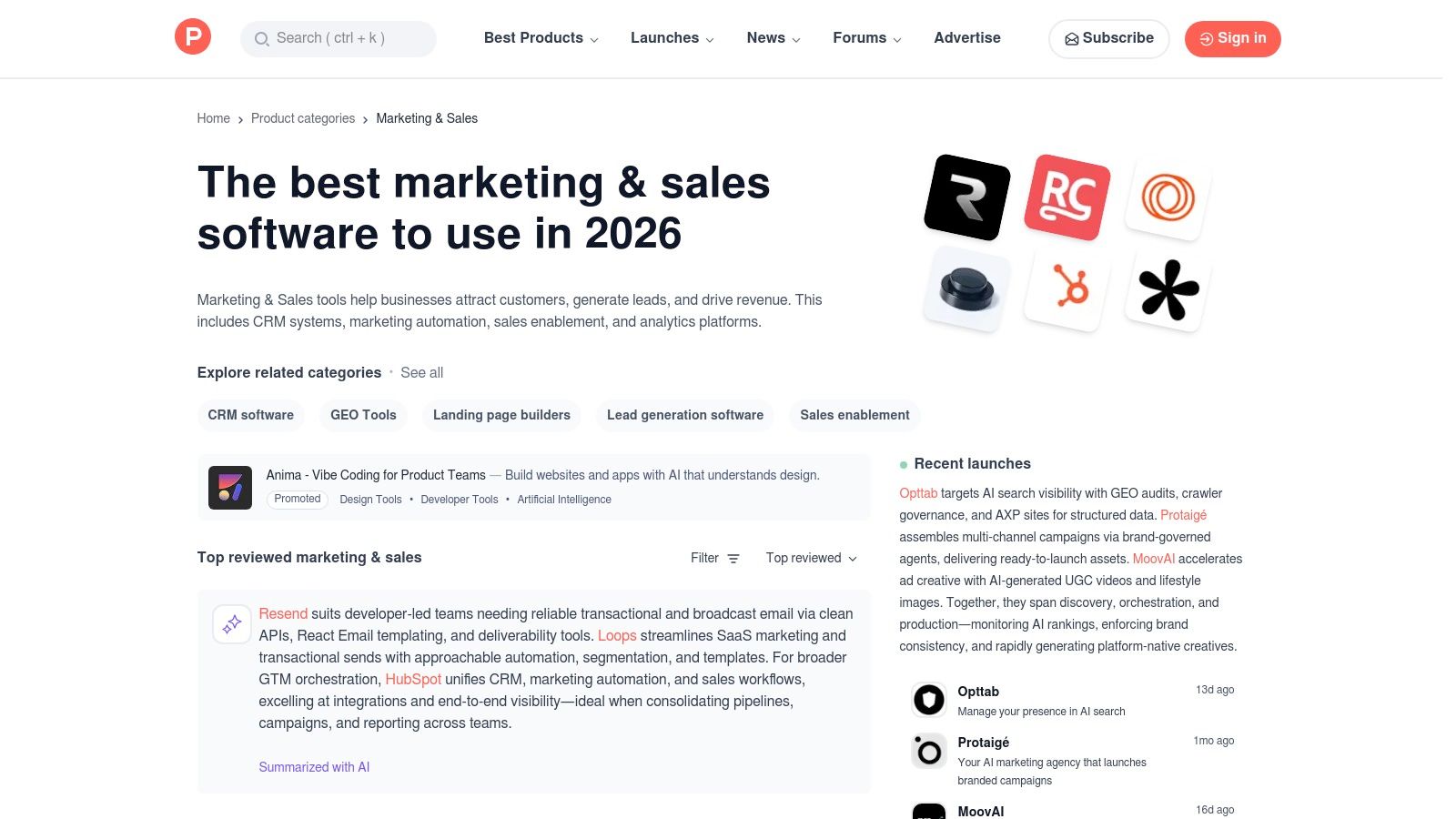
What makes Product Hunt essential is its focus on community validation and early access. Instead of polished marketing pages, you get direct access to the makers, unfiltered community feedback in the comments, and an "upvote" system that acts as a real-time gauge of interest and potential. This ecosystem is perfect for finding the best tools for digital marketers who need a creative edge, allowing you to adopt innovative technology before your competitors. You can often snag early-adopter deals and influence a product's roadmap with your feedback.
Practical Use and Implementation
- Daily Inspiration: Check the daily feed in the Marketing & Sales category to discover novel tools that could solve a unique challenge or automate a tedious task.
- Gauge Traction: Use the upvotes and community comments to assess if a new tool is gaining traction or if it has obvious flaws pointed out by other early adopters.
- Find Niche Solutions: Search for highly specific tools, like "AI-powered B2B ad creative generator" or "automated competitor monitoring," that larger platforms might not offer.
| Product Hunt | Assessment |
|---|---|
| Pricing | Free to browse, upvote, and comment on products. |
| Key Use Cases | Discovering new and emerging marketing software, finding niche tools, gauging community interest in new tech, and securing early-adopter deals. |
| Pros | Early access to innovative marketing tools, direct communication with founders, and an authentic community for feedback. Good for finding experimental or developer-centric utilities. |
| Cons | Newly launched products can be immature or buggy, and their features, pricing, and roadmaps may change rapidly after launch. |
| Website | https://www.producthunt.com/categories/marketing-sales |
5. AppSumo
For budget-conscious digital marketers, especially those in startups or small businesses, discovering new software without a significant financial commitment can be challenging. AppSumo is a daily deals marketplace that addresses this by offering significant discounts and lifetime deals (LTDs) on emerging SaaS products. It’s a treasure trove for finding innovative marketing tools in areas like SEO, content creation, social media, and email marketing before they hit the mainstream market.
What makes AppSumo a unique resource is its focus on LTDs, allowing marketers to pay a one-time fee for lifetime access to a tool. This model provides an incredible opportunity to build a powerful tech stack at a fraction of the typical subscription cost. While not a traditional tool itself, it functions as a launchpad for testing and adopting up-and-coming software, making it one of the best tools for digital marketers looking to maximize their budget and discover hidden gems. The community reviews and Q&A sections on each deal page provide valuable, unfiltered feedback from other early adopters.
Practical Use and Implementation
- Pilot New Technologies: Use AppSumo to test a new category of software, like an AI writing assistant or a social media scheduler, with a low-risk, one-time payment.
- Build a Foundational Stack: New freelancers or agencies can acquire core tools for lead generation, CRM, and project management without recurring monthly fees.
- Monitor Deal Alerts: Set up alerts for specific categories (e.g., "SEO" or "analytics") to be notified when a relevant deal goes live, ensuring you don't miss out on limited-time offers.
| AppSumo | Assessment |
|---|---|
| Pricing | Deals are individually priced, often as a one-time payment for lifetime access. A "Plus" membership ($99/year) offers additional discounts and perks. |
| Key Use Cases | Acquiring marketing software at a deep discount, discovering new and emerging tools, and building a marketing tech stack on a limited budget. |
| Pros | Unbeatable long-term value through lifetime deals, a great way to pilot tools before they become mainstream, and access to a wide variety of software categories. |
| Cons | Lifetime deals carry a vendor sustainability risk (the company could fail). The quality of tools can be inconsistent, and the best deals are available for a limited time. |
| Website | https://appsumo.com |
6. HubSpot App Marketplace
For marketers deeply embedded in the HubSpot ecosystem, the HubSpot App Marketplace is less of a discovery tool and more of an essential command center. It functions as a curated catalog of over 2,000 applications designed to seamlessly integrate with and extend the capabilities of HubSpot’s Marketing, Sales, and Service Hubs. This direct integration model eliminates the data silos and clunky workarounds often associated with a disconnected tech stack, making it one of the best tools for digital marketers who prioritize operational efficiency.
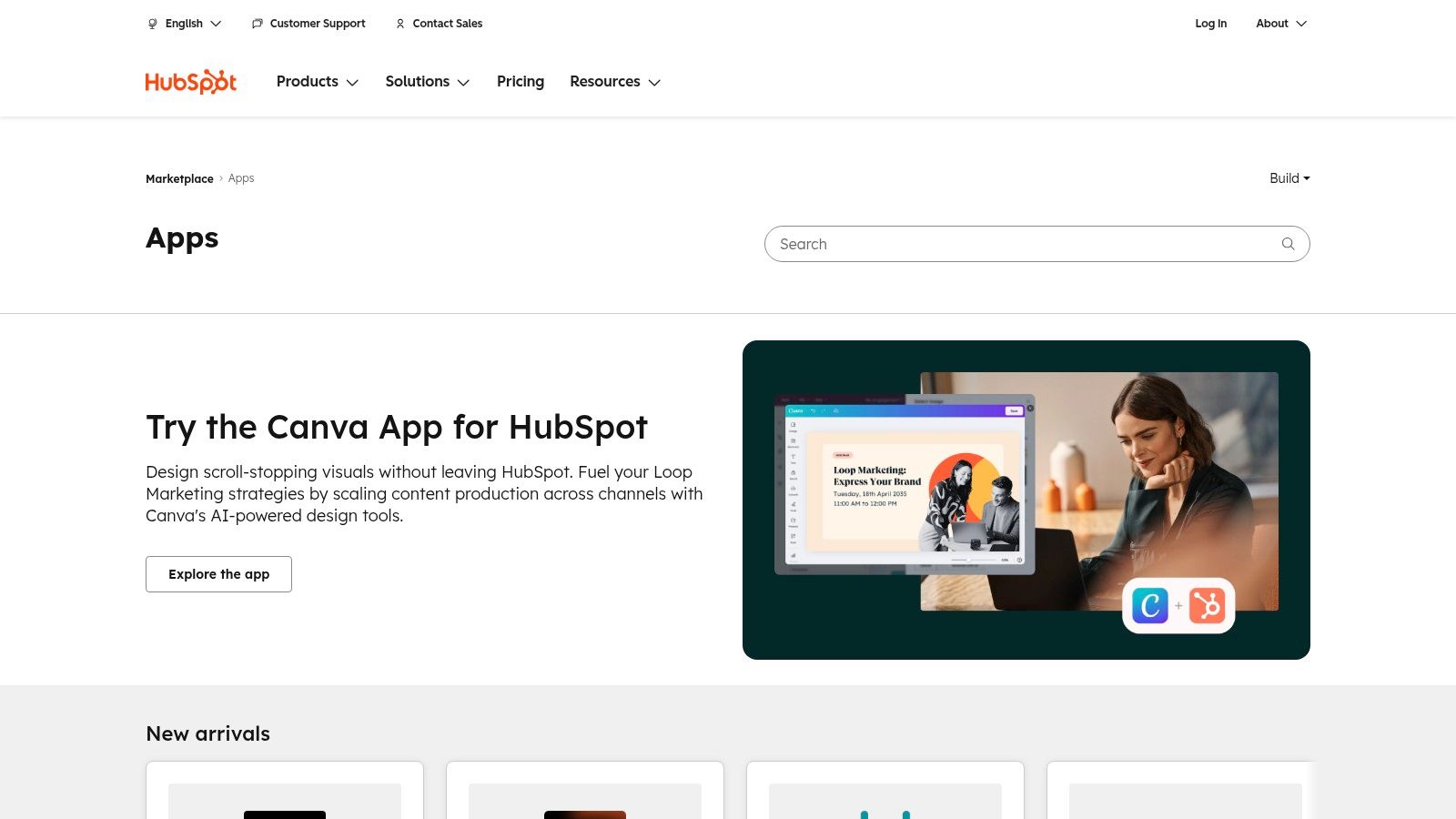
What makes the marketplace so powerful is its focus on certified compatibility and centralized governance. Each app listing clearly outlines required permissions, pricing, and HubSpot plan compatibility, and often includes demo videos and install counts to signal popularity and reliability. Instead of just finding a tool, you're finding a tool that's guaranteed to work with your existing CRM and marketing automation workflows, from connecting ad platforms like Meta to enhancing analytics with specialized reporting apps.
Practical Use and Implementation
- Extend Functionality: Use the marketplace to fill gaps in your current HubSpot setup. For instance, integrate advanced survey tools like SurveyMonkey or video platforms like Wistia directly into your contact records and workflows.
- Curated Discovery: Start with HubSpot’s curated collections like “Essential Apps for Marketers” to find vetted solutions for common challenges without sifting through thousands of options.
- Assess Quality: Pay attention to the "Certified" badge and user reviews on each listing to gauge an app's quality, support, and ease of implementation before committing.
| HubSpot App Marketplace | Assessment |
|---|---|
| Pricing | Free to browse and install apps. However, most of the integrated third-party applications require their own separate, paid subscriptions. |
| Key Use Cases | Extending HubSpot functionality, centralizing marketing data, automating cross-platform workflows, and discovering certified integrations for ads, video, or analytics. |
| Pros | Seamless one-click installs and data synchronization, a mature and reliable ecosystem with widely used apps, and clear certification signals for quality control. |
| Cons | Primarily valuable for organizations already invested in the HubSpot platform. The cost can add up, as many apps require their own paid subscriptions on top of HubSpot fees. |
| Website | https://ecosystem.hubspot.com/marketplace/apps |
7. Google Workspace Marketplace
For marketing teams deeply embedded in Google's ecosystem, the Google Workspace Marketplace is a goldmine for enhancing productivity without leaving familiar applications. It's a centralized platform for discovering and installing third-party add-ons that directly integrate with Gmail, Docs, Sheets, and Slides. This marketplace transforms your standard office suite into a powerful, interconnected marketing hub, offering everything from CRM connectors in your inbox to data visualization tools inside your spreadsheets.
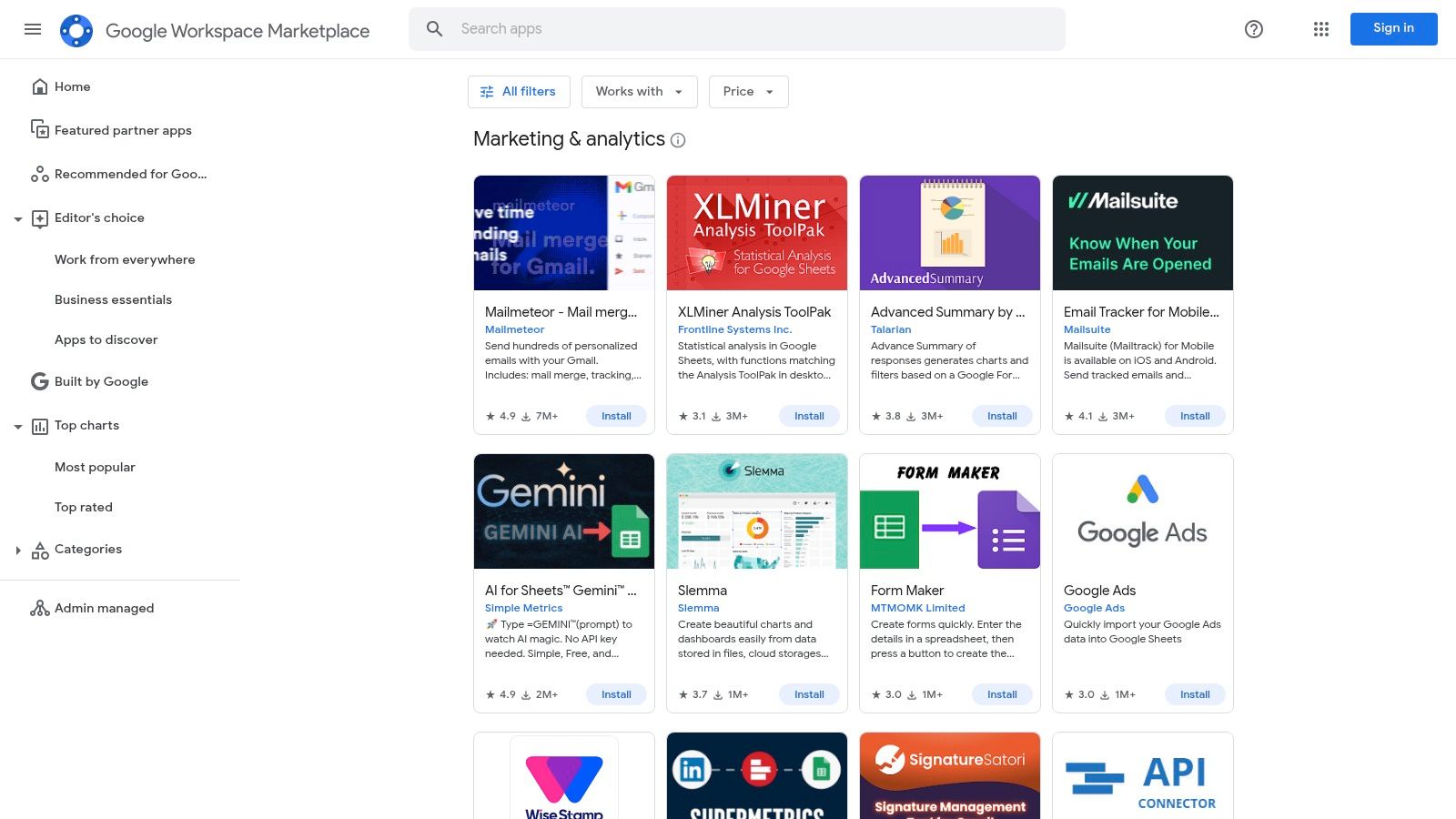
What makes the Marketplace one of the best tools for digital marketers is its focus on seamless workflow integration. Instead of constantly switching between tabs, you can pull Google Ads data directly into a Google Sheet for analysis or use an AI-powered add-on to draft campaign copy right within a Google Doc. This native integration saves significant time and reduces the friction of context switching, allowing marketers to focus more on strategy and less on data wrangling. Many of these add-ons are free or offer generous freemium tiers, making them accessible to teams of all sizes.
Practical Use and Implementation
- Streamline Reporting: Install connectors for Google Ads, Analytics, or social media platforms to pull performance data directly into Google Sheets for custom dashboard creation.
- Enhance Content Creation: Use AI writing assistants and grammar checkers as Doc add-ons to improve the quality and speed of producing blog posts, ad copy, and emails.
- Improve Email Productivity: Integrate your CRM or project management tool directly into Gmail to manage leads and tasks without ever leaving your inbox.
| Google Workspace Marketplace | Assessment |
|---|---|
| Pricing | Free to browse and install. Many add-ons are free, have freemium models, or require a separate subscription with the third-party vendor. |
| Key Use Cases | Integrating marketing data into Google Sheets, enhancing content creation in Docs, managing CRM and email outreach within Gmail, and automating simple workflows. |
| Pros | Native integration with Google Workspace apps, a wide variety of free and low-cost add-ons, and simple, domain-wide deployment for entire teams. |
| Cons | Functionality of add-ons can be lightweight compared to standalone SaaS platforms. Corporate IT governance may restrict the installation of unapproved applications. |
| Website | https://workspace.google.com/marketplace/category/business-tools/marketing-and-analytics |
8. Shopify App Store
For marketers operating in the direct-to-consumer (DTC) and retail space, the Shopify App Store is less of a single tool and more of a mission-critical ecosystem. It serves as the primary marketplace for extending the functionality of a Shopify store, offering thousands of applications specifically designed to drive sales and customer loyalty. This platform provides vetted solutions for everything from email and SMS marketing to advanced analytics, reviews, and on-site conversion optimization. Its tight integration with the core Shopify platform is its defining advantage.
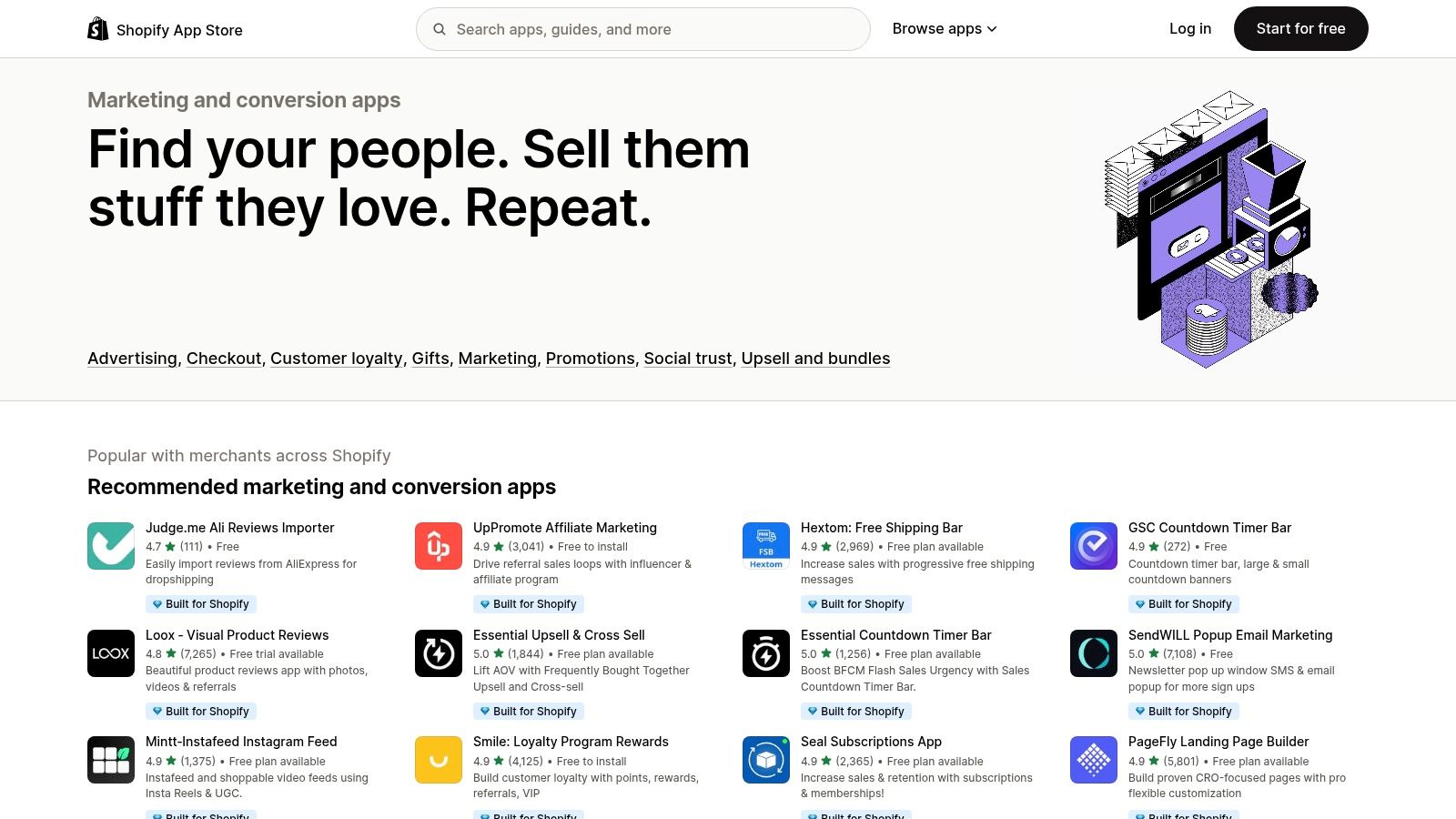
What makes the Shopify App Store one of the best tools for digital marketers in e-commerce is its focus on seamless integration. Apps often connect directly with Shopify features like Shop Pay, customer data, and marketing automations (Flow), creating a cohesive and powerful marketing stack. Curated collections, such as "Works with Shopify Marketing," help merchants quickly find apps that integrate with ad channels, simplifying campaign tracking and attribution. This removes much of the technical guesswork involved in building a robust marketing engine.
Practical Use and Implementation
- Conversion Rate Optimization: Install apps for reviews, upsells, and pop-ups directly from the "Marketing and Conversion" category to enhance the on-site user experience and increase average order value.
- Customer Retention: Use the store to find and integrate email and SMS marketing platforms that sync with your customer segments for targeted retention campaigns.
- Streamlined Ad Integration: Look for apps that connect directly with platforms like Facebook or Google to automate product feed creation and pixel tracking, ensuring data accuracy for ROAS measurement.
| Shopify App Store | Assessment |
|---|---|
| Pricing | Requires a Shopify subscription. Many apps are free to install with paid tiers or usage-based pricing models, while others require upfront or monthly subscriptions. |
| Key Use Cases | Enhancing on-site conversion, building email/SMS lists, managing customer reviews, integrating with ad platforms, and automating marketing workflows. |
| Pros | Unbeatable integration with the Shopify platform and its features. Wide selection of apps with many free-to-install or usage-based pricing options. |
| Cons | App quality and support can vary significantly. The platform has issues with review spam and some apps experience high churn, requiring periodic re-evaluation. |
| Website | https://apps.shopify.com/categories/marketing-and-conversion |
9. WordPress Plugin Directory
For the millions of businesses running their websites on WordPress, the official Plugin Directory is the primary ecosystem for extending functionality. It's less a single tool and more a vast, open-source marketplace where marketers can find specialized plugins for nearly any task imaginable, from advanced SEO and email capture to social proof notifications and analytics integration. This direct access makes it one of the most essential resources for marketers operating within the WordPress environment.
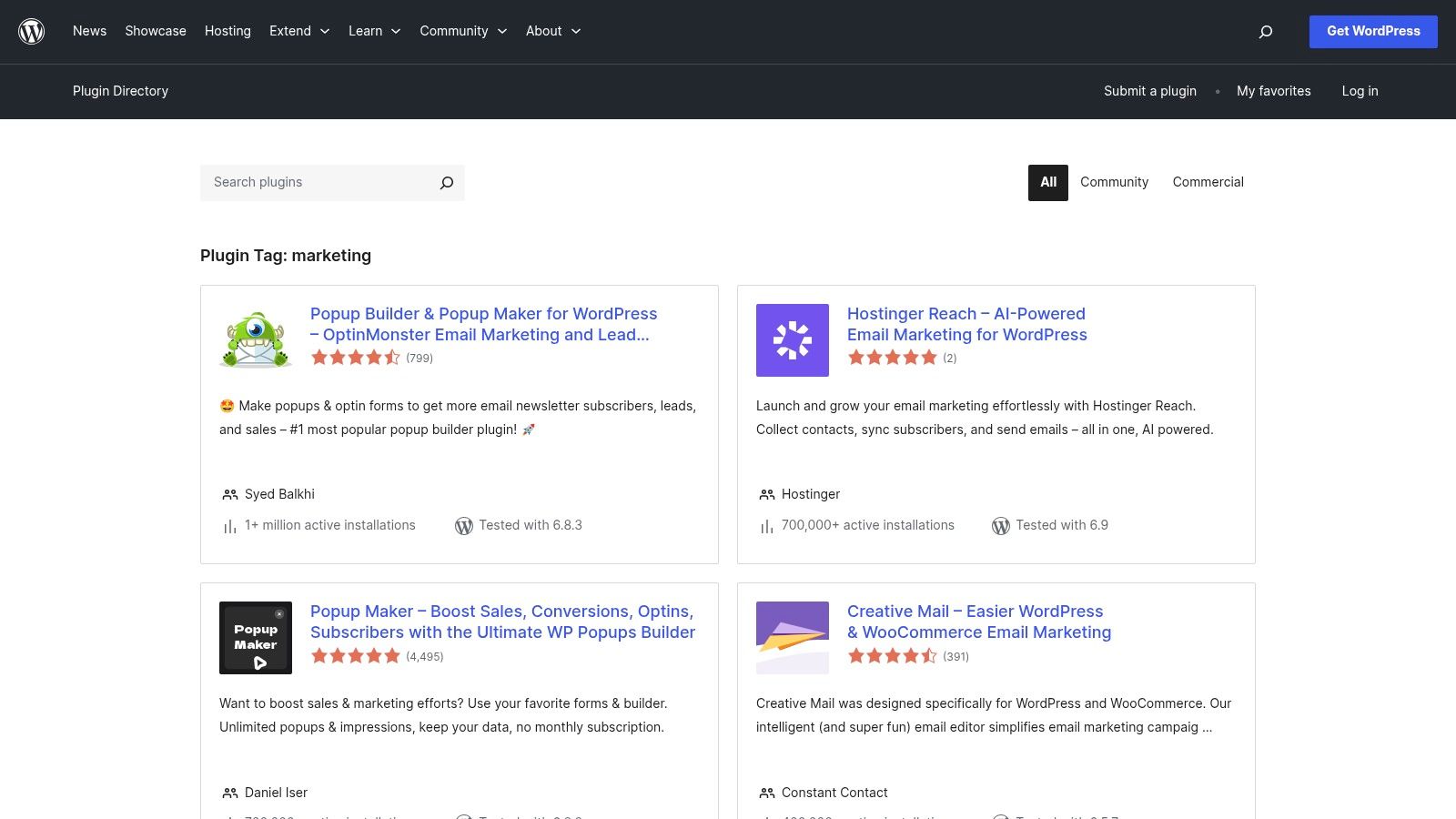
What makes the directory powerful is its transparency and community-driven nature. Each plugin listing includes vital statistics like active installation counts, user ratings, version history, and public support threads. This data provides invaluable social proof and insight into a plugin's reliability and the responsiveness of its developer. For marketers seeking the best tools for digital marketers on a budget, the directory offers countless free plugins with optional "freemium" upgrades, allowing you to test core functionality before committing financially.
Practical Use and Implementation
- Solve Specific Problems: Need to add a contact form, integrate a Facebook Pixel, or set up pop-up lead magnets? Search the directory for highly-rated plugins that solve that specific need.
- Check Compatibility: Before installing, always check the "Last updated" date and "Tested up to" WordPress version to ensure it’s well-maintained and won't cause conflicts with your site.
- Enhance Social Sharing: Use a plugin to control how your content appears on social media. Configuring these settings is crucial, and you can learn more about how to set up an effective Open Graph template to improve click-through rates.
| WordPress Plugin Directory | Assessment |
|---|---|
| Pricing | Free to browse and install plugins. Many plugins operate on a freemium model, offering paid "Pro" versions with advanced features. |
| Key Use Cases | SEO optimization, lead generation (forms, pop-ups), analytics integration, social media management, and adding e-commerce functionality. |
| Pros | A massive library of free and open-source tools, community-vetted through reviews and active install counts, and direct integration with the WordPress dashboard. |
| Cons | Quality, security, and support vary dramatically between plugins. Installing too many plugins or a poorly coded one can significantly slow down your website's performance. |
| Website | https://wordpress.org/plugins/tags/marketing/ |
10. Salesforce AppExchange
For digital marketers operating within the Salesforce ecosystem, the AppExchange is the essential marketplace for extending their capabilities. It’s a specialized platform dedicated to Salesforce-compatible applications, functioning as a curated library of tools designed for seamless integration. With over 250 apps in its marketing category, it allows teams to find solutions for everything from Account-Based Marketing (ABM) and event management to SMS and advanced lead routing, all built to work with their existing CRM and Marketing Cloud data.
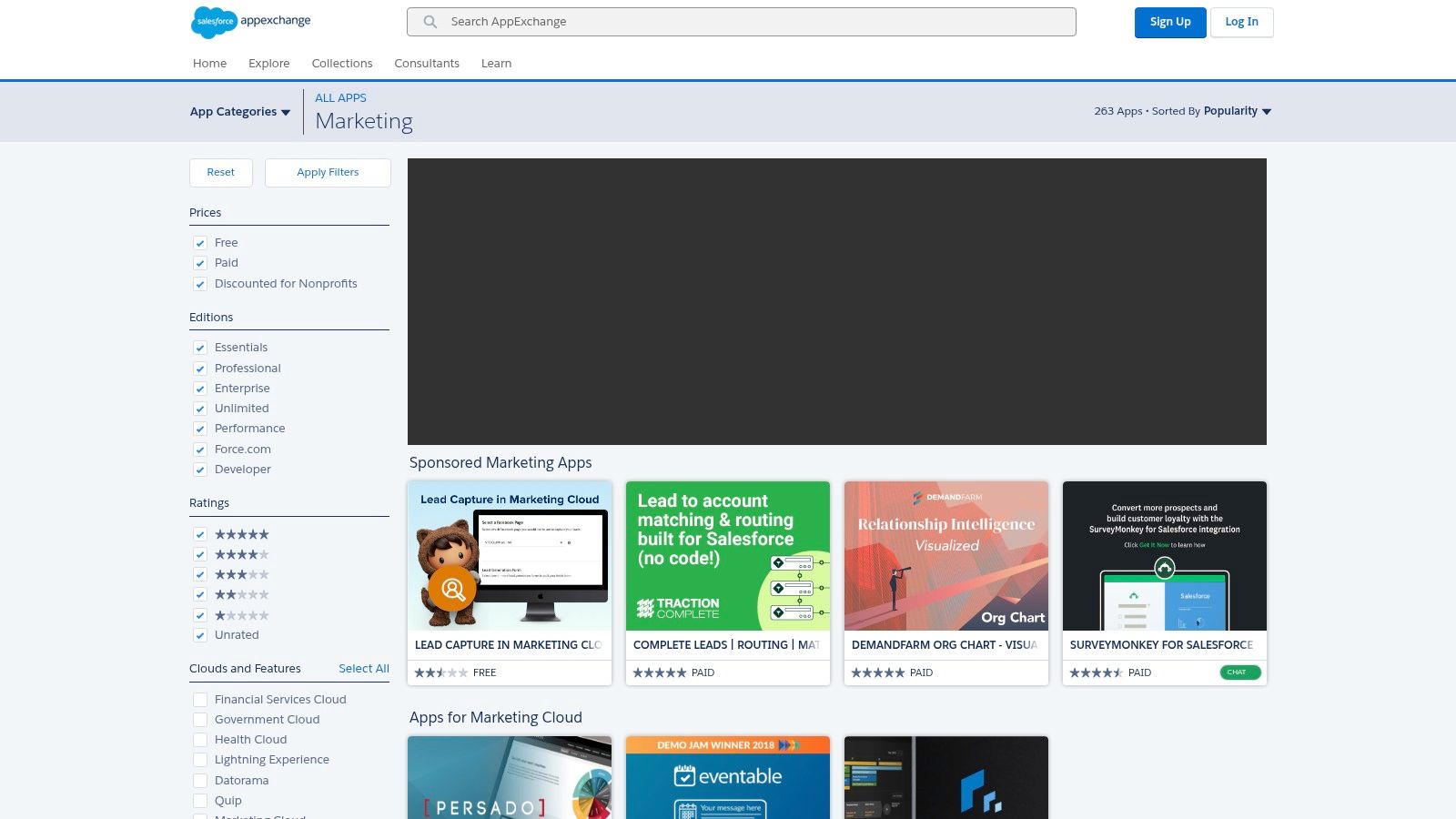
What makes the AppExchange one of the best tools for digital marketers in the B2B space is its focus on deep integration and governance. Every app is vetted for compatibility and security, ensuring that new tools enhance, rather than disrupt, your existing sales and marketing alignment. Instead of managing disparate systems, marketers can find enterprise-grade solutions that plug directly into their core revenue operations, providing a single source of truth and simplifying complex workflows.
Practical Use and Implementation
- Enhance Marketing Cloud/Pardot: Search for specific add-ons to fill functionality gaps, such as advanced webinar connectors, survey tools, or data enrichment services.
- Filter for Compliance: Use the platform’s filters to find solutions that meet specific compliance standards like GDPR or HIPAA, which is critical for enterprise-level marketing.
- Vet New Tools: Read detailed user reviews and check compatibility notes for your specific Salesforce edition before committing to a new tool, saving significant implementation headaches.
| Salesforce AppExchange | Assessment |
|---|---|
| Pricing | Varies widely. Many listings have custom or enterprise-level pricing. Filters are available to sort by free vs. paid solutions. |
| Key Use Cases | Finding and implementing marketing automation add-ons, event management apps, ABM tools, and data enrichment services that integrate directly with Salesforce. |
| Pros | Deep, native Salesforce integration for marketing and revenue alignment. Enterprise-grade options with robust security and compliance filters. |
| Cons | Pricing tends to be expensive and targeted at enterprises. Implementation and setup often require dedicated Salesforce admin resources to configure correctly. |
| Website | https://appexchange.salesforce.com/category/marketing |
11. Semrush
For digital marketers who need a comprehensive, all-in-one suite, Semrush is a powerhouse. It extends far beyond basic SEO, offering integrated toolkits for advertising, content marketing, social media, and competitive research. This holistic approach allows teams to manage multiple facets of their digital strategy from a single, unified dashboard, making it one of the most versatile platforms available. Its massive keyword and backlink database provides the deep data needed for effective strategy development.
What truly elevates Semrush is its action-oriented workflow. It doesn't just present data; it provides clear, actionable recommendations. The Site Audit tool, for example, categorizes issues by priority, while the On-Page SEO Checker gives specific suggestions for improving individual page rankings. This practical guidance makes it one of the best tools for digital marketers looking to translate complex data into tangible results, from keyword discovery to tracking SERP performance.
Practical Use and Implementation
- Competitor Analysis: Use the Traffic Analytics and Organic Research tools to deconstruct a competitor’s strategy, identifying their top keywords, best-performing content, and advertising spend.
- Content Strategy: Leverage the Topic Research and Keyword Magic Tool to find content gaps and build topic clusters that drive organic traffic and establish authority.
- Agency Reporting: The drag-and-drop Report Builder is perfect for creating custom, white-labeled reports for clients, integrating data from Google Analytics, Search Console, and more.
| Semrush | Assessment |
|---|---|
| Pricing | Tiered subscriptions (Pro, Guru, Business) starting around $129.95/month. Custom enterprise plans and add-ons for specific features are available. |
| Key Use Cases | In-depth keyword research, site audits, rank tracking, competitor analysis, PPC campaign planning, and content marketing strategy. |
| Pros | Extremely broad toolset covering SEO, ads, social, and content. Mature reporting and agency-specific workflows. |
| Cons | The platform can be expensive, especially as you add user seats and specialized toolkits. The sheer number of features presents a significant learning curve for new users. |
| Website | https://www.semrush.com |
12. Ahrefs
When it comes to backlink analysis and competitive research, Ahrefs is a powerhouse in the SEO industry. Powered by one of the largest and most active web crawlers, it provides an unparalleled depth of link intelligence that is essential for building a robust off-page SEO strategy. The platform is not just about links; it offers a comprehensive suite of tools for keyword research, rank tracking, and in-depth site audits, making it a complete solution for search engine optimization.
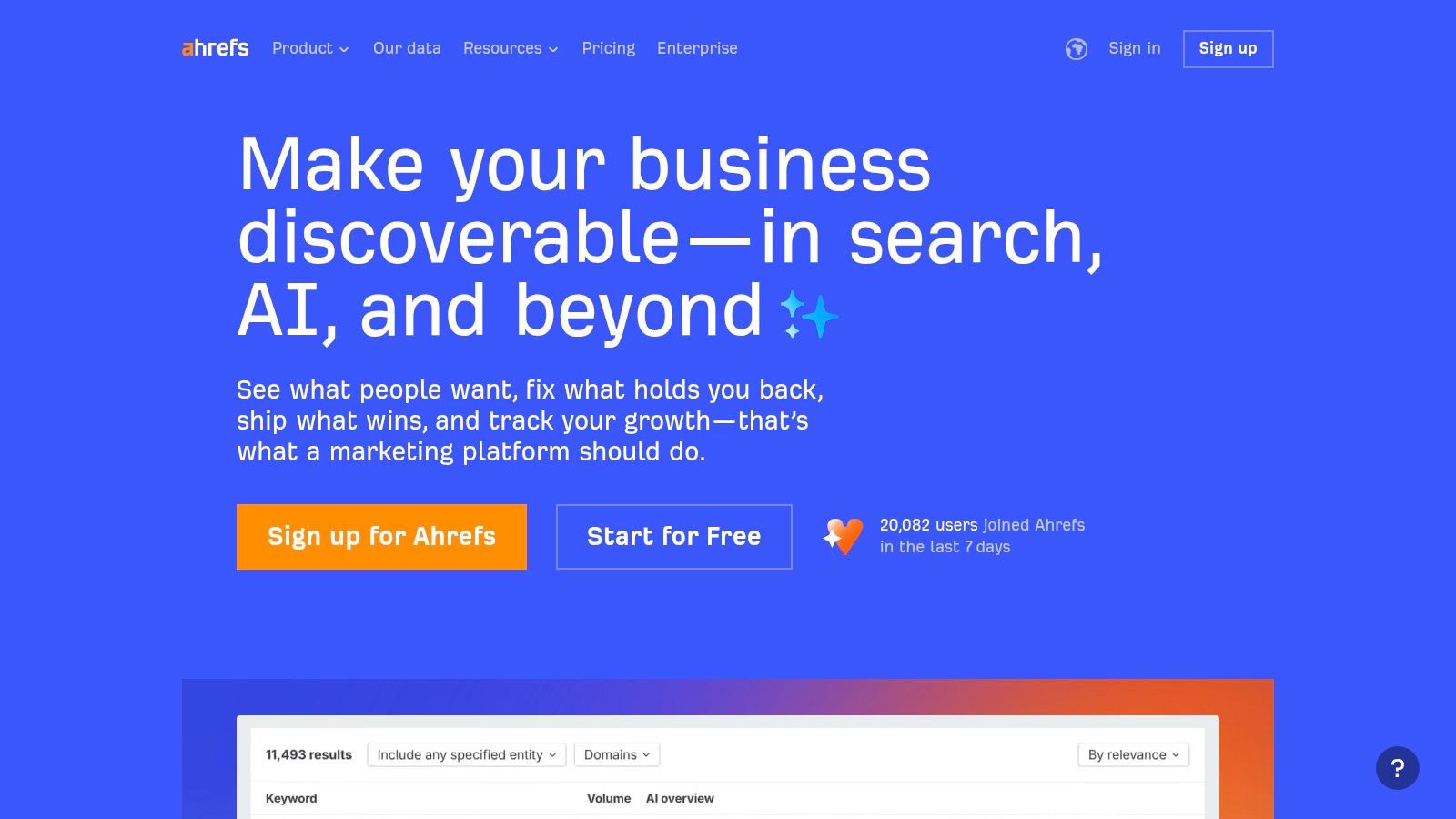
What makes Ahrefs one of the best tools for digital marketers is its extensive historical backlink index and the speed of its Site Audit tool. You can uncover years of competitor link-building tactics and identify technical SEO issues faster than with many alternatives. Its Keywords Explorer is also celebrated for providing rich data, including clickstream information, which gives a more accurate picture of keyword popularity and traffic potential. The recent addition of AI-assisted features further streamlines content and SEO workflows.
Practical Use and Implementation
- Competitor Analysis: Use the Site Explorer to analyze a competitor's backlink profile, top-performing pages, and organic keywords to reverse-engineer their success.
- Content Gap Analysis: Identify keywords that your competitors rank for but you don't, revealing valuable content opportunities to capture more market share.
- Technical SEO Audit: Run the Site Audit tool to quickly find and prioritize technical issues like broken links, slow pages, and meta tag problems that could be hindering your performance.
| Ahrefs | Assessment |
|---|---|
| Pricing | Starts with a free Ahrefs Webmaster Tools plan. Paid plans are premium and vary by region, with credit-based usage for certain features. |
| Key Use Cases | Backlink analysis, keyword research, competitor intelligence, technical SEO audits, and content ideation. |
| Pros | Outstanding link intelligence and data export capabilities. The user interface is intuitive, with clear project and credit limits that help manage usage and costs. |
| Cons | Pricing can be a significant investment, especially for smaller businesses. API access and some advanced features are reserved for higher-tier plans or as paid add-ons. |
| Website | https://ahrefs.com |
Top 12 Digital Marketing Tools Comparison
| Product | Core offering | ✨ Key features / USP | ★ Quality | 👥 Target audience | 💰 Pricing / Value |
|---|---|---|---|---|---|
| ScreenshotEngine 🏆 | Developer-first screenshot API (PNG/JPEG/WebP; full-page or element) | Queue-less millisecond renders; ad/cookie/popup removal; dark‑mode; SDKs + live playground | ★★★★★ Production-ready, reliable | 👥 Developers, QA, SEO, analytics teams | 💰 Free tier (no CC) + predictable pay-as-you-go; promo available |
| G2 | Software review & comparison marketplace | Verified user reviews; side-by-side comparisons; robust filters | ★★★★ Large review volume; sponsored placements possible | 👥 Buyers shortlisting SaaS | 💰 Free to browse; vendors may pay to promote |
| Capterra | Software discovery with buyer guides & pricing snapshots | Strong price/feature filters; category buyer guides | ★★★★ Useful for budget estimates | 👥 Procurement, SMBs evaluating tools | 💰 Free listings; sponsored results may appear first |
| Product Hunt | Community-driven product launches & discovery | Daily launches, upvotes & comments; maker notes & demos | ★★★ Early-stage signals; quality varies | 👥 Makers, early adopters, tech scouts | 💰 Free to use; links to vendor pricing |
| AppSumo | Deals marketplace for discounted SaaS & LTDs | Rotating lifetime/limited-time deals; editorial roundups | ★★★ Good bargains, mixed long-term risk | 👥 Budget-conscious teams, solo founders | 💰 Pay-per-deal; one-time or member perks |
| HubSpot App Marketplace | Curated apps extending HubSpot Marketing & Content Hubs | Compatibility info, demo videos, install counts, certs | ★★★★ Seamless HubSpot integrations | 👥 HubSpot customers, marketers | 💰 Free/paid apps; many require subscriptions |
| Google Workspace Marketplace | Add-ons for Gmail/Docs/Sheets (Marketing & Analytics) | Native Workspace fit; Gemini-powered features for Docs/Sheets | ★★★★ Easy domain deployment; lightweight vs full SaaS | 👥 Teams using Google Workspace | 💰 Many free/low-cost add-ons; some paid |
| Shopify App Store | Apps for DTC/retail marketing & conversion on Shopify | Channel collections; tight Shopify platform integration | ★★★★ Varies by app quality | 👥 Shopify merchants, e‑commerce marketers | 💰 Free installs + app fees or usage pricing |
| WordPress Plugin Directory | Official directory for WordPress marketing plugins | Version history, support threads, active‑install counts | ★★★ Quality varies; large community vetting | 👥 WordPress site owners, developers | 💰 Many free plugins; freemium upgrades common |
| Salesforce AppExchange | Marketplace for Salesforce-compatible marketing solutions | Enterprise integrations, compliance filters, edition compatibility | ★★★★ Enterprise-grade options | 👥 B2B teams using Salesforce CRM/Marketing Cloud | 💰 Mostly paid; enterprise pricing and fees |
| Semrush | All-in-one digital marketing suite (SEO, ads, content) | Keyword DB, SERP features, rank tracking, site audits, reporting | ★★★★ Broad toolset for agencies | 👥 SEO teams, agencies, marketers | 💰 Subscription tiers; can be costly as add-ons grow |
| Ahrefs | SEO suite focused on backlink intelligence & audits | Large backlink index, fast crawls, Keywords Explorer | ★★★★ Outstanding link data & exports | 👥 SEO professionals, analysts | 💰 Subscription-based; premium pricing tiers |
Building Your Ultimate Marketing Toolkit
Navigating the expansive universe of digital marketing tools can feel overwhelming. With thousands of solutions available, from massive platforms like Semrush and Ahrefs to specialized marketplaces like the Shopify App Store and Salesforce AppExchange, the paradox of choice is a real challenge for modern marketing teams. However, this journey isn't about acquiring the most tools; it's about strategically assembling the right ones. The goal is to build a cohesive, powerful, and scalable technology stack that acts as a force multiplier for your efforts, automating the mundane so you can focus on strategy and creativity.
The resources we've explored serve as your map and compass. Discovery platforms like G2, Capterra, and Product Hunt are your starting points for unbiased reviews and peer-driven validation. They help you filter the noise and create a shortlist based on real-world performance, not just marketing hype. Meanwhile, ecosystem-specific marketplaces, such as those for HubSpot or WordPress, ensure you find solutions that integrate seamlessly with your core systems, preventing data silos and fragmented workflows.
From Discovery to Deployment: A Strategic Approach
Selecting your toolkit is a critical strategic decision. Before committing to a new subscription, it's essential to audit your current stack and identify genuine gaps. Don't chase a shiny new tool if a feature within your existing software can do the job. The best tools for digital marketers are not just powerful on their own; they are the ones that connect, share data, and create a unified system that provides a single source of truth for your campaign performance.
Consider these key factors during your evaluation process:
- Problem-Solution Fit: Does this tool solve a specific, recurring problem for your team? Avoid solutions that offer a vague promise of "improving marketing" and instead focus on those that address concrete pain points, like streamlining your content creation workflow or improving your SERP monitoring accuracy.
- Integration Capability: How well does this tool play with others? A tool that doesn't connect to your CRM, analytics platform, or project management software will likely create more work than it saves. Prioritize solutions with robust API access and native integrations.
- Scalability and Total Cost of Ownership: Look beyond the entry-level pricing. Consider how the cost will evolve as your team grows or your usage increases. A tool that seems affordable now might become a significant financial burden down the line.
- User Experience and Adoption: A powerful tool is useless if your team finds it too complex or unintuitive. Involve your end-users in the trial period to gauge usability and ensure the tool will be embraced, not abandoned.
By applying this structured evaluation, you move from simply collecting tools to architecting an intentional marketing stack. This ecosystem should support every facet of your strategy, from initial SEO research with Ahrefs to visual campaign monitoring with ScreenshotEngine. For teams heavily invested in social proof and brand partnerships, expanding this stack is also crucial. For those focusing on partnerships, understanding the best influencer marketing tools can streamline your campaigns and contribute significantly to your ultimate marketing toolkit.
Ultimately, your marketing toolkit is a living entity. It requires regular audits, updates, and optimization. The digital landscape changes rapidly, and the tools that serve you today may need to be supplemented or replaced tomorrow. By staying informed, continuously evaluating your needs, and prioritizing strategic integration over sheer quantity, you will build and maintain a tech stack that not only supports your current goals but also empowers you to seize future opportunities with confidence and precision.
Ready to elevate your visual marketing and monitoring? ScreenshotEngine provides a powerful, scalable API to automate website screenshots for everything from SERP tracking and ad verification to visual regression testing. Integrate high-fidelity visual data directly into your workflows and see what your customers see, instantly. Visit ScreenshotEngine to start your free trial.