In modern development, manual testing is a bottleneck. It's slow, error-prone, and simply can't keep pace with continuous integration and deployment pipelines. The solution is automation, but navigating the crowded landscape of frameworks, cloud grids, and specialized APIs is a major challenge for any team. Choosing the wrong stack leads to flaky tests, wasted engineering hours, and a fragile codebase that erodes developer confidence.
This guide cuts through the noise. We've compiled and analyzed 12 of the best automated website testing tools available today, helping you find the perfect fit for your specific needs. You'll get practical, actionable insights instead of generic marketing copy. We'll explore everything from comprehensive end-to-end testing frameworks like Cypress and Playwright to powerful visual regression platforms like Applitools and dedicated screenshot APIs such as ScreenshotEngine for lean, targeted visual checks. To deeply understand the technical implementation and strategic approach to building a resilient quality gate in your workflow, dive into a comprehensive guide on how to automate software testing effectively.
For each tool, we provide a concise breakdown of its core features, ideal use cases, integration potential, and pricing considerations, complete with screenshots and direct links. Our goal is to equip you with the knowledge to select the right tools to build a robust testing strategy, ship features faster, and stop shipping bugs for good.
1. ScreenshotEngine
Best For: Fast, clean, and scalable programmatic screenshots for visual testing and monitoring.
ScreenshotEngine establishes itself as a premier choice among automated website testing tools by focusing on one critical task and executing it exceptionally well: capturing high-fidelity website screenshots via a simple API call. Unlike comprehensive browser automation frameworks, its strength lies in its specialized, developer-first approach. The platform is engineered for speed and reliability, delivering clean, production-ready images in milliseconds without the operational overhead of managing headless browser infrastructure.

This tool's most significant differentiator is its automatic content filtering. It intelligently blocks ads, cookie banners, and popups by default, ensuring every screenshot is uncluttered and immediately useful. This feature alone saves developers significant time and effort that would otherwise be spent writing custom scripts to handle these dynamic elements, making it ideal for visual regression testing, social media preview generation, and website archival.
Key Features & Use Cases
- Optimized Rendering Pipeline: The core infrastructure is built for high-throughput scenarios. This makes it a practical solution for real-time SERP monitoring, continuous visual testing in CI/CD pipelines, or generating social share previews on demand.
- Clutter-Free Captures: The automatic removal of visual noise like cookie consents is a game-changer. This ensures that visual comparisons in automated tests are consistent and not skewed by irrelevant, third-party interface elements.
- Developer-Focused API: Integration is streamlined with a single, well-documented endpoint. The live API playground allows for instant testing of parameters like image format (PNG, JPEG, WebP), dark mode rendering, or capturing a specific element using a CSS selector. This simplicity accelerates development and debugging.
Pricing & Implementation
ScreenshotEngine offers a transparent pricing model that includes a free tier for developers to start without a credit card. Paid plans are designed to scale affordably. As of this writing, there is an "Early Adopter" promotion offering a significant discount, making it an even more cost-effective option for teams looking to adopt a programmatic screenshot solution. The combination of clear documentation and a visible API status page provides the confidence needed for production environments. While it isn't a replacement for tools that handle complex user journeys, its focused excellence makes it an indispensable asset for any automated visual testing workflow.
- Website: https://www.screenshotengine.com
2. BrowserStack
BrowserStack is a comprehensive cloud testing platform that provides a massive infrastructure for both automated and manual testing. It's an indispensable tool for teams that need to validate application functionality and appearance across an extensive range of real-world environments without maintaining their own device labs. Its core strength lies in its scale, offering instant access to over 3,500 browser and OS combinations and more than 30,000 real mobile devices.
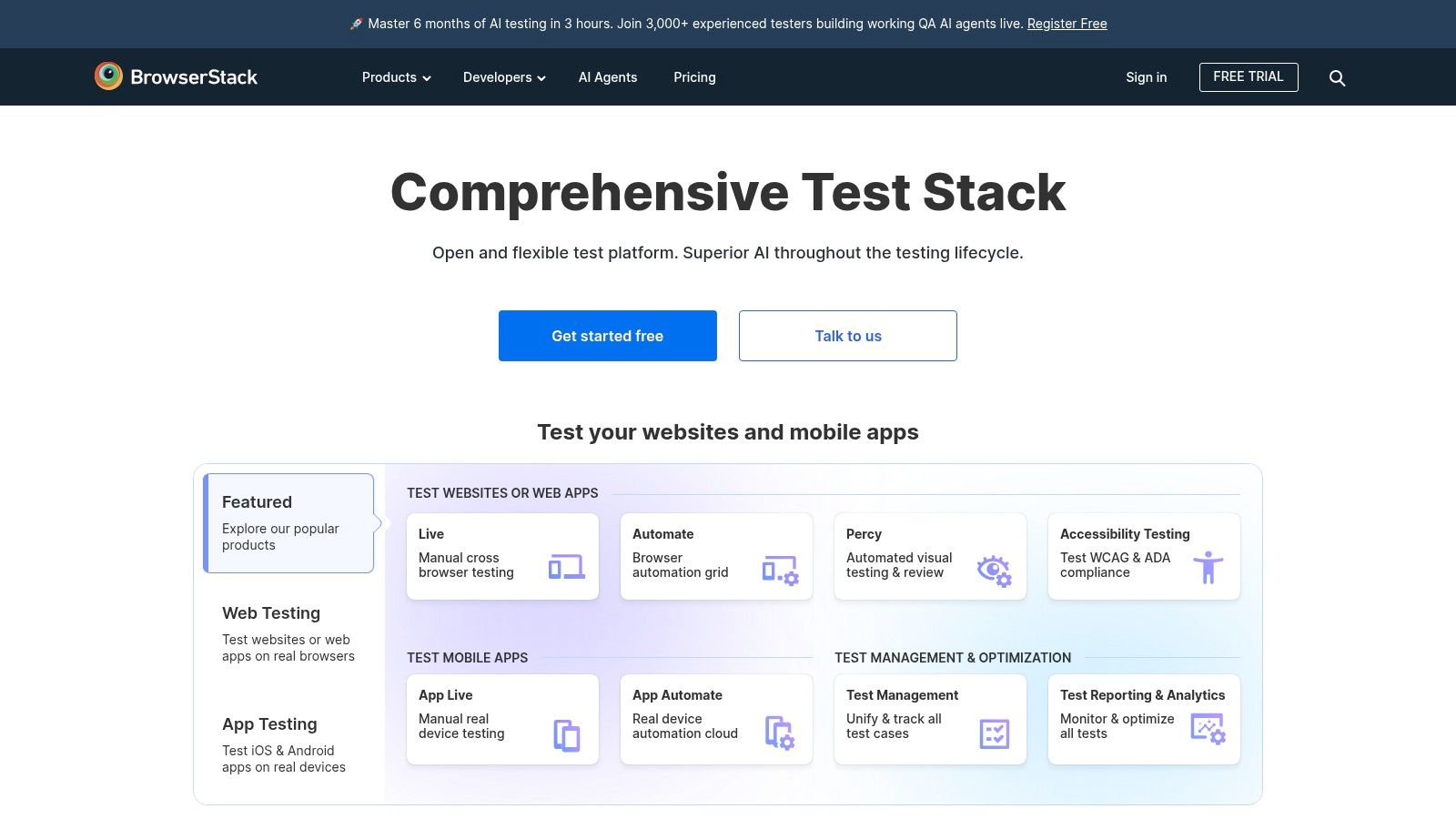
This platform excels at running existing test suites written in popular frameworks like Selenium, Cypress, and Playwright at scale. For teams looking for powerful automated website testing tools, BrowserStack’s Automate product allows for massive parallel execution, significantly reducing build times. It also offers Percy for automated visual regression testing, which intelligently captures and compares screenshots to detect unintended UI changes.
Key Features and Use Cases
- Extensive Device Coverage: Ideal for ensuring cross-browser and cross-device compatibility for applications with a global user base. Test on specific versions of Chrome, Firefox, Safari, and Edge on real macOS and Windows machines, as well as thousands of real iOS and Android devices.
- Parallel Execution: A crucial feature for CI/CD pipelines. Instead of running tests sequentially, you can execute hundreds of tests simultaneously, getting feedback in minutes instead of hours.
- Localhost Testing: Securely test internal development and staging environments using BrowserStack's local testing tunnel, which creates a secure connection between your local machine and their cloud.
- Visual Regression with Percy: Percy integrates directly into your CI/CD workflow, automatically flagging visual diffs for review. This is perfect for catching subtle CSS bugs and ensuring UI consistency with every code commit.
Website: https://www.browserstack.com
3. Sauce Labs
Sauce Labs is a leading cloud-based platform for automated testing, offering a comprehensive environment for web and mobile applications. It empowers development and QA teams to run tests across a vast combination of browsers, operating systems, and real devices, ensuring high-quality user experiences. By providing a scalable grid for popular frameworks like Selenium, Cypress, and Appium, Sauce Labs eliminates the need for teams to manage and maintain their own complex testing infrastructure.
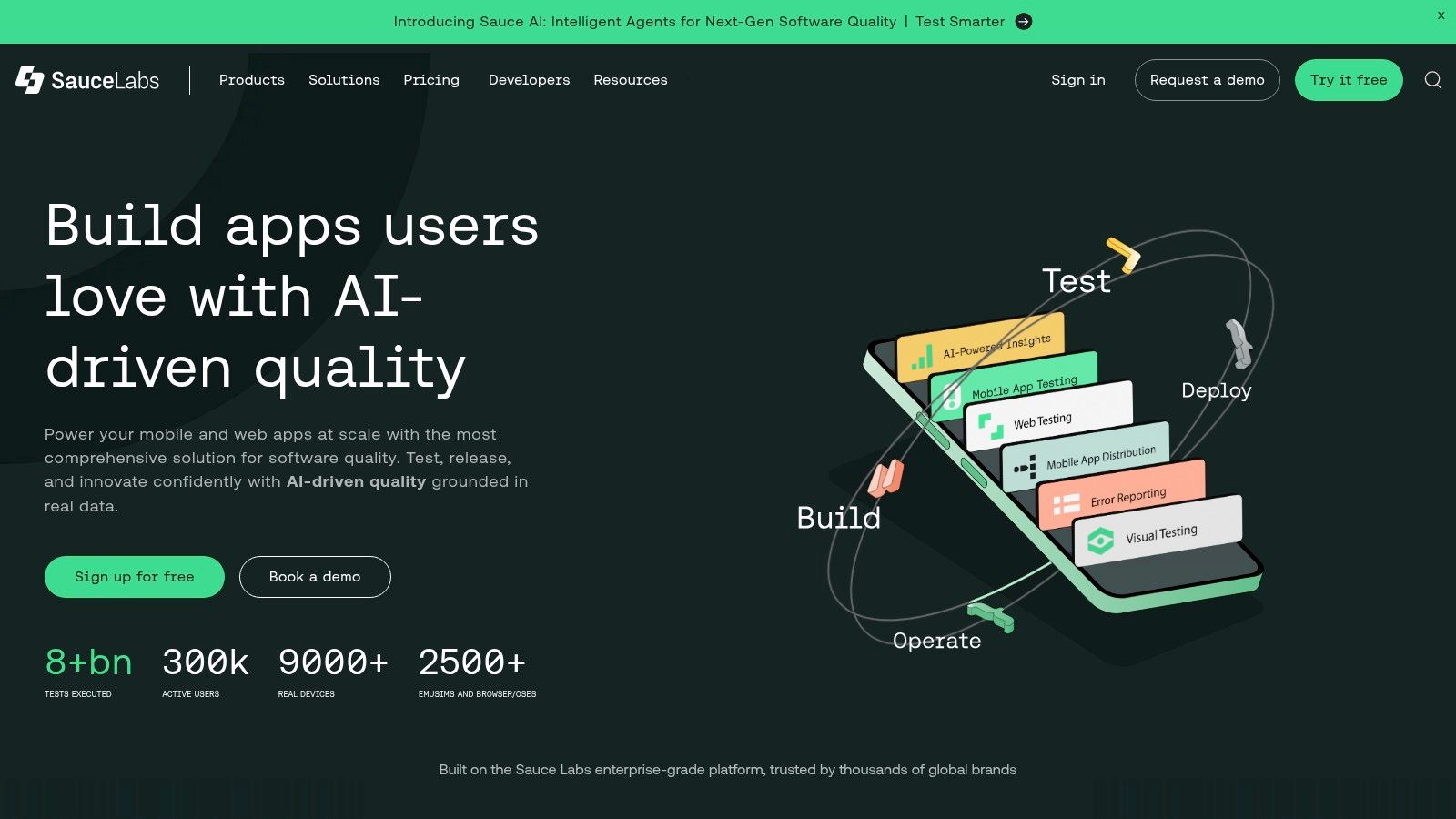
The platform is renowned for its detailed debugging tools, which are essential for quickly identifying and resolving issues. For every test run, it captures artifacts like video recordings, console logs, network logs, and screenshots, giving developers deep insight into test failures. As a suite of powerful automated website testing tools, Sauce Labs is particularly strong in enterprise environments, offering robust security, compliance (ISO/SOC), and reliable performance for large-scale CI/CD pipelines.
Key Features and Use Cases
- Comprehensive Test Artifacts: Ideal for debugging complex test failures. The ability to review video playback, network requests, and console output for every test provides an invaluable context that accelerates root cause analysis.
- Real Device Cloud: Essential for teams needing to validate mobile web and native app behavior on actual iOS and Android devices, ensuring functionality works as expected in real-world user scenarios.
- Secure Local Tunneling: The Sauce Connect Proxy allows you to securely test applications running on localhost or behind a corporate firewall, seamlessly connecting your pre-production environments to the Sauce Labs cloud.
- Extensive Test Analytics: The platform provides detailed analytics and insights into test suite performance, helping teams identify flaky tests, optimize execution times, and track quality trends over time.
Website: https://saucelabs.com
4. LambdaTest
LambdaTest is a cloud-based cross-browser testing platform that offers a highly scalable and secure environment for both automated and manual testing. It provides a comprehensive testing cloud with over 3,000 real desktop browsers, operating systems, and mobile devices. This makes it an excellent choice for teams needing to ensure their web applications perform consistently across a wide array of user environments, without the overhead of managing physical infrastructure.
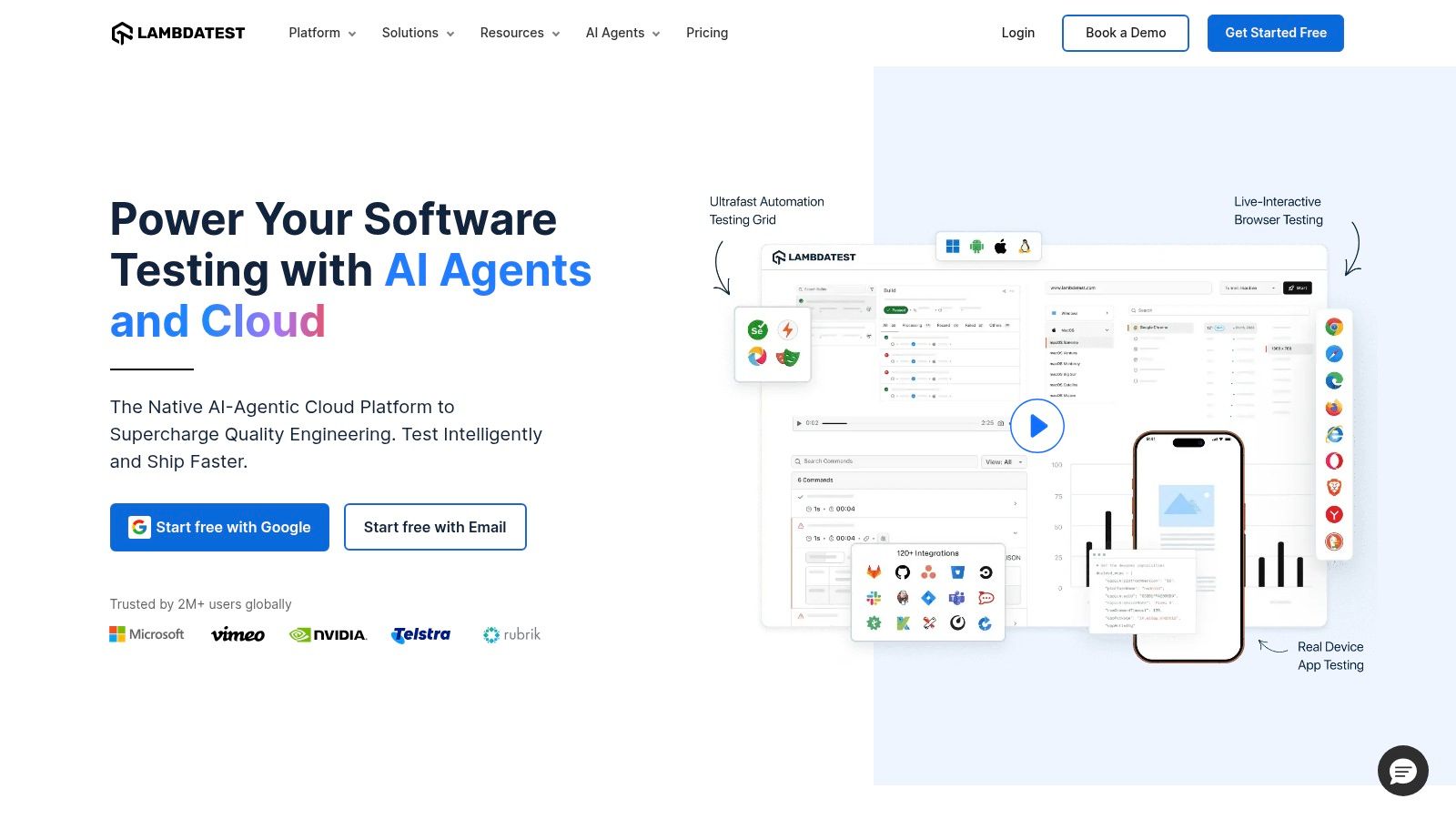
The platform is designed to seamlessly integrate with popular automation frameworks like Selenium, Cypress, and Playwright, allowing teams to execute their existing test scripts at scale. As one of the more accessible automated website testing tools, LambdaTest stands out with its competitive session-based pricing and a generous freemium plan, making it attractive for individual developers, open-source projects, and smaller teams. Its focus on performance allows for significant acceleration of test cycles through massive parallel execution.
Key Features and Use Cases
- Parallel Test Execution: Run numerous tests concurrently to dramatically reduce feedback time within your CI/CD pipeline. The platform's session-based pricing model offers a cost-effective way to scale parallel testing as needed.
- Localhost and Staging Environment Testing: Use the LambdaTest Tunnel to securely test pre-production websites and applications hosted on your local machine or internal servers, ensuring bugs are caught before they reach production.
- Extensive Integrations: Offers native plugins and integrations for a wide range of CI/CD tools, project management software, and communication platforms, including Jenkins, CircleCI, GitLab, and Jira.
- Freemium and Open-Source Support: An always-free plan with limited monthly minutes provides a no-cost entry point for basic testing needs. Additionally, qualifying open-source projects can gain free access to the platform.
Website: https://www.lambdatest.com
5. Cypress (runner + Cypress Cloud)
Cypress is a next-generation front-end testing tool built for the modern web, renowned for its exceptional developer experience. It provides an all-in-one framework that bundles and configures everything needed to write and run end-to-end, integration, and even component tests directly in the browser. Its unique architecture runs in the same run-loop as the application, giving developers unprecedented control, real-time reloads, and time-travel debugging capabilities to easily pinpoint why tests failed.
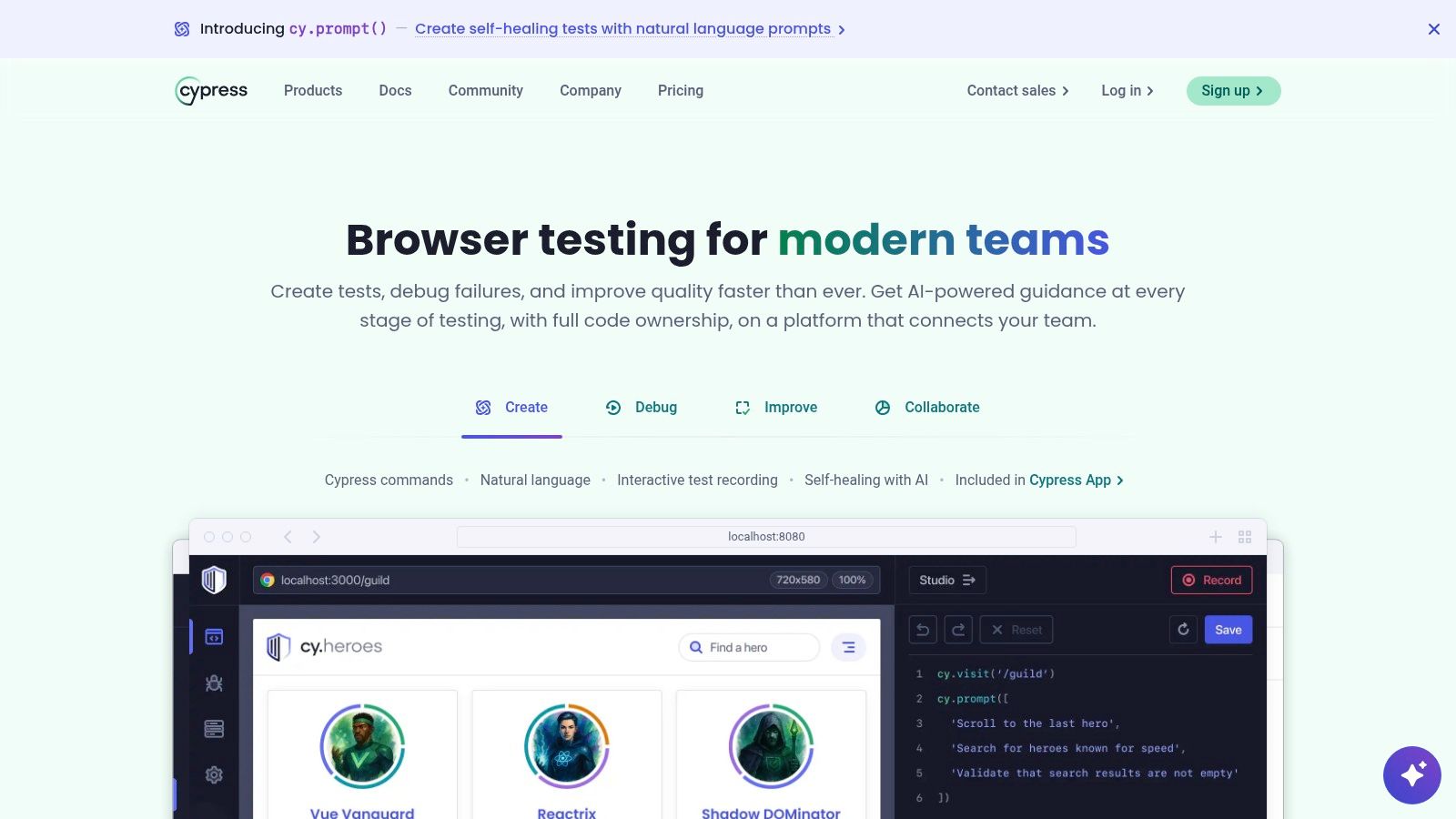
While the open-source test runner is powerful on its own, Cypress Cloud extends its capabilities for teams. The cloud service acts as a centralized dashboard, providing intelligent orchestration like test parallelization, load balancing, and flake detection. It’s one of the most popular automated website testing tools for teams who prioritize fast feedback loops and a seamless local development workflow. This focus on developer-centric features makes writing tests less of a chore and more of an integral part of the development cycle.
Key Features and Use Cases
- Time-Travel Debugging: Ideal for developers who need to quickly diagnose issues. Cypress captures snapshots of your application at each test step, allowing you to go back in time to see exactly what happened, inspect DOM elements, and view network requests.
- Unified Testing Framework: Perfect for teams that want to use a single tool for both end-to-end and component testing. This simplifies the tech stack and ensures a consistent testing methodology across the application.
- Cypress Cloud for CI/CD: Essential for scaling test automation. It records test runs, provides deep analytics, and integrates with CI providers to manage parallel execution and provide GitHub status checks, helping you merge with confidence.
- Automatic Waiting: Cypress automatically waits for commands and assertions to complete before moving on. This eliminates the need for manual waits or sleeps, making tests significantly less flaky and more reliable. For scheduled visual checks, you might explore how to schedule website screenshots.
Website: https://www.cypress.io
6. Playwright (OSS) and Azure Playwright Testing
Playwright is a modern, open-source framework developed by Microsoft for reliable end-to-end testing of web applications. It stands out by providing a single, powerful API to automate Chromium, Firefox, and WebKit, ensuring broad browser engine coverage from one codebase. Its speed, auto-waits, and comprehensive tooling, like the built-in test runner and trace viewer, make it a favorite among developers looking for efficient and dependable automated website testing tools.
While the core framework is free, Microsoft extends its capabilities with Azure Playwright Testing, a fully managed service for running Playwright tests at scale in the cloud. This service removes the complexity of maintaining your own testing infrastructure, offering massively parallel execution on Azure-managed browsers. This dual offering provides a seamless path from local development with the open-source tool to scalable, enterprise-grade testing in a CI/CD environment.
Key Features and Use Cases
- Cross-Browser Engine Automation: The core strength of Playwright is its ability to control Chromium (Google Chrome, Microsoft Edge), WebKit (Apple Safari), and Firefox with a unified API. This is ideal for ensuring consistent application behavior across all major rendering engines.
- Built-in Test Runner and Tooling: Playwright includes its own test runner optimized for parallel execution, along with powerful debugging tools like Playwright Inspector and Trace Viewer. The Trace Viewer provides a complete, time-traveling debug experience with DOM snapshots, console logs, and network requests for each action.
- Managed Cloud Execution on Azure: For teams needing to scale their tests, Azure Playwright Testing provides a pay-as-you-go service. This is perfect for CI/CD integration, allowing you to run hundreds of tests in parallel on managed browsers without any infrastructure setup.
- Auto-Waits and Resilient Selectors: The framework automatically waits for elements to be actionable before performing operations, eliminating a common source of flaky tests. This makes test scripts more reliable and easier to write.
Website: https://playwright.dev
7. Selenium
Selenium is the foundational open-source ecosystem that pioneered browser automation and remains a cornerstone of web testing. It's not a single tool but a suite of components (WebDriver, IDE, Grid) that provide the building blocks for creating robust, browser-based automation scripts. Its primary strength is its unparalleled flexibility and the W3C WebDriver standard, which ensures scripts are compatible across all major browsers, making it one of the most versatile automated website testing tools available.
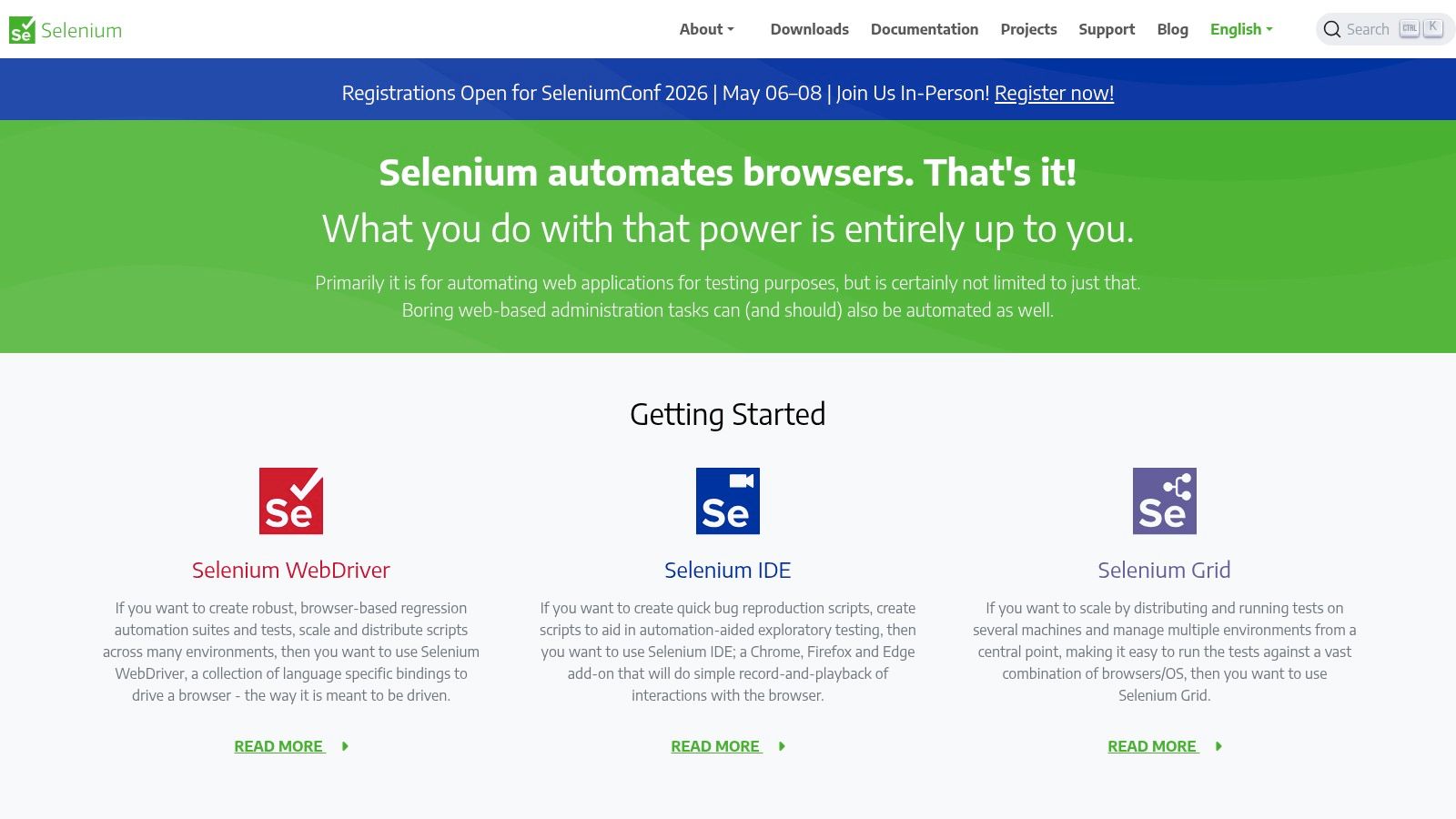
Unlike all-in-one platforms, Selenium gives teams complete control over their testing environment. It provides language bindings for virtually all major programming languages, including Java, Python, C#, and JavaScript, allowing developers to write tests in the same language as their application. While this requires more setup and maintenance than a SaaS solution, it offers zero licensing cost and integrates with nearly every CI tool, cloud grid provider, and reporting framework in existence.
Key Features and Use Cases
- Language & Framework Flexibility: The perfect choice for teams who want to write test code in their preferred language (e.g., Python with PyTest, Java with TestNG). It serves as the underlying engine for many other testing frameworks.
- Cross-Browser Testing Standard: Selenium WebDriver is the W3C standard for controlling a web browser. This makes it ideal for core functional tests where validating behavior across Chrome, Firefox, Safari, and Edge according to web standards is critical.
- Distributed Testing with Selenium Grid: For large-scale regression suites, Selenium Grid allows you to distribute test execution across multiple machines, both on-premise and in the cloud. This parallel execution dramatically cuts down on feedback time in CI pipelines.
- Massive Community and Ecosystem: As an open-source project with a long history, Selenium benefits from a huge community, extensive documentation, and a vast ecosystem of third-party plugins and integrations for any conceivable testing need.
Website: https://www.selenium.dev
8. Puppeteer
Puppeteer is an open-source Node.js library developed by Google that provides a high-level API to control headless or headful Chrome, Chromium, and now Firefox. It is an incredibly powerful and lightweight tool for developers who need granular control over the browser for automation tasks. While not a full end-to-end framework out of the box, its flexibility makes it a foundational technology for building custom testing solutions, performance monitoring scripts, and web scraping bots.
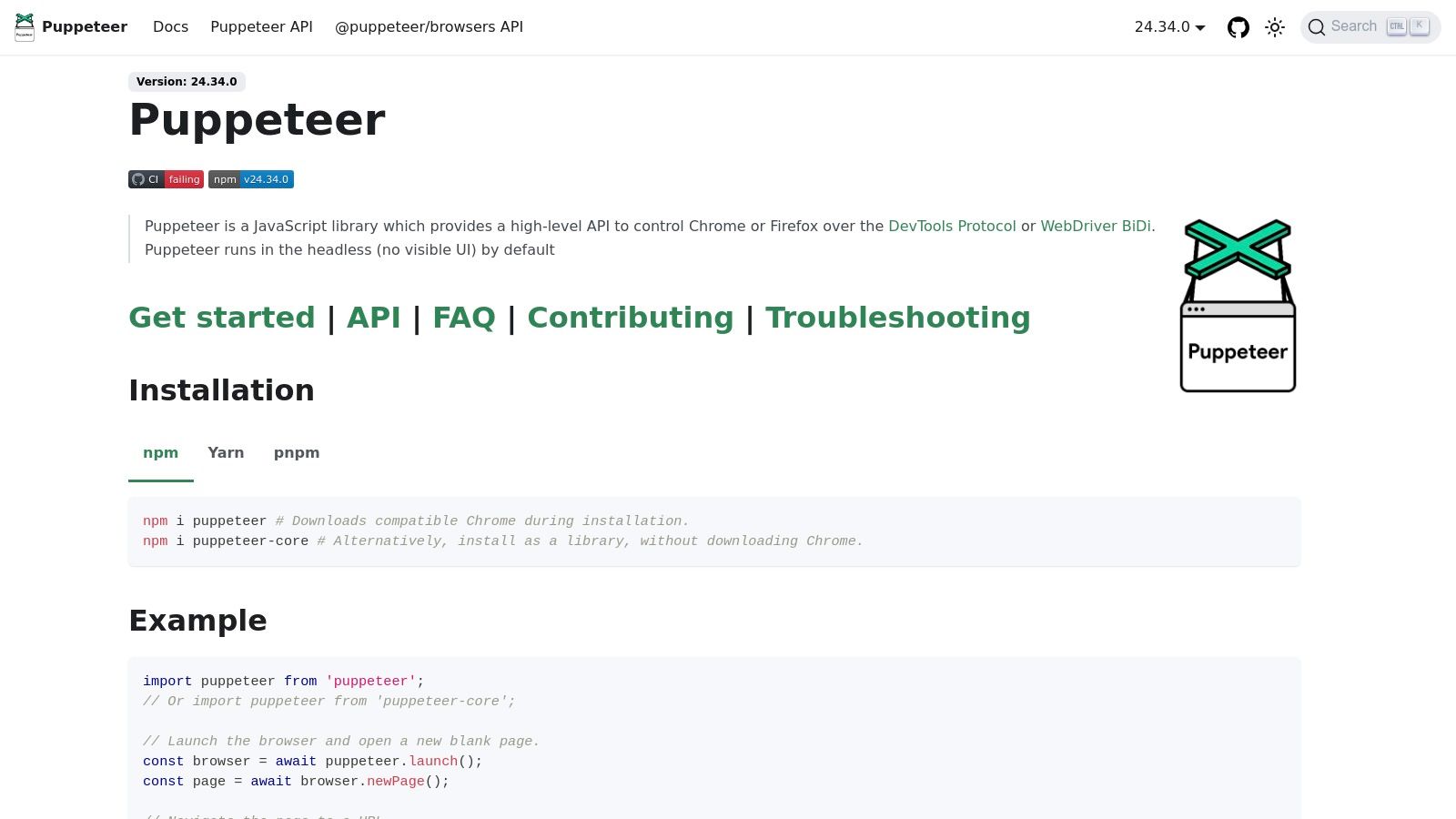
Its core strength lies in its direct communication with the browser via the DevTools Protocol, which makes it fast and reliable. For teams looking for lean automated website testing tools, Puppeteer offers a direct way to script user interactions, capture screenshots, and generate PDFs without the overhead of larger frameworks. It's often used as the engine behind more complex testing tools or for specific tasks within a CI/CD pipeline, such as taking screenshots for visual validation. Its scripting capabilities also make it a popular choice for building a custom screenshot API.
Key Features and Use Cases
- Custom Automation Scripts: Perfect for developers who need to create bespoke automation flows. Use it to automate form submissions, test UI elements, and simulate complex user journeys with precise JavaScript control.
- Headless Environment Testing: Ideal for server-side testing within CI/CD pipelines where a visible browser UI is unnecessary. It runs efficiently in headless mode by default, conserving server resources.
- Artifact Generation: An excellent tool for tasks beyond traditional testing. It can be used to generate PDFs of web pages, capture high-resolution screenshots for documentation, or perform server-side rendering (SSR) of single-page applications.
- Web Scraping and Data Extraction: Because it renders JavaScript and behaves like a real user, Puppeteer is highly effective for scraping dynamic websites and gathering data for analysis or monitoring.
Website: https://pptr.dev
9. TestCafe Studio (DevExpress)
TestCafe Studio is a commercial, cross-platform IDE from DevExpress built on top of the popular open-source TestCafe framework. It provides a powerful graphical interface for creating, managing, and running automated web tests without the complexities of WebDriver. This tool is designed for teams who want the power of code-based testing combined with the convenience of a visual recorder and a fully supported environment.
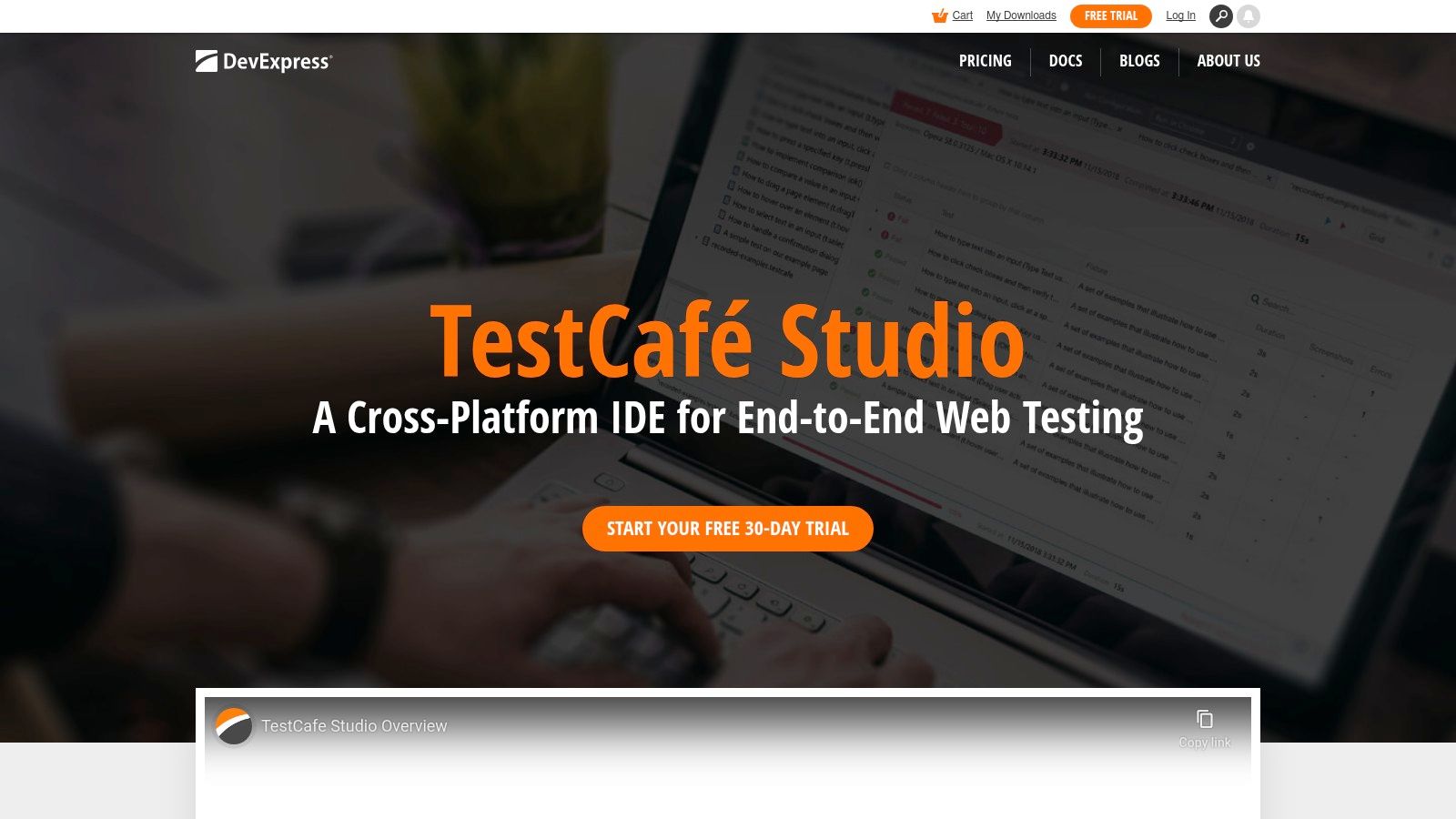
Unlike purely code-driven solutions, TestCafe Studio offers a unique hybrid approach. Users can record interactions to generate test scripts and then switch to a full-featured code editor to refine the logic, add assertions, and build more complex scenarios. Its architecture allows it to run tests in any modern browser without requiring browser-specific drivers or plugins, simplifying setup and maintenance significantly. As one of the more accessible automated website testing tools, it bridges the gap between no-code and code-heavy solutions.
Key Features and Use Cases
- Visual Test Recorder: Perfect for QA professionals or developers who need to quickly create stable tests. The recorder captures user actions and converts them into JavaScript or TypeScript code, which can then be edited and customized.
- Built-in Code Editor: The integrated editor provides advanced features like syntax highlighting and intelligent code completion, allowing for efficient test script development and maintenance directly within the IDE.
- Driverless Architecture: TestCafe's core technology runs tests by acting as a proxy, which eliminates the need to manage and update separate WebDriver instances for each browser. This makes cross-browser testing much more straightforward.
- Commercial Support: The paid license (Studio Pro) includes dedicated technical support from DevExpress, making it a reliable choice for enterprise teams that require guaranteed assistance and a stable development environment.
Website: https://www.devexpress.com/products/testcafestudio/
10. WebdriverIO
WebdriverIO is a highly extensible, open-source automation framework built for the Node.js ecosystem. It provides a comprehensive test runner and a rich plugin system, allowing teams to test modern web and mobile applications with ease. Its power lies in its versatility; it can drive browsers using the WebDriver and WebDriver BiDi protocols and automate native mobile apps via Appium, all from a single, cohesive framework.
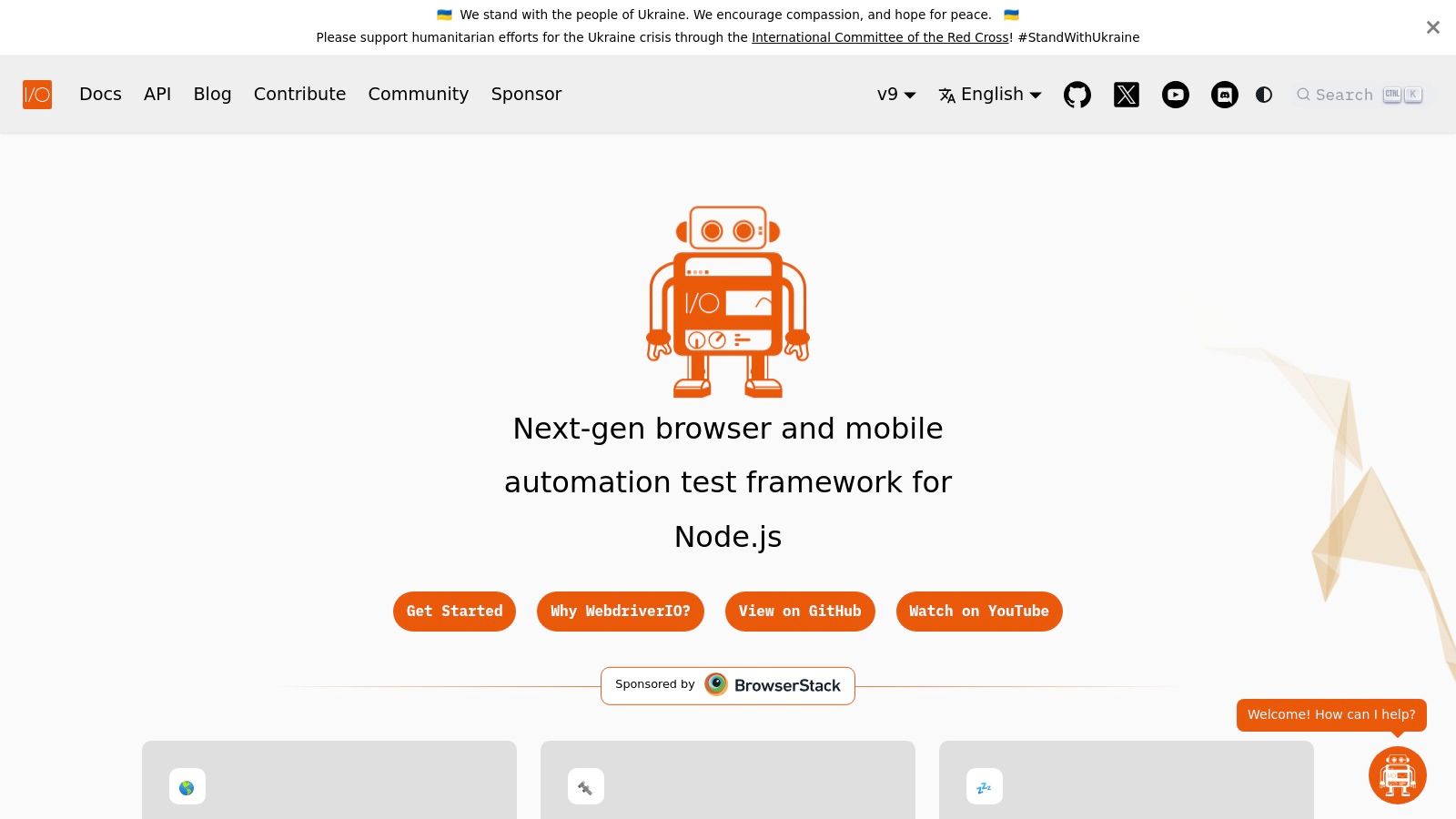
As one of the most feature-rich automated website testing tools, WebdriverIO stands out with its active community support under the OpenJS Foundation and its "batteries-included" approach. The setup wizard gets you running quickly, and its service-based architecture makes it simple to integrate with other tools. You can easily add services for visual regression, performance analysis with Lighthouse, or advanced reporting, tailoring the framework precisely to your project's needs.
Key Features and Use Cases
- Unified Testing: Perfect for teams that need to test across both web browsers (Chrome, Firefox, Safari) and native mobile applications (iOS/Android) without switching between different automation frameworks.
- Rich Plugin Ecosystem: Its extensive list of community plugins and services allows you to integrate directly with tools like Google Lighthouse for performance audits, add sophisticated reporters, or connect seamlessly with cloud testing grids.
- Cloud Grid Compatibility: Natively designed to run tests at scale on major cloud platforms like BrowserStack, Sauce Labs, and LambdaTest. This makes it ideal for executing large test suites in parallel as part of a CI/CD pipeline.
- Modern Protocol Support: With support for the emerging WebDriver BiDi protocol, WebdriverIO enables developers to access more powerful browser automation capabilities, such as intercepting network requests and listening to log events directly.
Website: https://webdriver.io
11. Applitools
Applitools is an AI-powered visual testing and monitoring platform that specializes in automating visual validation to a degree that manual testing cannot match. Its core product, Visual AI, moves beyond simple pixel-to-pixel comparisons to understand a UI's structure, allowing it to intelligently detect meaningful regressions while ignoring insignificant rendering differences. This makes it one of the most robust automated website testing tools for teams looking to eliminate visual bugs and ensure a perfect user experience.
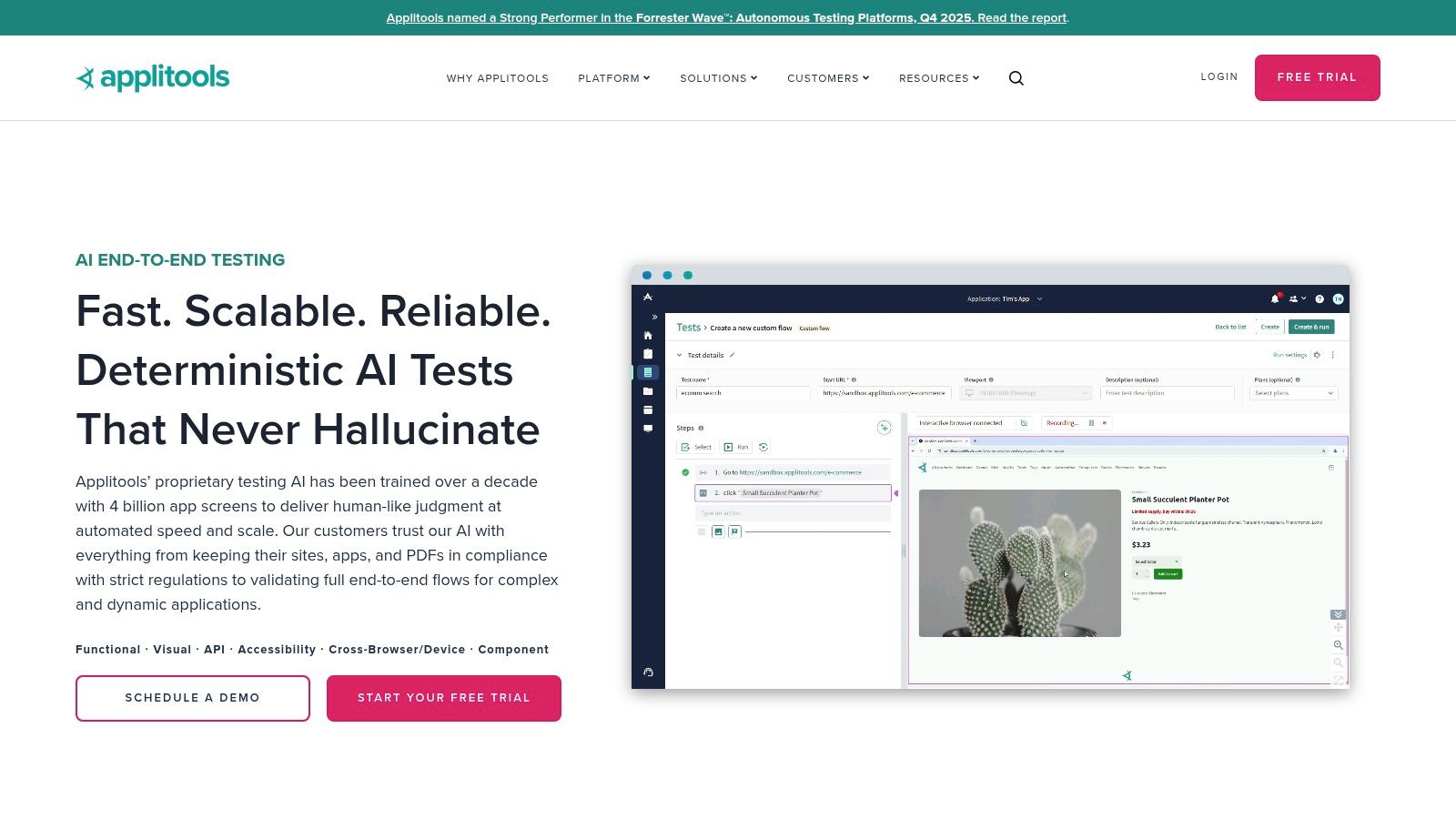
The platform integrates seamlessly with over 50 testing frameworks and languages, including Selenium, Cypress, and Playwright, augmenting existing functional test suites with powerful visual checkpoints. Applitools offers various test authoring options, from code-based SDKs for developers to a no-code recorder and an autonomous testing platform. This flexibility makes it accessible to different roles within a development team, from QA engineers to product managers. For a deeper dive into how it compares to other solutions, you can explore this overview of visual regression testing tools on screenshotengine.com.
Key Features and Use Cases
- AI-Powered Visual Validation: Ideal for complex applications where dynamic content, animations, or minor rendering variations cause flaky tests with traditional screenshot tools. The AI can identify layout issues, missing elements, and style inconsistencies that pixel-based tools would miss.
- Ultrafast Cross-Browser Testing: The Applitools Ultrafast Grid renders and validates an application's UI across dozens of browser and viewport combinations in seconds, not minutes. This is perfect for CI/CD pipelines where rapid feedback is essential.
- Flexible Test Authoring: Supports diverse team skill sets. Engineers can use SDKs within their existing code, while non-technical team members can create and maintain tests using a no-code recorder.
- Root Cause Analysis: When a visual bug is detected, Applitools provides side-by-side comparisons and highlights the underlying DOM and CSS changes, dramatically reducing the time it takes to debug UI issues.
Website: https://applitools.com
12. Ghost Inspector
Ghost Inspector is a cloud-based, automated browser testing service that prioritizes ease of use through its no-code/low-code approach. It enables teams, especially those without deep coding expertise, to quickly create and maintain end-to-end tests. Its core strength lies in its browser extension, which allows users to record actions like clicks and form submissions directly in Chrome or Firefox and convert them into a repeatable test script automatically.
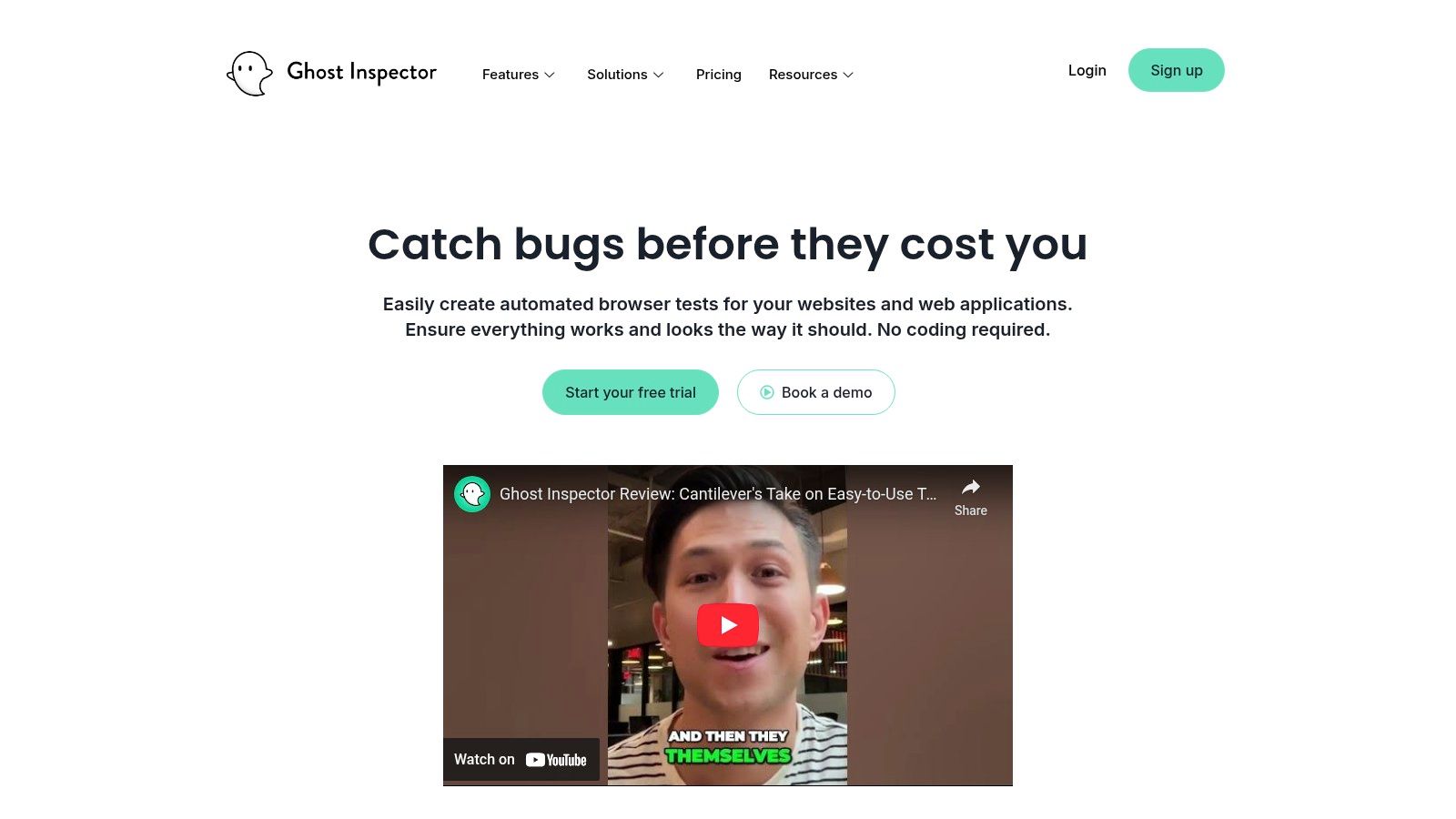
This platform is particularly effective for teams looking for automated website testing tools that offer rapid onboarding and continuous monitoring capabilities. Tests can be scheduled to run at regular intervals or triggered via an API, making it a strong fit for CI/CD pipelines. When tests fail, Ghost Inspector provides detailed reports with screenshots and video recordings, along with Slack and email alerts, to help teams quickly diagnose and fix issues.
Key Features and Use Cases
- Codeless Test Recorder: Ideal for QA teams, product managers, and developers who need to create functional tests quickly without writing code. Simply record a user journey in your browser, and the platform handles the test creation.
- Scheduled and On-Demand Monitoring: Perfect for continuously monitoring critical user flows, such as user registration, login, and checkout processes. Schedule tests to run every minute to ensure uptime and functionality.
- Parallel Test Execution: All paid plans include unlimited parallel test execution, allowing you to run your entire test suite simultaneously. This drastically reduces the time needed for feedback in a fast-paced development environment.
- CI/CD Integration and Alerts: Easily trigger test suites from services like GitHub Actions, Jenkins, or CircleCI. Integrated alerting ensures the right team members are notified immediately of any failures, minimizing downtime.
Website: https://ghostinspector.com
12-Tool Automated Website Testing Comparison
| Product | Core features | Quality (★) | Pricing/value (💰) | Target (👥) | Unique (✨) |
|---|---|---|---|---|---|
| ScreenshotEngine 🏆 | Fast screenshot API; ad/cookie blocking; element/full-page; PNG/JPEG/WebP; live playground | ★★★★☆ | Free tier (no CC) + transparent scaling 💰 | Developers, monitoring, SEO, AI data 👥 | ✨ Auto-strip ads/cookies; element-only capture; single endpoint |
| BrowserStack | Cloud real devices & 3,500+ browsers; Percy visual diff; CI tunnels | ★★★★☆ | Enterprise pricing; pay-per-use; visual overages billed 💰 | QA & enterprise teams 👥 | ✨ Massive device matrix + Percy integration |
| Sauce Labs | Real devices & emulators; videos, logs, screenshots; secure tunnels | ★★★★☆ | Starter & enterprise tiers; clear pricing pages 💰 | Regulated teams & enterprises 👥 | ✨ Rich debugging artifacts & compliance posture |
| LambdaTest | Virtual browsers + real devices; parallel sessions; CI plugins | ★★★☆ | Freemium + competitive parallel pricing 💰 | SMBs, OSS projects, CI teams 👥 | ✨ Always-free plan & OSS program |
| Cypress (runner + Cloud) | Dev-friendly runner; time-travel debugging; Cloud analytics & parallelization | ★★★★☆ | Runner OSS free; Cloud features paid tiers 💰 | Frontend devs & DX-focused teams 👥 | ✨ Time-travel debugging & integrated component testing |
| Playwright (OSS + Azure) | Single API across Chromium/Firefox/WebKit; trace viewer; managed Azure option | ★★★★☆ | OSS free; Azure managed pay-as-you-go 💰 | Cross-engine testing for devs 👥 | ✨ Three-engine parity + built-in tracing |
| Selenium | WebDriver ecosystem; multi-language bindings; Grid for distributed runs | ★★★☆☆ | Free OSS (self-hosted) 💰 | Broad automation teams & legacy suites 👥 | ✨ Vendor-neutral, universal cloud compatibility |
| Puppeteer | Node API for Chrome/Chromium; screenshots, PDFs, scraping; headless/headful | ★★★☆☆ | Free OSS (self-hosted) 💰 | Devs needing lightweight automation & scraping 👥 | ✨ Fast, flexible capture for custom pipelines |
| TestCafe Studio (DevExpress) | Commercial desktop IDE; record/playback + code editing; cross-platform | ★★★☆☆ | Commercial licensing (Studio/Pro) 💰 | Teams wanting supported GUI/non-SDETs 👥 | ✨ Supported IDE with record/playback workflows |
| WebdriverIO | Node testrunner; WebDriver/BiDi/Appium support; plugins & reporters | ★★★★☆ | Free OSS (self-hosted) 💰 | Node/JS teams needing extensibility 👥 | ✨ Rich service/plugin ecosystem |
| Applitools | AI-powered visual testing; robust diffs; code & no-code options | ★★★★☆ | Premium pricing by Test Units (TU) 💰 | Enterprise teams focused on visual QA 👥 | ✨ Visual AI & autonomous comparison engine |
| Ghost Inspector | No-code/low-code recorder; scheduling, CI triggers, alerts & artifacts | ★★★☆☆ | Paid tiers + 14-day trial 💰 | Product owners & non-developers for monitoring 👥 | ✨ Fast no-code onboarding & continuous monitoring |
Choosing the Right Tool for the Job
Navigating the landscape of automated website testing tools can feel overwhelming, but the journey to a more stable and reliable application begins with understanding a core principle: there is no single magic bullet. The most effective testing strategies are not built around one monolithic tool but are instead composed of a carefully selected, complementary toolkit. As we've explored, the ideal solution is always context-dependent, hinging on your team's skills, project complexity, budget, and specific testing goals.
The key takeaway from our deep dive is to think in terms of layers and specialization. Your testing pyramid needs a solid foundation, and for that, a robust end-to-end framework is essential.
Assembling Your Modern Testing Stack
For simulating complex user journeys and validating core application logic, frameworks like Cypress and Playwright offer unparalleled developer experience and deep, interactive control. Their modern architecture and rich feature sets make them the go-to choices for building foundational test suites that developers can write and maintain with confidence. When your primary concern shifts to ensuring your application works flawlessly for every user, regardless of their device or browser, cloud-based testing grids become non-negotiable. Platforms like BrowserStack, Sauce Labs, and LambdaTest are critical for achieving the broad cross-browser and cross-device coverage that is simply impractical to replicate with an in-house device lab.
However, a common pitfall is using these powerful, full-browser automation suites for tasks they weren't primarily designed for. Running a complex end-to-end test just to verify a visual change or check a page's availability is inefficient and slow. This is where specialized tools carve out their essential role in a modern, efficient CI/CD pipeline.
The Power of Specialization
For high-velocity visual validation, synthetic monitoring, or archival tasks, a dedicated screenshot API is often the superior choice. This is the precise niche where a service like ScreenshotEngine excels. It bypasses the complexity and overhead of managing browser instances, providing clean, reliable, and incredibly fast visual snapshots on demand.
Consider these distinct use cases where a specialized tool outperforms a generalist one:
- CI/CD Visual Checks: Quickly render and capture a component or page to ensure a CSS change didn't cause an unintended visual regression, without the boilerplate of a full user flow test.
- Marketing and SEO: Programmatically capture SERP results or how your social media previews render across platforms, tasks that don't require user interaction simulation.
- Compliance and Archival: Systematically capture and store pixel-perfect records of your website at specific points in time for legal or historical purposes.
By understanding the strengths of each category, you can build a resilient testing strategy. Use a framework like Cypress for the deep, interactive tests, a cloud grid like BrowserStack for comprehensive compatibility, and a nimble API like ScreenshotEngine for targeted, high-frequency visual checks. This layered approach ensures your pipeline is not only comprehensive but also efficient, catching more bugs faster and before they ever reach production. When evaluating potential solutions, it's beneficial to consider the versatility of these technologies, as many of the same underlying principles and even specific frameworks are also applied in specialized areas like web data extraction tools. Ultimately, the goal is to orchestrate these automated website testing tools into a harmonious system that boosts confidence with every commit.
Ready to streamline your visual testing and monitoring? ScreenshotEngine provides a powerful, developer-friendly API to generate high-quality, pixel-perfect website screenshots at scale. Integrate visual validation directly into your CI/CD pipeline, monitor your brand's digital presence, or automate archival with just a few lines of code by visiting ScreenshotEngine to get your free API key today.